
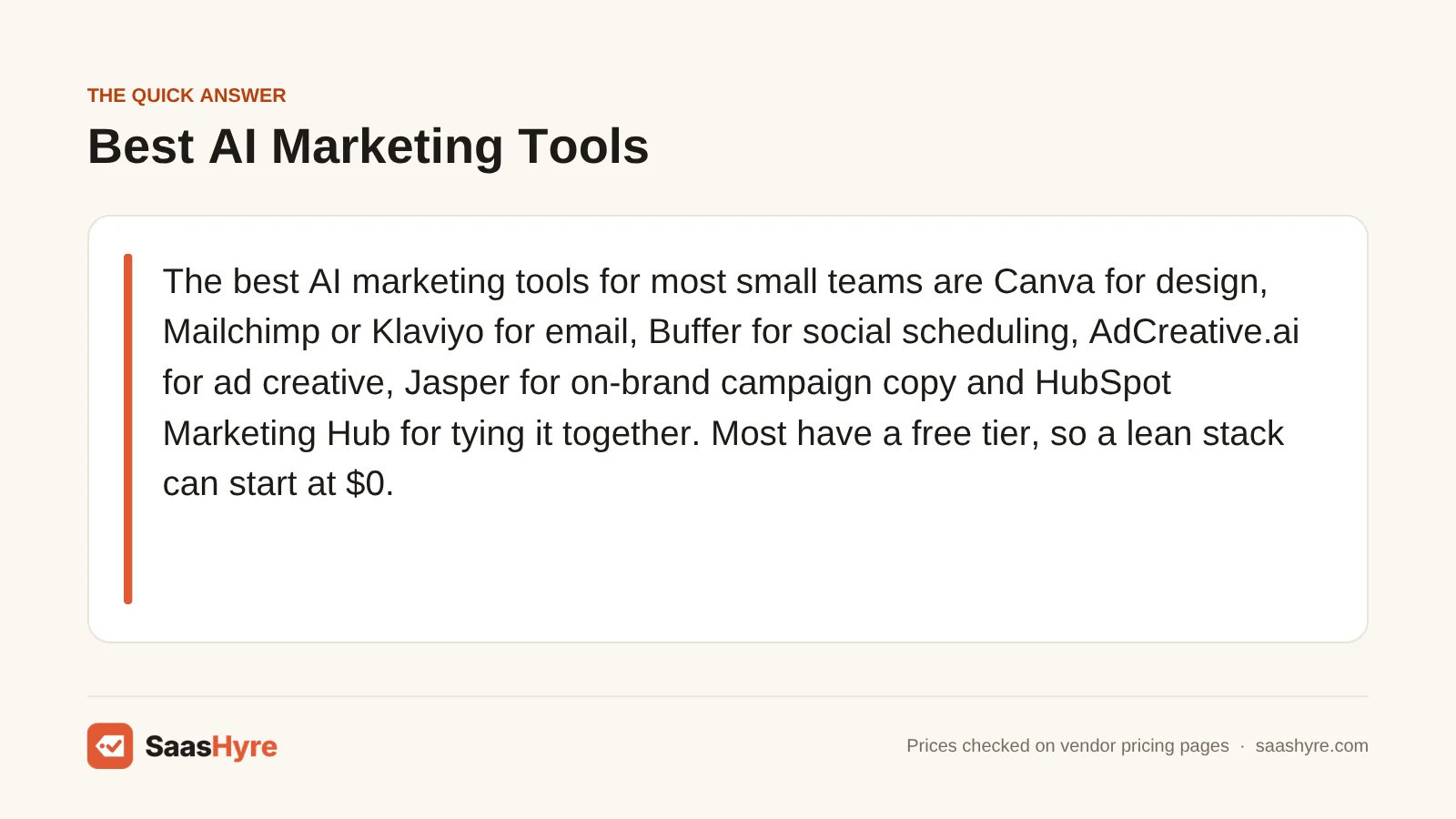
For most small teams, these are the best AI marketing tools. Use Canva for design and Mailchimp or Klaviyo for email. Use Buffer to schedule social posts and AdCreative.ai for ad images. Use Jasper for on-brand campaign copy and HubSpot Marketing Hub to tie it all together. Most have a free plan, so a lean setup can start at $0.
Here is my advice before you compare anything. Don’t pick a tool just because its AI sounds smartest. Look at how it bills you. Some charge per seat, some per social channel, some per contact and some per downloaded ad. If the billing model doesn’t fit your team, a cheap tool gets expensive fast.
I took every price below from the vendor’s own pricing page in September 2026. Prices change often, so check before you buy.
Want the full map first? Our guide to the best AI tools covers every category with real prices.
Quick Comparison: AI Marketing Tools by Job
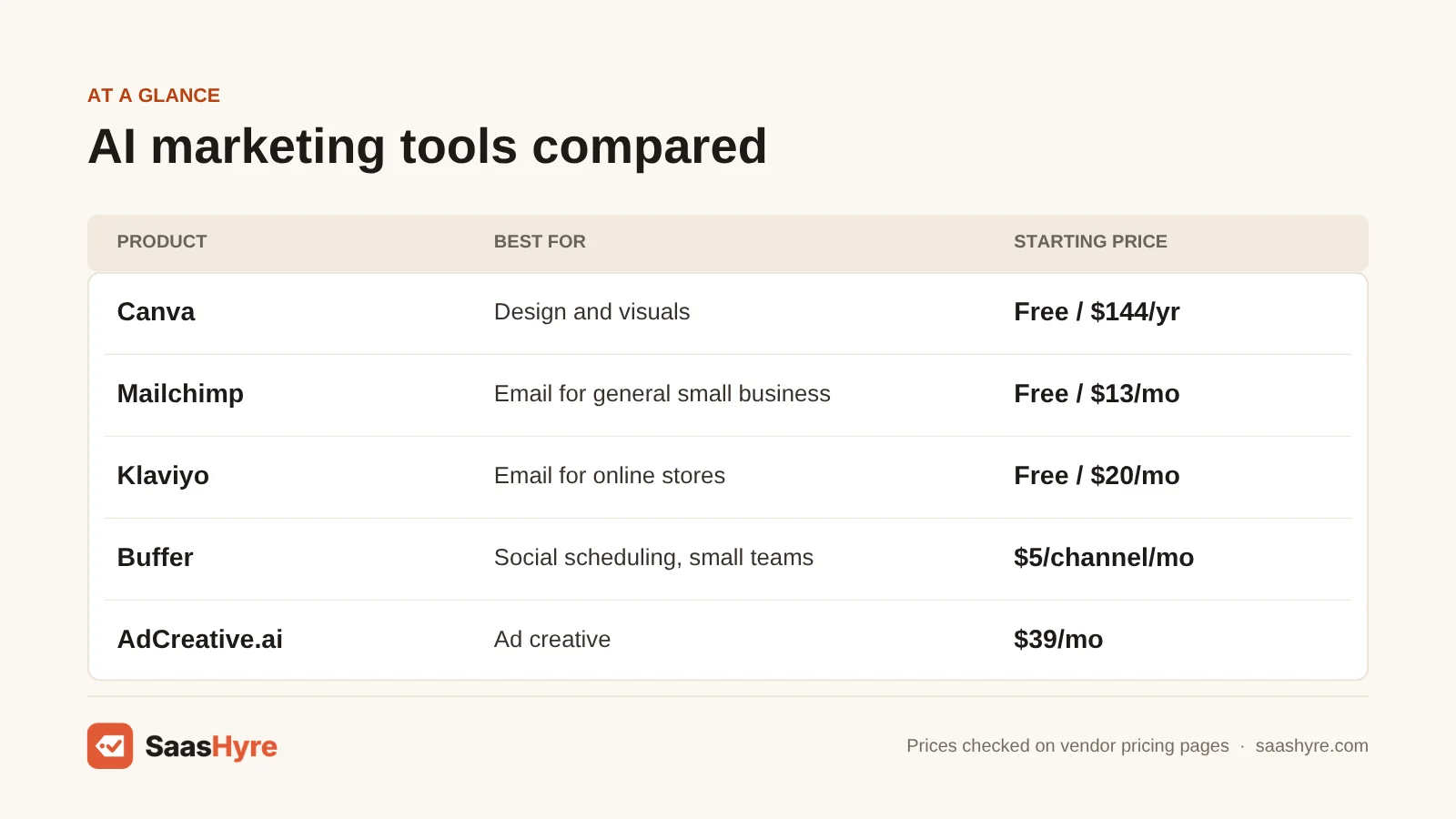
| Tool | Marketing job | Starting paid price | Billing model | Free option |
|---|---|---|---|---|
| Canva | Design and visuals | Pro $144/year | Per person | Free plan, up to 20 AI uses a month |
| Mailchimp | Email for general small business | Essentials from $13/mo; Standard from $20/mo | Per contact tier | Free up to 250 contacts |
| Klaviyo | Email for online stores | Email plan $20/mo at 500 profiles | Per active profile | Free up to 250 profiles |
| Buffer | Social scheduling, small teams | $5 per channel/mo (yearly) | Per social channel | Free for 3 channels |
| Hootsuite | Social for larger teams | $99 per user/mo (yearly) | Per user | 14-day trial |
| AdCreative.ai | Ad creative | Starter $39/mo, 10 credits | Per downloaded creative | 7-day trial |
| Jasper | Campaign copy in your brand voice | Pro $59/mo (yearly), 1 seat | Per seat | 7-day trial |
| HubSpot Marketing Hub | CRM, automation and reporting | Starter from $7 per seat/mo (yearly) | Per seat, plus contacts and credits | Free for up to 2 users |
What You Are Actually Buying
AI marketing tools are normal marketing apps (design, email, social, ads, CRM) with AI built in that writes, creates and predicts. You are not buying “AI” by itself. You are buying a tool for one channel, and the AI is a feature. Your plan often limits how much of that AI you can use.
Seeing it this way saves you money. A chatbot on its own can write a caption. But it can’t schedule it, send it to your list or show you which email made a sale. The tools in this guide are worth paying for because the AI is built into the place where you already do the work. For picks outside marketing, see our AI tools hub.
Most marketers already use AI. Salesforce’s tenth State of Marketing report surveyed 4,450 marketing decision makers in late 2025. It found that 75% of marketers have adopted AI. Yet 84% admitted to running generic campaigns. More AI won’t fix a weak plan. Picking the right tool for each job will.
What an AI Marketing Stack Really Costs
A one or two person business can run a working set of AI marketing tools for about $0 on free plans. Or it can spend under $100 a month on the cheapest paid plans. A five-person marketing team on mid-level tools should plan for roughly $1,435 a month. Add a one-time HubSpot onboarding fee on top.
Most lists show one price per tool. But you never buy just one tool. Here are three real-world setups, built only from list prices on the vendor pages.
| Job | Free stack (solo) | Lean paid stack (1 to 2 people) | Team stack (5 marketers) |
|---|---|---|---|
| Design | Canva Free: $0 | Canva Pro: $12/mo ($144/year) | Canva Business, 5 people: about $104/mo ($250/person/year) |
| Mailchimp Free or Klaviyo Free: $0 (250 contacts) | Mailchimp Standard at base tier: $20/mo | Included in HubSpot Professional | |
| Social | Buffer Free, 3 channels: $0 | Buffer Essentials, 3 channels: $15/mo | Hootsuite Standard, 2 users: $198/mo |
| Ads | Design ads in Canva: $0 | AdCreative.ai Starter: $39/mo | AdCreative.ai Professional: $124.50/mo (yearly) |
| Copy | Built-in AI in the tools above: $0 | Built-in AI in the tools above: $0 | Jasper Pro, 2 seats: $118/mo |
| CRM and reporting | HubSpot Free: $0 | HubSpot Free: $0 | HubSpot Marketing Hub Pro, 5 seats: $890/mo |
| Monthly total | $0 | About $86 | About $1,435 plus $3,000 one-time onboarding |
Two things stand out. First, HubSpot Professional is most of the team bill. It only pays off if you really use its automation and reporting. Second, the lean setup is mostly Canva and AdCreative.ai. If you only run a few ads a month, drop AdCreative.ai. Then the cost falls to about $47.
The free setup is real, but it is limited. You get 250 email contacts, 10 scheduled posts per Buffer channel and 20 Canva AI uses a month. If you post steadily, you will outgrow it within a few months.
What Makes the Best AI Marketing Tools?
The best AI marketing tools fit your team and how much you really make each month. Check five things. Pick a billing model that fits: per channel, per seat or per contact. See which plan really includes the AI. Learn how credits and allowances reset. Check the renewal price after any promo. And look for onboarding fees or minimums.
We built this list from each vendor’s pricing pages and product docs. If you have many channels and few people, per-channel pricing is better. If you have many people and few channels, flat pricing is better. Buy credits for a normal month, not a busy one. Remove inactive contacts from your list before you pay per contact.
Best AI Tools for Design and Campaign Copy
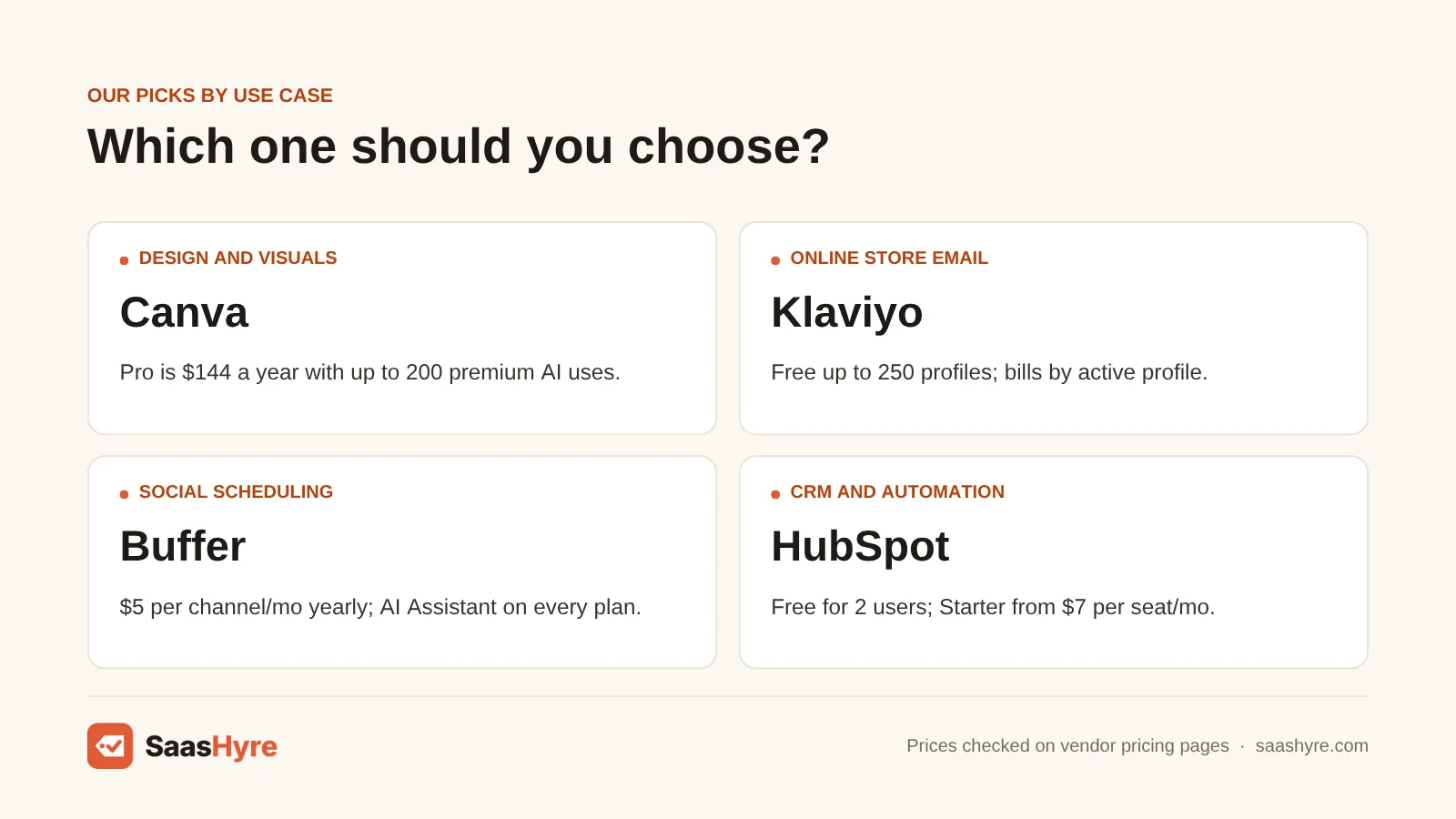
Canva is the best AI design tool for most marketers. It pairs a big template library with AI image and editing tools, and it has a free plan. Jasper is the pick if your team needs campaign copy to sound like one brand across all writers. But at $59 a month, it is too much for a solo owner.
1 Canva (Magic Studio): Best for design and visuals
Want lots of templates plus AI image and editing tools, starting free? Go with Canva.
What it does well. Brand Kits let you lock in your brand colors and fonts. Every plan, even Free, gets a set number of AI uses each month.
Key features:
- Large template library
- AI image and editing tools
- Brand Kits for colors and fonts
- One shared monthly AI allowance
Pricing. Free costs $0. It gives you up to 20 AI uses a month, 1 Brand Kit and 5 GB of storage. Pro is $144 a year for one person. It has 5 Brand Kits, 100 GB and up to 200 premium AI uses a month. Business is $250 a year per person. It has 100 Brand Kits, 500 GB and up to 400 premium AI uses a month. Enterprise is quote only.
Best for: You, if you make social graphics, ad versions, flyers or simple videos every week.
Limitations. All AI tools pull from one shared monthly allowance, and bigger tools use it up faster. If your team makes a lot of images, look at the AI Pass add-on. Don’t assume Pro is enough. And if an in-house designer already uses Adobe tools, Canva just repeats what you already pay for.
2 Jasper: Best for campaign copy in your brand voice
Want every writer to sound like the same brand? Jasper keeps your marketing copy in one voice.
What it does well. You give it your style rules and product facts once. After that, every writer’s landing pages, emails and ads start from the same voice.
Key features:
- 2 Brand Voices on Pro
- 5 Knowledge assets and 3 Audiences on Pro
- Image generation and a browser extension
- Business adds custom agents, API access and admin controls
Pricing. Pro is $59 a month billed yearly, or $69 month to month, for one seat. Business is quote only and needs a 12-month commitment. Pro has a 7-day free trial.
Best for: You, if two or more people write your marketing copy and your brand voice keeps drifting.
Limitations. It is too much for a one-person shop. The free AI writing in Canva, Mailchimp Standard and HubSpot covers most short copy.
Best AI Tools for Email Marketing
Mailchimp is the best AI email tool for a general small business. Just make sure you pick Standard, because Essentials and Free don’t include its AI writing tools. Klaviyo is the better pick for online stores. It bills by active profile and is built around what customers buy.
3 Mailchimp: Best for email for general small business
Want easy email templates plus AI subject lines and copy? Mailchimp gives you both on its Standard plan.
What it does well. It works well for service businesses, newsletters and local shops. Standard lets you send 12 times your contact count each month. It gives you 5 seats and up to 200 automation flows.
Key features:
- Easy email templates
- AI subject lines and copy on Standard and Premium
- Up to 200 automation flows on Standard
- 5 seats on Standard
Pricing. Free covers up to 250 contacts and 500 sends a month (250 a day). Essentials starts at $13 a month. Standard starts at $20 a month at the lowest contact tier. The pricing page shows these as 12-month prices, so check what you will pay when you renew. Premium starts at $350 a month.
Best for: You, if you run a service business, newsletter or local shop and want AI help on Standard.
Limitations. AI writing tools are listed as “not included” on Free and Essentials. They come at no extra cost only on Standard and Premium. Some AI features are marked beta and only work in English in certain countries. If you sell mostly through Shopify, Klaviyo will do more for you.
4 Klaviyo: Best for email for online stores
Run an online store? Klaviyo is an email platform built around what your customers buy.
What it does well. It sends automatic emails based on what people browse and buy. The free plan includes a small monthly amount of text messages and its Composer AI.
Key features:
- Automatic flows based on browsing and purchases
- Composer AI
- Text messages alongside email
- Pricing calculator based on your list size
Pricing. Free covers up to 250 profiles and 500 email sends a month. On the Email plan, outside pricing trackers list $20 a month at 500 profiles, $30 at 1,000 and $100 at 5,000. Klaviyo’s own page uses a calculator, not a fixed table. So enter your exact list size there.
Best for: You, if you run an online store and want email tied to what shoppers browse and buy.
Limitations. Klaviyo charges by active profiles. That means every subscribed contact in your account, not just the ones you email. Old subscribers who never open your emails cost you money until you suppress them. If you don’t sell online, you pay store-level prices for features you will never use.
Best AI Tools for Social Media and Ads
Buffer is the best AI social media tool for small teams. You pay per channel, not per user. Its AI Assistant comes on every plan, even Free. Hootsuite fits larger teams that need social listening and approvals. AdCreative.ai is the strongest pick for making ad versions fast.
5 Buffer: Best for social scheduling for small teams
Want to pay per social channel instead of per user? Buffer works that way, and its AI Assistant comes on every plan.
What it does well. Paying per channel makes the math simple. Say a café posts to Instagram, Facebook and Google Business Profile. It pays $15 a month on Essentials. A small agency with 10 client channels on Team pays $100 a month, no matter how many staff log in.
Key features:
- AI Assistant on every plan, even Free
- Unlimited scheduled posts on paid plans
- Advanced analytics on Essentials
- Approval steps and branded reports on Team
Pricing. Free connects up to 3 channels, with 10 scheduled posts per channel and 1 user. Essentials is $5 per channel a month, billed yearly. Team is $10 per channel a month, billed yearly, and adds unlimited team members. Paying yearly saves 20% over paying monthly.
Best for: You, if you want reliable scheduling and AI help with captions without paying per seat.
Limitations. Skip it if you need social listening or a shared inbox for lots of customer service.
6 Hootsuite: Best for social for larger teams
Need approvals, monitoring and reporting in one place? Hootsuite gives social teams all three.
What it does well. Its AI writing tool used to be called OwlyWriter AI. It is now part of Hootsuite’s Wisdom AI agent. Wisdom launched in June 2026 as part of what Hootsuite calls Social OS. Its plans page says all plans include Wisdom AI.
Key features:
- Wisdom AI agent on all plans
- Approvals and monitoring
- Reporting
- Up to 10 social accounts on Standard, and unlimited on Professional
Pricing. Standard is $99 per user a month, billed yearly, and manages up to 10 social accounts. Professional is $199 per user a month with unlimited accounts. Advanced is $399 per user a month. Enterprise is quote only. The 14-day free trial limits how much you can post each day and has no bulk scheduling.
Best for: You, if your social team needs approvals, monitoring and reporting in one place.
Limitations. Its per-user price starts at nearly twenty times Buffer’s per-channel rate. So it is a poor fit for one or two people.
7 AdCreative.ai: Best for ad creative
Need lots of ad versions in different sizes to test? AdCreative.ai makes them for you.
What it does well. You spend a credit when you download an ad, not when you create one. So you can try ideas freely. On Starter, 10 downloads a month works out to about $3.90 per finished ad.
Key features:
- Credits spent only on downloads
- Multiple brands and users on bigger plans
- Ad versions sized for paid social and display
- 7-day free trial on every plan
Pricing. Starter is $39 a month with 10 credits, 1 brand and 1 user. Professional is $249 a month ($124.50 a month billed yearly). It has 50 credits, 10 brands and 10 users. Ultimate is $999 a month ($499.50 billed yearly). It has 100 credits, 25 brands and 20 users. Enterprise is quote only.
Best for: You, if you run paid social or display ads and need many sized versions to test.
Limitations. One outside pricing review says unused credits don’t carry over. If you launch only one or two ads a month, Canva will do that for the price you already pay.
Best AI Tool for CRM, Automation and Reporting
HubSpot Marketing Hub is the best all-in-one AI marketing platform. Its Breeze AI, CRM, email and reporting all share one database. The free plan works for tiny teams, and Starter is cheap. But Professional costs $800 a month plus a $3,000 onboarding fee. You need a real team to make that worth it.
8 HubSpot Marketing Hub (Breeze): Best for CRM, automation and reporting
Want Breeze AI, CRM, email and reporting on one shared database? That is what HubSpot Marketing Hub gives you.
What it does well. Contacts, email, forms, ad reports and AI are all in one system. You pay for Breeze AI agents and premium features with HubSpot Credits, based on how much you use them.
Key features:
- Breeze AI agents
- CRM, email and forms in one database
- Ads reporting
- Free plan for up to 2 users, with no credit card
Pricing. Free supports up to 2 users. Starter is listed at $7 per seat a month billed yearly, or $20 month to month. It comes with 1,000 marketing contacts and 500 HubSpot Credits. The page shows limited-time Starter discounts, so check the renewal price. Professional is $800 a month billed yearly. It has 3 core seats, 2,000 marketing contacts and 3,000 credits. Extra seats cost $45, and you must pay a $3,000 onboarding fee. Enterprise is $3,600 a month with a $7,000 onboarding fee. Extra credits cost $9 per 1,000 on yearly pricing.
Best for: You, if you want contacts, email, forms, ad reports and AI in one system and will use it every day.
Limitations. You need a real team to make Professional’s price and onboarding fee worth it. If you plan to run AI agents daily, estimate your credit use before you sign. If you only need email and social, Mailchimp plus Buffer costs a small part of what Professional does.
How to Choose AI Marketing Tools Without Overpaying
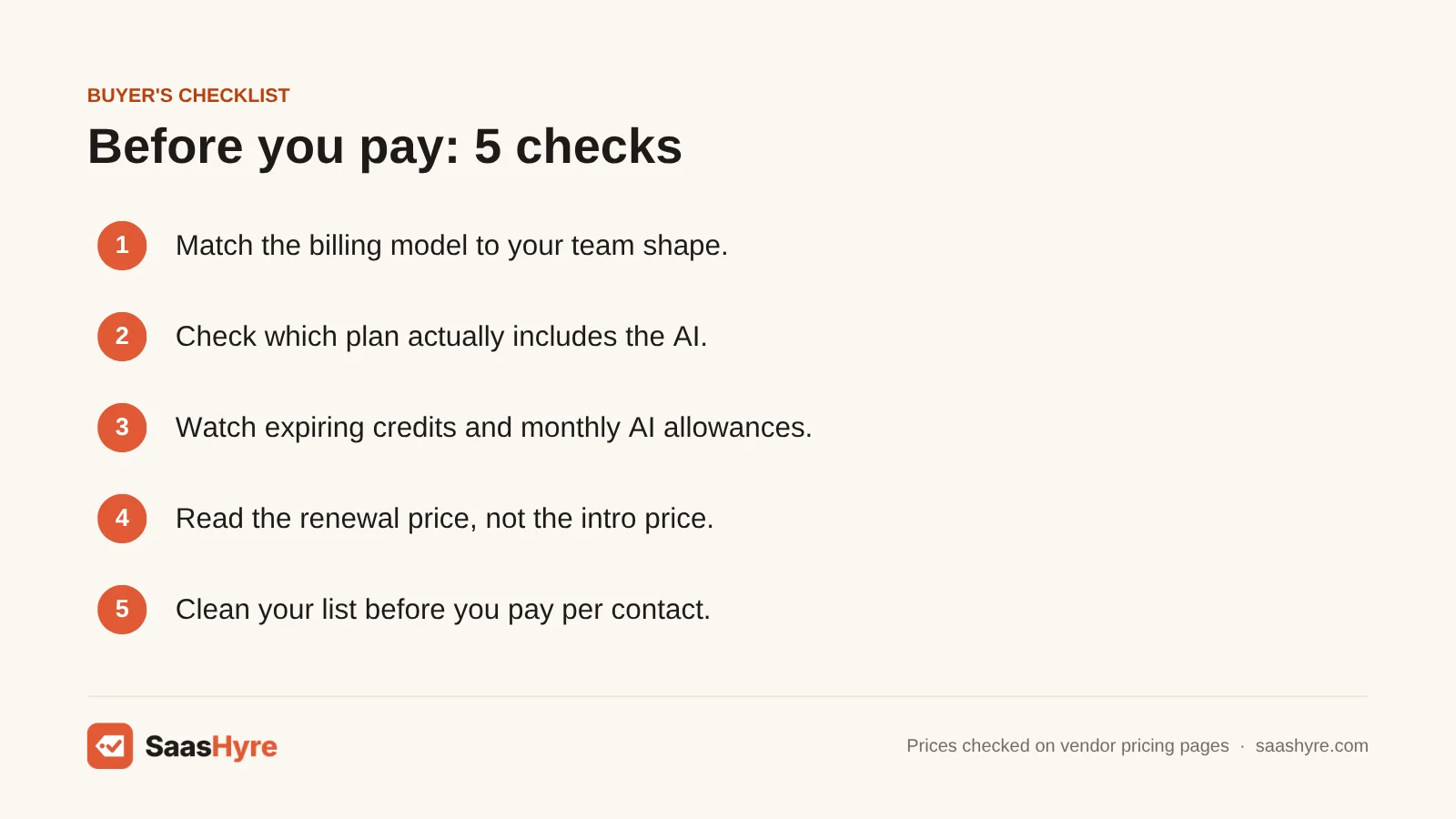
- Match the billing model to your team. Lots of channels but few people? Per-channel pricing (Buffer) is better. Lots of people but few channels? Flat or per-brand pricing is better.
- Check which plan really includes the AI. Mailchimp’s AI writing tools are only on Standard and Premium. Canva and HubSpot limit AI through monthly allowances and credits.
- Watch for credits that expire. AdCreative.ai credits reset each billing cycle. Canva’s AI allowance resets monthly. Buy for what you really make in a normal month, not a busy one.
- Read the renewal price. Mailchimp and HubSpot Starter both show intro or limited-time prices. Plan for the regular rate.
- Count onboarding fees and minimums. HubSpot Professional’s $3,000 onboarding fee adds $250 a month to your first year if you spread it out.
- Trim your list before you pay per contact. Klaviyo bills by active profiles, and Mailchimp bills by contact tiers. So suppress inactive subscribers first.
How We Evaluated
We built this guide from each vendor’s pricing pages and product docs in September 2026. Some vendors only show prices through calculators. For a few of those, we checked the prices against outside pricing reviews, and we say so in the text. We did not run our own performance tests, and we don’t claim hands-on test results. No provider pays for placement. Read our editorial policy for more.
The Bottom Line
Here is how I’d start. Use Canva for design, Buffer for social and either Mailchimp Standard or Klaviyo for email. That gives you solid AI marketing tools for under $100 a month, or $0 on free plans. Add AdCreative.ai when you run paid ads every week. Add Jasper when several people write copy that needs one voice. Move to HubSpot Marketing Hub Professional or Hootsuite only when a real team will use the automation, approvals and reporting you pay for.
Frequently Asked Questions
What is the best free AI marketing tool?
For most businesses, Canva Free is the most useful single free AI marketing tool. It gives you up to 20 AI uses a month plus templates. Pair it with Buffer Free for 3 social channels and HubSpot Free for up to 2 users. Add Mailchimp or Klaviyo Free for lists up to 250 contacts. Together these cost nothing, but each one has tight limits.
What are the best AI tools for marketing teams?
Here is a common setup for a team of about five. Use HubSpot Marketing Hub Professional for CRM, email and reporting, and Canva Business for design. Use Hootsuite or Buffer Team for social. Add Jasper for on-brand copy and AdCreative.ai for ad versions. At list prices, that runs about $1,435 a month plus HubSpot’s $3,000 onboarding fee.
How much do AI marketing tools cost per month?
The cheapest paid plans start at $5 per social channel on Buffer. Canva Pro works out to $12 a month. Mailchimp Standard, or Klaviyo at 500 profiles, is $20 a month. Mid-level tools cost more. Jasper Pro is $59, Hootsuite starts at $99 per user and HubSpot Marketing Hub Professional is $800 a month billed yearly.
Does Mailchimp’s free plan include AI?
No. Mailchimp’s plan comparison lists AI writing tools as not included on Free and Essentials. They come at no extra cost on Standard, which starts at $20 a month, and on Premium. Some AI features are marked beta and only work in English in certain countries. So check what your account can use.
Is Hootsuite OwlyWriter AI still available?
Hootsuite’s AI writing features are now part of Wisdom. Wisdom is an AI agent Hootsuite launched in June 2026 as part of its Social OS platform. The old OwlyWriter page now points to Wisdom. Hootsuite’s plans page says all plans include Wisdom AI. Paid plans start at $99 per user a month, billed yearly.
Can AI marketing tools replace a marketer?
Not today. These tools speed up writing drafts, resizing, scheduling and reporting. But you still need a person to set the plan, check facts and approve what goes out. Salesforce’s survey found most marketers already use AI. Yet 84% admit to running generic campaigns. That suggests the tools help most when a person guides them.