
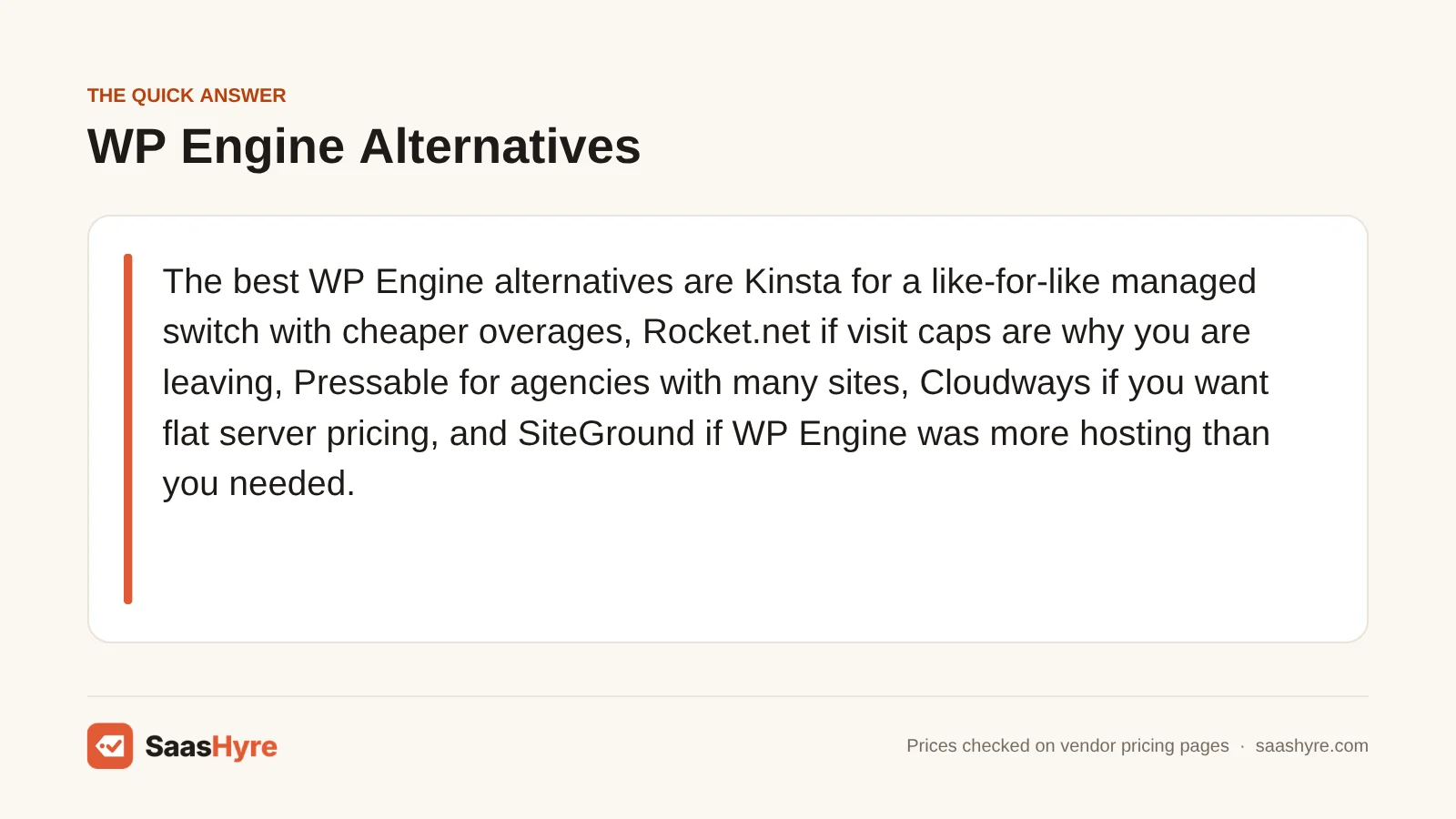
Here are the best WP Engine alternatives. Pick Kinsta for a similar managed host with cheaper overage fees. Pick Rocket.net if visit limits are why you are leaving. Pick Pressable if you are an agency with many sites. Pick Cloudways if you want flat server pricing. Pick SiteGround if WP Engine was more hosting than you needed.
Here is my advice before you move. Check how your new host charges for usage. Leaving WP Engine to escape overage bills only works if the next host doesn’t bill you the same way under a different name. So this guide prices each option at the traffic you really have, not the promo rate on the homepage.
I took all prices from each provider’s own pricing page or docs in September 2026. Check the final price at checkout, since intro rates change often.
Not sure which type of hosting you need? Our best web hosting guide compares every type on intro and renewal prices.
Quick Comparison: WP Engine Alternatives at a Glance
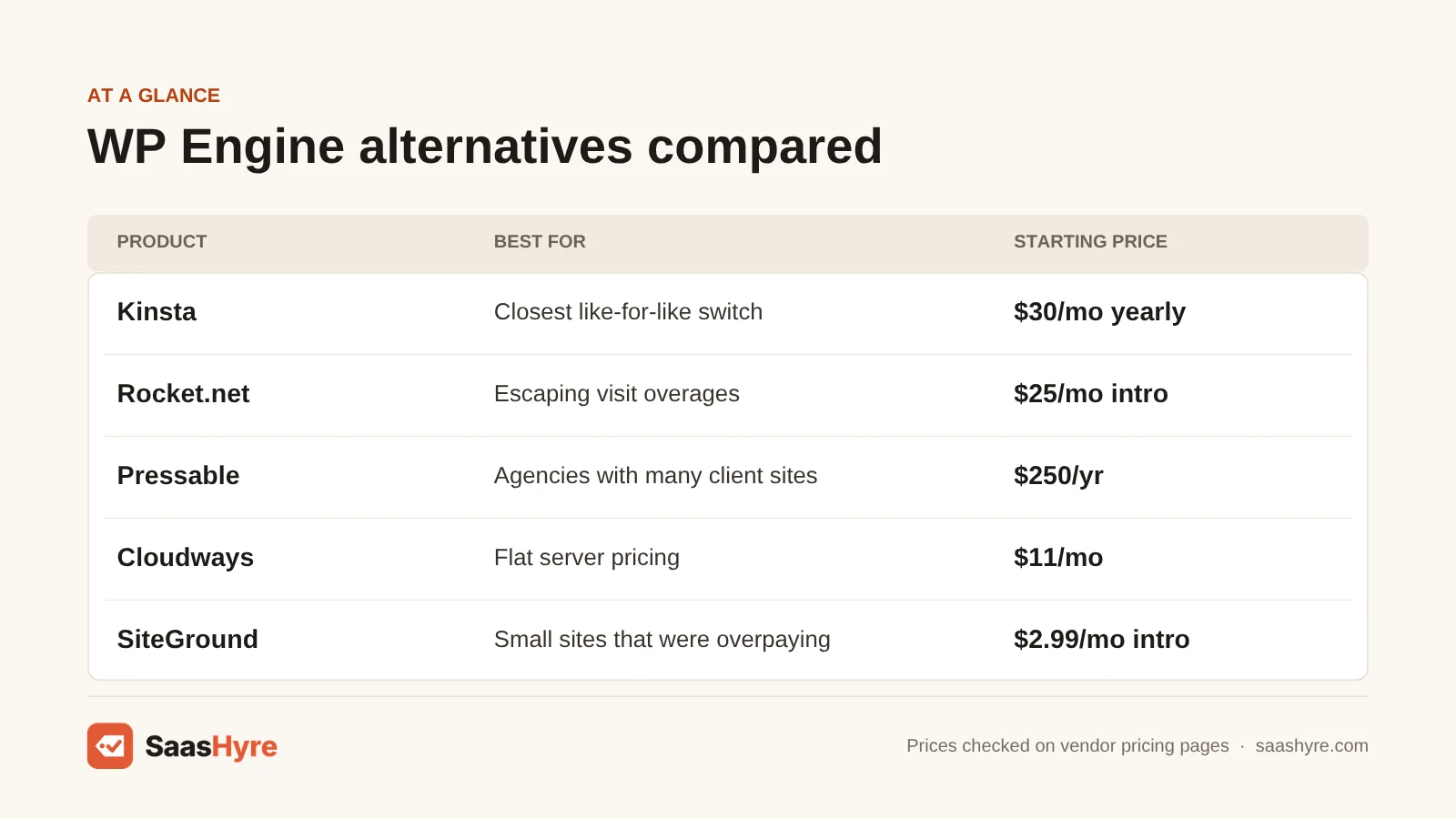
| Alternative | Best for | Starting price | What the plan is metered on | Migration help |
|---|---|---|---|---|
| Kinsta | Closest like-for-like switch | $35/mo monthly, $30/mo yearly | Visits (75k on Launch), storage, CDN | Unlimited free migrations |
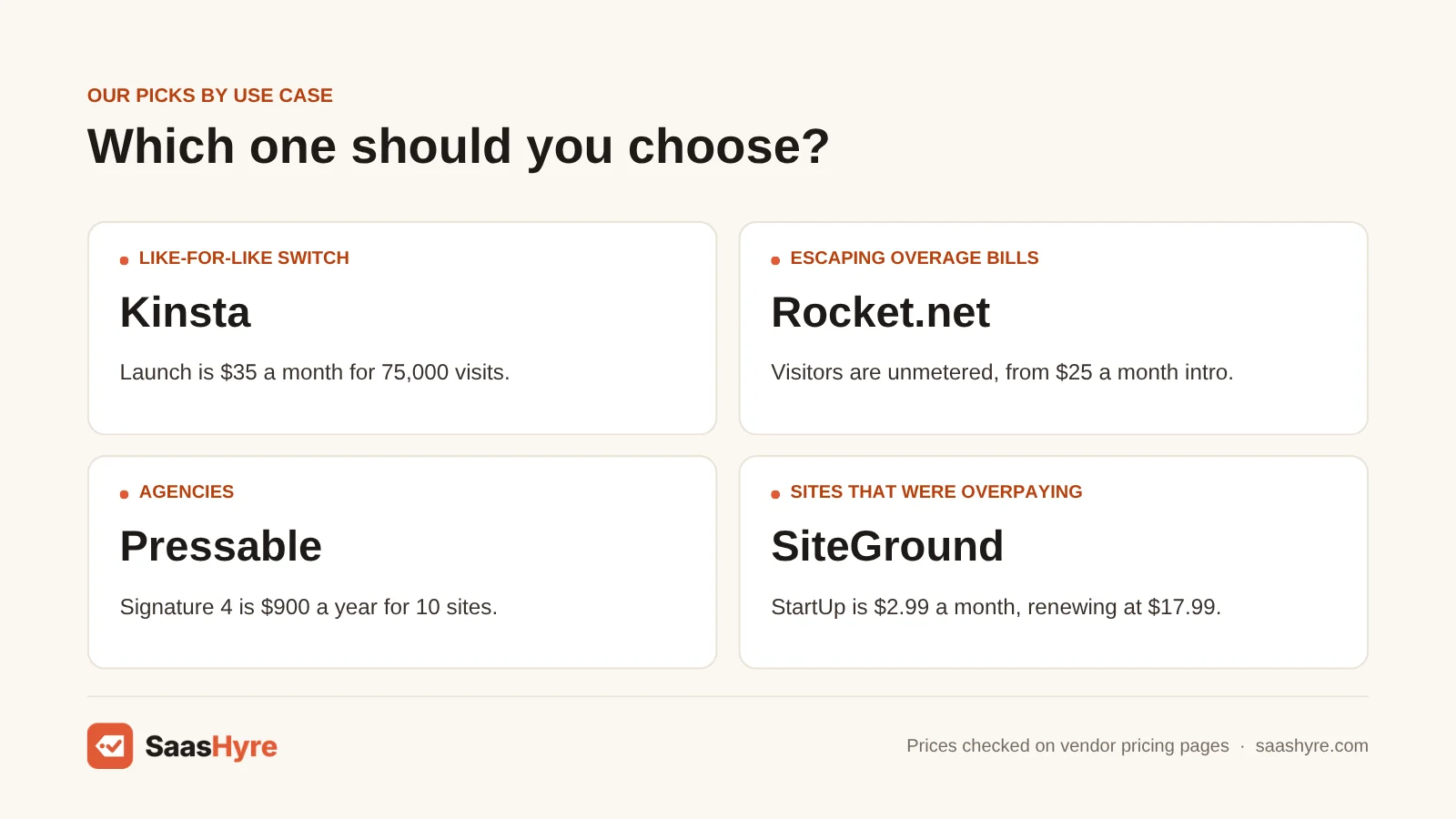
| Rocket.net | Escaping visit overages | $25/mo intro (regular $30), $1 first month | Bandwidth and storage, visitors unmetered | Free migration of all sites |
| Pressable | Agencies with many client sites | $250/yr ($20.83/mo) | Visits and storage | Unlimited site migrations |
| Cloudways | Flat server pricing, technical owners | $11/mo (1 GB DigitalOcean server) | Server size, not visits | Free migration offered |
| Liquid Web | Low monthly cost on a higher visit cap | $9/mo shown for the 50k-visit tier | Visits (50k, 150k, 400k tiers) | Self-serve tool; human help on Pro and Elite |
| SiteGround | Small sites that were overpaying | $2.99/mo intro, renews $17.99 | Server resources, traffic unmetered | Free plugin; expert migration is paid |
Why People Leave WP Engine
Most people leave WP Engine for three reasons. Renewal prices are far above the first-year deal. Overage bills cost $2 per 1,000 extra visits, charged monthly even on yearly plans. And some feel uneasy after its public legal fight with Automattic, which began in September 2024.
Renewal pricing went up in March 2026
WP Engine’s plans page shows its Essential plans from $28 a month. But that is first-year pricing for new customers only, and it is “not valid for renewals”. WP Engine also published new managed hosting prices. They apply at each customer’s next renewal on or after March 11, 2026. The new monthly rates include Lite at $17, Startup at $35, Professional at $65 and Scale at $330. The same notice covers Flywheel plans. WP Engine owns Flywheel, so moving there doesn’t get you away from WP Engine billing.
Overage bills arrive every month
Its overage pricing page says WP Engine charges $2 per 1,000 extra monthly visitors. That applies on Startup, Professional, Growth, Scale and agency plans. Your visit allowance is monthly, even if you pay for the year up front. So a yearly customer can still get a bill every month. WP Engine counts one IP address in 24 hours as one visit and leaves out bots. But it counts requests Google Analytics never sees, like RSS feeds and pages without your tracking code. That is why WP Engine’s number is often higher than the one in your analytics.
The Automattic dispute
In September 2024, WordPress.org blocked WP Engine’s servers from its plugin and theme updates. In October 2024, it took over the Advanced Custom Fields plugin listing. A US court ordered the block lifted in December 2024. The lawsuit was still going in 2026. Access came back, so today this is more about peace of mind than a technical risk.
Not sure you need managed hosting at all? Our guide to the best managed WordPress hosting explains what it includes and how every major host charges for it.
What You Would Pay Instead at 25k and 100k Visits
At 25,000 visits a month, WP Engine’s Startup plan renews at $35. Most alternatives cost $21 to $35 for the same traffic. At 100,000 visits, a 25k WP Engine plan adds $150 a month in overage fees. Kinsta, Rocket.net and Pressable handle that traffic for roughly $25 to $75.
Most lists of alternatives skip this. What happens when your traffic grows past the plan? The table below uses each host’s published plan limits and overage rates. Numbers are monthly and don’t include tax.
| Host | 25k visits/mo | 100k visits/mo | How we got the 100k number |
|---|---|---|---|
| WP Engine (Startup, renewal rate) | $35 | $35 + $150 overage | 75,000 extra visits at $2 per 1,000; upgrading may cost less, but tier limits are only shown in its plan builder |
| Kinsta | $35 monthly ($30 yearly) | $47.50 or $59 | Launch plus 25k overage at $0.50 per 1,000, or Launch Plus with 125k visits |
| Rocket.net | $25 intro ($30 regular) | $25 intro ($30 regular) | Visitors unmetered; watch the 50 GB bandwidth cap ($0.08/GB over) |
| Pressable | $20.83 (Signature 1, yearly) | $75 (Signature 4, yearly) | Signature 3 plus overage at $1.20 per 1,000 costs $80, so the upgrade wins |
| Liquid Web | $9 (50k tier, Essentials) | Not shown | 150k-tier price not displayed on the plan page |
| Cloudways | $11 (1 GB server) | Depends on server size | Billed by server, not visits; heavy or WooCommerce sites need a bigger server |
| SiteGround | $2.99 intro, $17.99 renewal | Not published | Traffic is unmetered but CPU limits apply; busy sites may be pushed up a plan |
Here is a real example. Say a local business blog gets 40,000 visits a month. On WP Engine Startup, it pays $35 plus $30 in overage, or $65. On Kinsta Launch, it pays $35, since 75,000 visits are included. On Rocket.net Starter, it pays $25 to $30.
What Makes the Best WP Engine Alternative?
The best WP Engine alternative fixes the reason you are leaving. If overages hurt, choose a host that doesn’t charge by visits. If price hurts, compare renewal rates, not intro rates. Also check how visits are counted and what free migration really includes. And see whether a refund window protects you after the switch.
We compared each host’s pricing pages and docs against WP Engine’s plans, overage and renewal prices. The same site can use very different allowances. That is because some hosts don’t count cached visits, and others count feeds. “Free migration” can mean a plugin you run yourself or a team of experts. So ask which one you get.
Best WP Engine Alternatives If Overage Bills Are the Problem
If surprise visit overages are why you are leaving, pick a host that doesn’t charge by visits at all. Rocket.net counts only bandwidth and storage. Cloudways bills by server size. Both let a traffic spike pass with no per-visit charge. But each has its own limit to watch.
1 Rocket.net: Best for escaping visit overages
Tired of paying per visit? Rocket.net doesn’t count visits, so a traffic spike never turns into a per-visit bill.
What it does well. It counts only bandwidth and storage. Every plan runs behind Cloudflare Enterprise. Its overage rates are far easier on you than paying per visit. It says it will migrate all your sites free from any host.
Key features:
- Visits are not counted or charged
- Cloudflare Enterprise on every plan
- Free migration of all sites
- 30-day money-back guarantee
Pricing. Starter is $25 a month on an intro rate (regular $30), and the first month is $1. It includes 1 site, 10 GB of storage and 50 GB of bandwidth. Pro is $50 intro ($60 regular) for 3 sites and 100 GB of bandwidth. Business is $83 intro ($100 regular) for 10 sites. Overages are $2/GB for disk and $0.08/GB for bandwidth.
Best for: You, if your traffic spikes or grows and you never want a visit-based bill again.
Limitations. If your site serves big media files, you will hit the bandwidth cap long before visits would matter. The $25 is an intro rate, so plan on the regular price.
2 Cloudways: Best for flat server pricing for technical owners
Want to pay by server size instead of visits? Cloudways adds a managed layer on top of cloud servers.
What it does well. DigitalOcean owns Cloudways. You can host unlimited sites on one server under one flat bill. It offers free website migrations.
Key features:
- Billed by server size, not by visits
- Unlimited sites per server
- Free website migrations
- 3-day trial, no card needed
Pricing. Its pricing page lists DigitalOcean plans from $11 a month. That gets you a 1 GB, 1 vCPU server with 25 GB of storage and 1 TB of transfer.
Best for: You, if you are OK resizing a server and want many sites on one flat bill.
Limitations. You pick the server size. So you do the planning WP Engine used to do for you. Support won’t take full ownership of speed problems. If that still sounds good, our VPS hosting comparison covers the raw servers underneath.
Best WP Engine Alternatives for a Like-for-Like Managed Switch
If you like how WP Engine works but not what it costs, Kinsta is the closest match. It has the same premium managed model, staging, daily backups and expert support. But overage costs $0.50 per 1,000 visits instead of $2. Liquid Web is a cheaper option with higher visit limits.
3 Kinsta: Best for the closest like-for-like switch
Want WP Engine without the high overage fees? Kinsta is the closest match, with the same premium managed model.
What it does well. You get staging, daily backups and expert support. Kinsta’s overage docs say visits served from its edge cache are not counted. At the same $35, the Launch plan gives you three times as many visits.
Key features:
- Premium managed WordPress hosting
- Free staging and daily backups
- Visits served from the edge cache are not counted
- Unlimited free migrations
Pricing. Launch is $35 a month, or $30 a month billed yearly ($350). It covers 1 site, 75,000 visits and 15 GB of storage. Launch Plus is $59 monthly or $50 yearly for 125,000 visits. Build is $69 monthly or $58 yearly for 2 sites and 200,000 visits. Extra visits cost $0.50 per 1,000, instead of WP Engine’s $2. Its pricing page lists a free first month on some plans and a 30-day money-back guarantee.
Best for: You, if you like how WP Engine works but not what it costs.
Limitations. If you run lots of small sites, you pay for each extra site one by one.
4 Liquid Web: Best for low monthly cost on a higher visit cap
Want managed WordPress for less, with more visits? Liquid Web is a cheaper option with higher visit limits.
What it does well. Liquid Web folded in its Nexcess brand in October 2025. So the old Nexcess managed WordPress plans are now here. Backups are kept 7, 14 or 30 days, based on your plan. Pro and Elite add migration help from a real person.
Key features:
- Essentials, Pro and Elite plans
- Visit limits of 50k, 150k and 400k
- 15 GB storage and 2 TB bandwidth at the 50k level
- Do-it-yourself migration tool on Essentials
Pricing. At the 50k level, the plan page showed $9, $19 and $29 a month. Prices at the 150k and 400k levels were not shown. The page marks some rates as intro pricing.
Best for: You, if you want a 50k visit limit for well under WP Engine’s renewal price.
Limitations. There is no clear renewal price, so ask sales before you commit. Essentials has no migration help from a real person.
Best WP Engine Alternative for Agencies
If you run an agency and are leaving WP Engine, look at Pressable first. Its yearly Signature plans run from 1 site at $250 to 100 sites at $6,750. Unlimited migrations are included. Its overage rate is $1.20 per 1,000 visits, lower than WP Engine’s $2.
5 Pressable: Best for agencies with many client sites
Run an agency? Pressable sells yearly plans for many sites, with unlimited migrations.
What it does well. Automattic runs Pressable. That is the company on the other side of WP Engine’s lawsuit. Its pricing page includes unlimited migrations, Jetpack Security, backups and a 30-day money-back guarantee. Say your agency has 10 small client sites. Signature 4 works out to $75 a month, or $7.50 per site, on one yearly invoice.
Key features:
- Yearly Signature plans from 1 to 100 sites
- Unlimited migrations
- Jetpack Security and backups
- One yearly invoice
Pricing. Signature plans run from 1 site at $250 to 100 sites at $6,750 a year. Signature 1 is $250 a year for 1 site and 30,000 visits. Signature 3 is $600 a year for 5 sites and 75,000 visits. Signature 4 is $900 a year for 10 sites and 150,000 visits. Signature 5 is $1,550 a year for 20 sites. Overage is $1.20 per 1,000 visits, lower than WP Engine’s $2. Storage overage is $1 per GB.
Best for: You, if your agency hosts many client sites and wants one simple yearly bill.
Limitations. The main prices are yearly. So you don’t get the choice to pay month to month.
Best WP Engine Alternative If You Were Overpaying
If your site gets a few thousand visits a month, you may not need premium managed hosting at all. SiteGround starts at $2.99 a month for the first year and renews at $17.99. Daily backups, CDN and email are included. That is still half of WP Engine’s $35 Startup renewal.
6 SiteGround: Best for small sites that were overpaying
Don’t need premium managed hosting? SiteGround is a budget host that covers the basics.
What it does well. Daily backups, CDN and email are included. Traffic is not counted or capped. It offers a free Migrator plugin and a paid migration by experts.
Key features:
- Traffic not counted or capped
- Daily backups, CDN and email
- Staging on GrowBig
- Free Migrator plugin
Pricing. To get the intro price, you pay 12 months up front. StartUp is $2.99, then $17.99 a month, for 1 site and 10 GB. GrowBig is $4.99, then $29.99, for unlimited sites, 50 GB and staging. GoGeek is $7.99, then $44.99. Even at renewal, StartUp costs half of WP Engine’s $35 Startup renewal. There is a 30-day money-back guarantee. For other budget options, see our small business hosting guide.
Best for: You, if you run a brochure site or small blog with a few thousand visits a month and want hosting under $20 a month.
Limitations. Plans have CPU and resource limits. A busy WooCommerce store will hit those limits fast. Our ecommerce hosting guide covers stores. Migration by experts costs extra.
WP Engine Migration Checklist
Moving off WP Engine takes about a day of work for a typical site. Book the new host’s free migration. Keep WP Engine live until DNS has moved. Then check that nothing tied to WP Engine is left behind, like its caching plugin, CDN or redirects.
- Check your renewal date. Plan the move a few weeks before it. That way you aren’t billed at the new rate for another year.
- Pull your real visit numbers. Use WP Engine’s own usage stats to size the new plan, not Google Analytics. Its count is usually higher.
- Take a full backup. Before anything else, download a backup point with your files and database from the WP Engine portal.
- Ask for the free migration. Kinsta, Rocket.net, Pressable and Cloudways all offer one. Give them a temporary login, not your main one.
- Export your redirects. Redirect rules set in the WP Engine portal are stored on the server, not in WordPress. So they won’t move on their own. Set them up again on the new host.
- Test on a temporary URL. Check forms, checkout, logins and a few key pages before you touch DNS.
- Lower your DNS TTL, then switch. Update DNS and reissue SSL on the new host. Keep WP Engine running for 48 hours as a backup.
- Cancel in writing. Confirm you have canceled before the renewal date, and save the confirmation.
How to Choose Your WP Engine Alternative
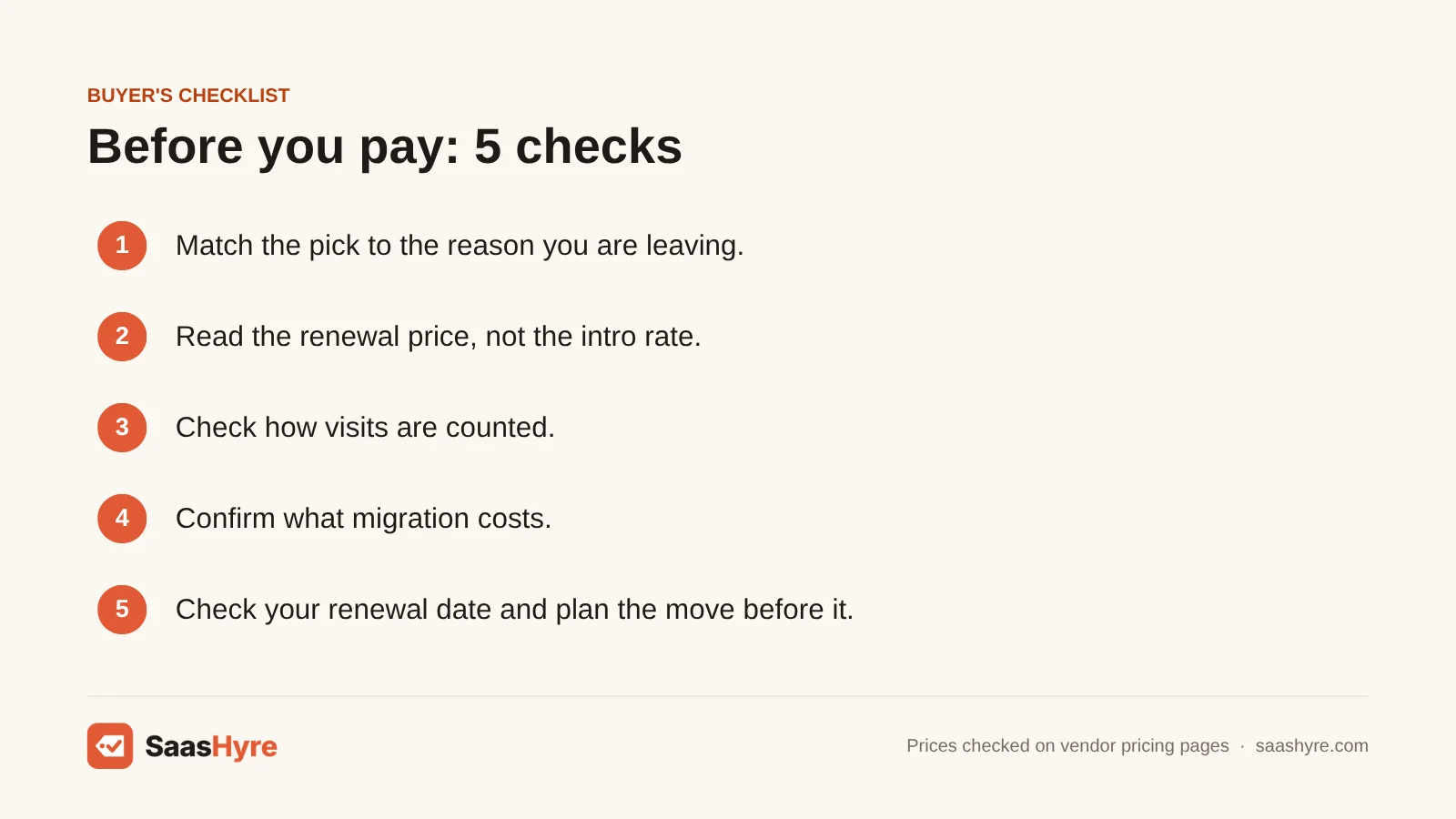
- Match the reason you are leaving. Leaving over overages? Pick a host that doesn’t count visits. Leaving over price? Compare renewal rates, not intro rates.
- Read the renewal price. SiteGround’s $2.99 becomes $17.99. Rocket.net’s $25 is an intro rate. Plan on the regular price.
- Check how visits are counted. Kinsta doesn’t count edge-cached visits. WP Engine counts feeds and untracked pages. The same site can use very different allowances.
- Confirm what migration costs. “Free migration” can mean a plugin you run yourself or a team of experts. Ask which one you get.
How We Evaluated
We built this list from each host’s own pricing pages and docs. We also used WP Engine’s plans, overage and renewal pricing pages. We checked all of them in September 2026. We looked at renewal prices, how each plan charges for usage, overage rates, migration help and refund terms. We did not run our own speed or uptime tests, so this guide makes no speed claims. No provider pays for placement, and prices are listed as published. Read our editorial policy for how we research and update guides.
The Bottom Line
For most single business sites, Kinsta is the safest WP Engine alternative. It has the same managed model, 75,000 visits for $35 and a much cheaper overage rate. Done with visit-based billing? Pick Rocket.net. Pressable is the best value for agencies. Cloudways fits you if you want flat server pricing. If WP Engine was more than your site needed, SiteGround cuts the bill to under $20 a month after the first year.
Frequently Asked Questions
What is the best alternative to WP Engine?
For most single sites, Kinsta is the best WP Engine alternative. Its Launch plan is $35 a month for 75,000 visits. That is three times WP Engine Startup’s 25,000. Overage costs $0.50 per 1,000 visits instead of $2. Kinsta also includes unlimited free migrations. If you want no visit limit at all, Rocket.net starts at $25 a month on an intro rate.
Is there a cheaper alternative to WP Engine?
Yes. SiteGround starts at $2.99 a month for the first year and renews at $17.99. That is about half of WP Engine Startup’s $35 renewal. Pressable’s Signature 1 costs $250 a year, about $20.83 a month. Cloudways starts at $11 a month for a 1 GB server. Cheaper plans fit smaller sites, so check your traffic before you downgrade.
Is Bluehost a good alternative to WP Engine?
Bluehost fits a different kind of buyer. It is mainly budget shared hosting. WP Engine is premium managed hosting with staging, daily backups and WordPress experts for support. If your site is small and you are overpaying, a budget host can work well. If you depend on WP Engine’s managed features, Kinsta, Rocket.net or Pressable are closer replacements.
Did WP Engine raise its prices?
Yes. WP Engine published new managed hosting prices. They apply at each customer’s next renewal on or after March 11, 2026. The new monthly rates include Lite at $17, Startup at $35, Professional at $65 and Scale at $330. Its advertised $28 Essential price is first-year pricing for new customers only. It does not apply to renewals.
How much are WP Engine overage fees?
WP Engine charges $2 per 1,000 extra monthly visitors on Startup, Professional, Growth, Scale and agency plans. Allowances reset each month. So yearly customers can still get monthly overage bills. WP Engine counts one IP address per 24 hours as a visit and leaves out bots. But it counts feeds and pages that Google Analytics doesn’t track.
Will moving away from WP Engine hurt my SEO?
Not if you move carefully. Keep the same domain and URLs. Set up any redirects from the WP Engine portal again. Test the site on a temporary URL, and switch DNS only when everything works. Keep WP Engine live for 48 hours as a backup. Lost redirects are the most common thing to slip through, so check them first.