
If you run a US small business, Gusto is the best AI HR software when payroll comes first. Pick BambooHR if you want a full HR system with an AI assistant built in. Rippling suits fast-growing teams that want HR, IT and finance on one platform. Deel fits international teams. HiBob or Workday make sense once you pass a few hundred employees.
Here is my advice. The AI does not decide your bill. What decides it is what the per-employee price really covers. Some tools quote a low monthly number for HR records only. Then they charge extra for payroll, benefits and time tracking. Others bundle payroll in, so they look pricey next to them. Compare like for like, or you will pick the wrong tool for the wrong reason.
I took every price below from the vendor’s own pricing page in September 2026. If a vendor only gives quotes, we say so. We don’t guess.
Building a full stack? Our small business software guide shows the best pick for every job and what it costs.
Quick Comparison: AI HR Software at a Glance
| Software | Best for | Starting price | What the price covers | AI you get |
|---|---|---|---|---|
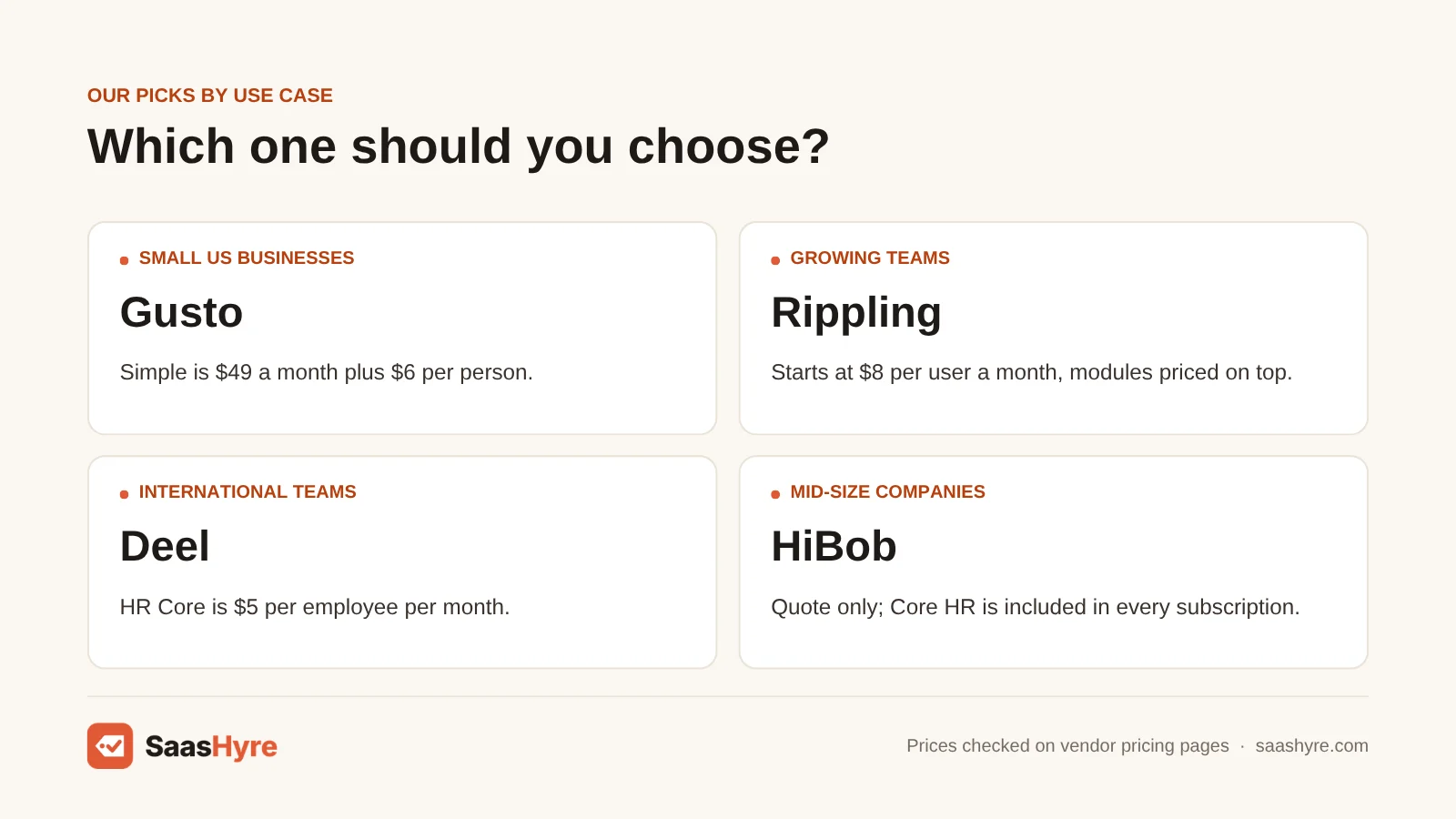
| Gusto | US small businesses that need payroll first | $49/month + $6 per person | Single-state payroll, tax filings, basic PTO | Gus assistant for payroll and HR questions |
| BambooHR | All-in-one HRIS for 25 to 500 people | $10 per employee/month (min. $250/month at 25 or fewer) | HR records, hiring, onboarding, time off; payroll is an add-on | AI assistant, deeper on higher tiers |
| Rippling | Growing teams that want HR, IT and finance together | From $8 per user/month | Platform only; payroll and other modules quoted | Rippling AI for reports and employee self-service |
| Factorial | Budget modular HR for SMBs | From $8 per user/month | Factorial Core; modules quoted | Factorial AI (details not listed on pricing page) |
| Deel | International and remote teams | HR Core $5 per employee/month | HR records and analytics; EOR, PEO and contractors priced separately | Deel AI for drafting and plain-language data questions |
| HiBob | Mid-size companies focused on people experience | Quote only | Core HR in every plan, modules extra | Bob Companion plus role-based agents |
| Workday | Large enterprises | Quote only | Custom HCM suite | AI agents paid with Flex Credits |

What Is AI HR Software, and What Are You Actually Buying?
AI HR software is an HR system for records, payroll, time off, hiring and reviews, with AI built in. The AI might answer employee questions, draft job descriptions, sum up reviews or build reports from a plain-English question. You are buying the HR system first. The AI is an extra layer on top of it.
That order matters. An AI assistant is only as good as the data it can read. That data is stored in your HRIS and payroll. So pick the right core platform first. Then use the AI that comes with it.
Also, HR teams are earlier with AI than vendor ads suggest. SHRM’s State of AI in HR 2026 research found that 39% of organizations have implemented AI in their HR functions. Recruiting (27%) was the most common use. The same research found 56% of HR functions don’t formally measure if their AI is paying off. So if you are only now shopping, you are not behind. For more SaaS buying guides, see our SaaS hub.
What AI HR Software Really Costs at 15, 50 and 150 Employees
Here is the monthly list price at three company sizes, using only published prices. Read the “covers” column. A cheaper row often gets you less.
| Plan | Covers | 15 employees | 50 employees | 150 employees |
|---|---|---|---|---|
| Gusto Simple ($49 + $6/person) | Payroll + basic HR, one state | $139 | $349 | $949 |
| Gusto Plus ($80 + $12/person) | Multi-state payroll, next-day pay, time tracking | $260 | $680 | $1,880 |
| BambooHR Core ($10/employee, $250 minimum) | HRIS only, no payroll | $250 | $500 | $1,500 |
| BambooHR Pro ($17/employee) | HRIS + reviews, stronger AI assistant | Not listed for 25 or fewer | $850 | $2,550 |
| Deel HR Core ($5/employee) | HRIS only, no payroll | $75 | $250 | $750 |
| Rippling or Factorial (from $8/user) | Platform floor only, modules quoted | from $120 | from $400 | from $1,200 |
Three things stand out. First, Deel HR Core and BambooHR Core are not really cheaper than Gusto. Neither one includes payroll. Add a payroll tool and the gap closes fast. Second, BambooHR’s $250 floor means a 12-person company pays the same as a 25-person one. Third, the “$8” from Rippling and Factorial is where the talk starts, not where it ends. Get a written quote for the exact modules you need before you compare.
A 50-person team on Gusto Plus spends about $8,160 a year. The same team on BambooHR Pro spends $10,200, and that is before you add payroll.
What Makes the Best AI HR Software?
The best AI HR software fits your team size and location. It shows its full price with payroll and add-ons included. It puts useful AI on a plan you can afford. It bills AI use in a way you can predict. And it answers questions from your own handbook, with a source you can check.
We compared what each published price really covers. Then we worked out the monthly cost at 15, 50 and 150 employees using list prices. Minimums and base fees matter most for teams under 25. Many vendors put their best AI on higher plans without saying so. So ask which plan includes the assistant you want.
Best AI HR Software for Small US Businesses
If you run a US company with fewer than about 100 people, Gusto is the safest pick when running payroll right is the main job. Payroll, tax filings and the Gus assistant come in one bill. BambooHR is the better pick when HR records, hiring and reviews matter as much as payroll, and you have at least 25 employees.
1 Gusto: Best for US small businesses that need payroll first
Gusto gives US small businesses payroll, tax filings and an AI helper, all on one bill.
What it does well. It runs payroll and files taxes on every plan. So the core job is covered from day one. Its AI assistant, Gus, walks you through tasks like an off-cycle payroll step by step. Gus also explains payroll, HR and compliance topics in plain language.
Key features:
- Single-state payroll, unlimited pay runs and tax filings on the Simple plan
- Multi-state payroll, next-day pay and time tracking on the Plus plan
- A dedicated service advisor, HR experts, and performance and pay tools on Premium
- Gus, an AI assistant that answers payroll and HR questions
Pricing. Simple is $49 a month plus $6 per person, with basic PTO policies. Plus is $80 a month plus $12 per person. Premium is $180 plus $22 per person. A Contractor Only plan has a $0 base fee plus $6 per person. That $0 is a limited-time offer. It is normally $35. Same-day pay is an add-on at $90 per payroll.
Best for: You, if you run a US business with fewer than 100 people and payroll mistakes are your biggest fear.
Limitations. Gusto’s help center doesn’t say which plans include Gus. It is a weaker fit if you have employees outside the US. For deep performance and analytics features, you pay Premium rates.
2 BambooHR: Best for all-in-one HRIS for 25 to 500 people
BambooHR is a simple HR system for records, hiring and reviews. Its AI assistant gets smarter on higher plans.
What it does well. Core covers records, workflows, hiring and onboarding, time off, benefits tracking and eNPS. On Core, the AI assistant answers questions about your HR data. On Pro, it also answers questions about company policies and documents. For example, “what is our parental leave policy?”
Key features:
- Records, workflows, hiring and onboarding (5 open jobs) on the Core plan
- 360-degree reviews, 1:1s and recognition on the Pro plan
- Pay planning, benchmarks and advanced analytics on the Elite plan
- An AI assistant on every plan, with more depth on higher plans
Pricing. Core is $10 per employee per month. Pro is $17, and Elite is $25. If you have 25 or fewer employees, you pay a $250 monthly minimum. Payroll, benefits admin and time tracking are add-ons with no public price. BambooHR gives you 15% off when you bundle payroll and benefits (US only).
Best for: You, if you have 25 to 500 employees and want one HR system your managers will really use.
Limitations. If you have fewer than 15 people, the $250 minimum means paying for seats you don’t have. Employees can only ask the bot policy questions on Pro or higher. AI for benchmark analysis needs Elite.
Best All-in-One AI HR Platforms for Growing Teams
Is your company adding people every month? Are you tired of piecing together HR, payroll, devices and app access? Then an all-in-one platform like Rippling or Factorial is the better long-term buy. Both start at $8 per user. But both sell modules, so you only learn your real price after a quote.
3 Rippling: Best for growing teams that want HR, IT and finance together
Rippling puts HR, payroll, devices and app access in one platform. It is built for companies that hire often.
What it does well. Rippling AI works across your HR, finance and IT data. It builds charts and reports from a plain request. Employees can get answers to simple questions about pay, benefits and policy on their own. Every answer links back to the source record so you can check it. That is a useful safeguard.
Key features:
- One system for payroll, benefits, expenses and device management
- Sets up payroll, laptops and app logins in a single step
- Rippling AI builds reports and charts from plain requests
- Source links on every AI answer
Pricing. Rippling’s pricing page says it “starts at $8 a month, per user.” Each product is priced on top of the core platform. Some have a monthly base fee. You need a custom quote for any real setup.
Best for: You, if you have 30 to 500 people and onboard often. BambooHR is the simpler HR system. Rippling wins when HR, payroll and IT access need to be in one place.
Limitations. If you only need HR records and payroll, you will pay for platform depth you won’t use. And you get no real price without a quote.
4 Factorial: Best for budget modular HR for SMBs
Factorial is a modular HR system with a low starting price. It is popular with small and mid-size companies in Europe.
What it does well. Every plan includes Factorial Core. That covers the directory, onboarding and offboarding, sending payslips and e-signature. You only add the modules you need. The pricing page mentions Factorial AI.
Key features:
- Factorial Core on every plan
- Time management module
- Talent module for performance, hiring, engagement and training
- Finance and IT modules
Pricing. Factorial starts at $8 per user per month. Past the starting price, you ask for a custom quote.
Best for: You, if you run a small or mid-size company, especially in Europe, and want a modular system that starts cheaper than Rippling.
Limitations. The pricing page doesn’t say which plans include Factorial AI. So ask in writing. It is a poor fit if you need one published price before a sales call.
Best AI HR Software for International and Remote Teams
If you hire in more than one country, start with Deel. Its HR Core plan is $5 per employee per month. It can also hire through its own legal entities (Employer of Record), run a US PEO or pay contractors. Each of those has its own published rate.
5 Deel: Best for international and remote teams
Deel is where you start if you hire in more than one country.
What it does well. HR Core covers worker profiles, org chart, time off, job architecture, workflows, approvals, anonymous reporting and people analytics. Deel can also hire through its own legal entities (Employer of Record), run a US PEO or pay contractors. Deel AI drafts job descriptions, policies and training courses. It also answers plain-language questions about your workforce data.
Key features:
- HR records and people analytics on the HR Core plan
- Performance, goals, learning and surveys on the Advanced plan
- Workforce planning and pay management on the Elite plan
- Employer of Record, a US PEO and contractor payments
Pricing. HR Core is $5 per employee per month. Advanced and Elite show no price. Contractors are $49 per contractor per month. Employer of Record is $599 per employee per month. US PEO is $125 per employee per month.
Best for: You, if you have people in several countries, or plan to.
Limitations. The EOR price is where budgets break. Five EOR hires cost $2,995 a month in Deel fees alone. That is on top of salaries and local taxes. If your whole team is in one US state, Gusto or BambooHR will be simpler.
Best AI HR Software for Mid-Size and Enterprise Companies
Once you pass a few hundred employees, most vendors stop publishing prices. What matters then is how much AI work the platform can do inside your current data. HiBob suits mid-size companies that focus on their people. Workday suits large enterprises that want AI agents inside their system of record.
6 HiBob: Best for mid-size companies focused on people experience
HiBob is an HR platform for mid-size companies that focus on their people. It has a broad set of AI agents.
What it does well. Bob Companion lets you ask for things in plain language anywhere on the platform. Behind it are named agents for performance, learning, hiring, surveys, payroll, pay and more. HiBob also offers an MCP connection. It sends governed people data into tools like ChatGPT, Claude, Copilot and Slack.
Key features:
- Core HR in every subscription
- Bob Companion, which you talk to in plain language
- AI agents by role for performance, hiring, payroll and more
- MCP connection to ChatGPT, Claude, Copilot and Slack
Pricing. HiBob does not publish prices. Its FAQ says the quote depends mostly on how many employees you have, the modules you choose and any setup or support services.
Best for: You, if you have roughly 100 to 2,000 employees across offices and care about culture, reviews and engagement as much as admin.
Limitations. You can’t get a price today without talking to sales. It is too much for teams under about 50 people.
7 Workday: Best for large enterprises
Workday is a custom HCM suite. It is for large enterprises that want AI agents inside their system of record.
What it does well. Its AI agents work inside your current Workday data. They run on AI Flex Credits. You get a free yearly allotment based on company size. Then you buy credits in bulk each year.
Key features:
- Custom HCM suite
- AI agents paid with Flex Credits
- Self-Service Agent that answers employee requests for information
- A free yearly credit allotment based on company size
Pricing. Workday is quote only. Credits get used up when agents run in production. Workday’s rate card example says its Self-Service Agent uses 1 credit each time it looks up information. No credit price is published.
Best for: You, if you run a large enterprise that already uses Workday HCM or is replacing an old suite.
Limitations. Credits charged per use can grow as you use more, and there is no published credit price. If you have fewer than roughly 1,000 employees, setup alone is a project most small teams can’t staff.
When a Specialist AI HR Tool Beats Your Main Platform
A specialist tool pays for itself once one job gets big enough to hurt:
- Hiring volume. Do you screen hundreds of applicants a month? Then the job-posting AI in your HRIS won’t keep up. See our guide to AI recruiting software for screening, sourcing and scheduling tools.
- New-hire ramp time. Do new staff take months to get up to speed? Then dedicated AI employee onboarding software goes further than a checklist.
- Review season pain. Do your managers dread writing reviews? Compare the best AI performance management software before you pay for a higher HRIS plan.
- Repeat employee questions. Does HR answer the same PTO and benefits questions all week? An HR chatbot in Slack or Teams can take most of that load.
How to Choose AI HR Software: Six Checks Before You Sign
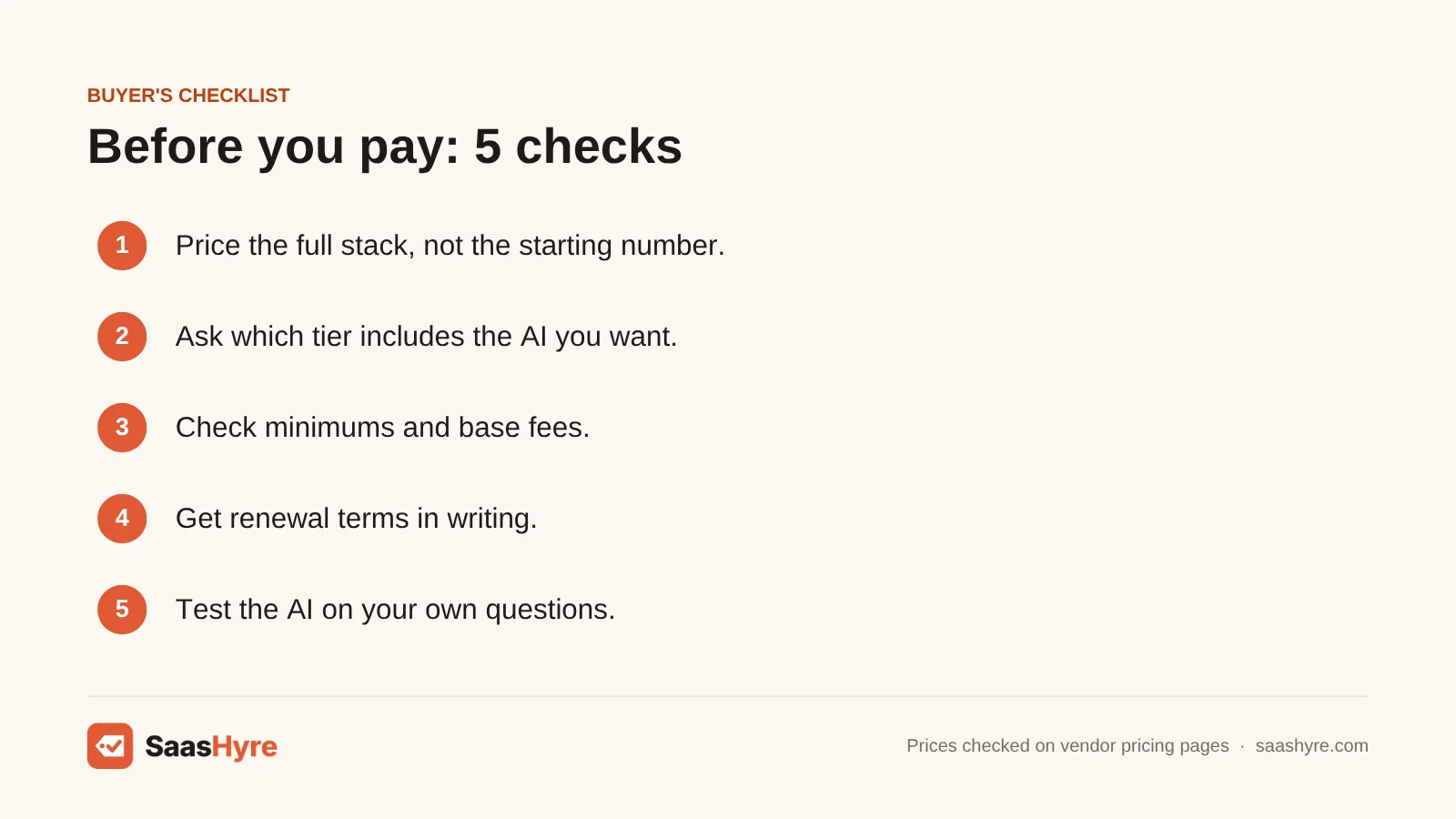
- Price the full stack, not the starting number. Add payroll, benefits and time tracking to any HR-only quote. Then compare it with bundles like Gusto.
- Ask which tier includes the AI you want. BambooHR’s assistant that answers policy questions starts at Pro, not Core. Other vendors do the same without saying so.
- Check minimums and base fees. A $250 floor or a monthly base fee changes the math if you have fewer than 25 people.
- Get renewal terms in writing. Promo prices (like Gusto’s $0 contractor base) and first-year discounts end. Ask what year two costs.
- Find out how usage-based AI is billed. Credit systems like Workday’s Flex Credits can grow as you use more. Ask what happens when you run out.
- Test the AI on your own questions. In the demo, ask it something from your handbook. If it can’t answer or cite a source, it won’t help your employees.
How We Evaluated
We built this guide from each vendor’s own pricing pages, help centers and product docs. We checked them in September 2026. We compared what each published price really covers. We worked out the monthly cost at 15, 50 and 150 employees using list prices only. We did not run our own benchmarks or hands-on tests of these platforms. AI feature descriptions are the vendors’ own claims. No provider pays for placement on this page. See our editorial policy.
The Bottom Line
If you run a US small business, start with Gusto for payroll or BambooHR for a full HR system. Keep in mind BambooHR’s better AI comes with Pro. Pick Rippling when HR, IT and finance need to run together. Pick Factorial for a cheaper modular start. Go with Deel the moment you hire outside your home country. Past a few hundred people, shortlist HiBob and Workday. And insist on written quotes that spell out AI usage costs.
Frequently Asked Questions
What is AI HR software?
AI HR software is an HR system with AI built in. It handles records, payroll, time off, hiring and reviews. Then it adds AI features. These include assistants that answer employee questions, draft job descriptions or sum up performance reviews. Some turn a plain-English question into a report. Examples include Gusto’s Gus, BambooHR’s AI assistant, Rippling AI and HiBob’s Bob Companion.
How much does AI HR software cost?
Published prices run from $5 per employee per month for Deel HR Core to $25 for BambooHR Elite. Gusto charges $49 to $180 a month plus $6 to $22 per person, with payroll included. At 50 employees, expect roughly $250 to $850 a month for HR only. With Gusto payroll, expect $349 to $680. HiBob and Workday are quote only.
Is BambooHR or Rippling better?
BambooHR is better if you want a simple HR system with published prices. It costs $10 to $25 per employee per month. Rippling is better if you want HR, payroll, devices and app access run from one platform. It starts at $8 per user, plus quoted modules.
Is there free AI HR software?
No tool on this list offers a free full HR plan on its current pricing page. The cheapest published options are Deel HR Core at $5 per employee per month and Gusto’s Contractor Only plan. That plan is currently $0 base plus $6 per person under a limited-time offer. General chat tools can draft documents, but they can’t see your HR data.
Can AI replace HR staff?
No. Today’s AI HR tools answer routine questions, draft documents and sum up data. But they don’t handle investigations, firings, sensitive talks or judgment calls. SHRM’s 2026 research shows most organizations are still early. Only 39% have implemented AI in HR at all. Expect AI to cut admin hours, not replace the people who make decisions about employees.
Do I need a separate AI tool if my HR system already has AI?
Usually not at first. The AI inside Gusto, BambooHR, Rippling or HiBob can already read your HR data. Standalone tools have to connect to it. Only add a specialist tool when one job grows big enough that the built-in feature clearly falls short. High-volume hiring and repeat employee questions are good examples.