
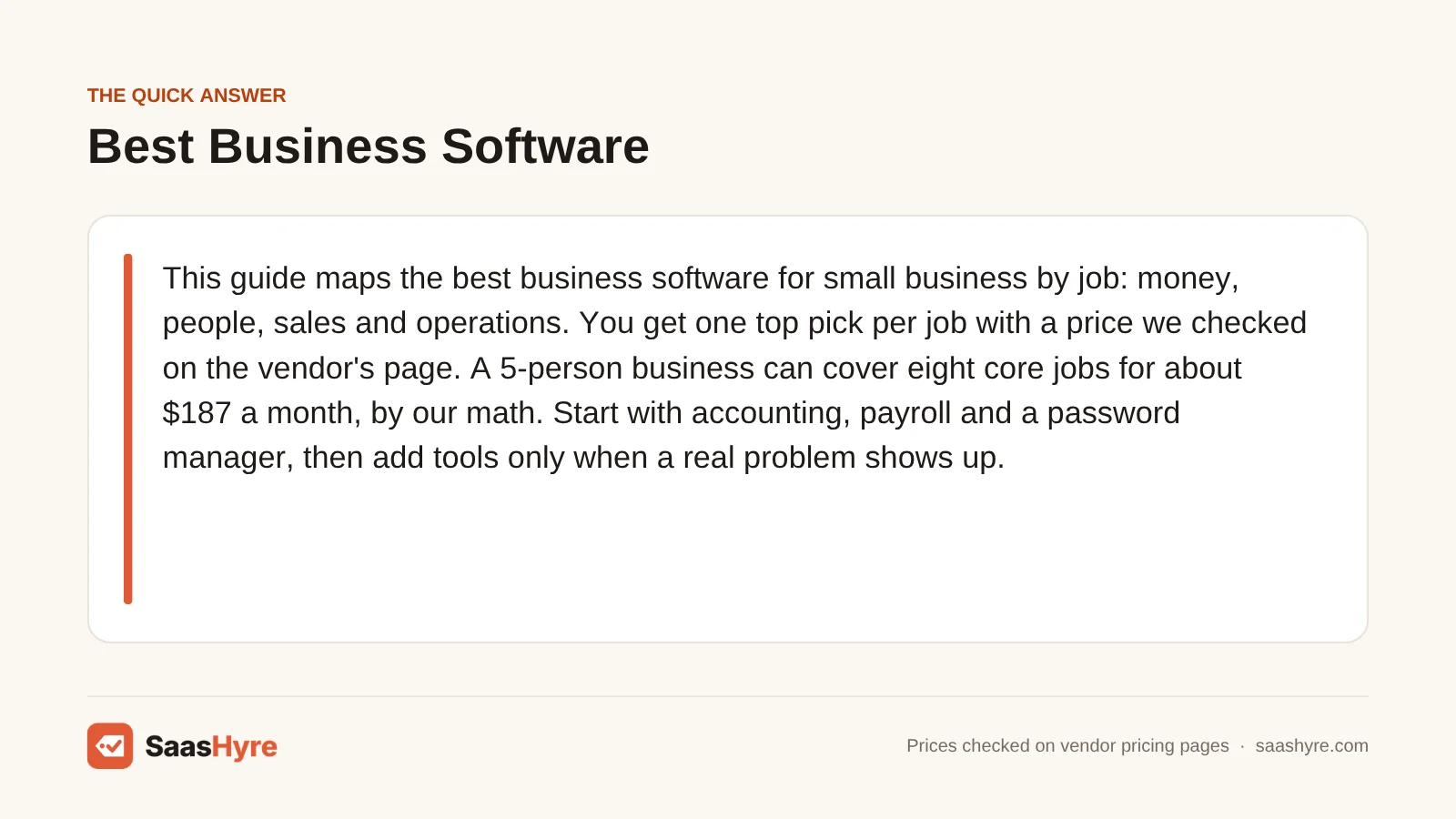
TL;DR: This guide maps the best business software for small business by job: money, people, sales and operations. You get one top pick per job with a price we checked on the vendor’s page. A 5-person business can cover eight core jobs for about $187 a month, by our math. Start with accounting, payroll and a password manager, then add tools only when a real problem shows up.
Picking the best business software for small business is less about one perfect app. It is about covering each job your team does with a tool you can afford. Think accounting, payroll, sales, support and security.
Most owners plan to spend more on this soon. A Clutch survey released in December 2025 found that 55% of small businesses expect to raise tech budgets in 2026. The same survey named rising tech costs as a top barrier for 15% of them.
That is the real problem. Each tool looks cheap alone. Then the per-seat fees, add-ons and promo endings stack on top of each other.
So this page works like a map. It covers four groups of software, picks a leader for each job and shows what a full setup costs for a team of 5 and a team of 20.
Every pick links to a deeper guide where one is live. I pulled the prices from our own guides, then re-checked them on each vendor’s pricing page on October 10, 2026. We did not test these tools ourselves.
What Is the Best Business Software for a Small Business?
There is no single best app. The best business software for a small business is one good tool per job. For most teams that means QuickBooks Online for accounting at $38 a month, Gusto for payroll at $49 plus $6 per person, HubSpot’s free CRM and Bitwarden Teams at $4 per user for passwords.
Here is the quick version. Find the job you need to fill, then read the full guide for that row.
| Category | Our top pick | Starting price | Read the full guide |
|---|---|---|---|
| Accounting | QuickBooks Online | $38/mo (Simple Start, 1 user) | AI accounting software guide |
| Bookkeeping service | Pilot | $99/mo (Essentials) | AI bookkeeping software guide |
| Invoicing | Zoho Invoice | $0 (up to 500 invoices a year) | AI invoicing software guide |
| Bill pay (accounts payable) | Melio | $0 (Go plan, 1 user) | accounts payable software guide |
| Collections (accounts receivable) | Paidnice | $69/mo (150 invoices) | accounts receivable software guide |
| Cash flow forecasting | Float | $105/mo billed yearly | cash flow forecasting guide |
| Financial analysis | Claude | $17/mo billed yearly (Pro) | AI financial analysis tools |
| Expense management | Ramp | $0/user (Free plan) | Guide coming soon |
| Budgeting | LivePlan | $15/mo billed yearly | Guide coming soon |
| HR and payroll | Gusto | $49/mo + $6 per person | AI tools for HR |
| Recruiting | Manatal | $15/user/mo billed yearly | AI recruiting software guide |
| Onboarding | Connecteam | $0 for up to 10 users | employee onboarding software guide |
| Performance reviews | Effy AI | $3/seat/mo (360 reviews) | performance management software guide |
| HR chatbot | MeBeBot | From $3.50/employee/mo | AI HR chatbots guide |
| Shift scheduling | When I Work | $2.50/user/mo | Guide coming soon |
| Time tracking | Clockify | $0 for up to 5 users | Guide coming soon |
| PEO (outsourced HR) | Justworks | $79/employee/mo (PEO Basic) | Guide coming soon |
| CRM | HubSpot | $0 for up to 2 users | AI CRM software guide |
| Cold email | Instantly | $47/mo (Growth) | cold email software guide |
| Customer service | Help Scout | $25/user/mo | Guide coming soon |
| Online store | Shopify | $29/mo billed yearly | Guide coming soon |
| Appointment booking | Acuity Scheduling | $16/mo billed yearly | Guide coming soon |
| Project management | ClickUp | $7/user/mo billed yearly | Guide coming soon |
| Contracts and e-signature | PandaDoc | $19/seat/mo (Starter) | contract management software guide |
| Password manager | Bitwarden | $4/user/mo (Teams, billed yearly) | best password managers |
| Device security | Microsoft Defender for Business | $3/user/mo billed yearly | AI cybersecurity tools guide |
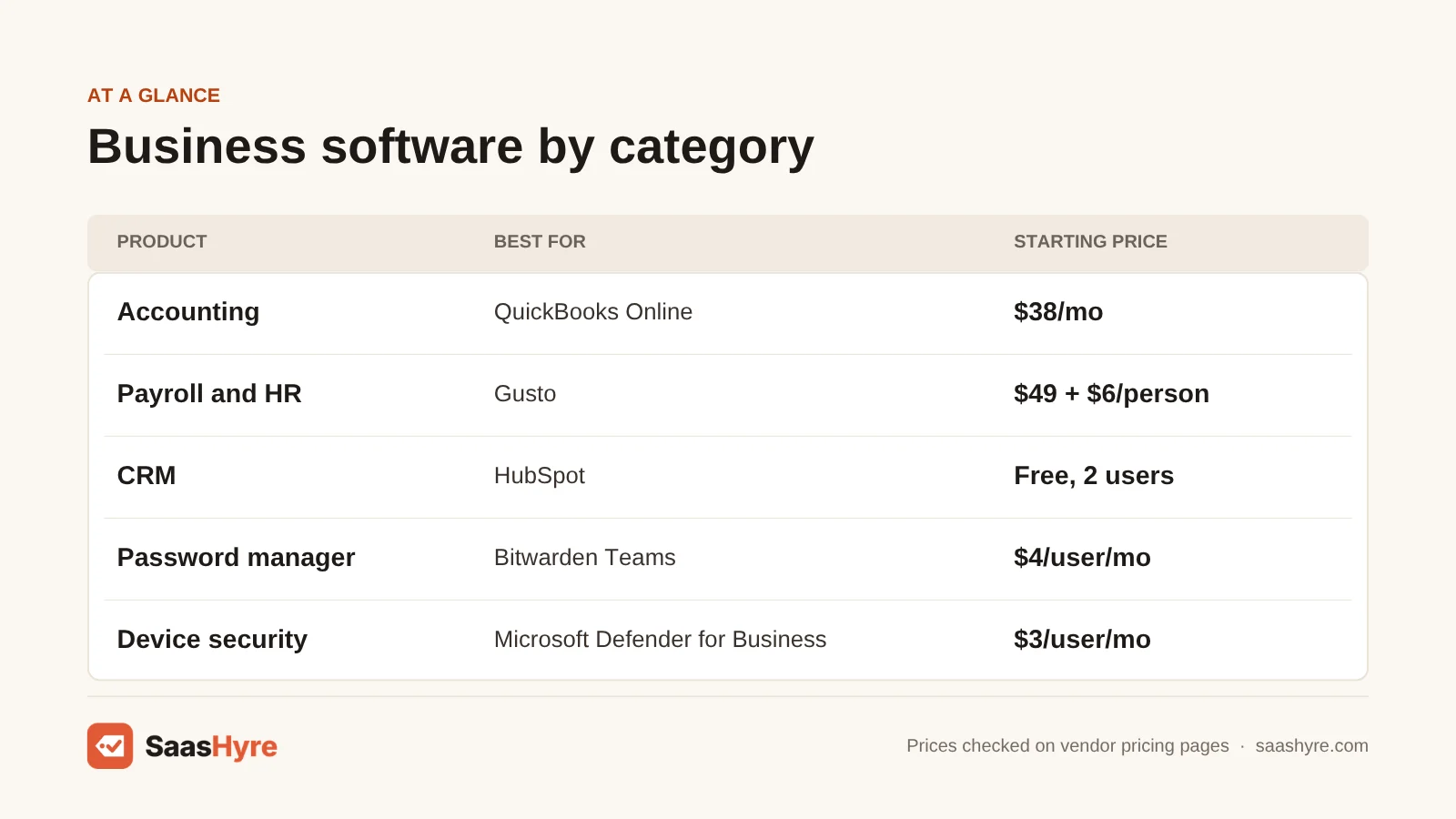
You don’t need all 26 rows. Most small teams need six to ten of them. The rest only matter once a certain pain shows up, like late customer payments or a growing hiring load.
What Are the Main Types of Business Software?
Small business software falls into four groups. Finance tools track and move money. HR tools pay, hire and manage people. Sales and customer tools win and keep buyers. Operations, legal and security tools run projects, sign contracts and protect your logins and devices. Most teams need at least one tool from each group.
Finance and accounting. This is your books, bills, invoices and cash plan. Accounting software is the hub. Bill pay, collections and forecasting tools plug into it. If you only buy one tool this year, buy this one.
HR and people. This covers payroll, hiring, onboarding, reviews and staff questions. Payroll comes first because taxes are due on a schedule. The other HR tools matter more once you pass about 10 people.
Sales, marketing and customers. This group includes your CRM, which is a shared list of leads, deals and contacts. It also covers email outreach, support help desks, online stores and booking pages. These tools touch revenue, so small mistakes here cost real money.
Operations, legal and security. This is where work gets planned, contracts get signed and logins stay safe. A password manager and device security are cheap. They also protect everything else on this list.
AI now shows up in almost every group. Some tools include it in the seat price. Others charge per use or lock it to a pricier plan. If you want AI tools outside these business jobs, our guide to the best AI tools covers writing, video, meetings and more.
The Best Business Software by Category
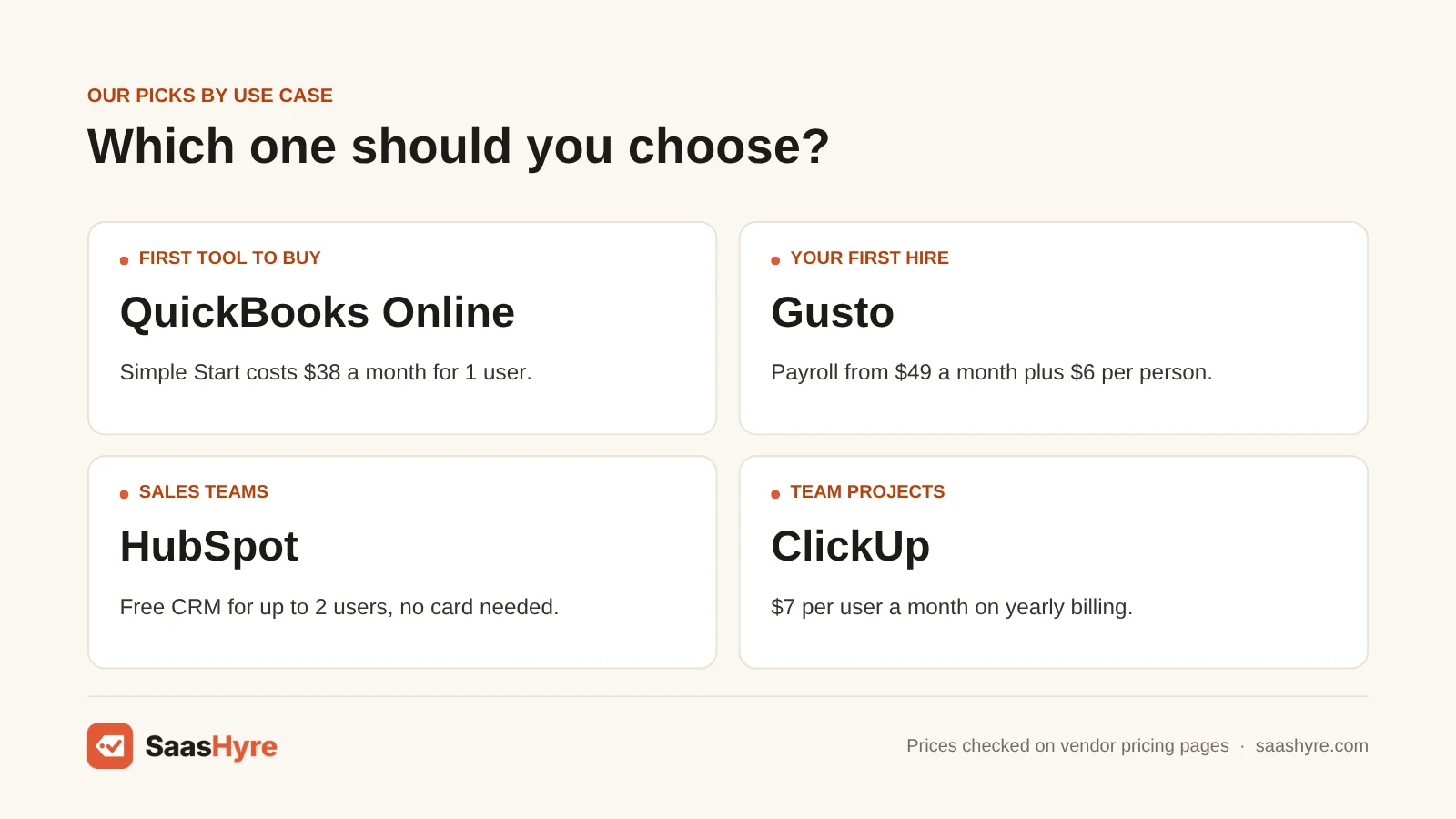
Below is one block per group. Each names a top pick, a few options and the catch to watch for. Prices are starting prices from the vendor’s own page.
Finance and Accounting
QuickBooks Online is our top pick for most US small businesses. Simple Start costs $38 a month for 1 user. It has the most AI help of the big names, per our AI accounting software comparison.
Want lower costs? Zoho Books has a free plan for businesses at or under $50K in yearly revenue. Xero starts at $27 a month and doesn’t charge per user. Watch the user caps. QuickBooks plans limit how many people can log in.
Don’t want to do the books yourself? Pilot starts at $99 a month for AI bookkeeping on up to $100,000 in monthly expenses. Our AI bookkeeping guide compares it with human services.
Then add helpers as you need them. Zoho Invoice is free for up to 500 invoices a year. Melio pays your bills on a free plan with 5 free ACH payments a month. Paidnice chases late customers from $69 a month. See our guides to AI invoicing tools, bill pay software and collections software.
For planning, Float starts at $105 a month billed yearly for a cash forecast. LivePlan builds a first budget from $15 a month billed yearly. For reading reports and spreadsheets, Claude Pro costs $17 a month billed yearly. Compare more in our cash flow forecasting picks and financial analysis tools. Ramp covers cards and expenses at $0 per user on its free plan.
HR and People
Gusto is our top pick for small teams that need payroll first. Simple costs $49 a month plus $6 per person. It includes tax filings and basic HR. Our AI tools for HR guide compares it with all-in-one HR systems.
Need the lowest payroll price? Patriot Full Service Payroll costs $37 a month plus $5 per worker. Want a full HR system? BambooHR charges a flat $250 a month for Core if you have 25 or fewer employees. That is a lot for a team of 8, so do the math first.
Hiring often? Manatal costs $15 per user a month billed yearly. Workable is $299 a month billed yearly for 1 to 20 employees. Our AI recruiting software guide shows costs at three team sizes.
For new hires and reviews, Connecteam is free for up to 10 users. Effy AI runs 360 reviews from $3 a seat a month. MeBeBot answers staff HR questions from $3.50 per employee a month. Read more in our onboarding software picks, performance review tools and HR chatbot guide.
Hourly teams need shifts and time clocks. When I Work starts at $2.50 per user a month. Clockify is free for up to 5 users. If you want someone else to carry HR risk, a PEO like Justworks costs $79 per employee a month on PEO Basic. A PEO is a firm that co-employs your staff so you can share its benefits and compliance help. For training, TalentLMS starts at $119 a month billed yearly.
Sales, Marketing and Customers
HubSpot is our top pick for a first CRM. It is free for up to 2 users, with no card needed. Paid seats cost more than the ads suggest once promos end, so read our AI CRM software guide before you upgrade.
Want a simple, visual pipeline? Pipedrive Lite costs $14 a seat a month billed yearly. Zoho CRM is free for up to 3 users. Watch the AI costs. Many CRMs charge for AI with credits, add-ons or a pricier plan.
For outbound sales, Instantly costs $47 a month on its Growth plan and lets you add as many inboxes as you need. Our cold email software guide compares costs at 5,000 and 50,000 emails a month. For newsletters, MailerLite is free for up to 250 subscribers.
For support, Help Scout costs $25 per user a month. Its AI answers cost extra per resolved chat. For online sales, Shopify Basic costs $29 a month billed yearly, plus card fees. If you would rather build your own store or site, start with our best web hosting guide. For client bookings, Acuity Scheduling starts at $16 a month billed yearly, and Calendly has a free plan with one event type.
Operations, Legal and Security
ClickUp is our top pick for project management. Unlimited costs $7 per user a month billed yearly. Its Brain AI is a paid add-on. Trello Standard is cheaper at $5 per user a month billed yearly, and its free plan covers 10 collaborators.
For contracts, PandaDoc Starter costs $19 a seat a month and handles proposals and signatures. SignWell is a cheaper signing tool at $10 a month for one sender. Our contract management software guide covers tools that also store and review contracts.
Security is the cheapest group to fix. Bitwarden Teams costs $4 per user a month billed yearly. Microsoft Defender for Business costs $3 per user a month billed yearly and covers up to five devices per user. Compare more in our password manager rankings and small business cybersecurity tools.
Some jobs only fit some businesses. Box Business stores and searches files from $15 per user a month, with a 3-user minimum. Jobber runs field service jobs from $29 a month billed yearly. Prediko forecasts stock for Shopify brands from $49 a month. Slite runs an internal wiki from $10 per user a month billed yearly.
How Much Does Business Software Cost for a Small Business?
A basic set of business software costs a 5-person company about $187 a month, or $2,244 a year, by our math. A 20-person company pays about $644 a month, or $7,728 a year. Per-person fees drive most of the bill, so headcount matters more than which brand you pick.
Here are the typical starting ranges from our individual guides. They show small business plans, not enterprise quotes.
| Category | Typical starting price range | What drives the bill |
|---|---|---|
| Accounting | $0 to $340 a month | Plan tier and number of logins |
| Bookkeeping service | $99 to $549+ a month | Your monthly expenses and human review |
| Payroll | $17 to $89 a month, plus $4 to $35 per person | Headcount and number of states |
| HR software (HRIS) | $5 to $10+ per employee a month | Headcount and monthly minimums |
| PEO | $79 to $125 per employee a month | Headcount and benefits tier |
| CRM | $0 to $195+ per seat a month | Seats, AI credits and add-ons |
| Cold email | About $39 to $69 a month | Emails sent and contacts stored |
| Customer service | $19 to $90 per seat, plus AI fees | Seats and AI resolutions |
| Project management | $5 to $20 per user a month | Seats and whether AI is included |
| Password manager | $1.99 to $8.99 per user a month | Seats and admin features |
| Online store | $0 to $299 a month, plus card fees | Sales volume and card rates |
Now let’s price a real setup. I picked one tool per job and used only prices we confirmed on vendor pages today. The rates mix monthly and yearly billing as each vendor lists them.
Scenario 1: a 5-person service business. You need books, payroll, a shared contact list, task tracking, signed contracts and basic security.
- QuickBooks Online Simple Start, 1 user: $38
- Gusto Simple for 5 people ($49 + 5 x $6): $79
- HubSpot free CRM, 2 users: $0
- Trello Standard, 5 users at $5: $25
- Bitwarden Teams, 5 users at $4: $20
- Microsoft Defender for Business, 5 users at $3: $15
- SignWell, 1 sender: $10
- Melio Go for bill pay: $0
Total: $187 a month, or $2,244 a year (our math). That is about $37 per person each month.
Scenario 2: a 20-person business with a small sales and support team. You keep the same core, then add seats and two new jobs.
- QuickBooks Online Simple Start, 1 bookkeeper: $38
- Gusto Simple for 20 people ($49 + 20 x $6): $169
- Pipedrive Lite, 6 sales seats at $14: $84
- Trello Standard, 20 users at $5: $100
- Bitwarden Teams, 20 users at $4: $80
- Microsoft Defender for Business, 20 users at $3: $60
- PandaDoc Starter, 2 seats at $19: $38
- Help Scout Standard, 3 support users at $25: $75
- Melio Go for bill pay: $0
Total: $644 a month, or $7,728 a year (our math). That works out to about $32 per person each month.
These totals leave some things out. They skip email and office apps, payroll taxes, card processing fees and any AI add-ons. They also assume one person runs the books. If more people need to log in to accounting, you will need a bigger plan.
How Do You Choose Business Software?
Choose business software by job, not by brand. List the jobs you do every week, price each tool at your real headcount for a full year, and check what it connects to. Start with free plans or trials, and only pay for a tool once it saves time you can name.
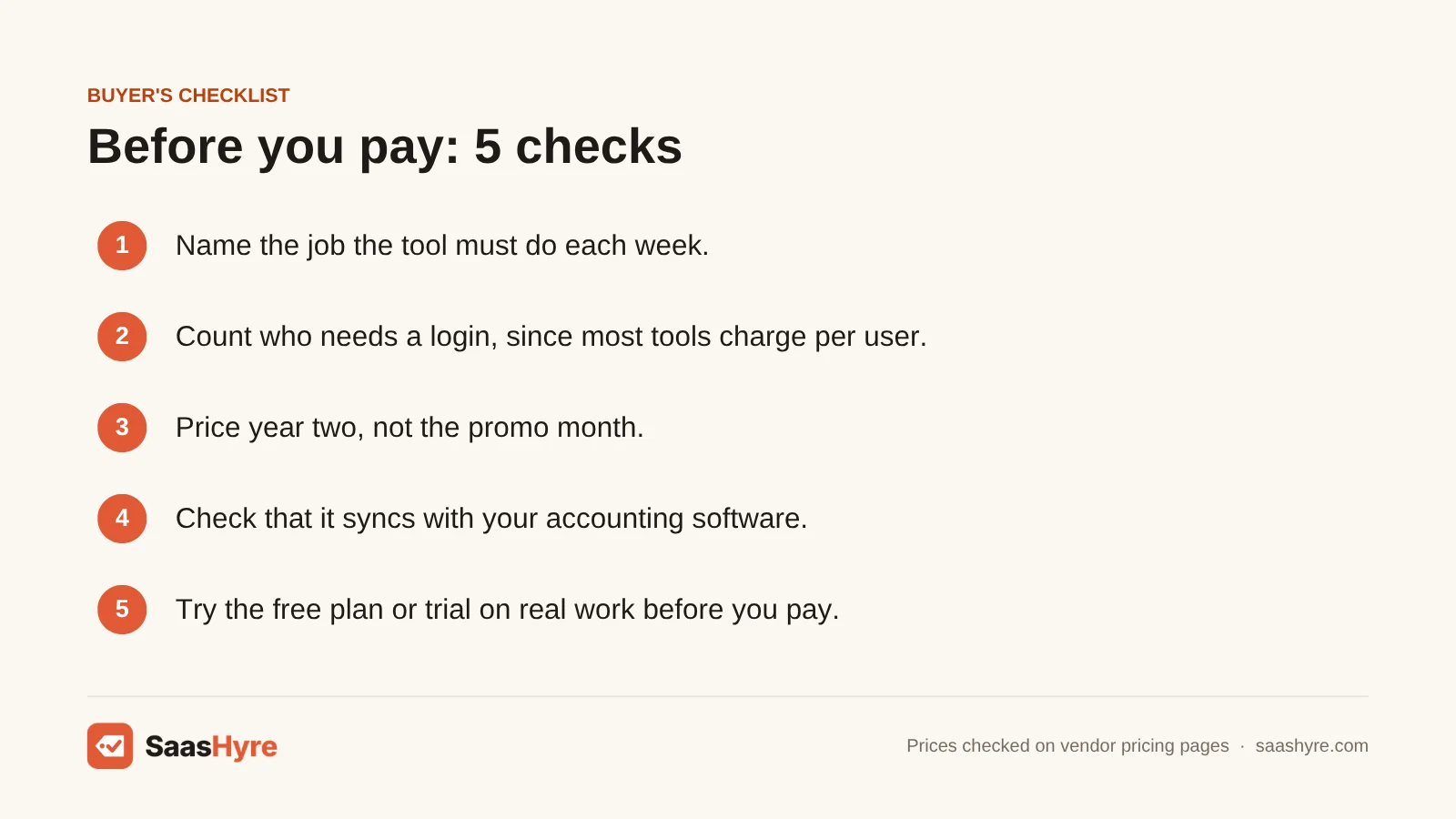
Use this short checklist before you sign up for anything:
- Name the job. Write down the task the tool must handle, like “send invoices” or “run payroll.”
- Count your seats. Who needs to log in? Many tools charge per user, so 3 users and 20 users are very different bills.
- Price year two. Many tools show a promo price. Check the regular price after the first few months.
- Check the connections. Your CRM, payroll and bill pay tools should sync with your accounting software.
- Find where the AI starts. Some AI comes in the base plan. Some needs a pricier plan, credits or an add-on.
- Try it first. Use the free plan or trial on real work before you pay for a year.
One more tip. Pick the tool your accountant or bookkeeper already knows when you can. It saves setup time and cuts down on errors.
What Business Software Should You Buy First?
Buy accounting software first, then payroll once you hire, then a password manager. Those three handle money, taxes and security. Add a CRM when you track more leads than you can remember, and a project tool when work slips through the cracks. Everything else can wait for a real problem.
Here is a simple order that fits most small businesses:
- Accounting. Every other finance tool syncs to it. Zoho Books is free for small revenue, and QuickBooks Online Simple Start costs $38 a month.
- Payroll. Taxes have deadlines and fines. Gusto handles filings for you.
- Passwords and device security. Bitwarden and Defender together cost $7 per user a month (our math). That is a small cost next to one stolen login.
- CRM. HubSpot’s free plan covers 2 users, so you can start for $0.
- Project management. Trello’s free plan covers 10 collaborators before you need to pay.
After that, let pain guide you. Late payments point to a collections tool. A pile of resumes points to a recruiting tool. Slow support replies point to a help desk.
Common Mistakes When Buying Business Software
Most overspending comes from a few habits. Here are the ones our guides flag most often.
Paying for the same job twice. Many tools overlap. Gusto includes onboarding. HubSpot includes email tools. Check what you already pay for before you add a new app.
Buying the enterprise tool too early. A tool built for 500 people often has a monthly minimum. BambooHR’s $250 floor for small teams is one example. A cheaper tool may fit you for years.
Forgetting the promo ends. HubSpot, QuickBooks and Xero all run new-customer deals. Budget the regular price times 12, not the first month.
Ignoring per-use fees. AI help desks often charge per resolved chat. Bill pay tools charge per payment past a free limit. These fees grow with your business, so price them at your real volume.
Skipping security because it feels optional. A password manager and device protection cost a few dollars per person. Leaving them out puts every other tool at risk.
How We Researched This Guide
We built this page from our own detailed guides in each category. Each guide compares several tools using prices from the vendor’s own pricing page.
For this summary, I picked one leader per job from those guides. Then I re-checked every price named here on the vendor’s pricing page on the date below. Where the vendor page changed, I used the vendor’s figure. Where a vendor did not show a price, I left the price out.
We did not test these tools ourselves. We did not run benchmarks. No vendor pays to be listed or ranked on this page. The budget totals are our own math using the listed starting prices.
Read our editorial policy to see how we pick, rank and update tools.
Prices last checked: October 10, 2026.
The Bottom Line
The best business software for a small business is not one big app. It is one good tool for each job you actually do. For most teams, that starts with accounting, payroll and security.
A 5-person team can cover eight core jobs for about $187 a month, by our math. A 20-person team with sales and support staff lands near $644 a month. Per-person fees drive most of that, so count your seats before you compare brands.
Your next step is simple. List the three jobs that cost you the most time each week. Then open the matching guide in the table above and start a free plan or trial for the top pick. Add the next tool only when a new problem shows up.
Frequently Asked Questions
What software does every small business need?
Most small businesses need accounting software, a way to run payroll once they hire, and a password manager. A free CRM and a simple project tool come next. Everything else depends on your industry and size.
Is there free business software for small business?
Yes. Zoho Books has a free plan for businesses at or under $50K in yearly revenue. HubSpot’s CRM is free for up to 2 users, and Clockify is free for up to 5 users. Free plans have limits, so check them before you rely on one.
How much should a small business spend on software?
There is no fixed rule. In our two examples, a starter set cost about $32 to $37 per person each month (our math). Your number depends on headcount, which jobs you cover and whether you pay monthly or yearly.
Is it better to use one all-in-one platform or separate tools?
Separate tools often cost less and do each job better. All-in-one platforms can save setup time but may carry monthly minimums. A good middle path is to pick tools that sync with your accounting software.
Do small businesses need AI features in their software?
Not always. AI can speed up bookkeeping, support replies and email drafts. But many vendors charge extra for it through credits, add-ons or higher plans. Pay for AI only where it saves time you can measure.