
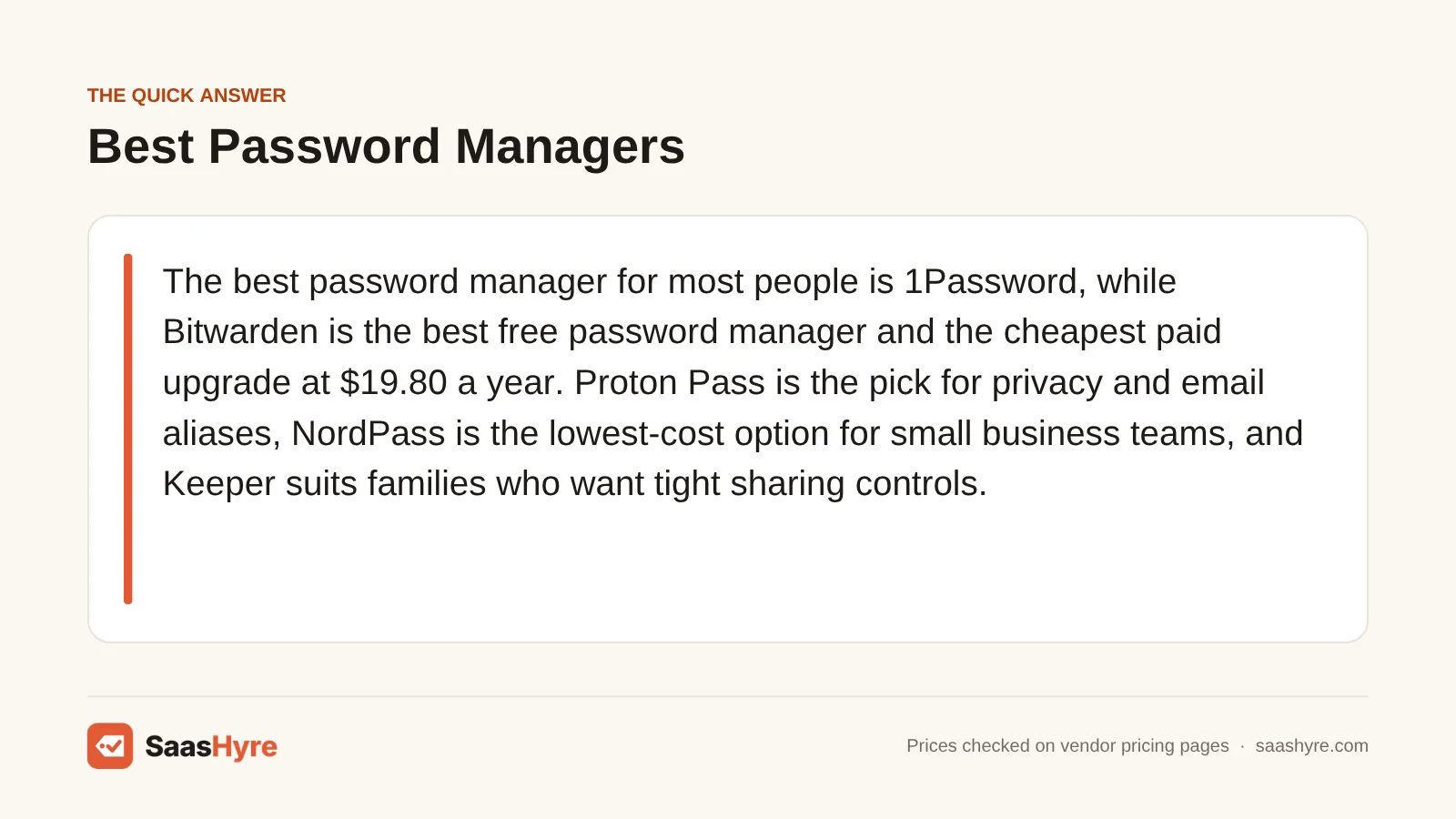
For most people, the best password manager is 1Password. Bitwarden is the best free password manager and the cheapest paid upgrade at $19.80 a year. Proton Pass is the pick for privacy and email aliases. NordPass is the lowest-cost option for small business teams. Keeper suits families who want tight sharing controls.
Here is my advice before you compare. The price on the box is rarely what you pay. What counts is your cost at your size. That could be one person, a household, or a team that might grow past 10 people next year. Several vendors quote a first-year promo. Two of the biggest have a hard seat limit. Hire one more person, and your bill can go up four times.
I pulled every price below from the vendor’s own pricing page in September 2026. Prices are in USD and billed yearly unless noted.
Building a full stack? Our small business software guide shows the best pick for every job and what it costs.
Quick Comparison: Password Managers at a Glance
| Provider | Best for | Individual price | Business price | Free plan |
|---|---|---|---|---|
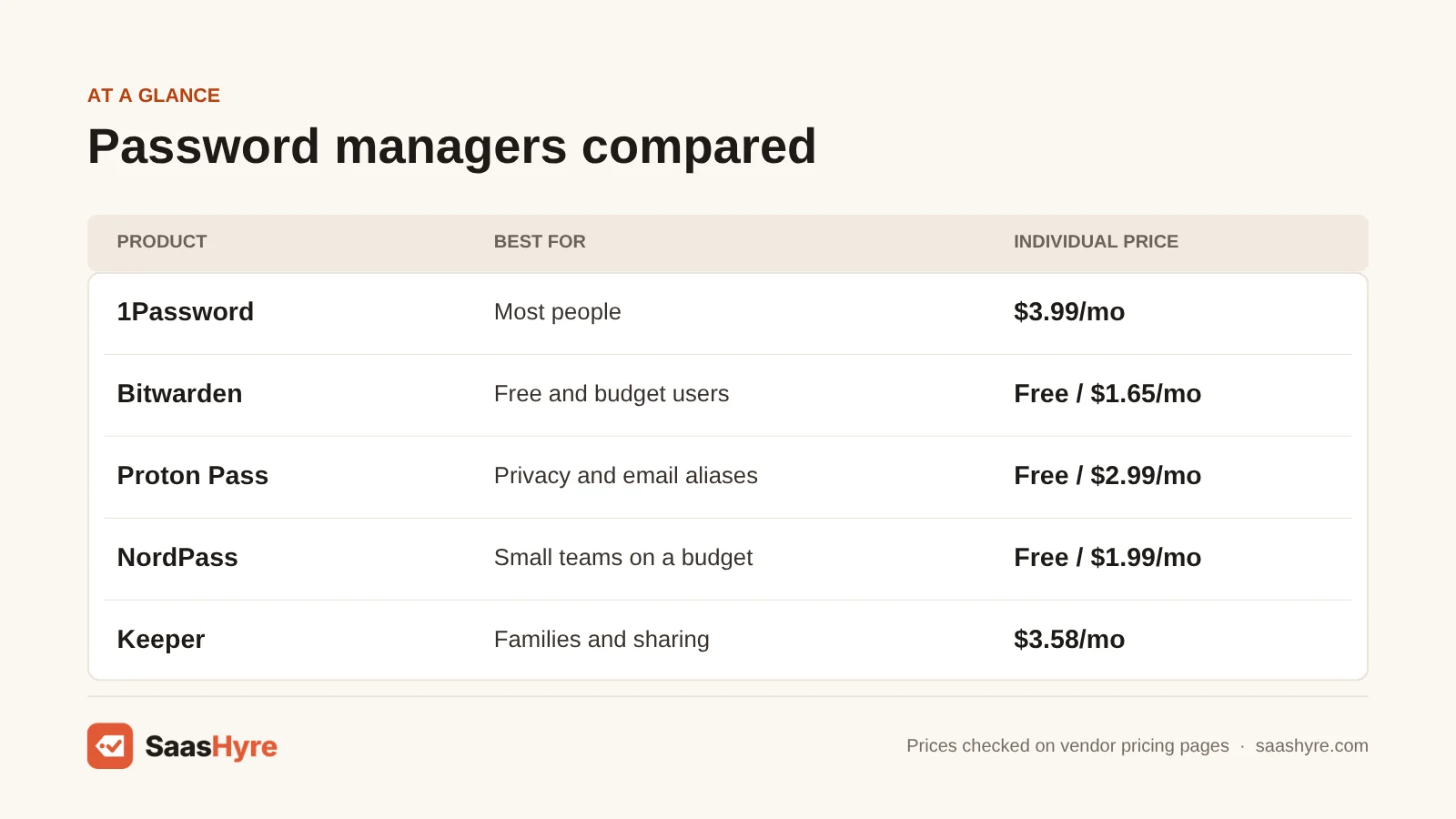
| 1Password | Most people | $3.99/mo ($2.99 first year for new customers) | $24.95/mo for up to 10 users; $8.99/user after that | No, 14-day trial |
| Bitwarden | Free and budget users | $1.65/mo ($19.80/yr) | $4/user (Teams) | Yes, unlimited devices |
| Proton Pass | Privacy and aliases | $2.99/mo on the annual plan | From $1.99/user, 3-user minimum | Yes, unlimited devices |
| NordPass | Small teams on a budget | $1.99/mo on a 1-year plan | $1.99/user (10-user Teams pack) | Yes, one device |
| Keeper | Families and sharing | $3.58/mo ($42.99/yr) | $2/user (5 to 10 seats) | No free plan listed |
| Dashlane | Large households | $5.42/mo | $8/user | No |
| RoboForm | Cheapest first year | $19.90 first year, then $29.88/yr | Not checked | Yes, one device |
What You’re Actually Buying With a Password Manager
A password manager is an encrypted vault. It creates, stores and autofills a unique password for every account. It is locked behind one master password that only you know. You usually pay for syncing across devices, sharing with other people, file storage, breach alerts and a built-in authenticator for two-factor codes. The core encryption is the same on free and paid tiers.
All seven products here use end-to-end, zero-knowledge encryption. That means the company stores your vault in a form it can’t read. What sets them apart is how many devices the free plan allows and what sharing costs. It also matters how the price changes as you add people. For more software buying guides, see our SaaS hub.
What a Password Manager Really Costs: Solo, Family and Team
For one person, a good password manager costs $0 to about $65 a year. For a family, expect roughly $32 to $100 a year. For a 25-person business, the range is about $600 to $2,700 a year. The cheapest team plans often stop at 10 users. The table below shows the yearly cost at each size.
| Provider | 1 person / yr | Family / yr | 10-person team / yr | 25-person team / yr |
|---|---|---|---|---|
| 1Password | $47.88 ($35.88 first year) | $71.88 (5 people) | $299.40 (Teams Starter Pack) | $2,697 (Business) |
| Bitwarden | $0 or $19.80 | $47.88 (6 people) | $480 (Teams) | $1,200 (Teams) |
| Proton Pass | $0 or $35.88 | $59.88 (6 people) | From $238.80 (Essentials) | From $597 (Essentials) |
| NordPass | $0 or $23.88 first year | $44.28 first year (6 people) | $238.80 (Teams, 1-year) | $1,197 (Business, 1-year) |
| Keeper | $42.99 | $91.99 (5 people) | $240 (Business Starter) | $1,200 (Business) |
| Dashlane | $65.04 | $97.56 (10 people) | $960 | $2,400 |
| RoboForm | $0 or $19.90, then $29.88 | $31.95, then $47.75 (5 people) | Not checked | Not checked |
The 10-user cliff. 1Password’s Teams Starter Pack is a flat $24.95 a month for up to 10 users. Add an eleventh person, and you move to Business at $8.99 per user. That is $1,186.68 a year for 11 people. It’s roughly four times the bill for one extra hire. Keeper’s Business Starter ($2 per user) also stops at 10 seats. NordPass sells Teams only as a 10-user pack. Is your company at seven people and growing? Price the next tier now, not after you have moved everyone over.
First-year pricing. RoboForm’s Premium plan costs $19.90 for the first year and $29.88 after that. Its own pricing page says so. 1Password’s $2.99 promo only applies to new customers for the first year. NordPass says its 1-year Premium price is “for the first 12 months” only. It doesn’t show the renewal price on the plans page, so assume it will be higher. Bitwarden and Keeper list one yearly price with no promo.
Free-plan device limits. Bitwarden and Proton Pass let you use the free plan on unlimited devices. NordPass and RoboForm free plans only work on one device. LastPass Free only works on one device type (computer or mobile, not both). Want your phone and laptop in sync without paying? Only the first two work.
Does a Company’s Breach History Matter?
Yes, but read it the right way. A breach shows how a company runs its own systems. The LastPass case shows that stolen vaults can be cracked years later if the master password was weak. Choose a vendor with a good record. And use a long, unique master password no matter what.
In 2022, an attacker used login details stolen from a LastPass engineer to copy customer vault backups. LastPass’s own incident notice says the backups held encrypted usernames and passwords. They also held unencrypted data, like website URLs. In December 2025, the UK’s Information Commissioner’s Office fined LastPass UK £1.2 million. It said up to 1.6 million UK users were affected. The ICO found no proof that the hacker decrypted any encrypted passwords.
The real damage came from weak master passwords. In March 2025, Krebs on Security reported that US federal investigators linked a $150 million crypto theft to the 2022 LastPass breach. It also reported that many victims had used simple master passwords.
Here is what this means for you. Encryption only protects your vault as well as your master password does. Use a passphrase of four or more random words. Turn on two-factor login for the vault itself. And don’t store crypto seed phrases in any cloud vault. LastPass still sells plans (Premium is $3 a month, Teams $4.25 per user), and it still works. We left it off our picks because cheaper rivals offer the same features without that history.
What Makes the Best Password Manager?
The best password manager protects your vault and stays affordable as you grow. Check five things. Look at the price at your next team or family size. Find the renewal price after any promo. Check device limits on free plans. See which features are paid add-ons. And check how easily you can export your data. The vendor’s security record matters too.
Price it out for 11 and 25 users before you commit, since several vendors have a 10-user tier. Budget for the regular price in year two. During the trial, move a few logins in and out so you know you can leave later. A long passphrase and two-factor login on the vault matter most.
Best Password Managers for Individuals and Families
1Password is the best paid choice for one person or a household that wants the most polished apps. Keeper is the stronger pick for families who share many records and need 10 GB of file storage. RoboForm has the cheapest first year if you fill in long web forms.
1 1Password: Best for most people
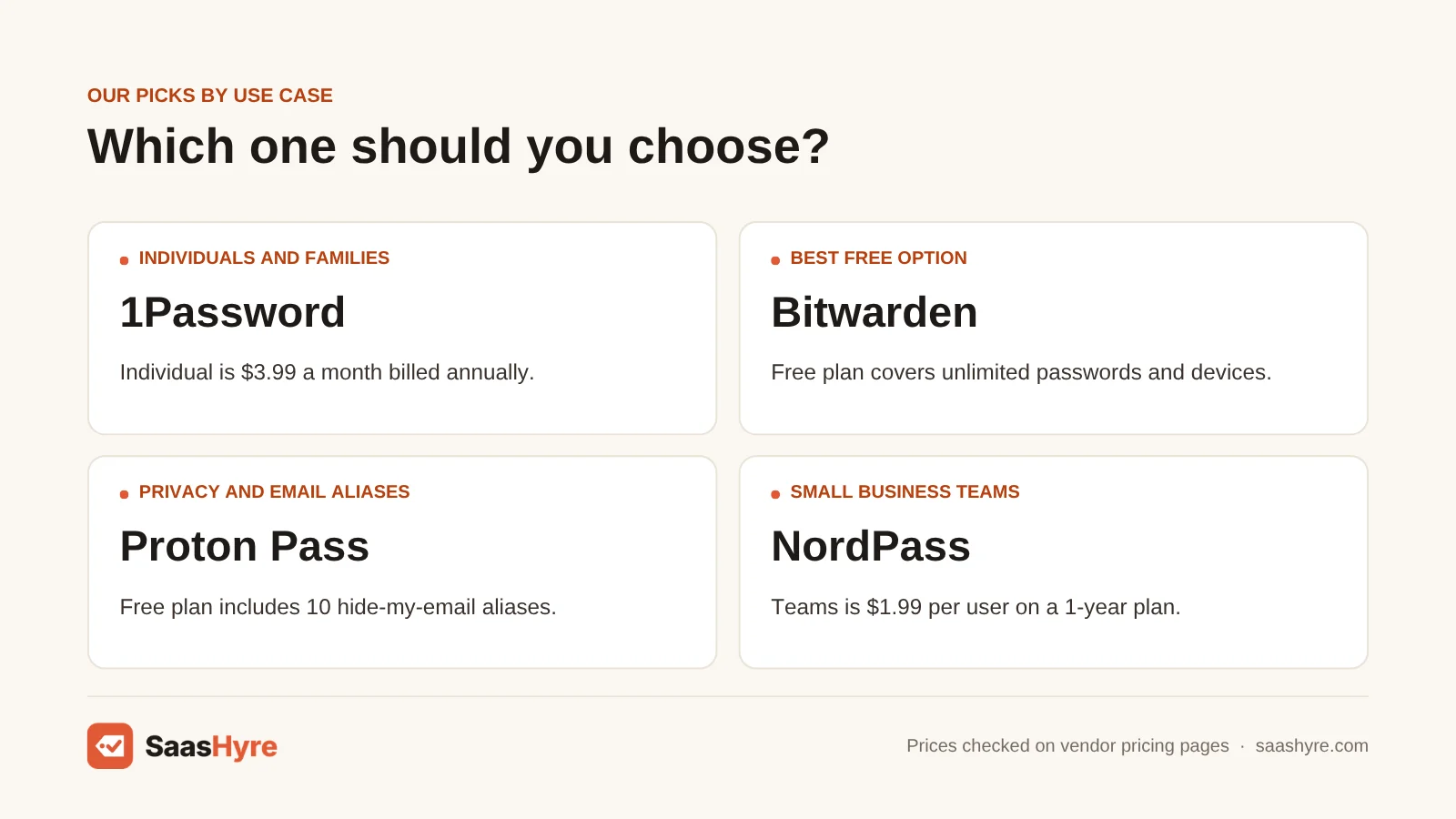
Want the most polished apps for yourself or your household? 1Password is the best paid choice.
What it does well. Your vault is protected by your password and a separate Secret Key made on your device. So a leaked server copy is much harder to attack. Travel Mode hides the vaults you pick when you cross a border. Its apps are the easiest for family members who aren’t tech-savvy.
Key features:
- Protection from a Secret Key plus your password
- Travel Mode for border crossings
- Families plan for five people with 1 GB of storage each
- Teams Starter Pack for up to 10 users
- 14-day trial
Pricing. Individual costs $3.99 a month billed yearly ($47.88). Or it’s $2.99 for the first year if you’re a new customer signing up directly. Families costs $5.99 a month ($71.88). The Individual price went up on March 27, 2026, from $35.88 to $47.88 a year, as MacRumors reported. For business, the Teams Starter Pack costs $24.95 a month for up to 10 users. After that, Business costs $8.99 per user.
Best for: You, if you want the easiest apps for yourself or your household and don’t mind paying for them.
Limitations. There is no free plan, just a 14-day trial. The recent price rise is why long-time users complain. The promo price is only for new customers. If your team will pass 10 people soon, it is a weaker fit.
2 Keeper: Best for families and sharing
Does your family share lots of records and need file storage? Keeper is the stronger pick for you.
What it does well. You can control sharing in fine detail, down to single records and folders. It offers emergency access for estate planning. The Family plan includes 10 GB of secure file storage.
Key features:
- Fine-grained sharing, down to records and folders
- Emergency access for estate planning
- 10 GB of secure file storage on Family
- Business plans from 5 seats
Pricing. Personal costs $42.99 a year ($3.58 a month). Family costs $91.99 a year for five users. BreachWatch dark web monitoring costs $26.99 a year. Extra storage starts at $13.99 a year. With every add-on, a Personal plan can top $80. Business Starter costs $2 per user for 5 to 10 seats, and Business costs $4 per user.
Best for: You, if your family shares a lot of documents and logins.
Limitations. Watch the add-ons. You pay extra for breach monitoring that rivals include. No free plan is listed.
3 RoboForm: Best for the cheapest first year
Do you fill in long web forms a lot? RoboForm has the cheapest first year.
What it does well. Form filling has long been its strong point. It handles long checkout, application and address forms better than most tools built mainly for passwords.
Key features:
- Strong form filling
- Free plan with unlimited passwords
- Family plan for up to five Premium accounts
Pricing. Premium costs $19.90 for the first year, then $29.88 a year. Family covers up to five Premium accounts at $31.95 for the first year, then $47.75.
Best for: You, if you fill in lots of web forms and want the lowest first-year price.
Limitations. The free plan only works on one device. Bitwarden is cheaper at renewal. Budget for the regular price in year two.
Best Free Password Managers
Bitwarden and Proton Pass are the only two major free plans that sync unlimited passwords across unlimited devices. Bitwarden is the better value if you upgrade later. Proton Pass is better if you want email aliases to hide your real address from sign-up forms.
4 Bitwarden: Best for free and budget users
Bitwarden is one of only two major free plans that sync unlimited passwords across unlimited devices. It is also the better value if you upgrade later.
What it does well. The free plan includes unlimited passwords and devices, passkey storage and apps for every platform. The code is open source. Enterprise adds SSO, company-wide policies and self-hosting. It also gives every employee a free Families plan.
Key features:
- Unlimited passwords and devices on the free plan
- Passkey storage
- Open-source code
- Self-hosting on Enterprise
Pricing. Premium costs $19.80 a year ($1.65 a month). That is after a price change on February 1, 2026, according to Thurrott. Families costs $47.88 a year for six people. Teams costs $4 per user, and Enterprise costs $6 per user (Bitwarden pricing).
Best for: You, if you want a free plan that works everywhere or the cheapest paid upgrade. It also fits teams past 10 users.
Limitations. The free plan leaves out the built-in two-factor code generator (TOTP), file attachments, emergency access and vault health reports. Its plain, no-frills design can be hard if you’re less tech-savvy.
5 Proton Pass: Best for privacy and aliases
Want email aliases to hide your real address from sign-up forms? Proton Pass is the better free option.
What it does well. The aliases are the real draw. You give every shop and newsletter a different forwarding address. So if one site is breached, no one can link it to your other accounts. The free plan covers unlimited logins and devices.
Key features:
- Hide-my-email aliases
- Unlimited logins and devices on the free plan
- Built-in authenticator on Pass Plus
- Dark web monitoring on Pass Plus
Pricing. The free plan includes two vaults and 10 aliases. Pass Plus costs $2.99 a month on the 12-month plan ($35.88), listed down from $4.99. It adds unlimited aliases, 50 vaults, a built-in authenticator and dark web monitoring. Pass Family costs $59.88 a year for six users. Proton Unlimited bundles Pass with Mail, VPN and Drive for $119.88 a year. Business plans start at $1.99 per user for Pass Essentials and $4.49 for Pass Professional. Both need at least three users.
Best for: You, if you care about privacy or already use Proton Mail.
Limitations. It has a shorter track record in business password management than the rivals that have been around longest.
Best Password Managers for Business
For small teams, NordPass and Keeper are the cheapest at about $2 per user for up to 10 people. Bitwarden Teams at $4 per user is the best value past 10 users. Dashlane and 1Password Business cost $8 to $9 per user. They only make sense if their admin features are worth double the price.
6 NordPass: Best for small teams on a budget
Running a small team on a budget? NordPass is one of the cheapest options, at about $2 per user.
What it does well. It has a low price per seat, and its design is simple and quick to learn. All business plans come with a 14-day trial.
Key features:
- Low price per seat for business
- Simple design that is quick to learn
- 14-day trial on business plans
- Free plan for one device
Pricing. Teams costs $1.99 per user on a 1-year plan, sold only as a 10-user pack. Business costs $3.99 per user on a 1-year plan ($5.99 billed monthly), with at least five users. Enterprise costs $5.99 per user on a 1-year plan. For individuals, Premium costs $23.88 for the first 12 months. Or it’s $37.53 for the first 27 months on the 2-year plan.
Best for: You, if your team has 5 to 25 people and you want a low price per seat.
Limitations. It uses promo pricing and doesn’t say what renewal costs. The free plan only works on one device. It leaves out password health and breach scanning.
7 Dashlane: Best for large households
Dashlane costs the most for individuals. But its family plan covers the most seats here.
What it does well. Friends and Family covers 10 members. That is the most seats of any family plan here. At $97.56 a year for 10 people, it gets cheap per person if you fill the seats.
Key features:
- Friends and Family plan for 10 members
- Business admin console
- 14-day business trial
- Custom Enterprise pricing
Pricing. The business Password Management plan costs $8 per user per month billed yearly. Enterprise pricing is custom. Premium costs $5.42 a month. Friends and Family costs $8.13 a month for 10 members.
Best for: You, if you have a large extended family or run a security team that already likes its admin console.
Limitations. There is no free plan for personal use. If you run a small team and watch the price per seat, you pay about double what Bitwarden or NordPass charge. Dashlane and 1Password Business only make sense if their admin features are worth that price.
How to Choose a Password Manager: 6 Checks Before You Pay
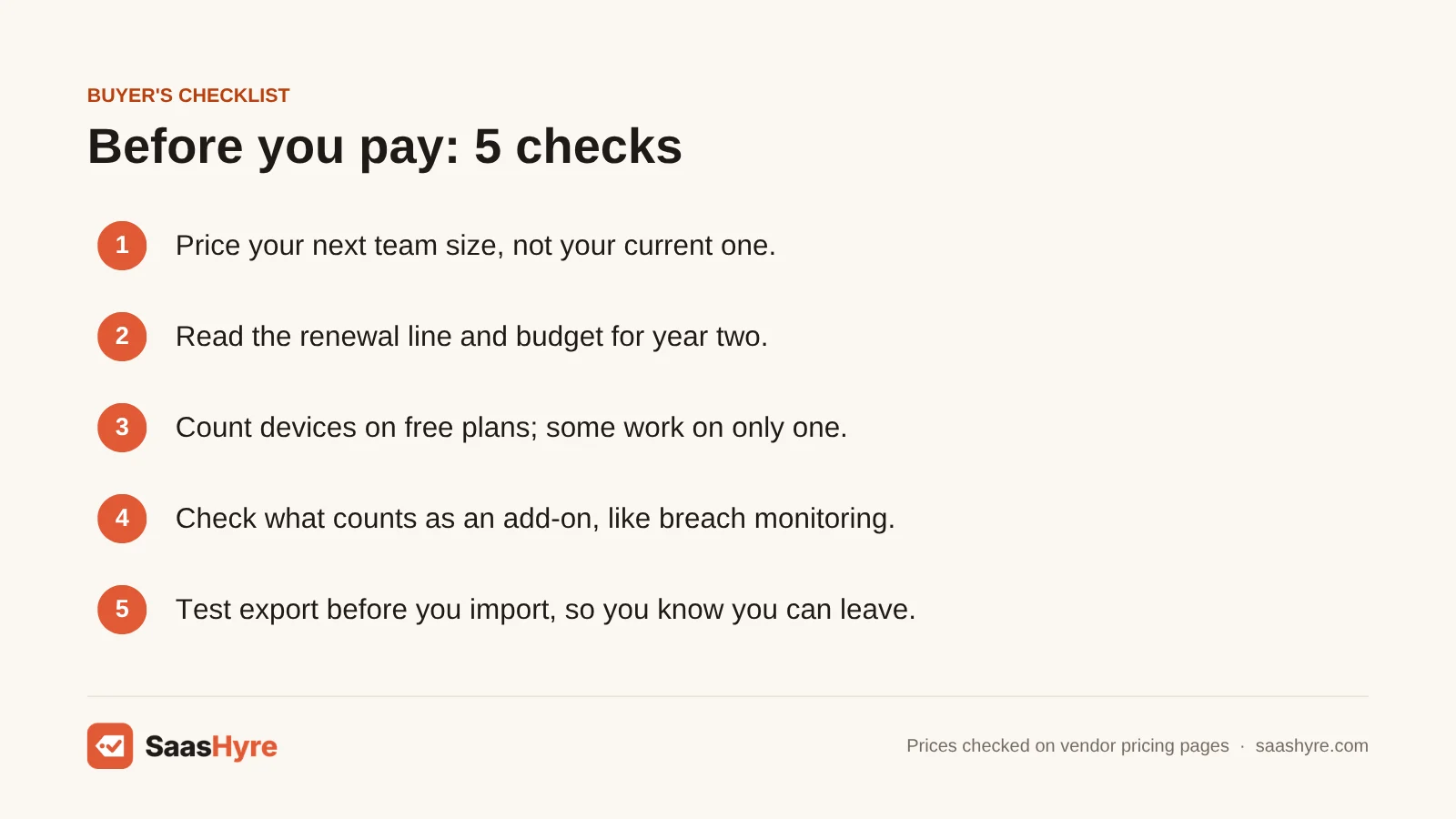
- Price your next team size, not your current one. 1Password, Keeper and NordPass all have a 10-user tier. Price it out for 11 and 25 users before you commit.
- Read the renewal line. RoboForm and NordPass quote first-year prices. 1Password’s promo is only for new customers. Budget for the regular price in year two.
- Count devices on free plans. NordPass and RoboForm free only work on one device. If you need a phone plus a laptop, use Bitwarden or Proton Pass free.
- Check what counts as an add-on. Keeper sells breach monitoring and storage on their own. Bitwarden free has no built-in authenticator.
- Test export before you import. During the trial, move a few logins in and out. Then you know you can leave later.
- Look at the vendor’s incident history and your master password. A good record helps. A long passphrase and two-factor login on the vault matter more.
How We Evaluated
We compared plans using each vendor’s own pricing pages and docs, checked in September 2026. Security incident details come from the vendor’s own disclosure, the UK ICO and Krebs on Security. We did not run our own benchmarks or lab tests, and we don’t claim to have. No provider pays for placement. Read our editorial policy for more.
The Bottom Line
Want just one pick? Get 1Password for its polish and Secret Key protection. If you’d rather pay nothing, Bitwarden’s free plan is the one to beat. Its $19.80 Premium upgrade is the best value around. Pick Proton Pass for privacy and aliases and Keeper if your family shares lots of documents. Pick NordPass or Bitwarden Teams if you run a small business and want a low price per seat. Whatever you choose, check the renewal price and the 10-user cap before you move your whole team in.
Frequently Asked Questions
Is Bitwarden or 1Password better?
1Password is better if you want the most polished apps, Travel Mode and Secret Key protection. You also need to be happy paying $47.88 a year. Bitwarden is better on price. Its free plan syncs unlimited devices, and Premium costs $19.80 a year. For teams past 10 users, Bitwarden Teams at $4 per user beats 1Password Business at $8.99.
What is the best free password manager?
For most people, Bitwarden is the best free password manager. It gives you unlimited passwords on unlimited devices for free. Proton Pass is a close second. It has the same device limit plus 10 free email aliases. NordPass and RoboForm also have free plans. But both limit you to one device, which is awkward if you use a phone and a laptop.
How much does a password manager cost for a business?
Business plans cost about $1.99 to $8.99 per user per month on yearly billing. Keeper Business Starter and NordPass Teams cost about $2 per user, but they stop at 10 users. Bitwarden Teams costs $4 per user, Dashlane $8 and 1Password Business $8.99. A 25-person team pays roughly $600 (Proton Pass Essentials) to $2,700 (1Password Business) a year.
What happened to LastPass?
In 2022, an attacker copied LastPass customer vault backups. They held encrypted passwords and unencrypted website URLs. The UK ICO fined LastPass UK £1.2 million in December 2025. US investigators later linked large crypto thefts to vaults with weak master passwords. LastPass still runs, with Premium at $3 a month. But many buyers now choose rivals.
Which password manager has never been hacked?
No vendor can promise it will never be attacked. So be careful with “never hacked” claims. 1Password, Bitwarden and Proton Pass have no publicly reported vault breaches like LastPass’s 2022 incident. What protects you most is zero-knowledge encryption, a long and unique master password, and two-factor login on the vault itself.
Should I use my browser’s built-in password manager instead?
Browser password managers from Google, Apple and Microsoft are free. They work fine if you’re one person who stays inside one company’s devices and apps. They are weaker at sharing with family and working across rival browsers and operating systems. They also give a business less admin control. Do you use Chrome on Windows and Safari on an iPhone? A dedicated manager like Bitwarden keeps everything in one vault.