
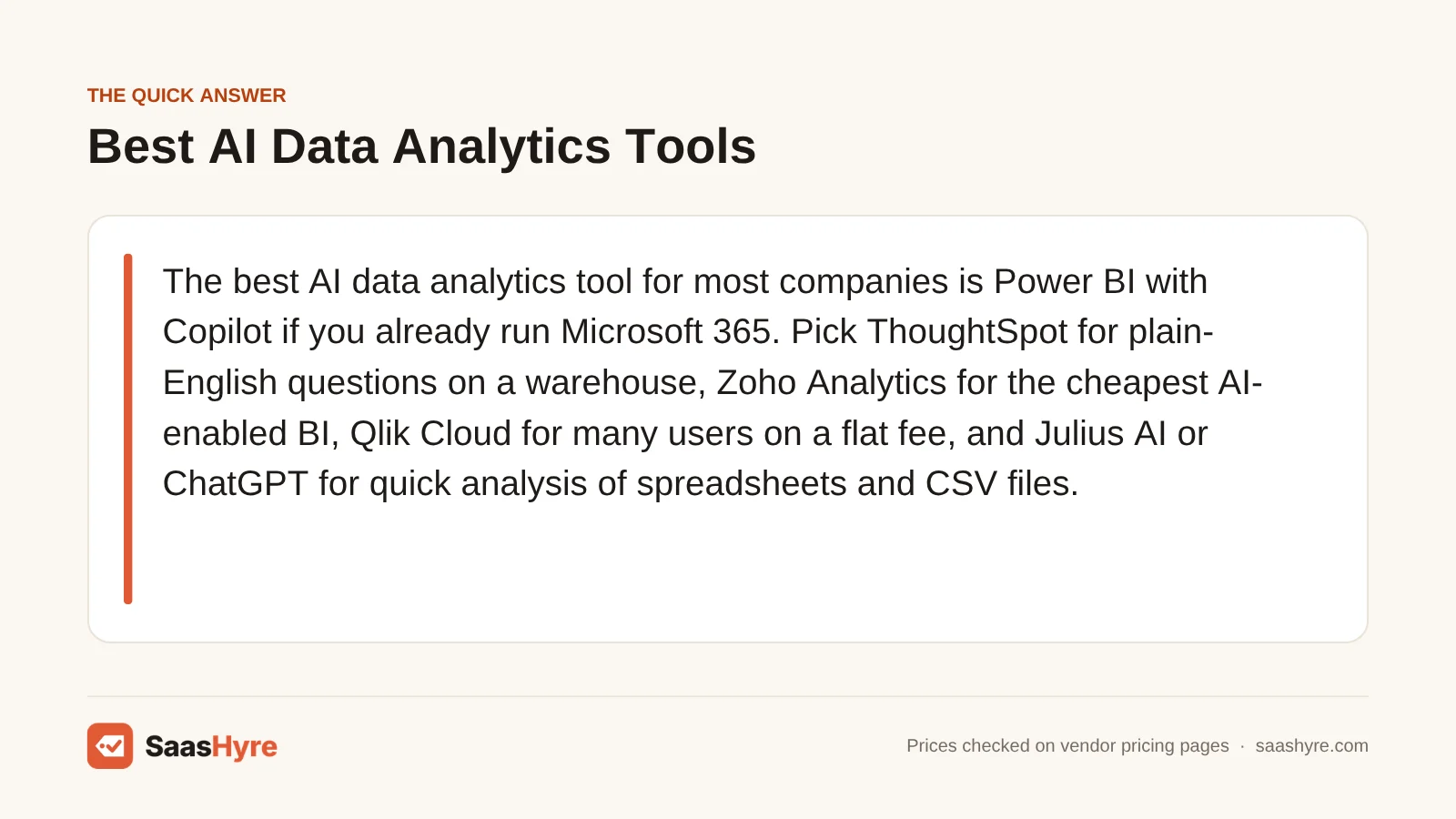
If your company already runs Microsoft 365, Power BI with Copilot is the best AI data analytics tool for you. Want plain-English questions on a warehouse? Pick ThoughtSpot. Zoho Analytics is the cheapest BI tool with AI. Qlik Cloud gives many users one flat fee. For quick work on spreadsheets and CSV files, use Julius AI or ChatGPT.
Here is my advice before you compare demos. Don’t pick a tool because its assistant looks slick. Look at how the AI is sold. Some tools charge per user. Some fold it into one flat capacity fee. Others lock it to a pricier plan than the price you see first. That choice decides if AI analytics costs your team $1,400 or $15,000 a year.
We took every price below from each vendor’s own pricing page or docs in September 2026. All prices are list prices in US dollars. Think of them as the most you should pay, then try to bargain down.
This guide is one part of our best AI tools roundup, which compares picks for every job.
Quick Comparison: AI Analytics Tools at a Glance
| Tool | Best for | Where the AI starts | Billing model | Free option |
|---|---|---|---|---|
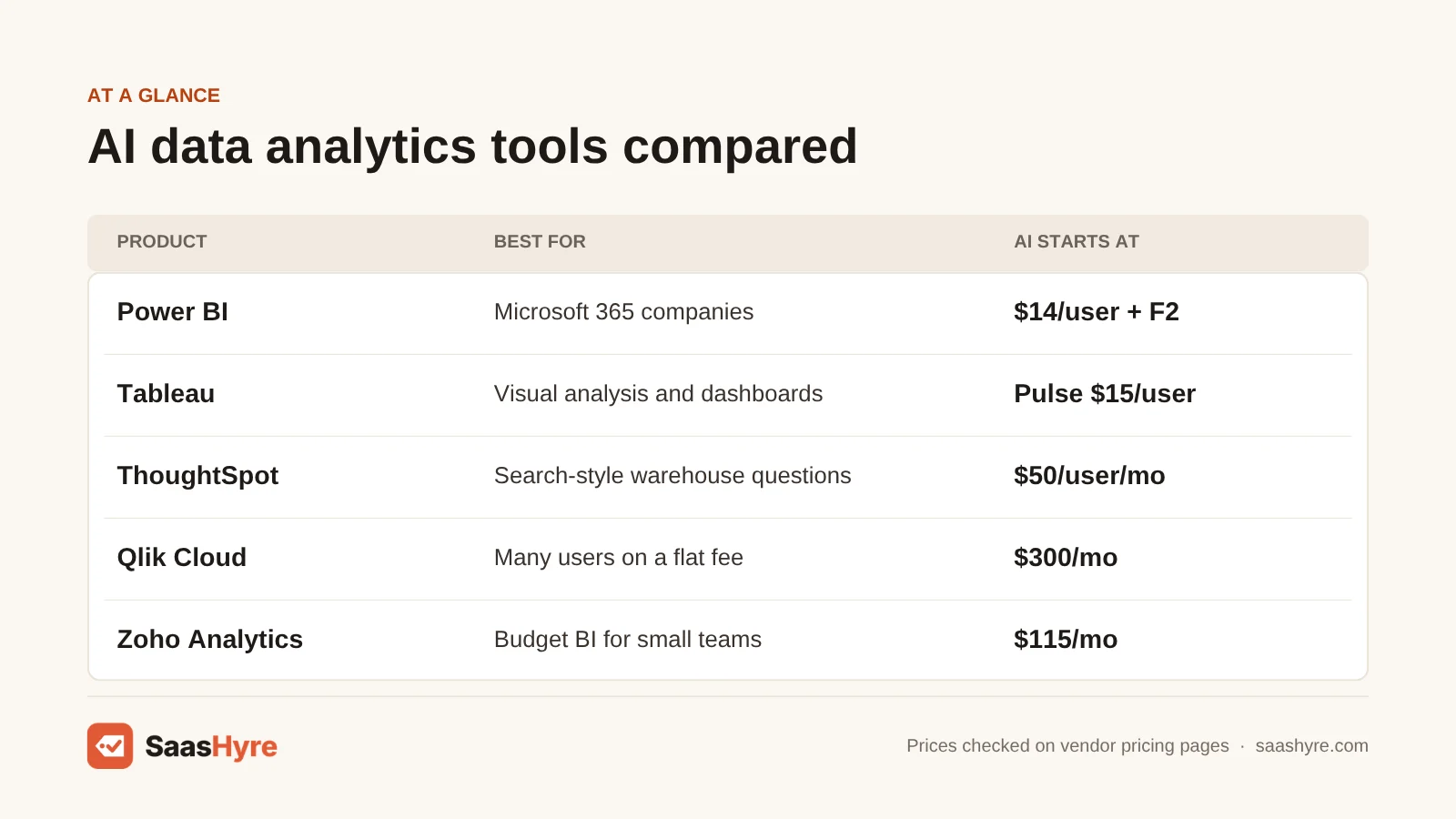
| Power BI + Copilot | Microsoft 365 companies | Pro $14/user/mo plus a Fabric F2 or larger capacity | Per user plus capacity | Free account (no sharing) |
| Tableau | Visual analysis and polished dashboards | Pulse from $15/user/mo; Tableau Agent only on Cloud+ (quote) | Per user, annual contract | Tableau Desktop Free Edition |
| Looker (Google Cloud) | Governed metrics on BigQuery | Quote only; Gemini conversational analytics included for now | Platform edition plus users | No |
| ThoughtSpot | Search-style questions on a warehouse | Pro $50/user/mo, billed annually | Per user or usage credits | Free trial |
| Qlik Cloud Analytics | Many users on a flat fee | Starter $300/mo, billed annually, 10 users | Flat fee plus data capacity | Free trial |
| Zoho Analytics | Budget BI for small teams | Premium $115/mo, billed annually, 15 users | Flat plan with user and row limits | Free plan, 2 users |
| Hex | Data teams using SQL and Python | Professional $36/editor/mo | Per editor plus AI credits | Free Community plan |
| Julius AI | Chatting with spreadsheets and CSVs | Plus $20/mo ($16 annually) | Per account, credit-based | Free plan with daily credits |
| ChatGPT | One-off analysis of uploaded files | Plus $20/mo; Business $20/user/mo annually | Per user | Free plan (limited analysis) |
What You’re Actually Buying With AI Data Analytics
AI data analytics software lets you ask questions about your business data in plain English. You get back a chart, a number or an explanation. You don’t have to write SQL or build a report by hand. The better tools also spot unusual changes and tell you what caused them.
These tools fall into two groups. Mixing them up is the most common buying mistake:
- BI platforms with AI added (Power BI, Tableau, Looker, ThoughtSpot, Qlik, Zoho Analytics). They connect to your databases and apply permissions. They also keep one agreed meaning of “revenue” for the AI to use.
- AI analysis tools (ChatGPT, Julius AI, Hex). The AI writes and runs code on a file or data source. They are fast and cheap for one person. But you don’t get shared, controlled dashboards.
Do you need the same answer no matter who asks? Then you need the first group. For more assistants, see our AI tools hub.
What AI Analytics Really Costs for 5 and 25 Users
For a 5-person team, BI with AI costs roughly $1,200 to $4,500 a year at list price. At 25 users, the range grows to about $4,500 to $15,000. Per-user tools cost more with every new person. Flat-fee tools like Qlik and Zoho do not. For Tableau and Looker AI features, you need a quote from sales.
We priced the cheapest setup where every user gets the AI. We used 5 builders, or 5 builders plus 20 people who explore and ask questions. Here are the yearly list prices:
| Tool | Plan needed for AI | 5 users, per year | 25 users, per year | What drives the cost |
|---|---|---|---|---|
| Zoho Analytics | Premium (Ask Zia); Enterprise at 25 | $1,380 | $5,460 (Enterprise, 50 users) | Flat plan tiers by users and rows |
| ChatGPT Business | Business, 2-seat minimum | $1,200 | $6,000 | Per seat; no shared dashboards |
| Julius AI | Pro seats at 5; Business at 25 | $2,220 (5 Pro seats) | $4,500 (Business, up to 50 members) | Credits; warehouse connectors only on Business |
| Power BI + Copilot | Pro licenses plus Fabric F2 (1-year reserved) | $2,716 | $6,076 | Capacity fee plus a Pro license per viewer |
| ThoughtSpot | Pro (Spotter agents) | $3,000 | $15,000 | Per user; Spotter capped at 25 queries/user/month |
| Qlik Cloud Analytics | Starter at 5; Standard at 25 | $3,600 | $9,900 | Flat fee; data capacity, not users |
| Tableau | Standard gives Pulse only; Agent needs Cloud+ | $4,500 (5 Creators, Pulse only) | $14,580 (Pulse only) | Per user; full AI is quote only |
| Hex | Team, 5 editors | $4,500 | Explorer add-on price not listed | Per editor plus AI credits |
| Looker | Any edition | Quote only | Quote only | Annual platform contract |
Watch for three hidden costs. First, Power BI Copilot is not a per-user add-on. Microsoft says a Pro or Premium Per User license alone is not enough. Copilot needs a paid Fabric capacity of F2 or higher. F2 lists at $0.36 an hour pay-as-you-go in East US (about $263 a month). Reserved, it is $1,876 a year. Below F64, every person who views reports still needs a Pro license. F64 lists at about $60,000 a year reserved.
Second, the cheap plan often has no AI. ThoughtSpot’s AI agents need Pro at $50, not Essentials at $25. Tableau Agent is only on Cloud+ and the Tableau+ Bundle, and both are quote only. Zoho’s AI starts on Premium.
Third, flat-fee tools win as your team grows. Qlik Standard at $825 a month allows unlimited users. Your bill grows with how much data you have, not with headcount.
What Makes the Best AI Data Analytics Tools?
The best AI data analytics tool gives you answers you can trust at a price that holds up as you use it more. Find the plan where the AI really starts. Check for query caps and credit limits. Count viewers apart from builders. Read the contract term. Most of all, test it on your own data with questions you already know the answers to.
We compared pricing, the plan where AI starts, billing terms and user limits. We used vendor pricing pages and docs checked in September 2026. Several tools show a cheap first plan with little or no AI. AI answers are only as steady as your metric definitions, so shared definitions matter. Some contracts are yearly only, which makes it harder to walk away.
Best AI Analytics for Companies Already on a BI Stack
Already using Microsoft, Salesforce or Google Cloud? Then the AI inside the BI tool you have is usually the cheapest path, because you skip a move to a new tool. Power BI fits Microsoft shops. Tableau fits teams that do visual analysis. Looker fits BigQuery users who need controlled, agreed metrics.
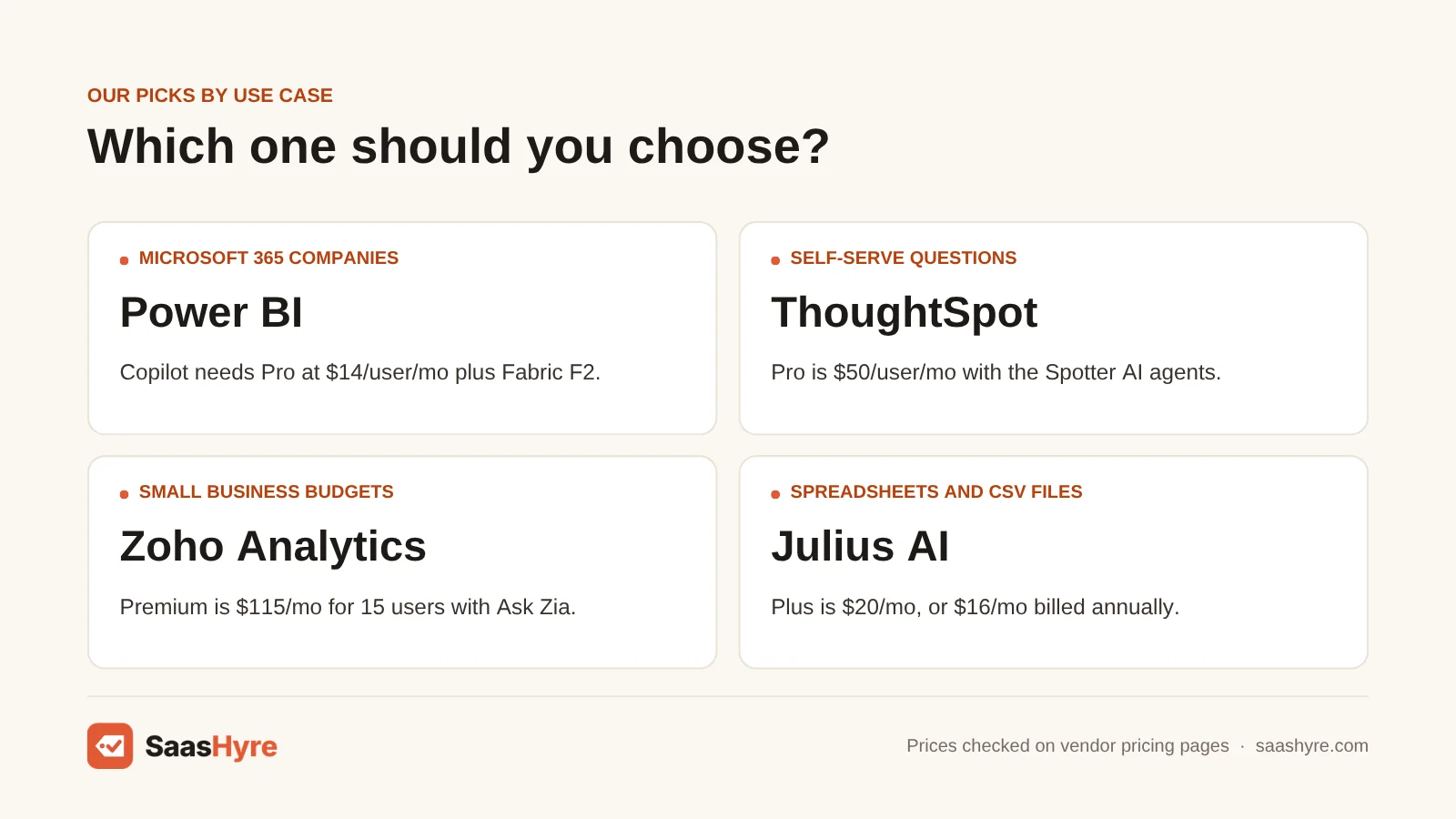
1 Power BI: Best for Microsoft 365 companies
If you already pay for Microsoft 365, Power BI with Copilot is a natural fit.
What it does well. Copilot writes DAX, drafts report pages and sums up dashboards. Pro comes with Microsoft 365 E5, so many companies already pay for part of it.
Key features:
- Copilot writes DAX for you
- Copilot drafts report pages
- Short summaries of your dashboards
- Pro comes with Microsoft 365 E5
Pricing. Power BI Pro costs $14 per user per month. Premium Per User costs $24. Both are paid yearly. Copilot needs a paid Fabric capacity (F2 or higher) or Premium P1 or higher. A reservation saves about 41%, but you are locked in for a year. See Power BI pricing.
Best for: You, if you already pay for Microsoft 365 and have someone who can manage a Fabric capacity.
Limitations. Trials don’t get Copilot. Copilot also shares capacity units with your reports. Skip it if you want AI for just a few people without Azure billing. It is also a poor fit if your company runs on Google or Salesforce.
2 Tableau: Best for visual analysis and polished dashboards
If you do lots of visual analysis or run Salesforce, look at Tableau.
What it does well. Pulse sends metric digests and flags changes, and it comes with every edition. Tableau Agent helps you build calculations and charts. Its biggest strength is how good the visuals look.
Key features:
- Pulse sends metric digests and change alerts on every edition
- Tableau Agent helps with calculations and charts (Cloud+ only)
- Polished, good-looking dashboards
- Tableau Desktop Free Edition
Pricing. Tableau Cloud Standard costs $75 per Creator, $42 per Explorer and $15 per Viewer per month. Enterprise costs $115, $70 and $35. Contracts are yearly. Tableau Agent is only on Cloud+ and the Tableau+ Bundle, and neither has a listed price. See Tableau pricing.
Best for: You, if great visuals matter, your analysts already know Tableau, or your company runs Salesforce.
Limitations. There are no monthly plans. The chat-style AI has no published price. And the $15 price you see first is only for a Viewer seat.
3 Looker: Best for governed metrics on BigQuery
If your data is in BigQuery and you need controlled metrics, Looker (Google Cloud) is the pick.
What it does well. LookML gives you one set meaning for every metric, and the AI must follow it. Each edition includes 10 Standard and 2 Developer users. Conversational Analytics with Gemini is included for now.
Key features:
- LookML semantic model
- Conversational Analytics with Gemini
- 10 Standard and 2 Developer users per edition
- Standard, Enterprise and Embed editions
Pricing. Every edition is sold on a yearly contract through sales. Conversational Analytics with Gemini is in a promo period with no overage fees. Google lists future overage at $3 per million input tokens and $20 per million output tokens. It will give 90 days’ notice first. See Looker pricing.
Best for: You, if your data is in BigQuery and you want one set meaning for every metric.
Limitations. Someone on your team has to write LookML. And you can’t get a price without a sales call.
Best AI Analytics for Self-Serve Questions Across a Company
Do you want non-technical staff to type a question and get a chart they can trust? ThoughtSpot is the strongest search-first option on a cloud warehouse. Once you pass about 15 users, Qlik Cloud is better value. That is because you pay for data capacity, not for each person.
4 ThoughtSpot: Best for search-style questions on a warehouse
Want people to search your cloud warehouse like Google? ThoughtSpot is the strongest option for that.
What it does well. Business users can search a cloud warehouse like Snowflake directly. Pro adds the Spotter agents. It covers up to 1,000 users and 250 million rows.
Key features:
- Ask search-style questions on a cloud warehouse
- Spotter AI agents on Pro
- Pro covers up to 1,000 users and 250 million rows
- Option to pay with usage credits
Pricing. Essentials costs $25 per user per month, billed yearly. It is for 5 to 50 users and up to 25 million rows. Pro costs $50 per user per month billed yearly. You can also pay with usage credits from $0.10 each. “Unlimited Spotter” is a separate add-on. See ThoughtSpot pricing.
Best for: You, if you have a cloud warehouse and want business users to search it on their own.
Limitations. The Essentials pricing table shows no AI agents. Spotter on Pro is listed at 25 queries per user per month. If your team will ask more, price the unlimited add-on.
5 Qlik Cloud Analytics: Best for many users on a flat fee
Once you pass about 15 users, Qlik Cloud is better value. You pay for data capacity, not for each person.
What it does well. Starter gives you Qlik’s Answers agents. Standard adds unlimited users and generative AI on unstructured data. Premium adds automated machine learning.
Key features:
- Qlik Answers agents from Starter
- Unlimited users starting on Standard
- Generative AI on unstructured data
- Automated machine learning on Premium
Pricing. Starter costs $300 a month billed yearly, with 10 users and 10 GB of data. Standard costs $825 a month with unlimited users and 25 GB of data. You can add more in 25 GB steps. Premium costs $2,750 a month with 50 GB. Enterprise is quote only. See Qlik pricing.
Best for: You, if you need AI analytics for 25 to 500 people without paying per seat.
Limitations. Contracts are yearly. You pay for data capacity, so it is poor value if you have huge data and only a few users.
Best Budget AI Analytics for Small Businesses
Zoho Analytics is the cheapest way to get a real BI platform with a chat-style AI assistant. Its Premium plan includes Ask Zia and automated insights for 15 users. It costs $115 a month billed yearly. At five users, that is less than every per-user BI platform in this guide.
6 Zoho Analytics: Best for budget BI for small teams
On a budget? Zoho Analytics is the cheapest way to get a real BI platform with an AI assistant you can chat with.
What it does well. The AI features start on Premium. They include the Ask Zia agent and insights that explain changes. It works well with Zoho CRM or Books. Users are part of the flat plan fee.
Key features:
- Ask Zia AI agent from Premium
- Diagnostic and automated insights
- Free plan for 2 users
- Pairs with Zoho CRM and Books
Pricing. The free plan covers 2 users and 10,000 rows. Paid plans are billed yearly. Basic is $24 a month (2 users, 0.5 million rows). Standard is $48 (5 users, 1 million rows). Premium is $115 (15 users, 5 million rows). Enterprise is $455 (50 users, 50 million rows). See Zoho Analytics pricing.
Best for: You, if you run a small business, especially on Zoho CRM or Books, and want dashboards plus AI for little money.
Limitations. Extra users cost extra, and the price was not shown clearly. It is not built for hundreds of millions of rows. It also can’t match the strict controls of a full data warehouse setup.
Best AI Tools for Data Analysis on Files and Code
Need to dig into a spreadsheet, CSV or database export right now? Julius AI and ChatGPT are the fastest and cheapest options, starting at $20 a month. If you run a data team, pick Hex. It puts AI help inside shared SQL and Python notebooks.
7 Julius AI: Best for chatting with spreadsheets and CSVs
Got a spreadsheet or CSV to look at right now? Julius AI is one of the fastest and cheapest ways to do it.
What it does well. You get charts from spreadsheets without writing code. Plus and Pro connect to files in Google Drive, OneDrive and SharePoint. Snowflake, BigQuery and Postgres connectors start on Business.
Key features:
- Chat with your spreadsheets and CSVs
- Google Drive, OneDrive and SharePoint connections
- Snowflake, BigQuery and Postgres connectors on Business
- Free plan with daily credits
Pricing. Plus is $20 a month, or $16 if you pay yearly, with 2,000 credits. Pro is $45, or $37 yearly, with 5,000 credits. Business is $450, or $375 yearly, with 60,000 credits. That is one flat price for up to 50 team members. See Julius AI pricing.
Best for: You, if you are an analyst, marketer or founder who wants charts from spreadsheets without writing code.
Limitations. Julius doesn’t say how many credits each question uses. So keep an eye on your balance at first. It is not built for shared dashboards that many people rely on.
8 ChatGPT: Best for one-off analysis of uploaded files
Already paying for ChatGPT? It is a fast, cheap way to dig into data you have exported.
What it does well. ChatGPT writes and runs Python on your file and gives you charts. Plus includes file uploads and data analysis. The free plan has a limited version.
Key features:
- File uploads and data analysis
- Writes and runs Python on your file
- Gives you charts back
- Limited free version
Pricing. ChatGPT Plus costs $20 a month. ChatGPT Business costs $25 per user per month billed monthly. Billed yearly, it is $20. You must buy at least 2 seats. See ChatGPT Business pricing.
Best for: You, if you already pay for ChatGPT and need quick, one-off analysis of exported data.
Limitations. It has no live link to your data and no shared metric definitions. So two people can get different answers. Don’t use it when the numbers drive big decisions and nobody checks the code.
9 Hex: Best for data teams using SQL and Python
If you run a data team, Hex is the pick. It puts AI help inside shared SQL and Python notebooks.
What it does well. The Hex agent writes queries and fixes errors inside shared notebooks. Team adds unlimited published apps.
Key features:
- Hex AI agent in shared notebooks
- SQL and Python support
- Published apps (5 on Professional, unlimited on Team)
- Free Community plan
Pricing. The free Community plan includes a trial of the Hex agent. Professional is $36 per editor per month. Team is $75 per editor per month, with a 14-day trial. See Hex pricing.
Best for: You, if you write SQL and Python and want an AI agent inside shared notebooks.
Limitations. AI credits reset each month and don’t carry over. People who don’t edit need a per-seat Explorer role, and its price is not published. If nobody on your team codes, Julius or Zoho will be easier.
How to Choose an AI Data Analytics Tool
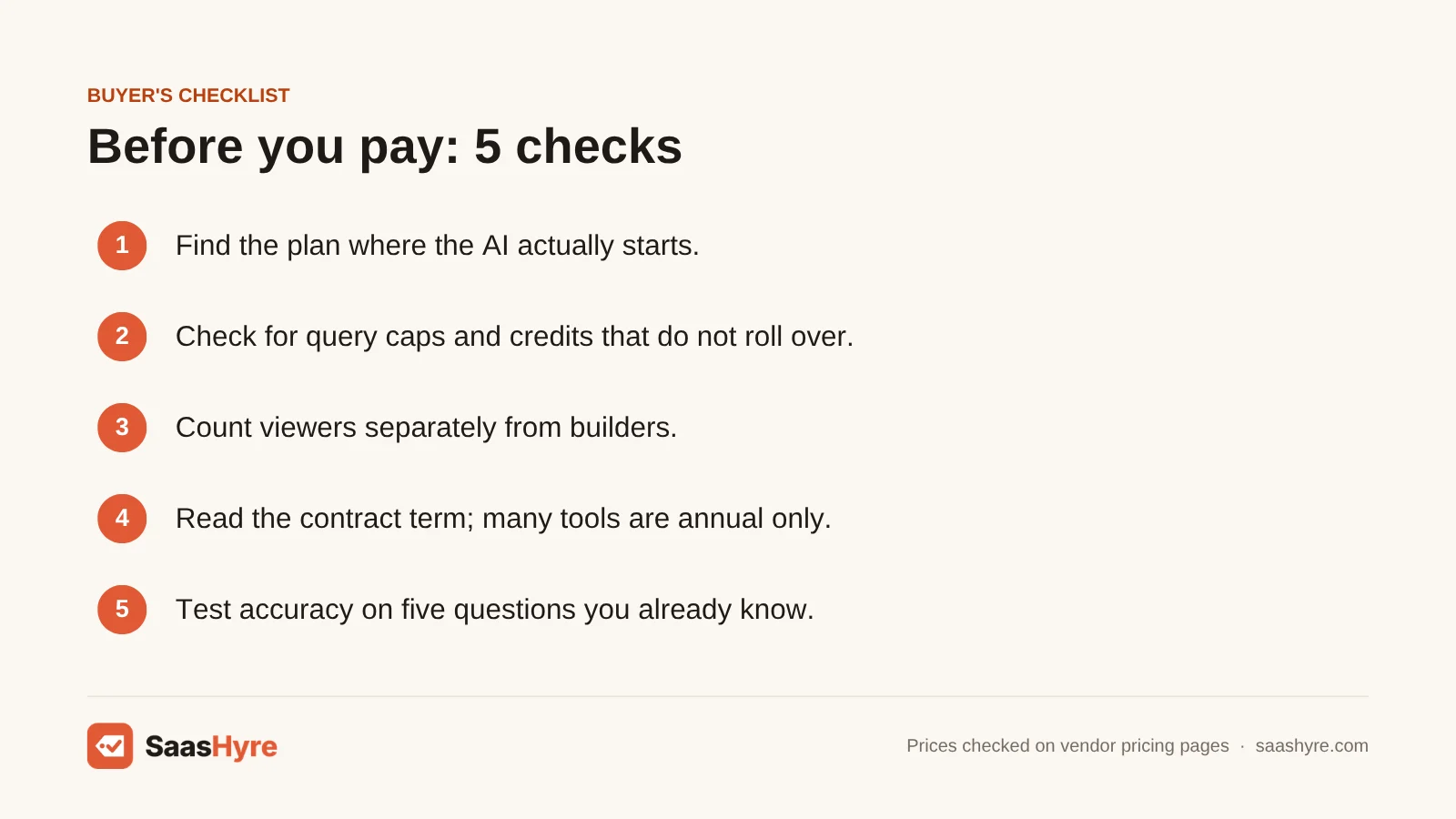
- Find the plan where the AI actually starts. Tableau, ThoughtSpot and Zoho all show a cheaper first plan with little or no AI.
- Check for query caps and credits. ThoughtSpot Pro caps Spotter at 25 queries per user per month. Julius and Hex run on monthly credits, and Hex’s don’t carry over. Power BI Copilot uses capacity units that your reports also use.
- Count viewers separately from builders. In Power BI, viewers need Pro below F64. Qlik Standard and Zoho plans include users in the flat fee.
- Read the contract term. Tableau has no monthly plans. Looker and Qlik are yearly. Fabric reservations save about 41%, but only if you commit for a year.
- Test accuracy on your own data. During the trial, ask five questions you already know the answers to. AI answers are only as steady as your metric definitions. Gartner predicts universal semantic layers will be treated as critical infrastructure by 2030.
How We Evaluated These Tools
We compared pricing, the plan where AI starts, billing terms and user limits. We used vendor pricing pages and docs checked in September 2026. For Fabric rates in East US, we used Azure’s retail price list. We did not run our own benchmarks, so feature details are vendor claims. We dropped Domo because it publishes no list prices. No vendor pays to be listed. Read our editorial policy to learn more.
The Bottom Line
If you run Microsoft 365, Power BI with a small Fabric capacity is the most practical AI analytics setup. Just budget for the capacity and a Pro license for each viewer. ThoughtSpot Pro gives the best self-serve search, but price the query cap first. Qlik Cloud gets cheaper per person as you grow. Zoho Analytics is the budget pick. For fast work on files, Julius AI or ChatGPT does the job for about $20 a month.
Frequently Asked Questions
What is the best AI tool for data analysis?
It depends on who is asking. For BI across the company, Power BI with Copilot is best if you use Microsoft. ThoughtSpot is best for search-style questions on a warehouse. For one person working on spreadsheets, Julius AI or ChatGPT Plus at about $20 a month is faster and far cheaper. Zoho Analytics Premium is the best budget BI option with AI.
Can ChatGPT replace a BI tool for data analytics?
Not for a team. ChatGPT can study an uploaded file by writing and running Python. That is great for one-off questions. But it doesn’t keep live links to your databases or schedule refreshes. It also can’t make everyone use one meaning for each metric, so two people can get different answers. When numbers drive decisions, use it next to BI, not instead of it.
Does Power BI Copilot cost extra?
Yes, in a roundabout way. A Pro or Premium Per User license alone does not include Copilot. Microsoft requires a paid Fabric capacity of F2 or higher, or Power BI Premium P1 or higher. In East US, an F2 capacity lists at about $263 a month pay-as-you-go or $1,876 a year reserved. That is on top of $14 per Pro user.
Is there a free AI data analytics tool?
Several have free plans with limits. Zoho Analytics is free for 2 users and 10,000 rows, but its AI starts on Premium. Julius AI has a free plan with daily credits. ChatGPT’s free plan includes limited data analysis. Hex’s free Community plan includes a trial of its agent. Power BI has a free account, but Copilot needs paid capacity.
Is AI search analytics the same as AI data analytics?
No. The AI data analytics tools in this guide study your own business data, like sales, finance or product use. AI search analytics or AI search visibility tools are different. They track how often your brand shows up in answers from ChatGPT, Gemini or Google AI Overviews. Those are marketing tools with other vendors and prices. So check which problem you are solving before you buy.
Will AI data analysis tools replace data analysts?
They change the job more than they remove it. AI tools answer routine questions and write first-draft SQL or DAX. That frees analysts from one-off requests. But someone still has to model the data and define metrics. Someone has to check that AI answers are right and explain what the numbers mean.