

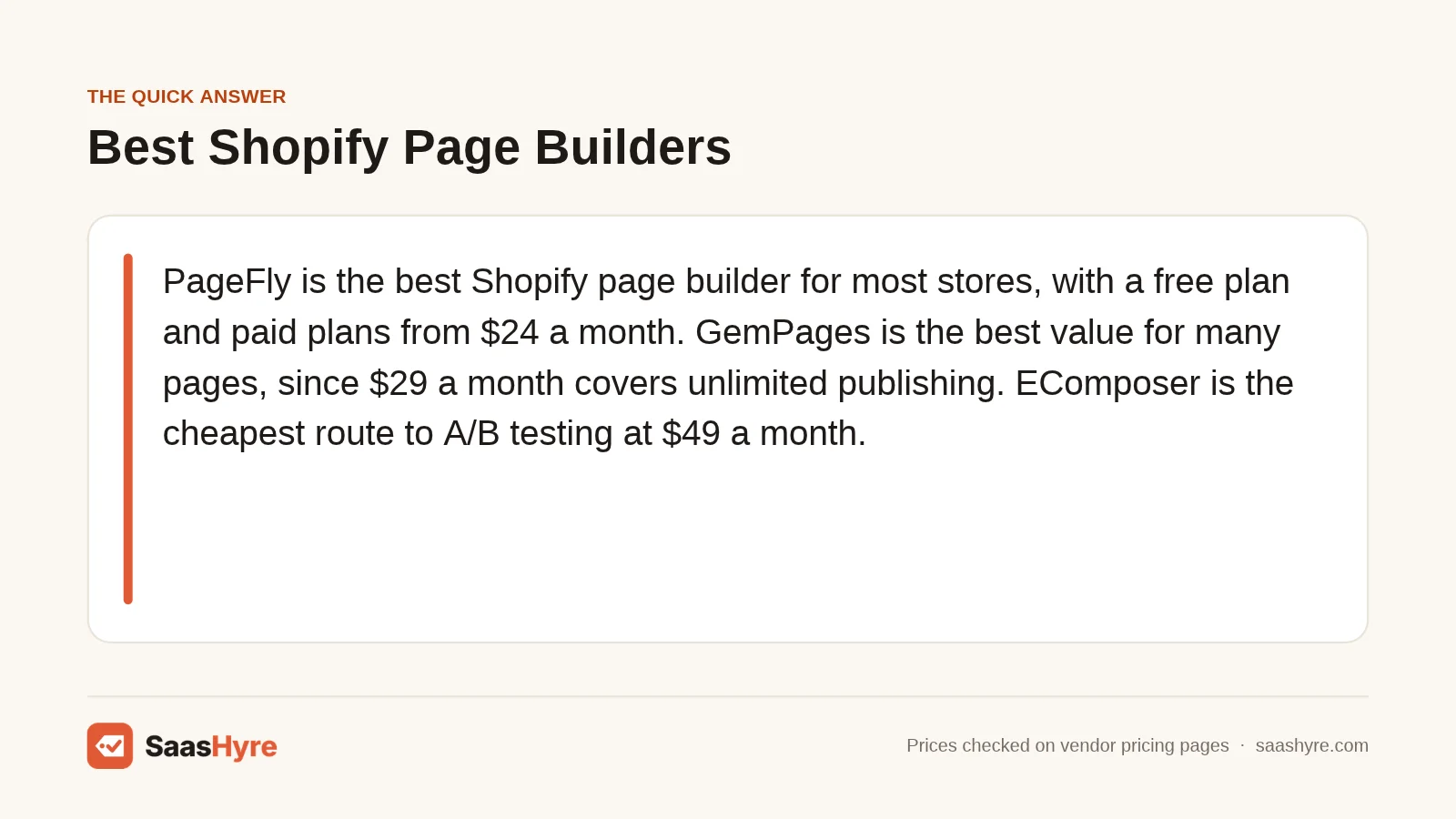
TL;DR: PageFly is the best Shopify page builder for most stores, with a free plan and paid plans from $24 a month. GemPages is the best value if you need many pages, since $29 a month covers unlimited publishing. EComposer is the cheapest route to A/B testing at $49 a month. Before you pay, check how each app counts “published pages” and what happens to your pages after you uninstall.
Your theme looks fine. But your launch page needs a layout the theme won’t do. So you shop for a page builder, and every pricing table uses a different unit.
Speed matters here too. A Google study run by 55 and Deloitte (updated June 2020) found a 0.1 second mobile speed gain lifted retail conversions by 8.4%. Any app that adds scripts to your pages works against that.
I compared nine Shopify page builder apps using their App Store listings, vendor pricing pages and help docs. I looked at how each prices published pages, which plans include A/B testing and AI generation, and what stays behind after you uninstall. I also checked whether Shopify’s free theme editor is enough.
All prices were checked on November 1, 2026. A page builder is one app in a bigger stack, so see our guide to the best Shopify apps for growing stores for the rest.
What Is the Best Shopify Page Builder?
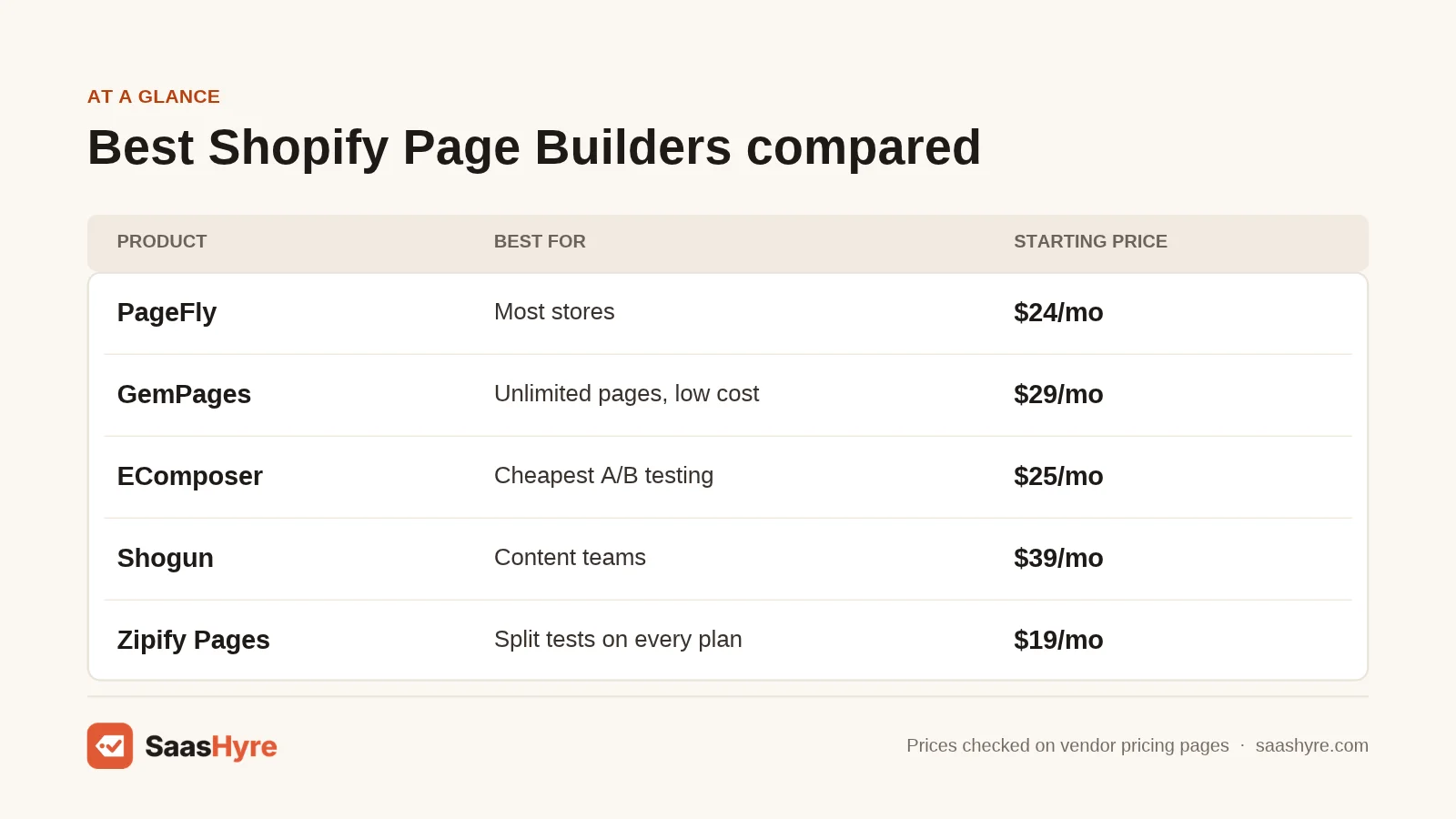
PageFly is the best Shopify page builder for most stores. It has 5,918 reviews at 4.9 stars, a free plan, and a $24 Builder plan. Pick GemPages if you need unlimited pages for $29, EComposer for A/B testing at $49, or Shogun if a content team needs scheduling and reusable sections.
| Tool | Best for | Starting price | Free plan or trial | Note |
|---|---|---|---|---|
| PageFly | Most stores | $24/mo (Builder) | Free plan, 1 published slot | A/B testing starts on the $99 plan |
| GemPages | Unlimited pages on a budget | $29/mo (Build) | Free plan, 1 published page | Listing does not say which plan has A/B tests |
| EComposer | Cheapest A/B testing | $25/mo (Standard) | Free plan, plus 7-day trial | A/B testing on Pro ($49) and up |
| Shogun | Content teams and multi-store brands | $39/mo (Build) | Draft Mode free, 10-day trial | Free plan cannot publish |
| Instant | Theme sections and Figma designs | $39/mo (Starter) | Free for dev stores, 7-day trial | Unlimited landing pages from Starter |
| Replo | High-traffic DTC brands | $119/mo (Starter) | Free plan, no publishing listed | A/B tests capped by sessions |
| Zipify Pages | Split testing on every plan | $19/mo (Starter) | Free for dev stores, 14-day trial | 5 landing pages on Starter |
| Foxify | Many pages for little money | $19/mo (Starter) | Free plan, 7-day trial | 100 pages on the $39 plan |
| LayoutHub | Beginners and simple pages | $14.99/mo (Basic) | Free plan, 3 published pages | No AI or A/B tests listed |
How Much Do Shopify Page Builder Apps Cost?
Most Shopify page builder apps cost $15 to $40 a month for a small store, and $99 to $600 a month for unlimited pages and testing. The real price depends on how many pages you publish. PageFly, EComposer, Foxify and LayoutHub cap published pages per plan. GemPages and Instant do not cap landing pages on paid plans.
Prices come from each app’s Shopify App Store listing, billed every 30 days in USD.
| App | Plan | Monthly price | Annual price | Published page limit | A/B testing |
|---|---|---|---|---|---|
| PageFly | Free / Builder / Accelerate / Enterprise | $0 / $24 / $99 / $299 | Accelerate $990/yr | 1 / from 5 / unlimited / not stated | Accelerate and up |
| GemPages | Free / Build / Optimize / Enterprise | $0 / $29 / $59 / $199 | Not listed | 1 / unlimited / not stated / not stated | Listed, plan not stated |
| EComposer | Free / Standard / Pro / Premium | $0 / $25 / $49 / $129 | $228 / $468 / $1,236 | 1 / 15 / 50 / unlimited | Pro and up |
| Shogun | Draft Mode / Build / Grow / Advanced | $0 / $39 / $199 / $499 | $372 / $1,908 / $4,788 | 0 / 25 / unlimited / unlimited | Separate app |
| Instant | Free / Starter / Pro / Business | $0 / $39 / $99 / $249 | $374.40 / $950.40 / $2,390.40 | Dev stores only / unlimited landing pages on paid plans | Pro (10K sessions), Business (100K) |
| Replo | Free / Starter / Pro | $0 / $119 / $599 | $1,188 / $5,988 | None listed / 15 items / unlimited | Starter (10K sessions), Pro (50K) |
| Zipify Pages | Free / Starter / Basic / Advanced | $0 / $19 / $39 / $99 | $205.20 / $421.20 / $1,069.20 | Dev stores only / 5 / 15 / unlimited landing pages | All plans, capped below Advanced |
| Foxify | Free / Starter / Growth / Enterprise | $0 / $19 / $39 / $99 | $182.40 / $374.40 / $950.40 | 1 / 10 / 100 / unlimited | Not listed |
| LayoutHub | Free / Basic / Pro / Premium | $0 / $14.99 / $29.99 / $59.99 | $149.90 / $299.90 / $599.90 | 3 / 10 / 50 / unlimited | Not listed |
Pricing traps to check before you pay:
- “Free” can mean dev stores only. Instant and Zipify Pages limit their free plans to development or partner stores. Shogun’s Draft Mode lets you build but not publish.
- Slots count sections too. PageFly, EComposer and Foxify count a published section the same as a page on some plans.
- Add-ons stack up. PageFly Builder charges $5 for each extra pack of 5 slots. Foxify charges $20 a month for unlimited blog posts. Replo charges $100 a month per extra 20 published items and $99 a month per extra store.
- A/B tests have session caps. Instant Pro and Replo Starter each include 10K test sessions. A busy store can burn through that fast.
- Vendor sites and listings can disagree. PageFly’s site showed an $18 plan with 3 slots. The App Store listing shows $24 with 5. Trust the listing.
Estimate: monthly cost to publish 20 custom pages, based on listed prices and the cheapest plan that fits.
| App | Cheapest plan that fits 20 pages | Math | Estimated monthly cost |
|---|---|---|---|
| LayoutHub | Pro (50 pages) | Basic caps at 10, so Pro | $29.99 |
| GemPages | Build (unlimited) | Flat price | $29 |
| Foxify | Growth (100 pages) | Starter caps at 10, so Growth | $39 |
| Shogun | Build (25 pages) | Flat price | $39 |
| Instant | Starter (unlimited landing pages) | Flat price | $39 |
| PageFly | Builder plus 3 slot packs | $24 + (3 x $5) | $39 |
| EComposer | Pro (50 pages) | Standard caps at 15, so Pro | $49 |
| Zipify Pages | Advanced (unlimited) | Basic caps at 15 landing pages | $99 |
| Replo | Starter plus 1 item pack | $119 + $100 | $219 |
The 9 Best Shopify Page Builder Apps, Reviewed
1 PageFly: Best for Most Stores
PageFly is a drag-and-drop page builder that has been on the Shopify App Store since September 2017.
What it does well. PageFly has the deepest review base in this list, with 5,918 reviews at 4.9 stars. The free plan publishes one page or section with no time limit, so you can try it on a live store. Accelerate bundles unlimited pages, A/B testing, heatmaps and funnels.
Key features:
- 320+ templates and 200+ integrations on every plan
- FlyMate AI builds pages and fixes sections from a prompt
- AI Page Checkup and one-click A/B test winners (Accelerate)
- MCP connector for Claude, ChatGPT and Sidekick
Pricing. Free ($0, 1 slot, 10 AI credits). Builder is $24 a month for 5 slots and 80 AI credits, with extra slots at $5 per 5. Accelerate is $99 a month or $990 a year for unlimited slots and 400 AI credits. Enterprise is $299 a month with 1,600 AI credits. See PageFly pricing.
Best for: You, if you want a proven builder with a real free plan and a clear upgrade path to testing.
Limitations. A/B testing jumps you from $24 to $99. PageFly’s pricing page warns that choosing “Remove all data” on uninstall leaves PageFly pages blank.
2 GemPages: Best for Unlimited Pages on a Budget
GemPages is a page and funnel builder from GEMCOMMERCE, launched on Shopify in March 2017.
What it does well. GemPages has the simplest pricing here. Its $29 Build plan includes unlimited publish slots across all page types, which beats slot-based plans fast. It has 4,275 reviews at 4.9 stars.
Key features:
- 400+ prebuilt CRO sections and 20 theme sections on Build
- AI image-to-layout that turns a reference image into an editable page
- GemPages MCP, which turns HTML from your AI chat into editable pages, even on Free
- Sales funnels and post-purchase upsells
Pricing. Free ($0, 1 published page). Build is $29 a month. Optimize is $59 a month and adds scheduled publishing. Enterprise is $199 a month. See GemPages pricing.
Best for: You, if you publish lots of landing pages and want one flat monthly price.
Limitations. The listing mentions A/B offer testing but does not say which plan includes it. GemPages’ help center says uninstalling can remove files and scripts your live pages need. It suggests downgrading to Free instead.
3 EComposer: Best for Cheap A/B Testing
EComposer is a landing page builder launched in May 2022 that carries Shopify’s Built for Shopify badge.
What it does well. EComposer Pro gets you A/B testing for $49 a month, the cheapest full testing plan here. It has 3,474 reviews at 4.9 stars. Its help docs give the clearest uninstall steps I found, including a “Clean theme” tool.
Key features:
- A/B testing on Pro, unlimited on Premium
- 29+ CRO extensions, popups and Global Blocks on Pro
- AI tools on every plan, 50 to 2,000 credits a month
Pricing. Free ($0, 1 live page or section). Standard is $25 a month for 15 live pages. Pro is $49 a month for 50. Premium is $129 a month for unlimited. Paid plans have a 7-day free trial. See EComposer pricing.
Best for: You, if you want to start testing headlines and layouts without paying $99 or more.
Limitations. Live page caps on Standard (15) and Pro (50) include sections. EComposer moves your pages to Trash 48 hours after uninstall and deletes them for good after 30 days.
4 Shogun: Best for Content Teams and Multi-Store Brands
Shogun is a visual page builder from Shogun Labs in California, with a Built for Shopify badge.
What it does well. Shogun is built for teams that publish on a schedule. Its help center says published pages stay live after uninstall, served as pure HTML. That is the safest policy here.
Key features:
- Reusable content sections and page analytics on Build
- Scheduling and global sections on Grow, cross-store syncing on Advanced
- AI generation listed as a page feature
Pricing. Draft Mode is free but cannot publish. Build is $39 a month for 25 published pages. Grow is $199 a month. Advanced is $499 a month. Paid plans have a 10-day trial. See Shogun pricing.
Best for: You, if a marketing team publishes often or you run more than one Shopify store.
Limitations. A/B testing is a separate app, Shogun AB Testing, so budget for it. The jump from $39 to $199 for unlimited pages is steep. Shogun has 1,974 reviews at 4.8 stars.
5 Instant: Best for Theme Sections and Figma Designs
Instant is an AI page builder from Instant Commerce, launched on Shopify in August 2023.
What it does well. Instant sells theme sections and product or collection templates, not just landing pages. Designers can push work from Figma with its plugin. It has 351 reviews at 4.9 stars.
Key features:
- Unlimited landing pages on every paid plan
- Figma plugin on all plans
- 1,000 to 10,000 AI credits a month, depending on plan
- A/B testing on Pro (10K sessions) and Business (100K)
Pricing. Free for development stores only. Starter is $39 a month, with 10 theme sections and a 7-day trial. Pro is $99 a month. Business is $249 a month. See Instant pricing.
Best for: You, if you design in Figma and want custom sections on product and collection pages. If design is the bottleneck, our list of AI design tools for mockups and assets pairs well with it.
Limitations. There is no free plan for live stores. The listing and Instant’s FAQ do not say what happens to your sections after you uninstall, so ask support first.
6 Replo: Best for High-Traffic DTC Brands
Replo is a landing page builder from Replo in San Ramon, California, launched on Shopify in July 2021.
What it does well. Replo is built for brands sending paid traffic to campaign pages. Paid plans include its Experiments A/B testing tool. Pro adds 5 stores and private Slack support. Replo says pages stay live after uninstall, but you cannot publish changes.
Key features:
- A/B testing with 10K sessions on Starter and 50K on Pro
- Replo AI page generation and 200+ templates
- Multi-store support (1 store on Starter, 5 on Pro)
Pricing. Free plan with no time limit, but no publishing listed. Starter is $119 a month for 15 published items. Pro is $599 a month for unlimited pages. Extra stores are $99 a month each. Replo’s website shows different, credit-based plans, so confirm before you buy. See Replo pricing.
Best for: You, if you spend real money on ads and need fast page testing across stores.
Limitations. It is the most expensive app here per page. It has 186 reviews at 4.7 stars and no Built for Shopify badge.
7 Zipify Pages: Best for Split Testing on Every Plan
Zipify Pages is a landing page builder from Zipify Apps, with a Built for Shopify badge.
What it does well. Zipify includes split testing on every paid plan. Even the $19 Starter plan gets one page test campaign and one section test campaign.
Key features:
- Split testing on all paid plans, unlimited on Advanced
- AI text generator for sales copy
- Shopify Markets support and a one-on-one setup call on Advanced
Pricing. Free for development and partner stores only. Starter is $19 a month for 5 landing pages and 1 product page. Basic is $39 a month for 15 landing pages and 5 product pages. Advanced is $99 a month for unlimited pages and tests. Each paid plan has a 14-day trial. See Zipify Pages pricing.
Best for: You, if you want to test from day one on a small budget.
Limitations. Page caps are tight. Going past 15 landing pages pushes you to $99. It has 422 reviews at 4.7 stars.
8 Foxify: Best for Many Pages for Little Money
Foxify is an AI landing page builder from FoxEcom, launched in October 2022, with a Built for Shopify badge.
What it does well. Foxify’s Growth plan gives you 100 published pages and 100 sections for $39 a month. Growth also adds Figma and HTML import. It has 327 reviews at 4.9 stars.
Key features:
- Figma to Shopify and HTML to Shopify import on Growth
- AI Auto-responsive and Prettify on Growth
- AI credits on every plan, from 20 to 5,000 a month
Pricing. Free ($0, 1 page and 1 section). Starter is $19 a month for 10 pages. Growth is $39 a month for 100 pages. Enterprise is $99 a month for unlimited. Unlimited blog posts cost $20 a month extra. See Foxify pricing.
Best for: You, if you need dozens of pages and want to stay under $40 a month.
Limitations. The listing does not show A/B testing as a plan feature.
9 LayoutHub: Best for Beginners and Simple Pages
LayoutHub is a layout-based page builder from Hanoi, launched in December 2019, with a Built for Shopify badge.
What it does well. LayoutHub is the cheapest paid option here, at $14.99 a month. Its free plan publishes 3 pages, which is more than any other free plan in this list. It has a 5.0 rating from 1,371 reviews.
Key features:
- Unlimited drafts on every paid plan
- Ready-made layouts you fill in
- 24/7 live chat from Basic
Pricing. Free ($0, 3 pages). Basic is $14.99 a month for 10 pages. Pro is $29.99 a month for 50. Premium is $59.99 a month for unlimited. See LayoutHub pricing.
Best for: You, if you want a few nice pages fast and do not need testing or AI.
Limitations. The listing does not mention AI features or A/B testing.
Which Shopify Page Builder Should You Pick?
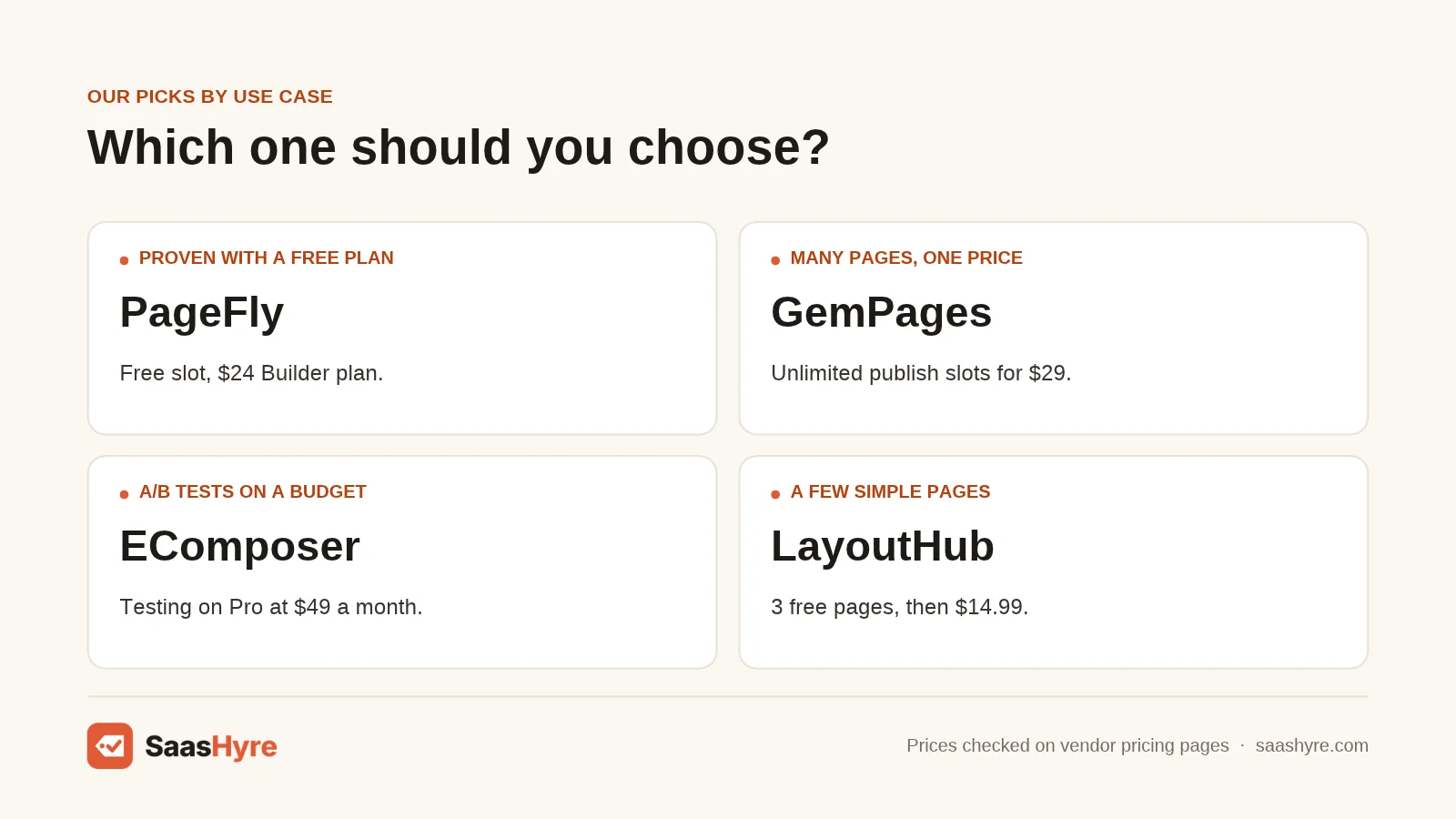
Pick PageFly if you want a safe default, GemPages if you need unlimited pages cheaply, and EComposer if you want A/B testing under $50. Choose Shogun for team publishing, Instant for Figma and theme sections, and Replo only if paid traffic justifies $119 or more a month. LayoutHub suits simple stores.
| If you need… | Pick | Why |
|---|---|---|
| A proven builder with a free plan | PageFly | 5,918 reviews, free slot, $24 Builder plan |
| Lots of landing pages for one flat price | GemPages | Unlimited publish slots for $29 a month |
| A/B testing on a small budget | EComposer | Testing on Pro at $49 a month |
| One test campaign for under $20 | Zipify Pages | Starter at $19 includes split tests |
| Scheduling and multi-store content | Shogun | Grow and Advanced plans, pages stay live after uninstall |
| Figma designs turned into theme sections | Instant or Foxify | Figma plugin on Instant, Figma to Shopify on Foxify Growth |
| Heavy ad testing across stores | Replo | Up to 50K test sessions and 5 stores on Pro |
| A few simple pages for almost nothing | LayoutHub | 3 free pages, $14.99 Basic plan |
How Do You Choose a Shopify Page Builder App?
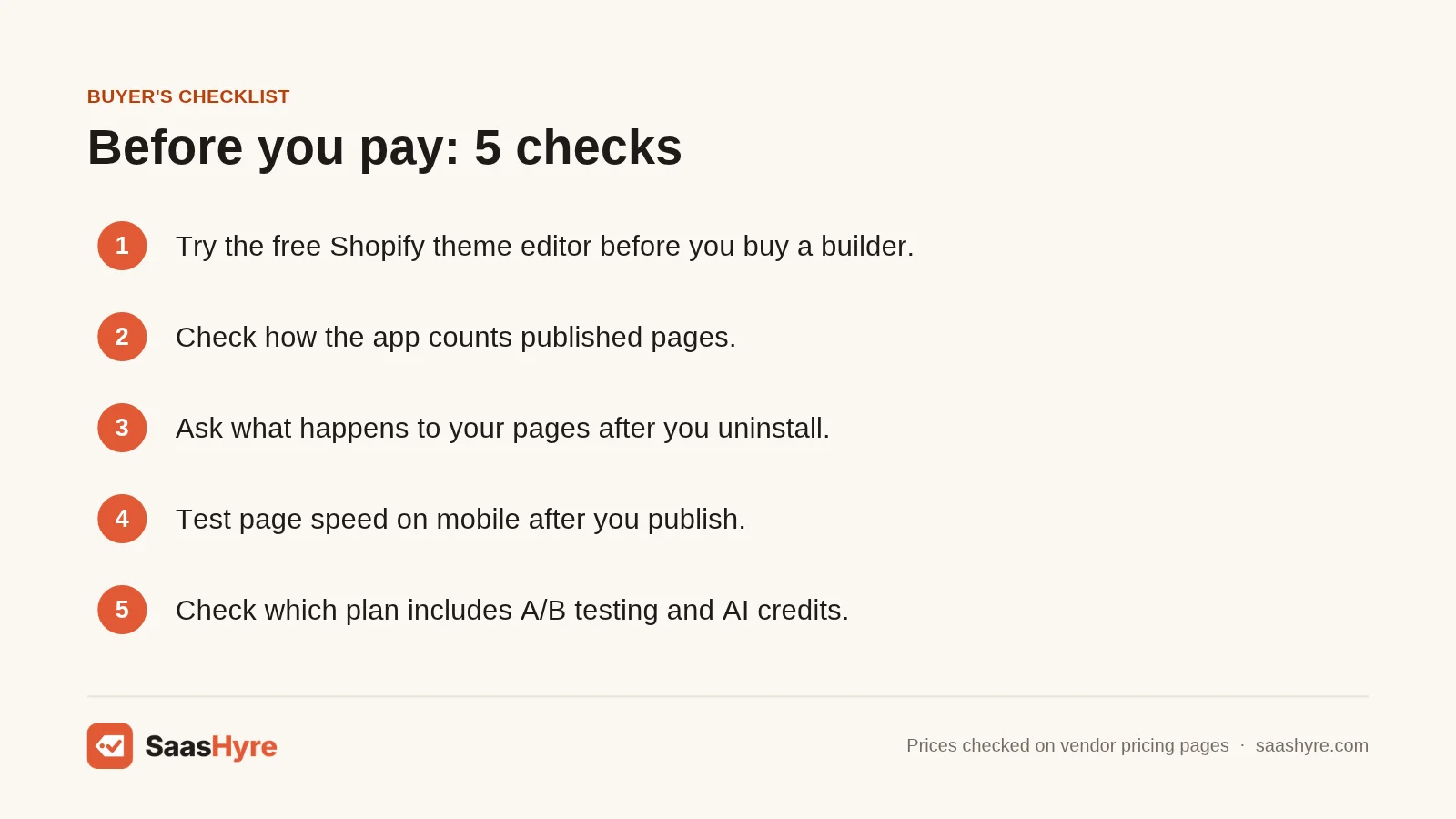
Choose a Shopify page builder by first checking whether your free theme editor covers the page, then by cost per published page, uninstall behavior, A/B testing price, and AI limits. Price the pages you will publish, not the plan name.
- Try the free theme editor first. Online Store 2.0 themes, which Shopify introduced at Unite in June 2021, let you add sections to any page, not just the home page. Shopify’s Help Center says each template can hold up to 25 sections. Shopify’s Horizon theme also added AI-generated theme blocks in its Summer ’25 Edition, where you describe a block and get a working one. Example: an “About” page with a banner, text and images needs no app.
- Price your real page count. List the pages you plan to publish in the next year. Example: 20 pages costs about $29 on GemPages but $219 on Replo Starter, based on listed prices.
- Read the uninstall policy before you build. Apps that edit theme files can leave code behind. Shopify’s theme app extension docs say app blocks are “automatically and entirely removed” on uninstall. But a Shopify developer forum thread from August 2025 shows apps that write theme files cannot delete them after uninstall. Example: EComposer asks you to run its “Clean theme” tool before you delete the app.
- Check the cost of A/B testing, not just whether it exists. Example: Shogun sells testing as a separate app, PageFly puts it on a $99 plan, and Instant caps Pro at 10K test sessions.
- Measure speed on your own store. I found no independent speed test for these apps. Example: build the same page in your theme editor and in the app on a dev store, then compare them in PageSpeed Insights. If speed is still a problem, check your ecommerce hosting setup or theme before blaming the builder.
- Count AI credits. Almost every app now generates pages with AI, but credits are capped. Example: PageFly Builder includes 80 a month, Instant Starter 1,000.
Here is what each vendor says happens to your pages after you uninstall:
| App | What happens to pages after uninstall | Source |
|---|---|---|
| Shogun | Published pages stay live as pure HTML | Shogun help center |
| Replo | Pages stay live, but you cannot publish changes | Replo support |
| EComposer | Pages work for 48 hours, then move to Trash and delete after 30 days | EComposer help |
| GemPages | Uninstalling can remove files and scripts live pages need | GemPages help |
| PageFly | “Remove all data” leaves PageFly pages blank | PageFly pricing page |
| Instant, Zipify, Foxify, LayoutHub | Not confirmed in the sources I checked | Ask support before you build |
Still picking a platform? See our roundup of AI website builders. Once pages are live, AI SEO tools help with titles and keywords.
How We Researched This Guide
On November 1, 2026, I checked the Shopify App Store listing for all nine apps. I recorded plans, prices, page limits, AI credits, A/B testing access, ratings and badges. I also read vendor help articles on uninstall behavior for five apps.
I reviewed five competing guides that rank for this keyword. Three came from page builder vendors, and most skipped uninstall behavior and cost per page. Facts on Online Store 2.0 and app blocks come from Shopify’s own docs.
Some things I could not confirm. PageFly’s and Replo’s websites show different plans than their App Store listings. I used the listings, since Shopify bills from them. GemPages does not say which plan includes A/B testing. Shogun AB Testing pricing was not checked. I found no independent page speed benchmarks for these apps.
We did not test these tools ourselves. Read our editorial policy to learn how we pick and review tools.
Prices last checked: November 1, 2026.
The Bottom Line
Start with your free theme editor. If it falls short, PageFly is the best all-round choice, with a free plan and a $24 Builder plan. GemPages wins on value, with unlimited pages for $29. EComposer is the cheapest way to get A/B testing, at $49. Shogun suits teams and brands with more than one store. Instant and Foxify suit designers who work in Figma. Replo is for brands with big ad budgets. LayoutHub covers simple stores for $14.99.
Your next step: count the pages you plan to publish this year. Then install your top pick on its free plan or trial and build one real page before you pay. For the rest of your app stack, see our list of the best Shopify apps.
Frequently Asked Questions
Do I need a page builder app for Shopify?
No, not always. Online Store 2.0 themes let you add sections to any page in the free theme editor, with up to 25 sections per template. You need an app when you want layouts your theme cannot make, many campaign landing pages, or built-in A/B testing. Try the theme editor first and only pay when you hit a real limit.
Do Shopify page builders slow down your store?
They can, but it depends on the app and the page. Page builders add their own code, and some edit your theme files. I found no independent speed benchmark for them. The safest move is to build the same page in your theme editor and in the app, then compare both in PageSpeed Insights before you go live.
What happens to my pages if I uninstall a page builder?
It depends on the app. Shogun says published pages stay live as HTML. Replo keeps pages live but locks editing. EComposer keeps pages working for 48 hours, then trashes them. GemPages says uninstalling can remove files your pages need. Always read the vendor’s uninstall guide and run any theme cleanup tool before you delete the app.
What is the best free Shopify page builder?
Shopify’s own theme editor is the best free option, since it costs nothing and adds no app code. Among apps, LayoutHub’s free plan publishes 3 pages, the most here. PageFly, GemPages, EComposer and Foxify each allow 1 free published page or section. Instant and Zipify are only free on development stores, and Shogun’s free plan cannot publish.
Can I use two page builders on one Shopify store?
You can, but it is usually a bad idea. Each app adds its own code and its own monthly bill. Two builders also means two sets of page limits and two cleanups later. Pick one app that covers your page count and testing needs.