
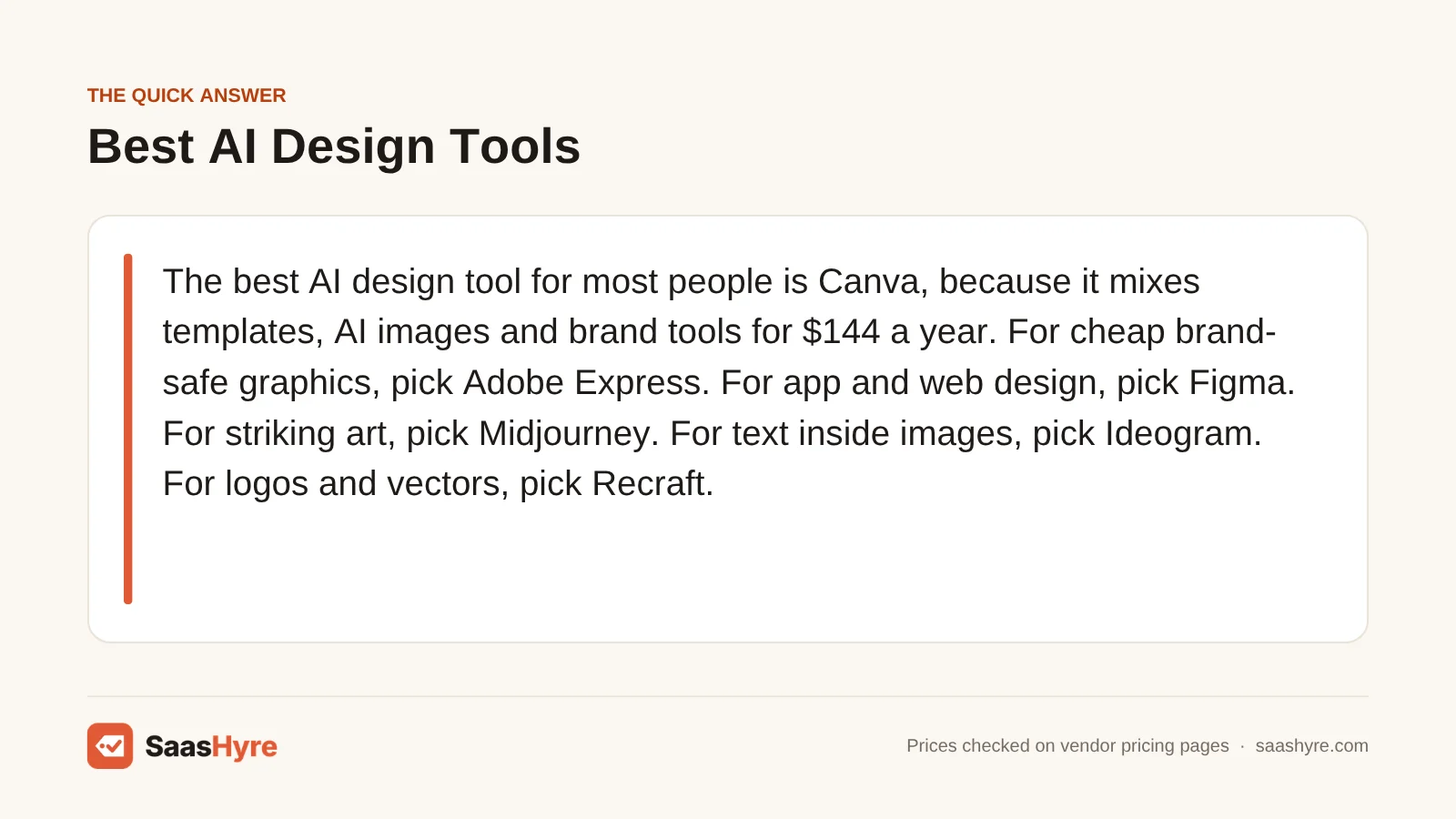
The best AI design tool for most people is Canva, because it mixes templates, AI images and brand tools for $144 a year. For cheap brand-safe graphics, pick Adobe Express. For app and web design, pick Figma. For striking art, pick Midjourney. For text inside images, pick Ideogram. For logos and vectors, pick Recraft.
Here is what most lists skip. Almost every AI design tool now runs on credits. The price tells you what you pay. The credits tell you how much AI you get.
I pulled every price from each vendor’s own pricing page or help center in October 2026. Where a vendor hides a price, I say so. Check the final price at checkout.
For picks across every other job, see our main guide to the best AI tools.
Quick Comparison: 9 Best AI Design Tools at a Glance
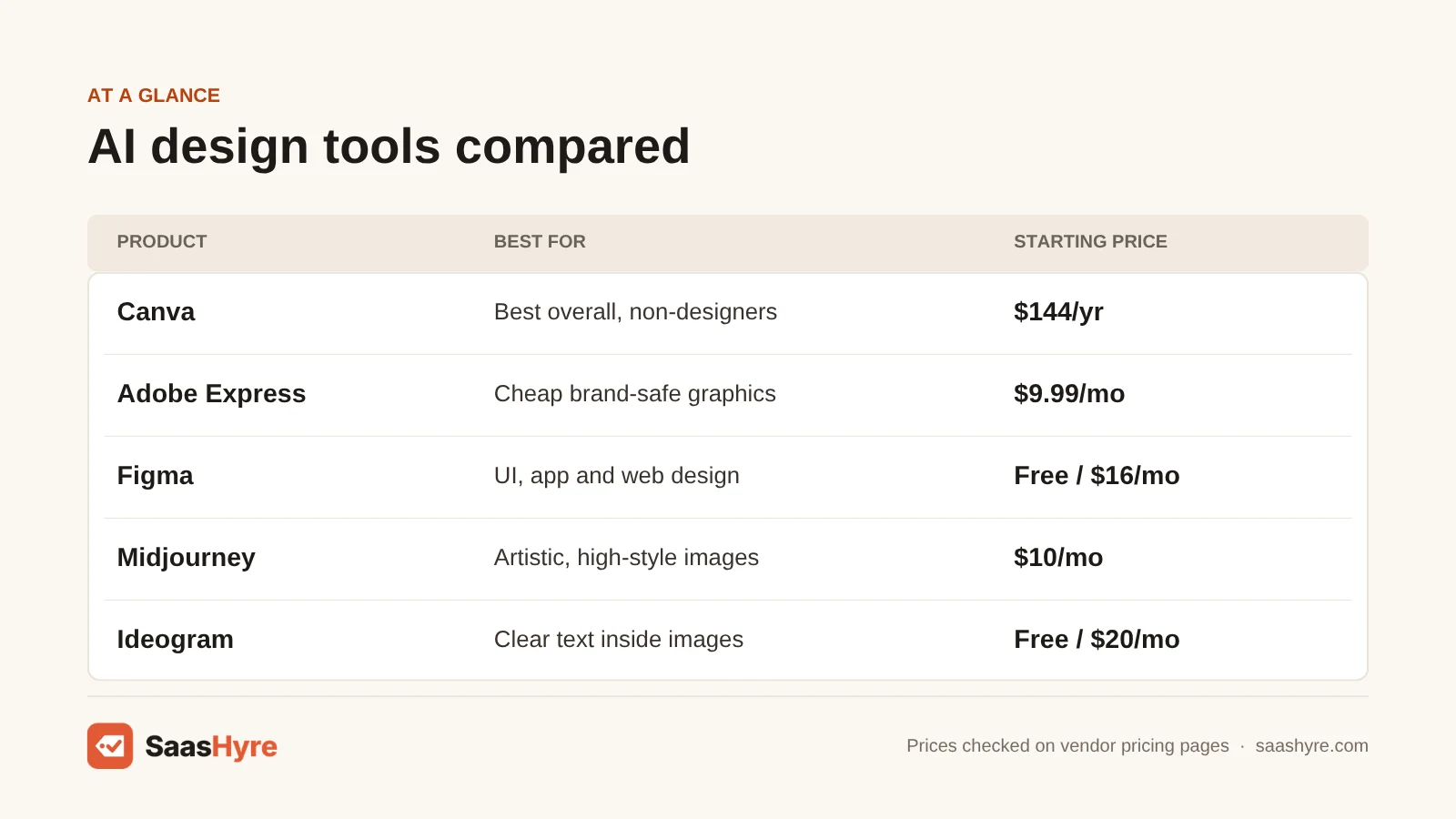
| Tool | Best for | Starting price | Billing model | Free plan or trial |
|---|---|---|---|---|
| Canva | Best overall, non-designers | $144/yr (Pro) | Per person, yearly or monthly | Free plan, 20 AI uses. Pro trial |
| Adobe Express | Cheap brand-safe marketing graphics | $9.99/mo (Premium) | Monthly, 250 credits/mo | Free plan. 30-day Premium trial |
| Adobe Firefly | Commercially safe AI images and video | $9.99/mo (Standard) | Monthly, 2,000 credits/mo | Free daily generations. Trials |
| Figma | UI, app and web design | $16/mo (Full seat) | Per seat, 3,000 AI credits/mo | Free Starter, up to 500 credits/mo |
| Midjourney | Artistic, high-style images | $10/mo or $96/yr | Monthly or yearly, GPU hours | No free plan listed |
| ChatGPT | Quick images and edits by chat | $8/mo (Go), $20/mo (Plus) | Monthly per user | Free plan, limited images |
| Ideogram | Clear text inside images | $20/mo or $15/mo yearly | Monthly or yearly, credits | Free weekly slow credits |
| Recraft | Logos, icons and vectors | $12/mo or $10/mo yearly | Monthly or yearly, credits | Free plan, public images |
| Kittl | Merch, labels and print | $12/mo, billed yearly | Per editor, yearly | Free plan, personal use only |
What You’re Actually Buying With an AI Design Tool
An AI design tool is software that turns a text prompt into a finished visual. That could be a social post, logo, image or app screen. Most plans sell you two things at once. You get an editor with templates and layouts, plus a monthly pool of AI credits that each generation uses up.
The workspace is where you fix text, swap colors and export files. Canva, Adobe Express, Figma and Kittl are strong here. The image engine draws the picture from your words. Midjourney, Ideogram, ChatGPT and Firefly are strong here. Know which half you need most before you pay for both.
What Makes the Best AI Design Tool?
The best AI design tool gives you usable output fast, lets you edit it by hand, and is clear about what you own. Check five things. How many credits do you get? Can you edit the result as layers or vectors? Is commercial use allowed on your plan? Is there a free plan or trial? And what does a year cost?
We checked each tool on those five points using its own pricing page. We also found stale prices in top-ranking reviews. Several still list Canva Pro at $120 or $180 a year. Canva’s own page shows $144 a year for one person.
Best Overall AI Design Tool
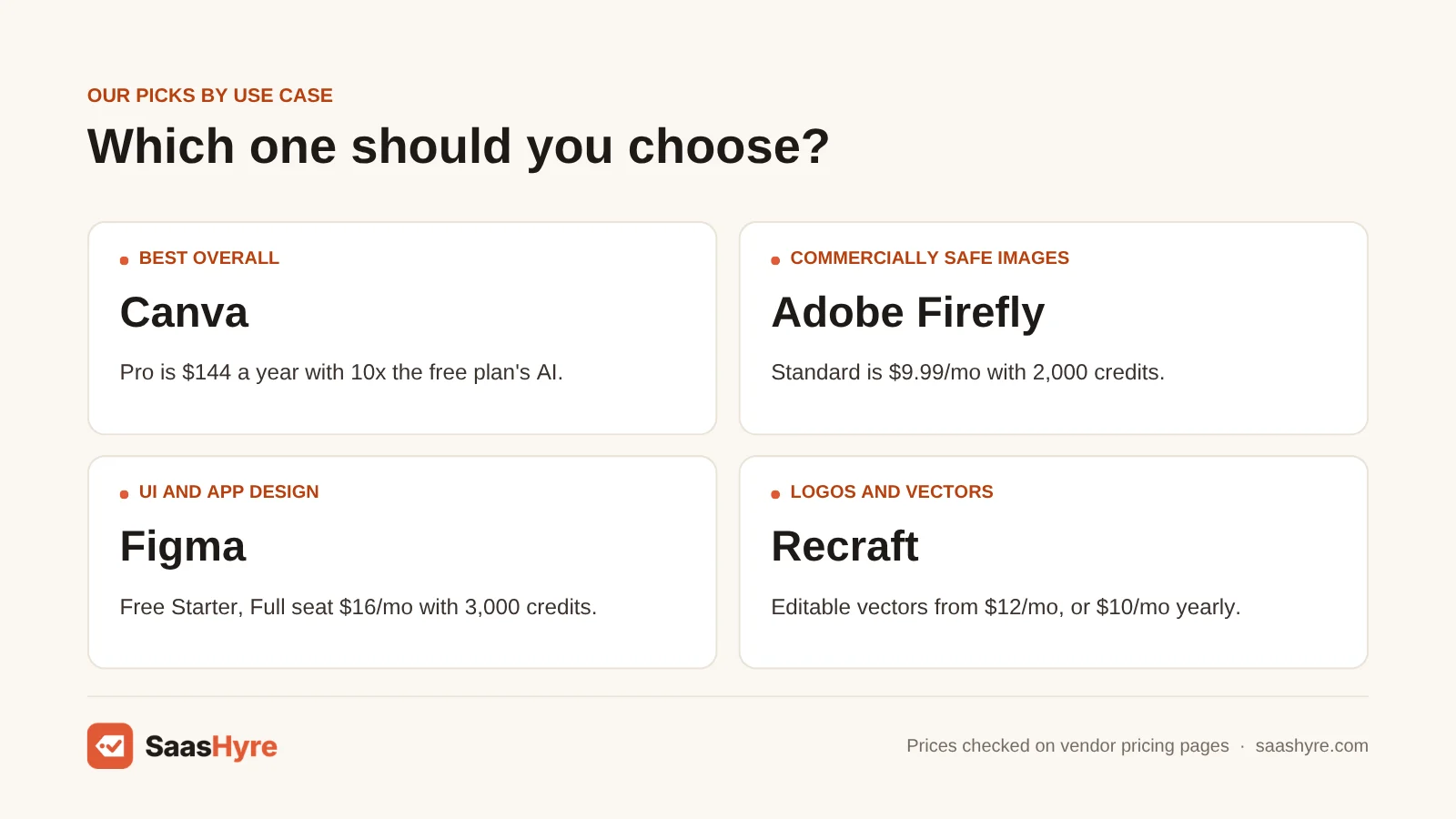
Canva is the best overall AI design tool for most people. It pairs a huge template library with AI photo, video and layout tools, and Pro costs $144 a year for one person. The free plan gives you up to 20 AI uses, so you can test it before you pay.
1 Canva: Best for non-designers who need lots of content
If you make social posts and flyers every week, start here.
What it does well. Canva makes design feel easy. You pick a template or type a prompt, and the AI helps with the rest. Magic Layers can turn an AI design into an editable layout, so you are not stuck with a flat image.
Key features:
- AI photo, video and 3D generators
- Magic Layers for editable AI designs
- Magic Resize
- Brand kit design generation
Pricing. The free plan costs $0 and includes up to 20 Standard or Premium AI uses. Pro is $144 a year for one person and gives you 10 times the AI of the free plan. Business is $250 a year per person with 20 times the AI. Enterprise is priced by quote. Canva also offers monthly billing. But the monthly price did not show on its pricing page when we checked. Pro and Business have a free trial, with the free plan’s AI limit during the trial. An AI Pass add-on is sold monthly. See Canva pricing.
Best for: You, if you run a small business or marketing team and need lots of on-brand content fast.
Limitations. Canva does not list trial length or refund terms on its pricing page. Heavy AI users may need the AI Pass add-on. It is not a pro tool for app screens.
Best AI Design Tools for Brand-Safe Marketing Graphics
Adobe Express is the best low-cost pick for brand-safe graphics. Premium is $9.99 a month with a 30-day free trial. Adobe Firefly is the best pick when you need AI images and video you can use commercially, starting at $9.99 a month for 2,000 credits.
2 Adobe Express: Best for cheap on-brand social graphics
If you want a Canva-style editor from Adobe for less, Express is worth a look.
What it does well. Express gives you templates, quick photo fixes and Adobe’s AI in a simple editor. Brand kits apply your fonts and colors in a click. The Content Scheduler lets you plan social posts in the same app.
Key features:
- Generate Image and AI Assistant (beta)
- Background removal
- Brand kits
- Content Scheduler
Pricing. The free plan costs $0, needs no credit card and includes 5GB of storage. Premium is $9.99 a month with 250 generative credits a month, 100GB of storage and a 30-day free trial. Teams is $7.99 a month per license, or $4.99 a month per license in the first year on the current promo. Teams needs at least 2 seats and is a yearly plan billed monthly. Plans renew until you cancel. See Adobe Express pricing.
Best for: You, if you want simple, on-brand social graphics and you like staying inside Adobe’s tools.
Limitations. 250 credits a month is a small AI pool. The Teams plan locks you into a year.
3 Adobe Firefly: Best for commercially safe AI images and video
If you worry about where AI images come from, Firefly is the safe bet.
What it does well. Adobe says Firefly’s own models are trained on licensed and public domain content. It calls the outputs safe for commercial use. Firefly also gives you partner models from Google, OpenAI and others in one place.
Key features:
- Image, video and audio generation
- Models trained on licensed content
- Google and OpenAI partner models
- Enterprise IP indemnification
Pricing. You can get free daily generations without any plan. Standard is $9.99 a month with 2,000 generative credits. Pro is $19.99 a month with 4,000 credits. Pro Plus is normally $49.99 a month with 10,000 credits. Premium is normally $199.99 a month with 50,000 credits. A first-year promo that cut those to $34.97 and $139.91 ended October 21, and the plans page now shows the regular prices. Paid plans offer a free trial of unstated length. Team licenses are $19.99, $49.99 or $199.99 a month on a yearly plan billed monthly. See Adobe Firefly pricing.
Best for: You, if you publish AI images in ads or client work and want the clearest commercial-use story.
Limitations. Firefly is an image and video engine, not a layout editor. You will still need Express or Canva to build finished designs. Yearly prices were not shown.
Best AI Design Tool for UI and Product Design
Figma is the best AI design tool for app, web and product design. Its AI can rename layers, edit images and turn prompts into working prototypes with Figma Make. The free Starter plan gives you up to 500 AI credits a month, and a Professional Full seat is $16 a month.
4 Figma: Best for app and website design
If you design screens for apps or websites, Figma is the tool your developers already expect.
What it does well. Figma is where product teams design and hand off work. Figma Make turns a prompt into a prototype you can click through. AI image tools remove backgrounds and expand images.
Key features:
- Figma Make prompt-to-prototype
- Figma Weave AI workflows
- AI image editing
- Visual search
Pricing. Starter is free with unlimited drafts and 150 AI credits a day, up to 500 a month. On Professional, a Full seat is $16 a month with 3,000 AI credits. A Dev seat is $12 and a Collab seat is $3. Organization is billed yearly only, at $55 a month for a Full seat, $25 for Dev and $5 for Collab. Enterprise is billed yearly only, at $90 a month for a Full seat, $35 for Dev and $5 for Collab. We found no free trial listed. See Figma pricing.
Best for: You, if you design apps, websites or product screens, alone or with a team.
Limitations. Figma is more than you need for a quick Instagram post. Cheap Dev and Collab seats get far fewer AI credits. Organization and Enterprise require yearly billing.
Best AI Image Generators for Designers
Midjourney is the best AI image generator for high-style art, starting at $10 a month or $96 a year. ChatGPT is the easiest way to make and edit images by just asking. It has a free plan, and paid plans start at $8 a month.
5 Midjourney: Best for artistic, high-style images
If you want mood boards, concept art or scroll-stopping visuals, Midjourney is known for its look.
What it does well. Midjourney is famous for rich, stylish images. Designers use it for concept art and hero images. Higher plans add unlimited Relax mode images and private Stealth mode.
Key features:
- Image and video generation
- Fast GPU hours on all plans
- Unlimited Relax mode on Standard+
- Stealth mode on Pro and Mega
Pricing. Basic is $10 a month or $96 a year, with 3.3 fast GPU hours a month. Standard is $30 a month or $288 a year, with 15 fast hours. Pro is $60 a month or $576 a year, with 30 fast hours. Mega is $120 a month or $1,152 a year, with 60 fast hours. Its plans page lists no free plan or trial. You can only get a refund if you have used under 20 GPU minutes over your account’s life. See Midjourney pricing.
Best for: You, if the look of the image matters more than exact text or layout.
Limitations. If your company makes over $1,000,000 a year, Midjourney says you must buy Pro or Mega. That makes $60 a month the real starting price for many businesses. Your images are not private unless you are on Pro or Mega. It is not a layout editor.
6 ChatGPT: Best for quick images and edits by chat
If you already pay for ChatGPT, you may not need another image tool.
What it does well. You describe what you want and ChatGPT makes it. You can also upload a photo and ask for changes. It is handy for quick mockups and blog images.
Key features:
- Images on every plan
- Edit uploaded images by chat
- Images with thinking on Plus+
- Web, iPhone and Android
Pricing. The free plan can create images, with separate usage limits. Go is $8 a month in the US and gives 10 times more image creation than Free. Plus is $20 a month. Pro comes in $100 and $200 tiers with more usage. Business is $25 per user a month on monthly billing, or $20 on yearly billing, for 2 or more users. ChatGPT’s pricing page did not show dollar amounts when we checked, so these come from OpenAI’s help center and announcements. See ChatGPT pricing.
Best for: You, if you want fast images and edits without learning a new app.
Limitations. OpenAI does not publish exact image counts for each plan. You get images, not layered design files. OpenAI says area edits are not always precise.
Best AI Design Tool for Text in Images
Ideogram is the best AI design tool when your image needs readable words, like a poster, ad or thumbnail. Plus costs $20 a month or $15 a month billed yearly, with 1,000 priority credits and private generation. A free plan gives eligible accounts weekly slow credits.
7 Ideogram: Best for posters, ads and thumbnails with text
If you keep getting AI images with garbled words, try Ideogram.
What it does well. Ideogram puts clear text into images. That makes it useful for posters, ads and thumbnails. Paid plans keep your work private.
Key features:
- Private generation on paid plans
- Character consistency on Plus+
- Batch generation on Pro
- $4 credit top-ups
Pricing. The free plan gives weekly slow credits to eligible accounts, with 1 generation at a time. Plus is $20 a month, or $180 a year ($15 a month), with 1,000 priority credits. Pro is $60 a month, or $504 a year ($42 a month), with 3,500 credits. Team is $30 per user a month, or $20 billed yearly, with 1,500 credits per user and a 2-user minimum. Enterprise is custom. Ideogram says fees are non-refundable, and unused priority credits expire at the end of each billing cycle. See Ideogram pricing.
Best for: You, if you make graphics where the words have to be spelled right.
Limitations. No refunds, so start monthly before you commit to a year. Unused priority credits do not roll over.
Best AI Design Tools for Logos, Vectors and Merch
Recraft is the best AI tool for logos, icons and real vector files. It starts at $12 a month, or $10 a month billed yearly. Kittl is the best pick for T-shirts, labels and print. Pro is $12 a month per editor billed yearly, with a commercial license for up to 500,000 copies.
8 Recraft: Best for logos, icons and vectors
If you need a logo or icon you can scale and edit, try Recraft.
What it does well. Most AI tools give you pixels. Recraft can generate images straight in vector format, so you can scale them without blur. You can also build a reusable style from your own reference images.
Key features:
- Editable vector generation
- Custom brand styles
- Mockup generator
- Upscaler and background remover
Pricing. The free plan has limited credits, and your free images are public in the community gallery. Basic is $12 a month, or $120 a year ($10 a month), with 1,000 credits. Pro starts at $20 a month, or $16 a month billed yearly, for 2,000 credits, and goes up to $160 a month for 16,000 credits. Teams starts at $22 a month, or $18 billed yearly. Paid plans give you full ownership and commercial rights for images made while you subscribe. You can ask for a refund if you used fewer than 30 credits and paid within the last 30 days. See Recraft pricing.
Best for: You, if you design logos, icons or brand graphics and need files a printer or developer can use.
Limitations. Anything you make on the free plan is public, so skip it for client work. The refund window is small.
9 Kittl: Best for merch, labels and print designs
If you sell T-shirts, stickers or packaging, Kittl was made with you in mind.
What it does well. Kittl mixes a design editor with AI tools for visuals and backgrounds. Paid plans add premium templates and vector exports. Its commercial license covers print runs.
Key features:
- AI visuals and backgrounds
- Premium templates
- Vector exports
- Commercial license up to 500,000 copies
Pricing. The free plan is for personal use only. Pro is $12 a month, Expert is $26 a month and Max is $48 a month, each per editor billed yearly. Expert adds 200 AI tokens a day and Max adds 600 a day on top of the monthly balance. Kittl’s page did not show a monthly-billing price or a trial, so we could not confirm those. It says you can cancel anytime and keep your designs. See Kittl pricing.
Best for: You, if you design products you plan to print and sell.
Limitations. You can’t sell anything you make on the free plan. Selling past 500,000 copies needs a Business plan.
Tools We Left Out, and Why
You will see these on other lists. Here is why we skipped them.
- Looka. It is a solid logo maker, but its pricing page shows no dollar amounts. Review sites quote prices, but we only list prices we can confirm with the vendor.
- Brandmark. Its pricing page would not load for us, so we could not confirm any price. Recraft covers the logo job with prices in plain view.
- Gamma. It is a great AI tool, but it makes slides and docs, not graphics. See our best AI presentation makers guide instead.
What One Designer Pays in a Year
For one person, a year of Midjourney Basic costs $96. Adobe Express Premium or Firefly Standard costs $119.88, and Recraft Basic costs $120. Canva Pro and Kittl Pro cost $144. Ideogram Plus costs $180, Figma Professional costs $192 and ChatGPT Plus costs $240.
We used yearly billing where listed, otherwise the monthly price times 12. Taxes and promos are left out.
| Tool and plan | Price used | Cost for 1 year |
|---|---|---|
| Midjourney Basic | $96/yr | $96 |
| Adobe Express Premium | $9.99/mo x 12 | $119.88 |
| Adobe Firefly Standard | $9.99/mo x 12 | $119.88 |
| Recraft Basic | $120/yr | $120 |
| Canva Pro | $144/yr | $144 |
| Kittl Pro | $12/mo billed yearly | $144 |
| Ideogram Plus | $180/yr | $180 |
| Figma Professional Full seat | $16/mo x 12 | $192 |
| ChatGPT Plus | $20/mo x 12 | $240 |
Canva Pro plus Midjourney Basic comes to $240 a year, the same as ChatGPT Plus alone. Businesses earning over $1,000,000 a year need Midjourney Pro at $576 a year.
How to Choose an AI Design Tool Without Overpaying
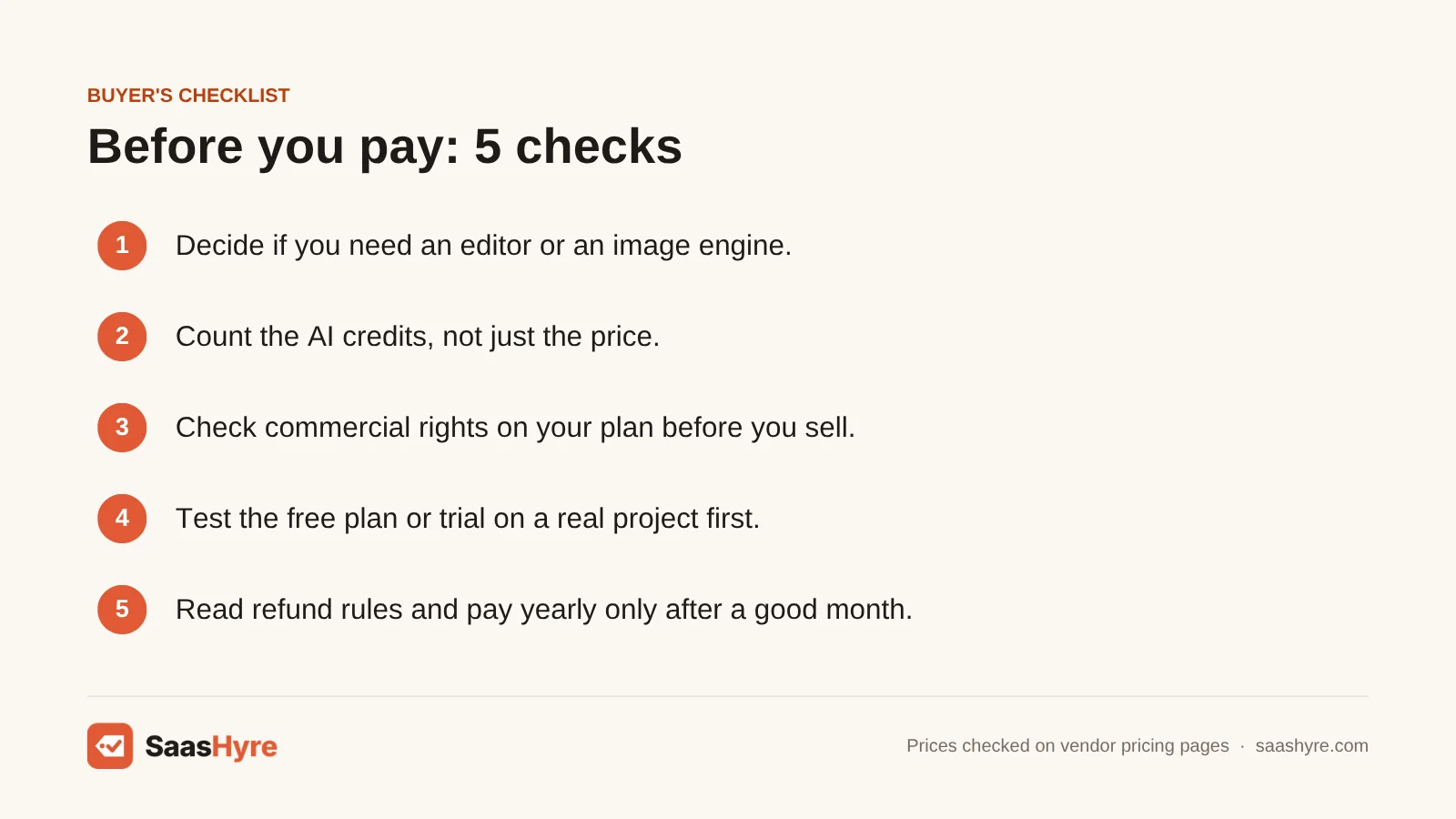
- Decide if you need an editor or an image engine. Canva, Express, Figma and Kittl build layouts. Midjourney, Ideogram, ChatGPT and Firefly make images. Many people only need one.
- Count the credits, not just the price. Express Premium gives 250 credits a month for $9.99. Firefly Standard gives 2,000 for the same price.
- Check commercial rights on your plan. Kittl’s free plan is personal use only. Recraft’s free images are public. Midjourney needs Pro or Mega for companies over $1,000,000 in revenue.
- Test the free plan or trial first. Canva, Express, Firefly, Figma, ChatGPT, Ideogram, Recraft and Kittl all have a free option. Try your real project before you pay.
- Read the refund rules. Ideogram fees are non-refundable. Midjourney refunds only if you used under 20 GPU minutes. Recraft refunds if you used under 30 credits within 30 days.
- Pay yearly only after a month you liked. Yearly billing saves money on Midjourney, Ideogram and Recraft. But it locks you in if the tool is a bad fit.
How We Evaluated These Tools
We compared each tool using its own pricing page, feature pages and help docs, checked in October 2026. For ChatGPT, we used OpenAI’s help center and announcements. We also read the top-ranking reviews to find stale prices and gaps. We did not run our own image quality tests, and feature claims come from the vendors. No vendor pays to be listed. Read our editorial policy to learn more.
Keep comparing: AI tool guides · Best AI Marketing Tools · Best AI Video Generators
The Bottom Line
Want just one AI design tool? Get Canva Pro for $144 a year. It covers most social, marketing and slide work. If you want Adobe’s version for less, try Adobe Express at $9.99 a month. Use Firefly when commercial safety matters most. Pick Figma for apps and websites. Add Midjourney when you need standout art, or Ideogram when your images need clear words. Use ChatGPT if you already pay for it. For logos and vectors, go with Recraft, and for merch and print, go with Kittl.
If this one is not quite the right fit, start with our best AI video editing software guide, then compare our best AI dubbing software and best AI voice generators guides.
Frequently Asked Questions
What is the best AI tool for graphic design?
Canva is the best AI tool for graphic design for most people. It combines templates, AI image and video tools and brand kits in one easy editor. Pro costs $144 a year for one person. Designers who need app screens should use Figma instead, and those who need vector logos should try Recraft.
Is there a free AI design tool?
Yes. Canva’s free plan includes up to 20 AI uses. Adobe Express has a free plan with no card needed. Figma Starter gives up to 500 AI credits a month. Adobe Firefly offers free daily generations, and ChatGPT’s free plan can create images with limits. Check commercial rights before using free output for business.
Can I use AI-generated designs commercially?
Often, yes, but it depends on the plan. Ideogram allows commercial use. Recraft gives commercial rights on paid plans. Kittl’s free plan is personal use only. Midjourney requires Pro or Mega for companies earning over $1,000,000 a year. Adobe says Firefly outputs are safe for commercial use.
Which AI design tool is best for logos?
Recraft is our pick for logos because it can generate editable vector files you can scale without blur. Basic costs $12 a month or $120 a year. Looka and Brandmark are popular logo makers too, but neither showed confirmed prices on its own site when we checked.
Is Canva Pro worth it for AI features?
For most small businesses, yes. Pro costs $144 a year and gives you 10 times the AI of the free plan, plus premium templates and brand tools. During the free trial, your AI limit matches the free plan, so the trial will not show the full AI allowance.
Is Midjourney better than ChatGPT for images?
Midjourney is better if you want a strong artistic style. ChatGPT is easier if you want to make or edit images just by chatting. Midjourney starts at $10 a month. ChatGPT has a free plan, Go at $8 a month and Plus at $20 a month.
Can AI replace a graphic designer?
Not fully. AI tools are fast at drafts, variations and simple social graphics. But you still need someone to judge the idea, fix details and keep the brand consistent. Think of these tools as a way to speed up your work, not replace good taste.
What is the cheapest AI design tool?
On a yearly basis, Midjourney Basic is the cheapest paid pick here at $96 a year. Adobe Express Premium and Firefly Standard are each $9.99 a month. Recraft Basic is $120 a year. If you need no paid features, Canva, Adobe Express and Figma all have free plans with some AI included.