

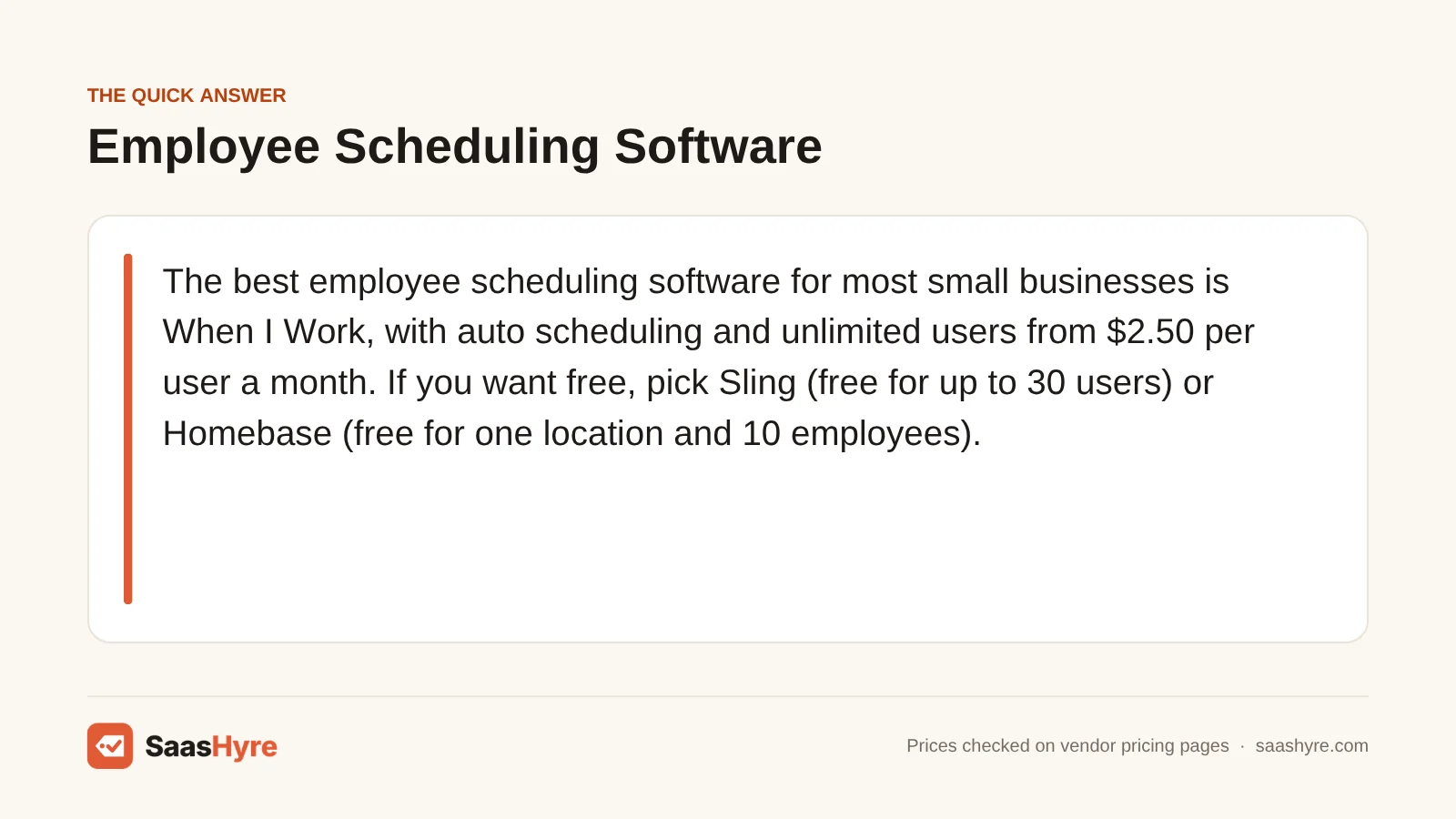
The best employee scheduling software for most small businesses is When I Work, with auto scheduling and unlimited users from $2.50 per user a month. If you want free, pick Sling (free for up to 30 users) or Homebase (free for one location and 10 employees). Pick Connecteam for field teams, Deputy for labor rules, 7shifts for restaurants and QuickBooks Time or Buddy Punch for payroll-ready timesheets.
Scheduling apps look cheap on the pricing page. Then the bill shows up. Some charge per user, some per location, and some charge a base fee plus a fee per person. A few have monthly minimums. So the tool that looks cheapest for a team of 5 can be the most expensive one for a team of 40.
I pulled every price from each vendor’s own pricing page in October 2026. Where a vendor would not show a price, I say so. Prices can change, so check the final number at checkout before you pay.
Building a full stack? Our small business software guide shows the best pick for every job and what it costs.
Quick Comparison: 8 Employee Scheduling Tools and What They Cost
| Tool | Best for | Starting price | Billing model | Free plan or trial |
|---|---|---|---|---|
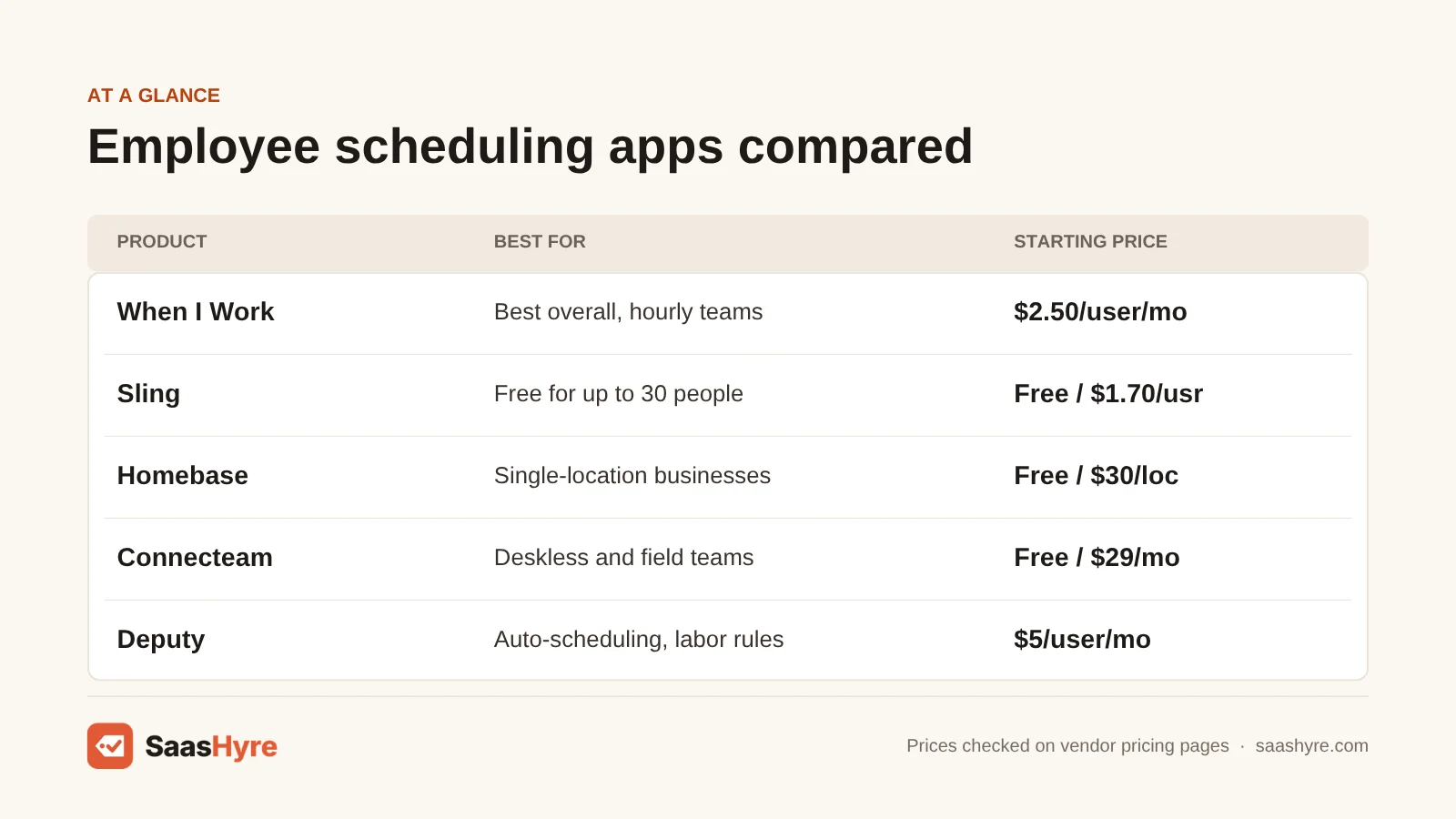
| When I Work | Best overall, hourly teams | $2.50/user/mo | Per user | 14-day free trial |
| Sling | Free scheduling for up to 30 people | Free, or $1.70/user/mo yearly | Per user | Free plan, 15-day trial |
| Homebase | Single-location small businesses | Free, or $30/location/mo | Per location | Free for 1 location, 10 employees |
| Connecteam | Deskless and field teams | Free, or $29/mo yearly for 30 users | Flat fee for first 30 users | Free for up to 10 users |
| Deputy | Auto-scheduling and labor law rules | $5/user/mo | Per user, $30 monthly minimum | Free trial |
| 7shifts | Restaurants | Not shown on pricing page | Per location (check with vendor) | Says you can start free |
| QuickBooks Time | QuickBooks users and job costing | $20/mo + $10/user | Base fee plus per user | 30-day free trial |
| Buddy Punch | Time clock with GPS and scheduling | $19/mo + $4.99/user yearly | Base fee plus per user | 14-day free trial |
What Is Employee Scheduling Software?
Employee scheduling software is an app that builds your staff schedule and shares it with your team’s phones. Workers see their shifts, swap them, ask for time off and pick up open shifts. Most tools also add a time clock, so hours flow into timesheets and payroll without you typing them in again.
If you still build the schedule in a spreadsheet or a group text, you know the pain. Someone misses the update, and nobody covers the Saturday close. A scheduling app fixes that because everyone sees the same schedule and gets an alert when it changes.
What Makes the Best Employee Scheduling Software?
The best employee scheduling software makes the weekly schedule fast to build, easy for staff to read on their phones and cheap at your team size. Check five things. How does it charge? Does it have a free plan? Can staff swap shifts? Does it include a time clock? And does it connect to your payroll?
We compared each tool on those five points using its own pricing page. We also read the top-ranking reviews for this keyword. Many of them list old prices. One lists Deputy as free, but Deputy’s pricing page shows no free plan. Another lists When I Work at $2 per user, but the vendor now shows $2.50. We flag gaps like that so you budget with real numbers.
Best Employee Scheduling Software Overall
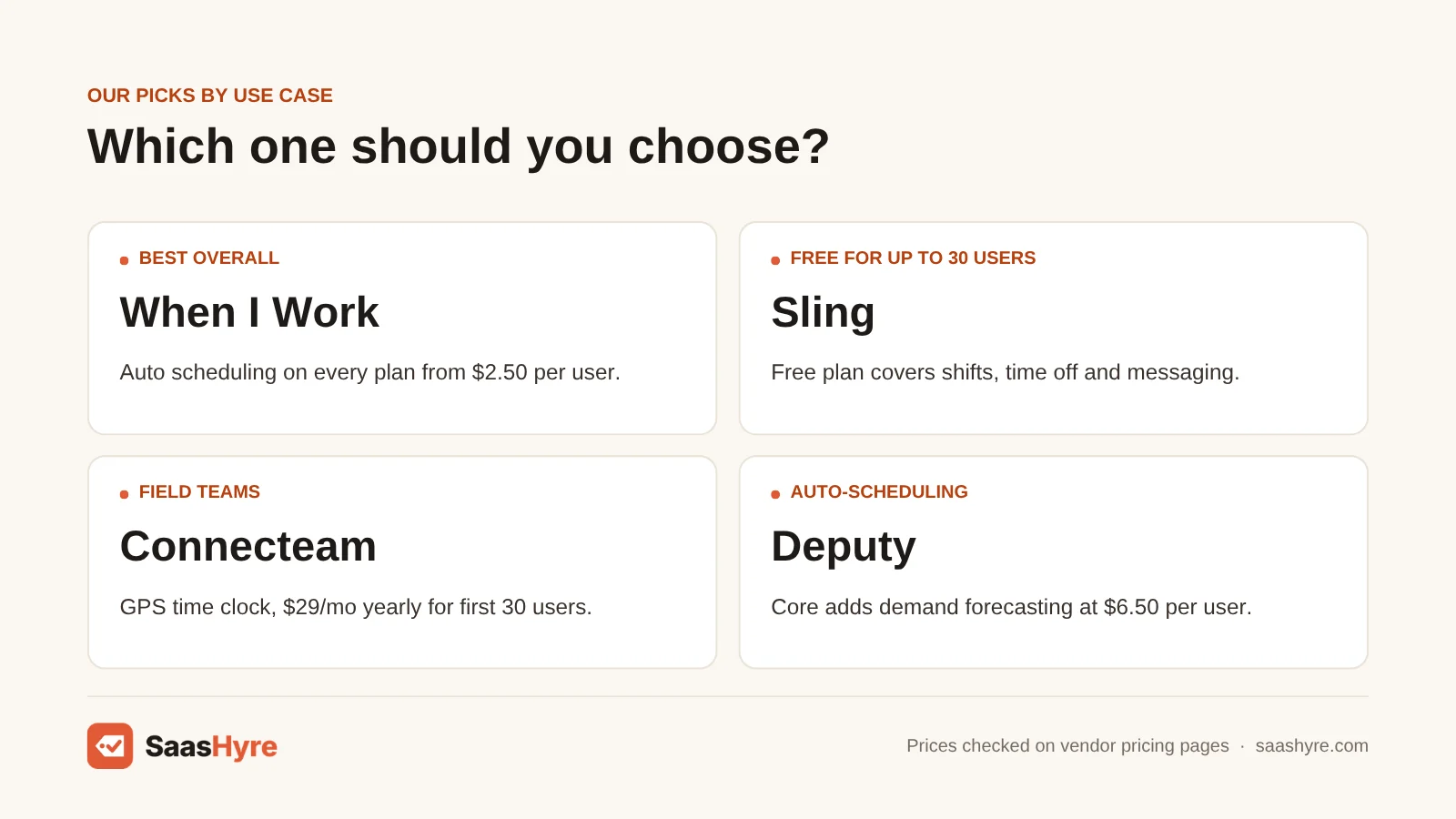
When I Work is the best overall pick for most hourly teams. Every plan includes unlimited users, auto scheduling, shift swaps, team messaging and payroll integrations. Essentials costs $2.50 per user a month, and you can try everything free for 14 days without a credit card.
1 When I Work: Best for most hourly teams
Want an app your whole team will use? Start here.
What it does well. When I Work keeps things simple. You build the schedule once, save it as a template and reuse it. Staff get the schedule on their phones. They can swap shifts and message each other in the app. Auto scheduling and labor forecasting come with the cheapest plan.
Key features:
- Auto scheduling on every plan
- Shift swaps and in-app team messaging
- Multi-week and multi-location schedules
- Payroll and POS integrations
- Unlimited users
Pricing. Essentials is $2.50 per user a month. Pro is $5 per user a month and adds scheduling rules, role permissions, labor sharing and custom reports. Premium is $8 per user a month and adds API access, webhooks and SSO. The pricing page shows no free plan and no yearly price. You get a 14-day free trial with full access and no credit card. We did not find a refund policy on the pricing page. See When I Work pricing.
Best for: You, if you run an hourly team and want an easy app at a low per-person price.
Limitations. There is no free plan, so you pay from the first user after the trial. Per-user pricing adds up for big teams. At 60 people, Essentials is $150 a month.
Best Free Employee Scheduling Software
Sling is the best free employee scheduling software because its free plan covers up to 30 users, with shift scheduling, time-off requests, open shifts and team messaging. Homebase is the better free pick if you also want a basic time clock, but its free plan stops at one location and 10 employees.
2 Sling: Best free plan
Want to stop paying for scheduling? Start with Sling.
What it does well. Sling’s free plan is a real scheduling tool, not a teaser. You can build shifts, post open shifts, approve time off and message your team. When you need time tracking or labor cost numbers, the paid plans are still cheap.
Key features:
- Free for up to 30 users
- Time-off requests and open shifts
- Team news feed and private messages
- Labor cost tracking on Premium
- Kiosk time clock and PTO tools on Business
Pricing. The Free plan costs $0 for up to 30 users. Premium is $2 per user a month on monthly billing, or $1.70 on yearly billing. It adds mobile time tracking and labor cost management. Business is $4 per user a month, or $3.40 yearly. It adds a kiosk time clock, reports, no-show and sick call-out tracking, and PTO management. Paid plans come with a 15-day free trial. If a worker leaves, Sling prorates your bill for the unused spot. See Sling pricing.
Best for: You, if you have up to 30 people and mostly need a shared schedule, not a time clock.
Limitations. The free plan has no time clock. Reports and PTO tools need the Business plan. We did not find a refund policy on the pricing page.
3 Homebase: Best for one location
If you run one shop, cafe or clinic, look here.
What it does well. Homebase charges per location, not per person. That makes it cheap for a busy single store with lots of part-timers. The free plan covers basic scheduling, basic time tracking and a POS integration. Paid plans add team chat, an AI scheduling assistant, HR tools and optional payroll.
Key features:
- Free plan with scheduling and time clock
- Unlimited employees on paid plans
- AI Scheduling Assistant on Plus
- Team messaging
- Payroll add-on
Pricing. Basic is free for one location and up to 10 employees. Essentials is $30 per location a month. Plus is $70 and All-in-One is $120 per location a month. Those are monthly billing prices. Homebase says yearly billing saves 20%, but it did not show the exact yearly prices. Payroll is an add-on at $49 a month plus $6 per employee paid. You get a 14-day free trial of All-in-One with no credit card. After that, you drop to Basic unless you pick a plan. See Homebase pricing.
Best for: You, if you run one location with lots of hourly staff and want scheduling plus a time clock.
Limitations. Per-location pricing gets expensive if you have many small sites. The free plan stops at 10 employees. Plan changes take effect at the start of the next billing cycle, and we did not find a refund policy on the page.
Best Scheduling App for Field Teams
Connecteam is the best pick for teams that work out in the field, like cleaners, crews and home care staff. It pairs scheduling with a GPS time clock. It is free for up to 10 users, and the Basic plan costs $29 a month on yearly billing for your first 30 users.
4 Connecteam: Best for deskless and field teams
If your people rarely see a desk, this is your app.
What it does well. Connecteam charges a flat price for your first 30 users, then a small fee for each extra person. For a team of 20 or 30, that is often cheaper than per-user tools. The free Small Business plan even includes all of its hubs and features for up to 10 users.
Key features:
- GPS time clock
- Open shifts staff can claim
- Repeating shifts and templates
- Geofences and auto-assigned shifts on Expert
- Free Small Business plan for up to 10 users
Pricing. The Small Business plan is free for up to 10 users, with all hubs and features. For the Operations hub, Basic is $29 a month on yearly billing or $35 on monthly billing. Advanced is $49 yearly or $59 monthly. Expert is $99 yearly or $119 monthly. Each covers your first 30 users. Extra users cost $0.80 to $1 each on Basic, $2.50 to $3 on Advanced and $4.20 to $5 on Expert, per month. Enterprise is priced by quote. Everyone starts with a 14-day free trial. Monthly plans get no refunds on prepaid time. Yearly plans get a prorated refund if you cancel in the first 30 days. See Connecteam pricing.
Best for: You, if you manage 10 to 30 people who work on the road or at job sites.
Limitations. Auto-assigning shifts and geofences need the Expert plan. Read the hub list closely to see what you pay for.
Best Scheduling App for Labor Rules
Deputy is the best pick if you want the software to build the schedule for you and follow labor laws. The Core plan adds auto-scheduling, demand forecasting and wage budgets for $6.50 per user a month. Watch the $30 monthly minimum on monthly plans.
5 Deputy: Best for auto-scheduling
Worried about break and overtime rules? Deputy helps.
What it does well. Deputy can build a schedule from your demand forecast and wage budget. It flags shifts that break labor rules. Staff clock in on a tablet, phone, web or watch. Deputy AI comes with every plan.
Key features:
- Auto-scheduling and demand forecasting on Core
- Labor law compliance tools
- Time clock on tablet, phone, web or watch
- Shift swaps and leave requests
- Payroll and HR integrations
Pricing. On monthly billing, Lite is $5 per user a month, Core is $6.50 and Pro is $9. Yearly billing saves 10%, paid upfront. There is a minimum spend of $30 a month per invoice on monthly plans. Add-ons cost extra: HR is $2 per user, Messaging+ is $1.95 and Analytics+ is $1.50. Payroll through Paycor is $8 per user plus a $49 base fee. Deputy offers a free trial, but the pricing page did not state its length. If you cancel a yearly plan early, you get no refund. See Deputy pricing.
Best for: You, if you have bigger hourly teams and want the schedule built for you within your labor budget.
Limitations. Auto-scheduling needs Core, not Lite. Add-ons can push the real price up fast. And the $30 minimum means a team of 3 on Lite still pays $30 a month.
Best Employee Scheduling Software for Restaurants
7shifts is the best-known scheduling tool made only for restaurants. It focuses on shift scheduling, POS connections and payroll for food service teams. It says you can get started free, but its pricing page did not show plan prices when we checked in October 2026.
6 7shifts: Best for restaurants
If you run a restaurant, 7shifts speaks your language in a way general tools do not.
What it does well. 7shifts is built for front-of-house and back-of-house teams. It connects to restaurant POS systems. It also sells payroll made for restaurants.
Key features:
- Scheduling made for restaurant teams
- POS integrations
- Restaurant payroll
- Free way to get started
Pricing. We could not confirm 7shifts prices. Its pricing page did not show plan prices to us in October 2026. It did say “Get started, it’s free!” and advertised 3 months of payroll free. Review sites list paid plans per location, but we only print prices we can confirm with the vendor. Ask 7shifts for a quote before you commit. See 7shifts pricing.
Best for: You, if you run one or more restaurants and want a tool built for how kitchens and dining rooms work.
Limitations. We could not confirm its prices, trial or refund terms. If you are not in food service, a general tool like When I Work or Sling is a better fit.
Best Employee Scheduling Software With Payroll-Ready Time Tracking
QuickBooks Time is the best pick if you already use QuickBooks, since hours sync straight to payroll and invoices. It costs $20 a month plus $10 per user. Buddy Punch is the pick for a strong time clock with GPS and geofencing, from $19 a month plus $4.99 per user on yearly billing.
7 QuickBooks Time: Best for QuickBooks users
Already use QuickBooks? Start here.
What it does well. QuickBooks Time tracks hours on phones or a kiosk and syncs them to payroll and invoices. You can build schedules by job or by shift. The Elite plan adds project tracking and mileage, which helps contractors and field crews.
Key features:
- Schedules by job or shift
- Time kiosk and mobile app
- Payroll and invoice sync with QuickBooks
- Time-off management and alerts
- Project tracking and mileage on Elite
Pricing. Time Premium is $20 a month plus $10 per user a month. Time Elite is $40 a month plus $12 per user. One admin is free. New customers get 50% off the base fee for 3 months, but not off the per-user fees. Bundles with full payroll start at $130 a month plus $13 per employee. We saw no yearly price. You get a 30-day free trial with no credit card. See QuickBooks Time pricing.
Best for: You, if you already use QuickBooks and bill clients or jobs by the hour.
Limitations. It is the most expensive pick here per person. At $10 a user, a team of 20 pays $220 a month. It is a time tracker first.
8 Buddy Punch: Best for GPS clock-ins
If lost hours cost you money, look here.
What it does well. Buddy Punch is a time clock first. It can limit punches to set GPS areas, snap a webcam photo at each punch and track meal and rest breaks. Scheduling comes with the Pro plan, so shifts and punches match up.
Key features:
- Basic geofencing and QR code punches
- Webcam photos on punches
- Break compliance tracking
- Offline mode
- Scheduling included on Pro and Advanced
Pricing. Every plan has a $19 monthly base fee. On yearly billing, Starter is $4.99 per user a month, Pro is $6.99 and Advanced is $12.99. On monthly billing, they are $5.99, $7.99 and $13.99. Scheduling is a $1 per user add-on on Starter and is included on Pro and Advanced. Payroll costs $8 per user plus a $49 base fee. You get a 14-day free trial with no credit card. You get a full refund if you cancel within 72 hours on monthly billing or 30 days on yearly billing. See Buddy Punch pricing.
Best for: You, if accurate punches matter as much as the schedule.
Limitations. The $19 base fee makes it pricey for tiny teams. Sling or When I Work cost less if you do not need strict punch rules.
Tools We Left Out, and Why
You will see these on other lists. Here is why they are not in our top 8.
- Shiftboard. Its pricing page compares features but shows no prices. It is aimed at larger, shift-heavy operations like manufacturing, so it is a poor fit if you are a small business on a budget.
- HR suites like Rippling, UKG, Paycor and ADP. They include scheduling, but you buy them as part of a bigger HR and payroll system, usually by quote. If you only need a schedule, they cost more than you need.
What 20 Employees Pay in a Year
For 20 hourly workers at one location, Sling’s free plan costs $0. Connecteam Basic costs $348 a year, Homebase Essentials $360 and When I Work Essentials $600. Deputy Core costs $1,560, Buddy Punch Pro $1,905.60 and QuickBooks Time Premium $2,640.
This math uses 20 employees at one location for 12 months. We used yearly prices where the vendor shows them and monthly prices where it does not. It leaves out taxes, add-ons and promos. We left 7shifts out because we could not confirm its prices.
| Tool and plan | How it is priced | Per month | Per year |
|---|---|---|---|
| Sling Free | Free up to 30 users | $0 | $0 |
| Connecteam Basic (yearly) | $29 flat for first 30 users | $29 | $348 |
| Homebase Essentials (monthly) | $30 per location | $30 | $360 |
| Sling Premium (yearly) | $1.70 x 20 users | $34 | $408 |
| When I Work Essentials | $2.50 x 20 users | $50 | $600 |
| Deputy Core (monthly) | $6.50 x 20 users | $130 | $1,560 |
| Buddy Punch Pro (yearly) | $19 + $6.99 x 20 users | $158.80 | $1,905.60 |
| QuickBooks Time Premium | $20 + $10 x 20 users | $220 | $2,640 |
The gap is big because these tools price in different ways. A flat or per-location price wins for a mid-size team at one site. A per-user price wins for a small team spread over many sites. Deputy on yearly billing saves 10%, which brings Core to $1,404 a year for this team.
How to Choose Employee Scheduling Software Without Overpaying
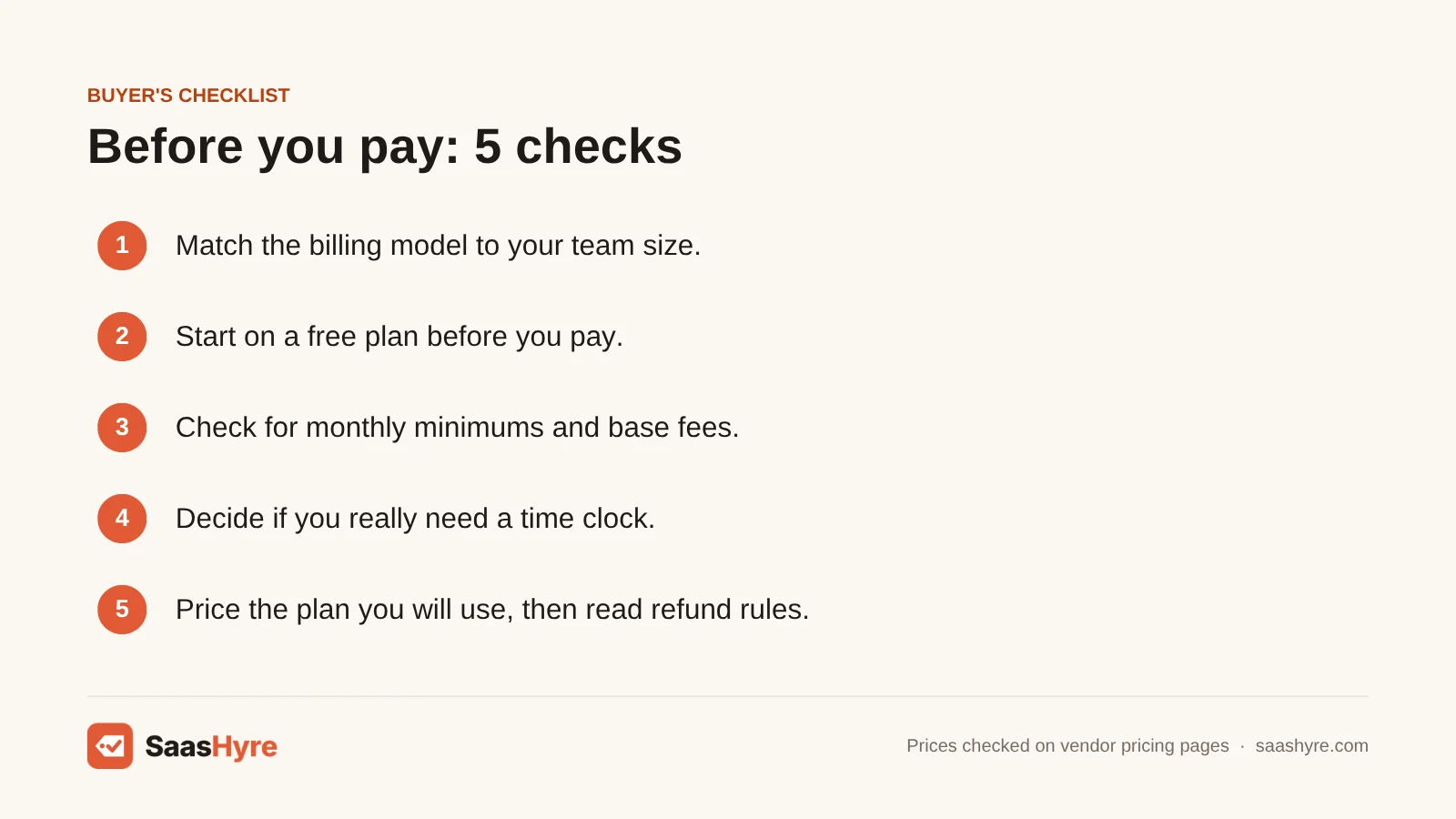
- Match the billing model to your team. Per user, per location and flat-for-30 prices lead to very different bills. Run your own head count through each one.
- Start on a free plan. Sling is free for 30 users, Homebase for 10 employees at one location and Connecteam for 10 users. Try one before you pay.
- Check for minimums and base fees. Deputy has a $30 monthly minimum. QuickBooks Time and Buddy Punch add a base fee on top of per-user prices.
- Decide if you need a time clock. If you only need a shared schedule, don’t pay for GPS punches, kiosks or break tracking.
- Look at the plan you will really use. Auto-scheduling is on Deputy Core, not Lite. Connecteam’s auto-assign is on Expert. Price that plan, not the cheapest one.
- Read the refund rules first. Buddy Punch refunds within 30 days on yearly plans. Deputy gives no refund if you cancel a yearly plan early.
How We Evaluated These Tools
We compared each tool using its own pricing page and feature pages, checked in October 2026. We also read the top-ranking reviews for employee scheduling software to find old prices and missing details. We looked at the billing model, free plan limits, trials, refunds, minimums and the plan you need for key features like auto-scheduling. We did not run our own scheduling tests, and feature claims come from the vendors. No vendor pays to be listed. Read our editorial policy to learn more.
Keep comparing: SaaS guides · Gusto Alternatives · AI HR Software
The Bottom Line
If you want one easy pick, go with When I Work at $2.50 per user a month. If you want to pay nothing, start with Sling, which is free for up to 30 people. Pick Homebase for one busy location and Connecteam for field crews. Choose Deputy if you want the schedule built for you within labor rules. Restaurants should talk to 7shifts, but get a quote since its prices were not public. And if payroll matters most, use QuickBooks Time with QuickBooks or Buddy Punch for strict clock-ins. If your books need a change too, compare QuickBooks alternatives.
If this one is not quite the right fit, start with our best AI employee onboarding software guide, then compare our best AI time tracking software and best PEO services guides.
Frequently Asked Questions
What is the best free employee scheduling software?
Sling has the best free plan we found. It covers shift scheduling, time-off requests, open shifts and messaging for up to 30 users. Homebase is free for one location and up to 10 employees and adds a basic time clock. Connecteam is free for up to 10 users.
How much does employee scheduling software cost?
Most tools cost $2 to $10 per user a month, or $30 to $120 per location a month. When I Work starts at $2.50 per user. Homebase starts at $30 per location. Some tools add a base fee, like QuickBooks Time at $20 a month plus $10 per user.
Is When I Work free?
No. When I Work has no free plan on its pricing page. It offers a 14-day free trial with full access and no credit card. After that, Essentials costs $2.50 per user a month, Pro costs $5 and Premium costs $8.
Is Deputy better than When I Work?
Deputy is better if you want auto-scheduling tied to demand forecasts, wage budgets and labor law checks. When I Work is cheaper and simpler. It costs $2.50 per user a month, compared with $6.50 for Deputy Core, and it has no monthly minimum.
What is the best scheduling app for a small business?
For most small businesses, When I Work or Homebase is the best start. When I Work is cheap per user and includes auto scheduling. Homebase is free for one location with up to 10 employees, then $30 per location a month with unlimited employees.
Can Excel or Google Sheets work as scheduling software?
A spreadsheet works for a very small team with fixed hours. But it will not send shift alerts, handle swaps or track time off. Once people start trading shifts, a free tool like Sling keeps everyone on the same schedule without costing anything.
Does QuickBooks have employee scheduling?
Yes. QuickBooks Time lists scheduling as a feature on all plans. You can build schedules by job or shift and share them with your team. Time Premium costs $20 a month plus $10 per user, with a 30-day free trial.
Which employee scheduling software is best for restaurants?
7shifts is built only for restaurants and connects to restaurant POS systems. It says you can start free, but we could not confirm its paid prices on its pricing page. Homebase and Sling are good, lower-cost options for single restaurants.