

TL;DR: The best Jotform alternatives in 2026 are Fillout for the most free responses, Tally for unlimited free forms, Typeform for polished one question at a time forms, and Cognito Forms for cheap calculations. Fillout Starter costs $180 a year. Jotform’s pricing page lists Bronze at $39 a month, or $34 billed yearly. Google Forms stays free. Pick by response volume first, then by features like payments, logic, and HIPAA.
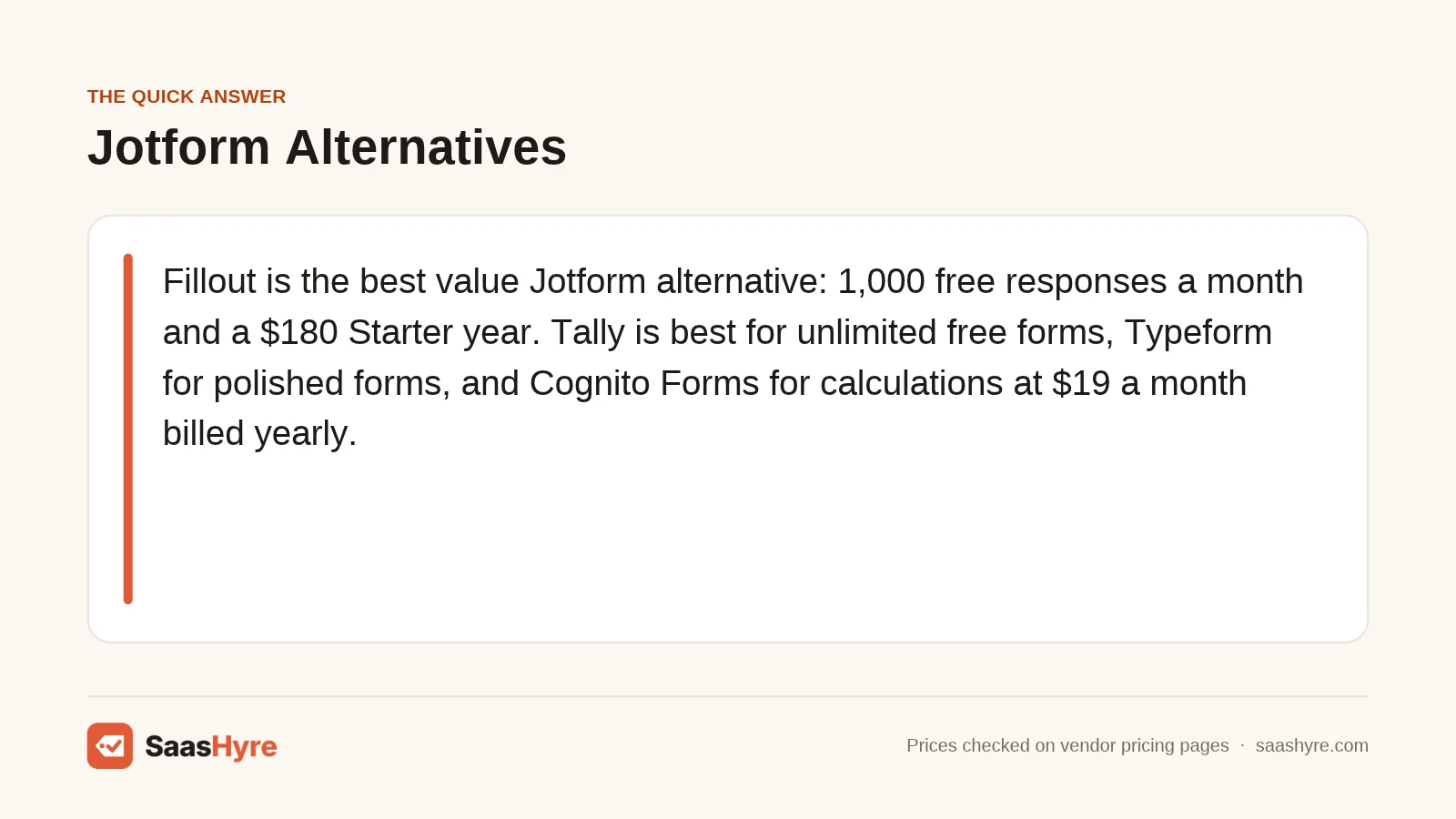
Top pick: Fillout is the best value Jotform alternative for most people. Its free plan gives you 1,000 responses a month, unlimited forms, and conditional logic. Its Starter plan is $180 a year when you pay annually, which is cheaper than most paid form builders on this list.
Jotform is one of the most popular form builders around. It holds a 4.7 rating from 2,934 reviews on Software Advice’s Jotform alternatives page. So why look elsewhere? Most people hit one of three walls. The free Starter plan adds Jotform branding. Limits rise only as you climb the paid tiers. And when you run out of storage, Jotform’s pricing FAQ says the system deletes your oldest responses to make room.
This guide is about money as much as features. For each tool, you get the starting price, the yearly cost, the free plan limits, and the trial rules. If you also run surveys, read our guide to SurveyMonkey alternatives, since many teams replace both tools at once. If your forms collect signatures, our DocuSign alternatives roundup covers that side.
Every price below comes from the vendor’s own pricing page as of November 2026. Where a vendor hides its numbers, we tell you and link to the page so you can check the current price.
Quick Comparison: Jotform Alternatives by Price
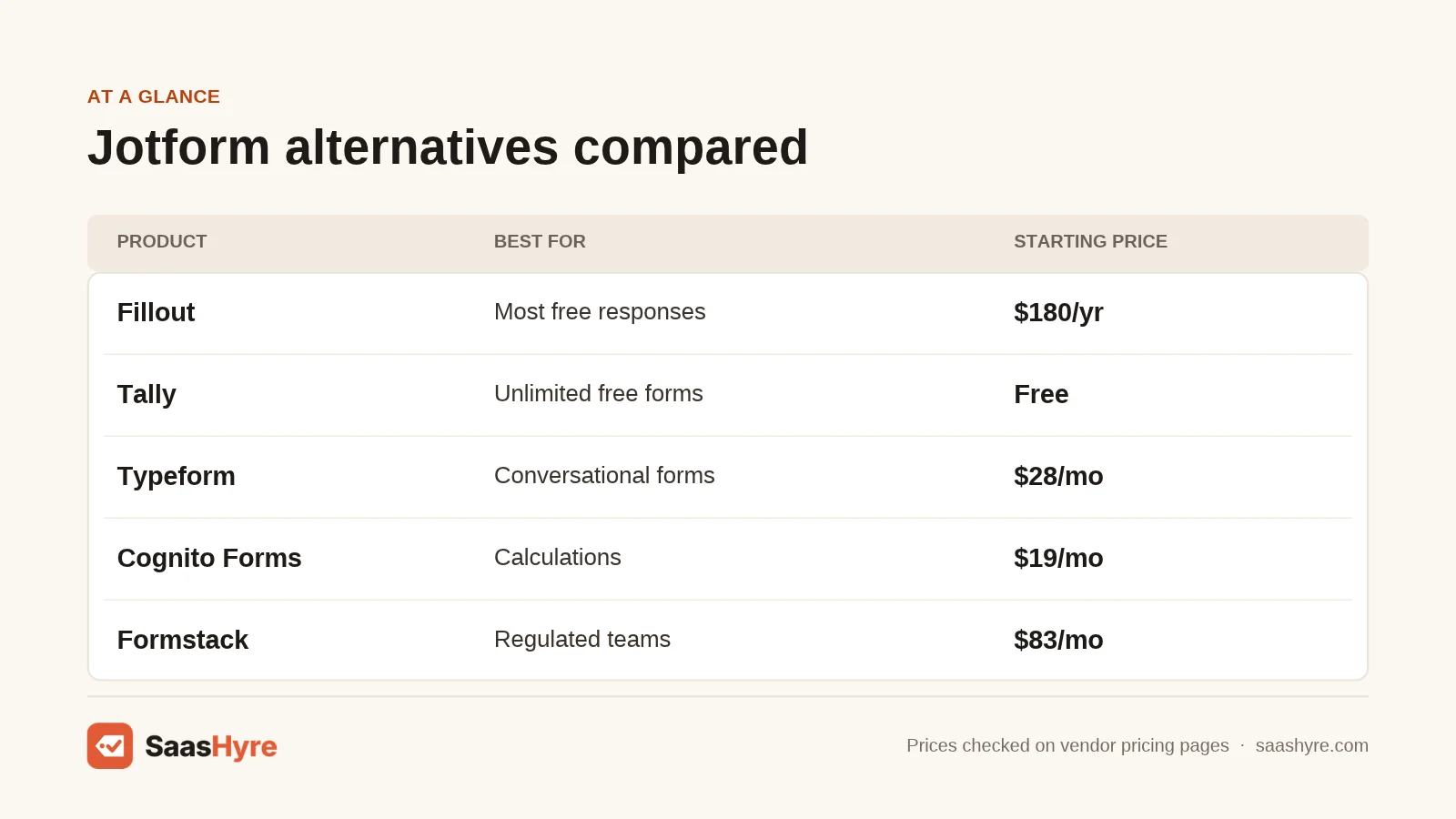
| Tool | Best for | Starting price | Billing | Free plan or trial |
|---|---|---|---|---|
| Fillout | Most free responses | $15/mo | Monthly or $180/yr | Free plan, 1,000 responses/mo |
| Tally | Unlimited free forms | $24/mo | Monthly or yearly (2 months off) | Free plan, unlimited submissions (fair use) |
| Typeform | Conversational forms | $28/mo | Annual ($39 monthly) | Free plan exists, limits not listed |
| Google Forms | Zero budget | $0 | Workspace from $7/user/mo | Free with a Google account |
| Cognito Forms | Calculations | $19/mo | Annual ($24 monthly) | Free plan, 100 entries/mo; 14-day trial |
| Zoho Forms | Zoho users | Check current price | Monthly or yearly | Free plan, 500 submissions/mo |
| Wufoo | Simple paid forms | $16.25/mo | $195/yr | Free plan, 100 entries/mo |
| Paperform | Forms as web pages | $49/mo | Annual ($59 monthly) | Free plan, 30 submissions/mo; 7-day trial |
| Formstack | Regulated teams | $83/mo | Annual ($99 monthly) | 14-day trial, no card |
What Are the Best Free and Low-Cost Jotform Alternatives?
The best low-cost Jotform alternatives are Fillout, Tally, Google Forms, and Cognito Forms. Fillout gives you 1,000 free responses a month. Tally offers unlimited free forms and submissions under fair use. Google Forms is free with any Google account. Cognito Forms has a paid plan at $19 a month billed yearly.
1 Fillout: Best for the biggest free plan
Fillout is a modern form builder with a generous free tier and fair paid prices.
What it does well.
Fillout packs a lot into its free plan. You get unlimited forms, unlimited seats, and 1,000 responses a month. Payments, scheduling, PDF generation, and conditional logic are all included for free. If you go over your limit, your forms keep collecting responses, and the count resets on the 1st.
Key features:
- 50+ field types and multi-page forms
- Conditional logic and answer piping on the free plan
- Payments and scheduling built in
- CSV export and REST API access
Pricing. Free forever with 1,000 responses a month. Starter is $15 a month or $180 a year. Pro is $40 a month or $480 a year. Business is $75 a month or $900 a year with unlimited responses. See Fillout pricing.
Best for: Small teams that want Jotform style power without paying until they grow.
Limitations. The free plan shows a Fillout badge. Custom themes, logo upload, and redirects need a paid plan. Branding is fully removed only on Pro.
2 Tally: Best for unlimited free forms
Tally feels like writing a document, and it rarely makes you pay.
What it does well.
Tally’s free plan includes unlimited forms and submissions, as long as you stay within its fair use rules. That is rare. You build forms by typing, much like a Notion page. For a solo founder or a side project, this can replace Jotform for years at no cost.
Key features:
- Unlimited forms and submissions on the free plan (fair use)
- Type-to-build editor
- Custom domains and team collaboration on Pro
- Partial submissions and version history on Pro
Pricing. Free plan available. Pro is $24 a month and Business is $74 a month. Yearly billing gives you two months off. See Tally pricing.
Best for: Solo makers and startups that want lots of forms for free.
Limitations. Free files cap at 10 MB each. Tally branding shows until you pay for Pro. The fair use rules are not defined in numbers on the pricing page.
3 Google Forms: Best for a zero budget
Google Forms is the free default for quick surveys, quizzes, and sign-ups.
What it does well.
It costs nothing with a personal Google account. Responses flow straight into Google Sheets. It is easy enough that anyone on your team can build a form in minutes. It also holds a 4.7 rating on Software Advice, tied with Typeform among Jotform rivals.
Key features:
- Free with any Google account
- Live sync to Google Sheets
- Quiz mode with auto grading
- Basic section branching
Pricing. Free for personal use. For business email and admin tools, Google Workspace Business Starter is $7 per user a month on the flexible plan, with a 14-day trial. See Google Workspace pricing.
Best for: Internal forms, classrooms, and quick polls.
Limitations. Design options are basic. There are no native payments. Logic is limited compared with Jotform.
4 Cognito Forms: Best for calculations on a budget
Cognito Forms handles math, repeating sections, and order forms well.
What it does well.
Cognito Forms shines with spreadsheet style formulas. You can build quotes, order forms, and price calculators without code. Every plan, even the free one, includes unlimited forms. It scores 4.8 on Software Advice, one of the highest marks in this group.
Key features:
- Formulas and calculated fields
- Repeating sections for line items
- Payments on the free plan
- Unlimited forms on every plan
Pricing. Free Individual plan with 100 entries a month. Pro is $19 a month billed yearly or $24 monthly, with 2,000 entries. Paid plans come with a 14-day free trial. The page shows two price sets for higher tiers, so check before you buy. See Cognito Forms pricing.
Best for: Small businesses that need order forms or quotes.
Limitations. The free plan allows only 100 entries and 100 MB of storage. Branding stays on the free plan. The design editor is plainer than Typeform.
Which Jotform Alternatives Look the Best?
Typeform and Paperform make the most polished forms. Typeform shows one question at a time, which feels like a chat. Paperform turns a form into a full web page with images and text. Both cost more than Jotform’s entry plan, so you pay for the design.
5 Typeform: Best for conversational forms
Typeform is the go-to tool for forms that people actually enjoy filling out.
What it does well.
Typeform asks one question per screen. That style works well for lead capture, quizzes, and feedback. It appears in nearly every top ranking list of Jotform rivals, and it holds a 4.7 rating on Software Advice.
Key features:
- One question at a time layout
- Logic jumps and hidden fields
- Strong design templates
- Special plans for HR and marketing teams
Pricing. Basic is $28 a month billed yearly or $39 monthly, with 100 responses a month. Plus is $56 yearly or $79 monthly with 1,000 responses. Business is $91 yearly or $129 monthly with 10,000 responses. The page shows a second, lower price set in its comparison table, so confirm at checkout. See Typeform pricing.
Best for: Marketers who care about completion rates and brand feel.
Limitations. 100 responses a month on Basic is tight. It gets pricey fast as volume grows. The free plan’s limits are not listed on the pricing page.
6 Paperform: Best for forms that double as web pages
Paperform lets you write a form like a document, with images, video, and text.
What it does well.
Paperform works well for booking pages, small product pages, and event sign-ups. Paid plans have unlimited submissions under fair use. That makes the yearly cost predictable once you pay. If you need a full sales page instead, see our list of the best AI landing page builders.
Key features:
- Document style editor
- Payments and simple product sales
- Unlimited submissions on paid plans (fair use)
- Calculations and conditional logic
Pricing. Free plan with 30 submissions a month. Pro is $49 a month billed yearly or $59 monthly. Business is $124 yearly or $149 monthly. Paid plans include a 7-day free trial with no card needed. See Paperform pricing.
Best for: Creators and service businesses that sell through forms.
Limitations. The free plan’s 30 submissions is very low. Pro costs more than Jotform’s entry tier. The trial is only 7 days.
Which Jotform Alternatives Suit Business and Regulated Teams?
Formstack, Zoho Forms, and Wufoo suit established teams. Formstack targets regulated work like healthcare and finance. Zoho Forms fits companies already on Zoho apps. Wufoo is a simple, long-running form tool with clear entry limits and per-entry overage fees.
7 Formstack: Best for regulated workflows
Formstack is a business grade form platform with deep branding control.
What it does well.
Formstack lets you style forms in depth, including with custom CSS. It is built for teams that need control and data handling, not just quick surveys. It is also one of the most cited Jotform rivals across ranking pages.
Key features:
- Advanced styling and custom CSS
- Approval and data routing workflows
- Strong integrations with business apps
- 14-day trial with no credit card
Pricing. The Forms plan is $83 a month billed yearly or $99 monthly. It covers 1 builder user, 25 forms, 1,000 submissions per form, and 2 GB of storage. See Formstack pricing.
Best for: Mid-size teams in healthcare, finance, or government.
Limitations. No free plan. One builder user at this price is limiting. It costs far more than Jotform’s entry plan.
8 Zoho Forms: Best for teams already on Zoho
Zoho Forms connects tightly with Zoho CRM and the rest of the Zoho suite.
What it does well.
Zoho Forms gives high submission limits on paid plans. Basic starts at 10,000 submissions a month, and Premium reaches 150,000. The free plan is free forever and includes webhooks and integrations.
Key features:
- Native Zoho CRM sync
- Up to 50 custom PDFs on the free plan
- UTM tracking
- High submission caps on paid tiers
Pricing. Free plan with 1 user, 3 forms, and 500 submissions a month. Paid plans are Basic, Standard, Professional, and Premium. The page did not show dollar amounts when we checked, so check the current price. See Zoho Forms pricing.
Best for: Sales teams that already live in Zoho.
Limitations. Only 3 forms on the free plan. The value drops if you do not use other Zoho apps.
9 Wufoo: Best for simple paid forms
Wufoo is a veteran form builder owned by SurveyMonkey.
What it does well.
Wufoo keeps things simple. It has a solid report builder and many third-party integrations. Paid plans charge $0.05 per extra entry instead of shutting your form off.
Key features:
- Report builder
- Payment fields on paid plans
- Many third-party integrations
- Per-entry overage instead of hard stops
Pricing. Free plan with 5 forms and 100 entries a month. Starter is $195 a year, about $16.25 a month, with 1,000 entries. Professional is $399 a year and Advanced is $999 a year. See Wufoo pricing.
Best for: Small teams that want a plain, proven tool.
Limitations. Free forms are deactivated when they pass 100 entries. The free plan has no file uploads, payments, or integrations. The editor feels dated.
Which Jotform Alternative Should You Pick?
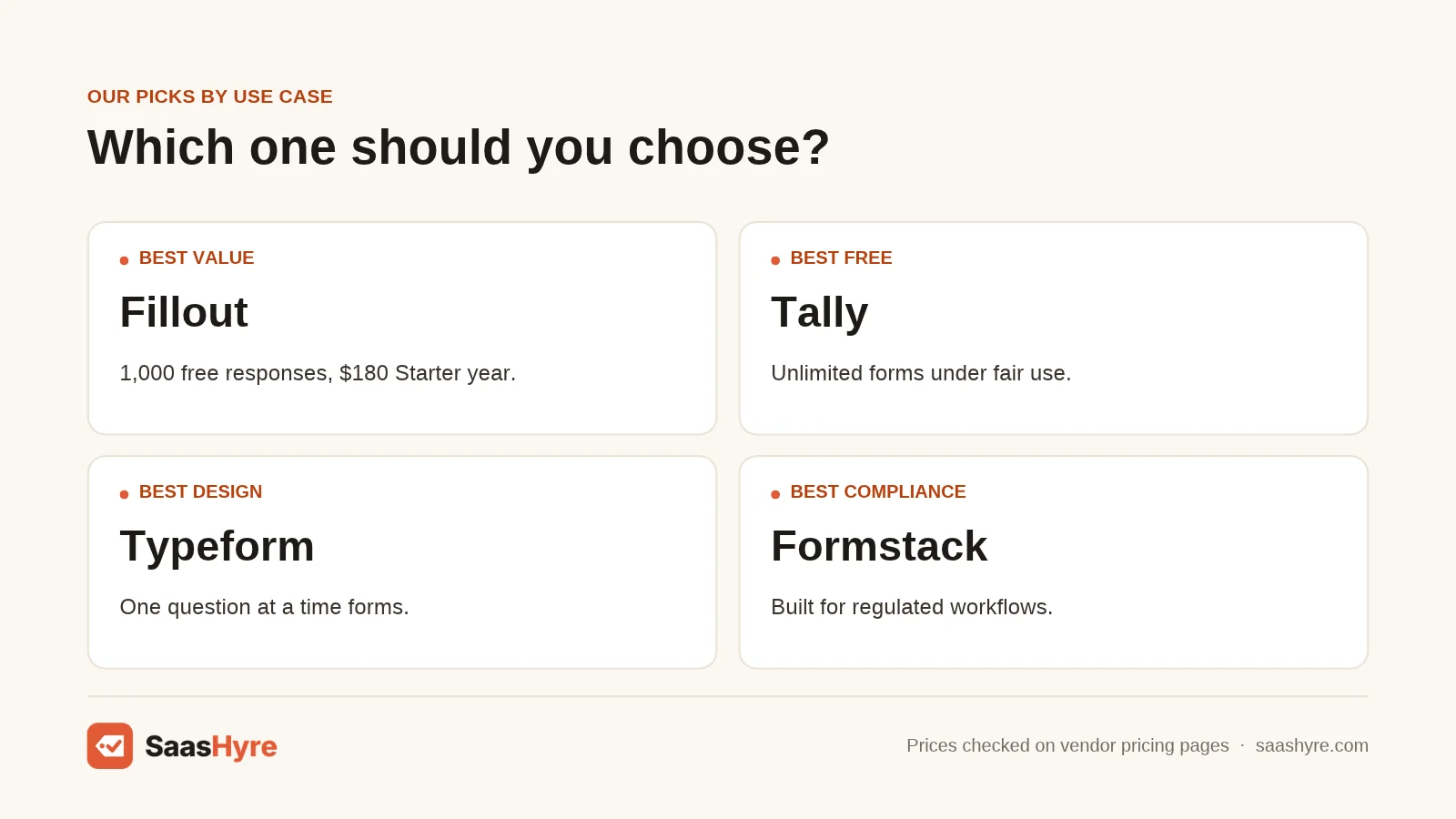
Pick Fillout if you want the most for free. Pick Tally if you need many forms on no budget. Pick Typeform for brand-focused lead forms. Pick Cognito Forms for calculations. Pick Formstack if compliance matters more than price.
- Best overall value: Fillout, with 1,000 free responses and a $180 Starter year.
- Best free forever: Tally, with unlimited forms under fair use.
- Best design: Typeform for chat style forms, Paperform for page style forms.
- Best for order forms: Cognito Forms.
- Best for Zoho shops: Zoho Forms.
- Best for regulated teams: Formstack.
How Much Do Jotform Alternatives Cost per Year?
Jotform alternatives cost from $0 to about $1,000 a year for one user on an entry paid plan. Fillout Starter is $180 a year and Wufoo Starter is $195. Typeform Basic is $336 a year. Formstack Forms is about $996 a year. Jotform’s pricing page lists Bronze at $39 a month, or $34 billed yearly.
| Tool | Entry paid plan | Yearly cost | Monthly responses |
|---|---|---|---|
| Jotform | Bronze | $408 ($34/mo billed yearly) | 1,000 |
| Fillout | Starter | $180 | 2,000 |
| Wufoo | Starter | $195 | 1,000 |
| Cognito Forms | Pro | $228 | 2,000 |
| Tally | Pro | About $240 (yearly, 2 months off) | Unlimited (fair use) |
| Typeform | Basic | $336 | 100 |
| Paperform | Pro | $588 | Unlimited (fair use) |
| Formstack | Forms | $996 | 1,000 per form |
| Google Forms | Free | $0 (Workspace from $84/user) | No stated cap |
A note on refunds. Jotform’s pricing page promises a full refund within 30 days of payment. It also gives nonprofits and schools 50% off Bronze, Silver, and Gold. If you are a nonprofit, compare that discounted price before you switch.
How to Choose a Jotform Alternative
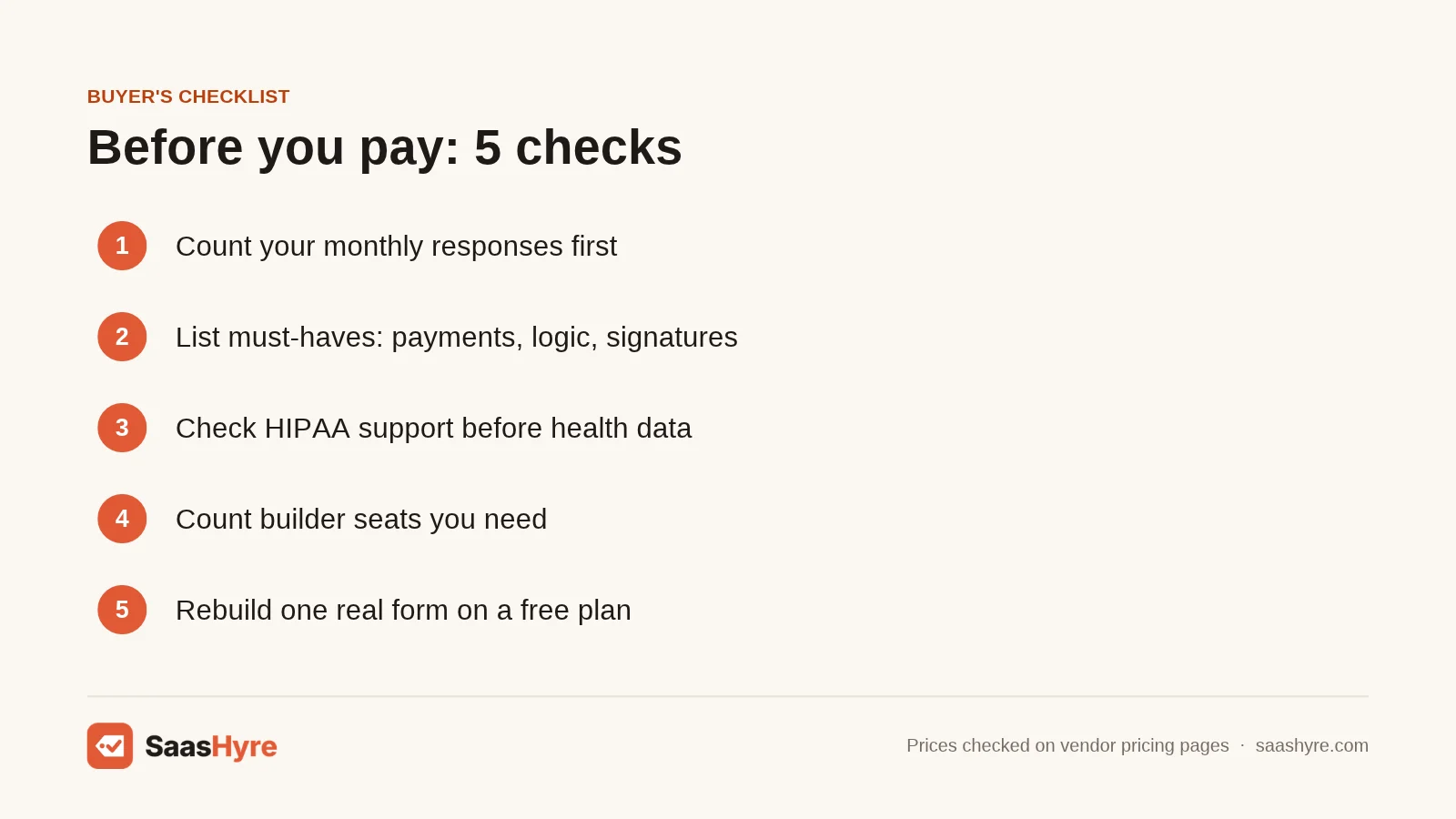
Start with your monthly response count. This one number rules out half the list. Typeform Basic caps at 100 responses, while Fillout’s free plan gives you 1,000.
Next, list the must-have features. Do you need payments? Signatures? HIPAA? Calculated fields? Jotform’s Gold plan includes HIPAA features, so check each rival’s compliance page before moving health data.
Then count users. Formstack’s Forms plan includes one builder. Fillout and Tally are more relaxed about seats. If you work in a CRM, check native sync too. Zoho Forms links to Zoho CRM, and our HubSpot alternatives guide covers CRMs that pair well with form tools.
Finally, test with a real form. Use the free plan or trial. Rebuild your most complex Jotform form and send it to a coworker. Check speed on a phone, since Fillout’s own comparison lists slow loading of complex forms as a common Jotform complaint.
Our Methodology
We read the top ranking Jotform alternatives articles, including pages from Fillout, Fluix, Jodoo, and Privyr. We included every tool that showed up on three or more of them, plus Tally for its free plan. We then opened each vendor’s own pricing page in November 2026 and recorded plan prices, billing terms, limits, and trial rules. Where a page hid prices, we said so. We checked user ratings on Software Advice. We did not run hands-on tests.
Conclusion
Jotform is still a strong tool, but you may be paying for limits you do not need. For most people, Fillout is the smartest switch. You get 1,000 free responses a month and a $180 Starter year. If you want zero cost, Tally and Google Forms cover a lot. If design drives your leads, Typeform or Paperform is worth the extra money. If compliance is the main need, Formstack earns its higher price.
Pick two tools from this list. Rebuild one real form in each using the free plan or trial. Then compare the yearly cost at your actual response volume. That test takes an hour and can save you hundreds of dollars a year. Ready to start? Check Fillout’s free plan first.
Frequently Asked Questions
What is the best free Jotform alternative?
Fillout and Tally are the best free picks. Fillout’s free plan gives 1,000 responses a month with logic and payments. Tally offers unlimited forms and submissions under fair use rules.
Is Typeform cheaper than Jotform?
Usually not. Typeform Basic is $28 a month billed yearly and caps at 100 responses. Jotform’s pricing page lists Bronze at $39 a month, or $34 billed yearly, so check both pricing pages for your volume.
Does Jotform offer refunds?
Yes. Jotform’s pricing page says it gives a full refund if you ask within 30 days of payment. You request it through the support team.
Which Jotform alternative is best for HIPAA forms?
Formstack is built for regulated teams like healthcare. Always confirm HIPAA support and a signed business associate agreement on the vendor’s plan page before you collect health data.
Can I use Google Forms instead of Jotform?
Yes, for simple forms. Google Forms is free and syncs with Sheets. It lacks native payments, deep logic, and strong branding, so it suits internal forms better than client-facing ones.