
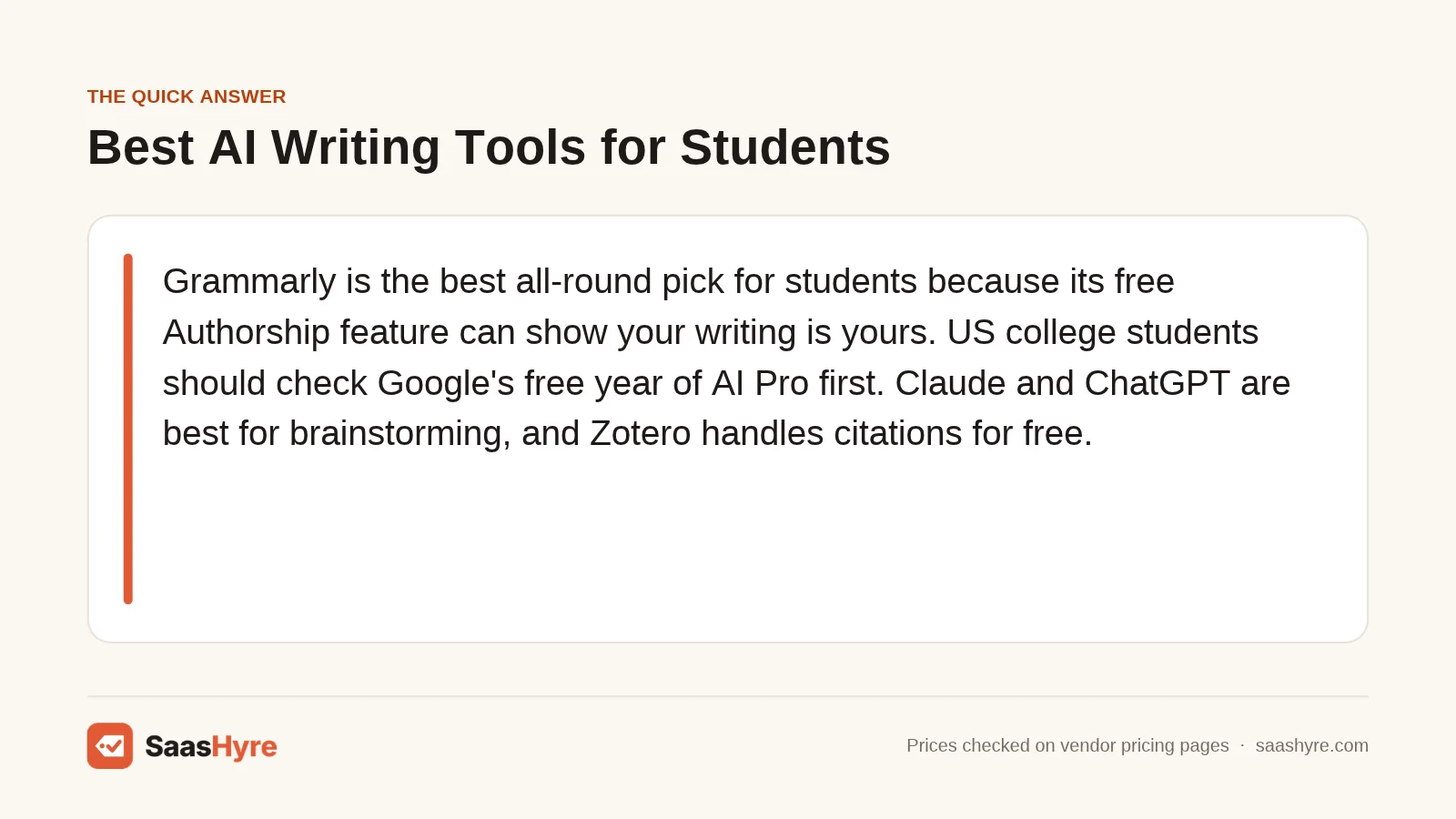
TL;DR: Grammarly is the best all-round pick for students because its free Authorship feature can prove your writing is yours. US college students should claim the free year of Google AI Pro first. Claude and ChatGPT are best for brainstorming and study help. Paperpal suits research papers, and Zotero handles citations for free. Paid plans run about $8 to $29 a month. Before you pay, read your course AI policy.
Most students now use AI for school. The hard part is using it without getting flagged, failing a class, or citing a paper that does not exist.
The numbers show how common this is. A Pew Research Center survey of US teens (fielded fall 2025, published February 2026) found 54% have used chatbots for schoolwork. In the same survey, 59% said AI cheating happens regularly at their school.
So I built this list around honest use. That means brainstorming, outlining, editing, studying and citing. It does not mean having a bot write your essay.
I compared nine tools on four things: free tier limits, student discounts, citation accuracy, and features that protect you if a teacher questions your work. I checked every price on the vendor’s own page on November 1, 2026.
If you want tools beyond school writing, start with our main guide to the best AI tools for work and study.
What Is the Best AI Writing Tool for Students?
Grammarly is the best AI writing tool for most students. Its free plan fixes grammar and clarity, and its Authorship feature records which text you typed and which came from AI. That record helps if a teacher doubts your work. US college students should also grab the free year of Google AI Pro.
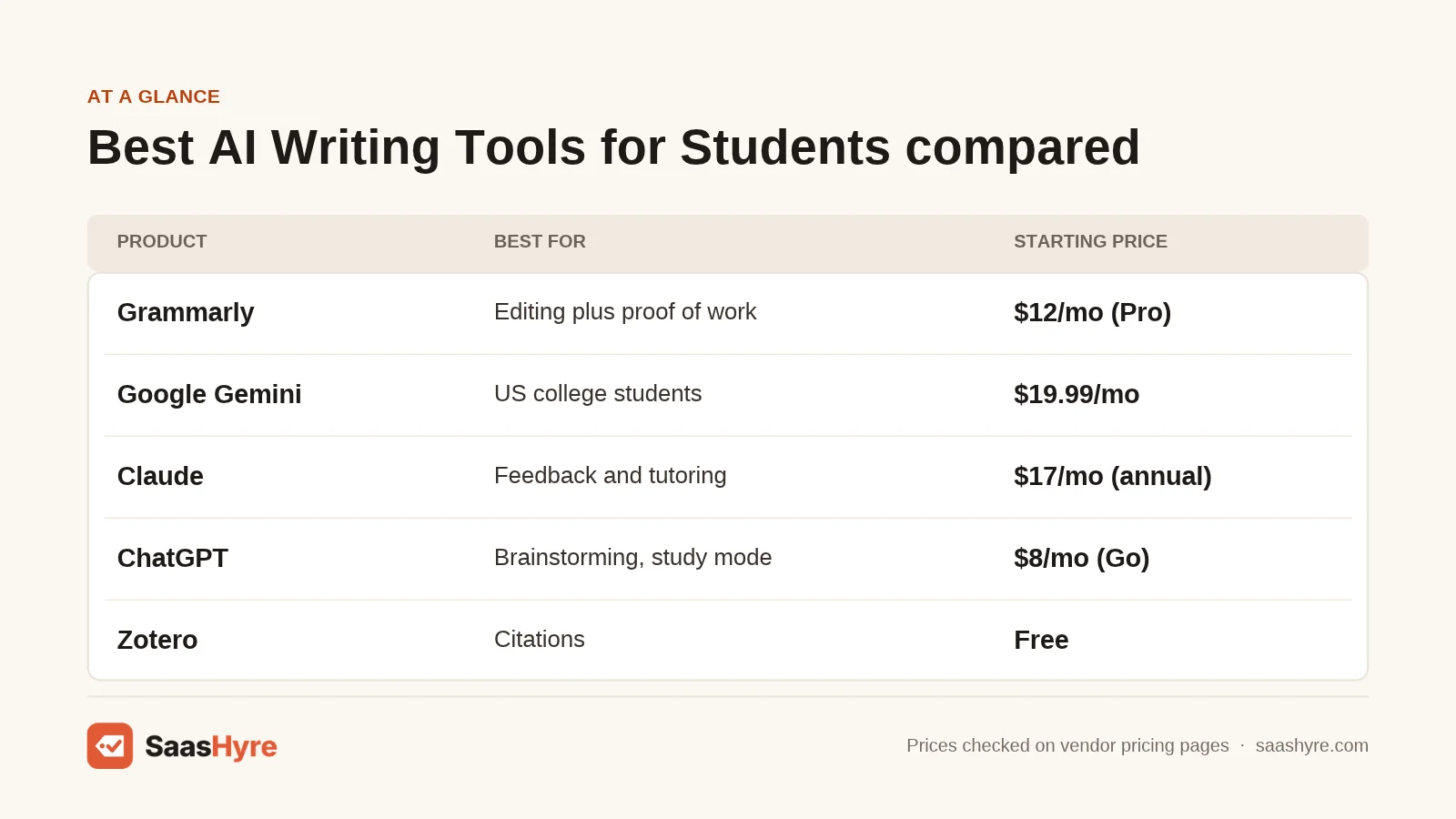
| Tool | Best for | Starting price | Free plan or trial | Note |
|---|---|---|---|---|
| Grammarly | Editing plus proof of process | $12/month (Pro) | Free plan, 100 AI prompts/month | Authorship is free on all plans |
| Google Gemini | US college students on a budget | $19.99/month (AI Pro) | Free year of AI Pro for eligible US college students | Sign up by December 31, 2026 |
| Claude | Feedback and Socratic tutoring | $17/month billed annually (Pro) | Free plan with usage limits | Has a Learning style |
| ChatGPT | Brainstorming and study mode | $8/month (Go) | Free plan | Study mode on every plan |
| Paperpal | Research papers and reference checks | $12/month billed annually (Prime) | Free plan | Built for academic writing |
| QuillBot | Paraphrasing and summarizing sources | $8.33/month billed annually | Free plan, 125-word paraphrases | 3-day money-back guarantee |
| Zotero | Citations and bibliographies | Free software; storage from $20/year | Free with 300 MB storage | Nonprofit, open source |
| Jenni AI | Outlining research drafts with sources | $12/month (Plus) | Free plan, 10 autocompletes/day | Unlimited citations on free plan |
| Turnitin Draft Coach | Checking a draft before you submit | Quote only (school license) | Free to you if your school has it | Google Docs or Word online only |
How Much Do AI Writing Tools for Students Cost?
Most AI writing tools for students cost $0 to $29 a month. Every tool here has a free tier or a school-paid option. Paid individual plans start at $8 a month for ChatGPT Go and reach $29 a month for Paperpal Pro or Jenni Pro. Zotero is free, with optional storage from $20 a year.
| Tool | Plan | Price | Billing | Key limit |
|---|---|---|---|---|
| Grammarly | Free | $0 | n/a | 100 AI prompts/month, no plagiarism checker |
| Grammarly | Pro | $12 per member/month | Billing period not stated on plans page | 2,000 AI prompts/month, plagiarism and AI detection |
| Google Gemini | Google AI Pro | $19.99/month | Monthly, after free year | Free for 12 months for eligible US college students |
| Google Gemini | Google AI Plus (outside US) | $4.99/month or local equivalent | Monthly, after free year | Free for 12 months for eligible students outside the US |
| Claude | Free | $0 | n/a | Limited usage every 5 hours and weekly |
| Claude | Pro | $17/month ($200 up front) or $20/month | Annual or monthly | At least 5x Free usage per session |
| ChatGPT | Free | $0 | n/a | Limited messages, uploads and deep research |
| ChatGPT | Go | $8/month | Monthly | More messages; may include ads |
| ChatGPT | Plus | $20/month | Monthly | Advanced reasoning, expanded deep research |
| Paperpal | Free | $0 | n/a | 200 grammar edits/month, 5 AI uses/day |
| Paperpal | Prime | $12/month ($144/year) | Billed annually | 20k edits, 10k plagiarism words, 10k reference-check words/month |
| Paperpal | Pro | $29/month ($348/year) | Billed annually | Unlimited edits, 30k plagiarism words/month |
| QuillBot | Free | $0 | n/a | 125-word paraphrases, 2 modes, 1,200-word summaries |
| QuillBot | Premium | $8.33/month | Billed annually | 6,000-word summaries, citation tool, plagiarism checker |
| Zotero | Storage | Free (300 MB), $20, $60 or $120/year | Yearly | 2 GB, 6 GB or unlimited sync storage |
| Jenni AI | Plus / Pro | $12/month / $29/month | Monthly (annual toggle shown) | Free plan: 10 autocompletes/day, 3 AI edits |
| Turnitin Draft Coach | Institution | Quote only | School license | Your school must enable it |
Watch for these pricing traps before you pay:
- Free trials that auto-renew. Google’s free AI Pro year rolls into $19.99 a month unless you cancel, according to MacRumors’ report on the student offer. Set a calendar reminder.
- “Per month” that is really per year. Paperpal shows $12 a month, but you pay $144 up front. Claude Pro’s $17 rate means $200 at checkout.
- Short refund windows. QuillBot’s money-back guarantee lasts only 3 days, and only for new users.
- Ads on cheap tiers. OpenAI’s pricing page says ChatGPT Go may include ads.
Here is what a full school year (9 months) could cost with a few common setups. These are estimates based on listed prices.
| Setup | Math | Estimated cost per school year |
|---|---|---|
| Free stack: Grammarly Free + Gemini student year + Zotero | $0 + $0 + $0 | $0 |
| Editing focus: Grammarly Pro + Zotero 2 GB | $12 x 9 + $20 | About $128 |
| Research paper focus: Paperpal Prime + Zotero 2 GB | $144 (annual) + $20 | $164 |
| Power user: ChatGPT Plus + Grammarly Pro | $20 x 9 + $12 x 9 | $288 |
The 9 Best AI Writing Tools for Students, Reviewed
1 Grammarly: Best for Editing and Proving Your Work Is Yours
Grammarly is an AI writing assistant that checks grammar, clarity and tone inside the apps you already use.
What it does well. Grammarly fixes your writing without taking it over. That is the line most course policies draw. Its biggest student feature is Authorship. Grammarly calls it a “student-first process tracker.” It shows which parts of a document were human-created, AI-generated or AI-edited. Grammarly’s Authorship announcement says basic Authorship is free for all users. If a detector flags your essay, that replay is strong evidence.
Key features:
- Grammar, spelling, clarity and tone suggestions with explanations
- Authorship tracking in Google Docs, Microsoft Word and the desktop apps
- Plagiarism checker and AI detection on Pro
- Works with Canvas, Blackboard and Moodle through Grammarly for Education
Pricing. Free costs $0 and includes 100 AI prompts a month. Pro is listed at $12 per member per month with 2,000 prompts, plagiarism checks and AI detection. The billing period for $12 is not stated, so check at checkout. A free trial is offered to eligible users. Grammarly for Education is quote only and sold to schools. See Grammarly pricing.
Best for: You, if you write your own drafts and want cleaner prose plus a record that the work is yours.
Limitations. The free plan has no plagiarism checker. The generative AI prompts can write text for you, so you still need to follow your course rules. If you want other options, compare our list of Grammarly alternatives for editing and proofreading.
2 Google Gemini: Best Free Upgrade for US College Students
Gemini is Google’s AI assistant, and it works inside Gmail and Google Docs on paid Google AI plans.
What it does well. The value is hard to beat. On August 19, 2026, Google announced a free year of Google AI Pro for eligible US college students. MacRumors reports students must be 18 or older, verify with a school email, and sign up by December 31, 2026. The plan includes 4x higher Gemini limits, Gemini in Google Docs, and 5 TB of storage. Students outside the US get a free year of Google AI Plus instead.
Key features:
- Gemini inside Gmail and Google Docs on AI Pro
- Deep Research reports you can talk through with Gemini Live
- 5 TB of storage on AI Pro, 400 GB on AI Plus
- Free year for eligible college students
Pricing. Google AI Pro costs $19.99 a month after the free year. Google AI Plus costs $4.99 a month (or local equivalent) after its free year. Both renew unless you cancel. See Google’s student offer.
Best for: You, if you are a US college student who lives in Google Docs and wants premium AI at no cost this year.
Limitations. The offer is for college students, not high school. Like any chatbot, Gemini can invent sources, so verify them. The auto-renewal at $19.99 is easy to forget.
3 Claude: Best for Feedback and Tutoring on Your Own Drafts
Claude is an AI assistant from Anthropic that is strong at reading long documents and giving structured feedback.
What it does well. Claude is good at the honest uses: “What is weak in my argument?” or “Quiz me on this chapter.” Anthropic launched a Learning style on August 14, 2025, according to Tom’s Guide’s coverage of Claude’s learning modes. In that mode, Claude asks you questions and walks you through steps instead of handing over answers.
Key features:
- Learning style that uses a Socratic, question-first approach
- Projects for keeping class notes and readings together
- Research feature on Pro
- Claude for Education, a university-wide plan with a learning mode
Pricing. Free costs $0 with limited usage every 5 hours and weekly. Pro costs $17 a month billed annually ($200 up front) or $20 billed monthly. The Education plan for universities is not published. See Claude pricing.
Best for: You, if you want a tutor that critiques your draft and explains concepts without writing the paper.
Limitations. Free usage limits can run out mid-session. Claude does not replace a citation tool, and you must check any source it mentions. There is no student discount on individual plans.
4 ChatGPT: Best for Brainstorming and Study Mode
ChatGPT is OpenAI’s AI assistant for chat, research and file analysis.
What it does well. ChatGPT is a fast brainstorming partner for topics, outlines and counterarguments. Its study mode launched in July 2025, according to Gizmodo’s report on ChatGPT study mode. It uses guiding questions instead of finished answers. OpenAI’s pricing page says study mode is on every plan, including Free.
Key features:
- Study mode for step-by-step learning
- Deep research (limited on Free and Go)
- File uploads for readings and lecture notes
- Projects to organize work by class on Plus
Pricing. Free costs $0. Go costs $8 a month and may include ads. Plus costs $20 a month. Pro starts at $100 a month. OpenAI lists no individual student discount. ChatGPT Edu is a campus plan with no public price. See ChatGPT pricing.
Best for: You, if you need help getting unstuck on a topic, building an outline or studying for a test.
Limitations. ChatGPT can make up citations. A 2023 study in Scientific Reports found 55% of GPT-3.5 citations and 18% of GPT-4 citations were fabricated (read the citation fabrication study). Newer models may do better, but check every source. Pasting its text into your essay is what most policies ban.
5 Paperpal: Best for Research Papers and Reference Checks
Paperpal is an academic writing assistant from Cactus Communications, built for students and researchers.
What it does well. Paperpal is tuned for academic tone, not marketing copy. It is one of the few tools here with a Reference Check feature on its paid plans. It also runs plagiarism and AI detection checks, so you can see what a grader might flag. It works where students write: a Word add-in plus Chrome and Edge extensions for Google Docs and Overleaf.
Key features:
- Grammar and consistency checks for academic writing
- Plagiarism, AI detection and reference checks
- Chat with PDFs and cite text from papers
- Citation formatting in APA, MLA and 10,000+ styles on paid plans
Pricing. Free costs $0 with 200 grammar edits a month and 5 AI uses a day. Prime costs $12 a month billed annually ($144). Pro costs $29 a month billed annually ($348). Paperpal also sells a 3-year Pro plan for $699 one time. A monthly rate was not shown when I checked. See Paperpal pricing.
Best for: You, if you write lab reports, theses or research papers and need academic polish plus pre-submission checks.
Limitations. The free plan only gives plain-text citations and a “lite” plagiarism report. The annual-only display means a bigger up-front bill. Its student discount FAQ had no answer on the page when I checked.
6 QuillBot: Best Budget Tool for Paraphrasing and Summarizing
QuillBot is a writing tool best known for paraphrasing, with a summarizer, grammar checker and citation generator.
What it does well. QuillBot is cheap and quick. The summarizer helps you digest long readings. The paraphraser helps you see other ways to phrase your own sentences. Using it to disguise someone else’s work or AI text breaks most school policies.
Key features:
- Paraphraser with multiple modes
- Summarizer up to 1,200 words free and 6,000 on Premium
- Citation generator on Premium
- Plagiarism checker (25,000 words/month on Premium) and AI detector
Pricing. Free costs $0 with 125-word paraphrases in 2 modes. Premium is listed at $8.33 a month billed annually. The page also showed a lower $5.00 rate, likely a promotion. A monthly price was not shown. A 3-day money-back guarantee applies to new users. See QuillBot pricing.
Best for: You, if you want help summarizing readings and rephrasing your own clunky sentences on a small budget.
Limitations. Paraphrasing a source still requires a citation. QuillBot will not do that thinking for you. For other options, see our roundup of QuillBot alternatives for paraphrasing and summarizing.
7 Zotero: Best Free Tool for Accurate Citations
Zotero is a free, open-source reference manager run by the nonprofit Digital Scholar.
What it does well. Zotero solves the problem chatbots create. It saves real sources as you browse, with a click. Then it inserts citations and bibliographies into Microsoft Word, LibreOffice or Google Docs. It supports over 9,000 citation styles, per Zotero’s homepage. Every citation comes from a source you actually saved, not a guess from a language model.
Key features:
- Browser connector that saves sources with one click
- Word, LibreOffice and Google Docs plugins
- 9,000+ citation styles, including APA, MLA and Chicago
- Sync across devices
Pricing. The software is free. Sync storage is free up to 300 MB. Paid storage costs $20 a year for 2 GB, $60 a year for 6 GB, or $120 a year for unlimited. See Zotero storage pricing.
Best for: You, if you write anything with a works cited page.
Limitations. Zotero has no AI writing features. Saved metadata can still be wrong, so check each entry.
8 Jenni AI: Best for Outlining Research Drafts With Sources
Jenni AI is an academic writing editor that combines AI autocomplete, PDF chat and a citation library.
What it does well. Jenni puts your sources and your draft in one place. You can upload PDFs, chat with them, and pull citations into your document. The free plan includes unlimited citations in 10,000+ styles and library export to .ris, .bib and .csv.
Key features:
- AI autocomplete and AI edits
- PDF uploads and AI chat with your sources
- Unlimited citations in 10,000+ styles
- Library export to .ris, .bib and .csv
Pricing. Free costs $0 with 10 AI autocompletes a day, 10 PDF uploads, 3 AI edits and 5 chat messages. Plus costs $12 a month. Pro costs $29 a month. The page shows an annual toggle but did not list annual prices when I checked. See Jenni AI pricing.
Best for: You, if you are a college or grad student who wants sources and outline in one editor.
Limitations. Autocomplete writes sentences for you, which many courses forbid. Use it for structure and source notes, not finished paragraphs. Its “Does Jenni plagiarize?” FAQ had no visible answer when I checked.
9 Turnitin Draft Coach: Best Pre-Submission Check If Your School Has It
Draft Coach is a Turnitin add-on that checks your draft for similarity, citations and grammar before you submit.
What it does well. It comes from the same company many schools use to check final papers. It explains problems instead of fixing them for you. Per Turnitin’s Draft Coach FAQ, drafts you check are not stored in the Turnitin repository. So your own final paper will not match against them.
Key features:
- Similarity check against sources
- Citation check
- Grammar guidance
- Results stay private to you
Pricing. Quote only. Students cannot buy it. Your school must hold a Turnitin license and switch it on. See Turnitin Draft Coach details.
Best for: You, if your school offers it. It is a free safety check you are already paying for in tuition.
Limitations. It works in Google Docs or Word online, not desktop Word, and your school picks only one. The FAQ does not mention an AI writing check.
Which AI Writing Tool Should Students Pick?
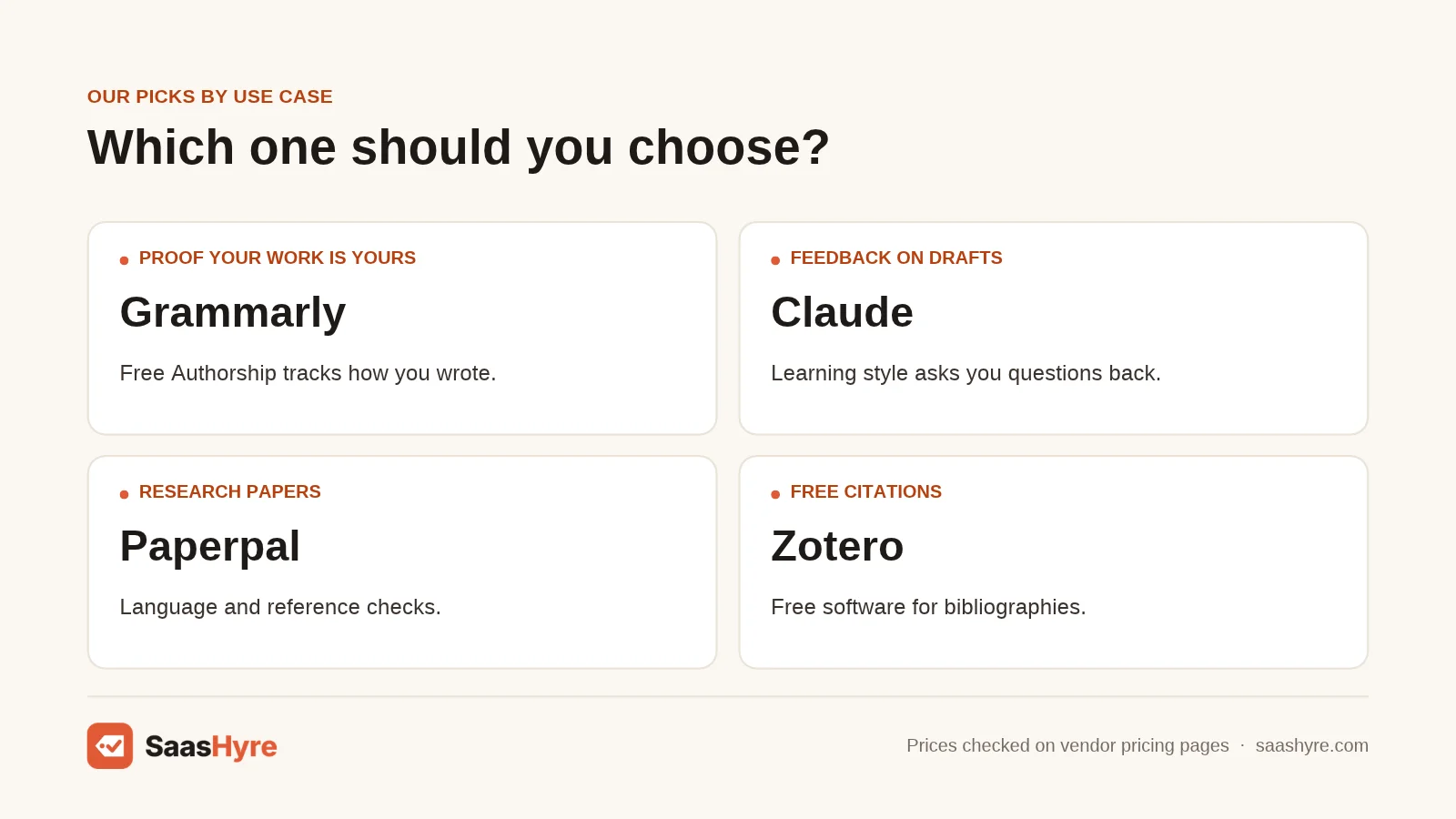
Pick based on your main task. Choose Grammarly for editing and proof of authorship. Take Gemini if you qualify for the free college year. Use Claude or ChatGPT for brainstorming and study help, Paperpal for research papers, and Zotero for citations. Many students do well with one editor, one chatbot and Zotero.
| If you need… | Pick | Why |
|---|---|---|
| Proof your essay is your own work | Grammarly | Authorship shows human-created, AI-generated and AI-edited text |
| Premium AI for $0 as a US college student | Google Gemini | Free year of AI Pro if you sign up by December 31, 2026 |
| A tutor that asks you questions | Claude or ChatGPT | Learning style and study mode guide instead of answer |
| The cheapest paid chatbot | ChatGPT Go | $8 a month, though it may show ads |
| Polish on a research paper or thesis | Paperpal | Academic tone, reference check, plagiarism check |
| Summaries of long readings | QuillBot | 1,200-word free summaries, cheap Premium |
| Citations that are always real | Zotero | Free, saves actual sources, 9,000+ styles |
| A safety check before submitting | Turnitin Draft Coach | Free through your school, private results |
Will Using AI Writing Tools Get You Flagged for Cheating?
It can, even when you did nothing wrong. AI detectors make mistakes, and your instructor sets the rules for each course. To stay safe, follow your syllabus and disclose any AI help. Keep your drafts and version history, and use a process tracker like Grammarly Authorship.
Detectors are not perfect. Turnitin itself says its AI score has a sentence-level false positive rate of about 4%, per Turnitin’s post on false positive rates. It tells instructors to use flags to start a conversation, not to reach a conclusion.
The risk is higher for some students. A Stanford study of seven AI detectors found they flagged about 61% of TOEFL essays by non-native English writers as AI-generated. If English is your second language, keep extra evidence of your process.
Rules also vary by class. The University of Minnesota’s AI syllabus guidance lets each instructor allow or ban AI. Where AI is allowed, students should cite AI content, disclose which tools they used, and keep drafts or logs. That is a good model to follow anywhere.
How Do You Choose an AI Writing Tool for School?
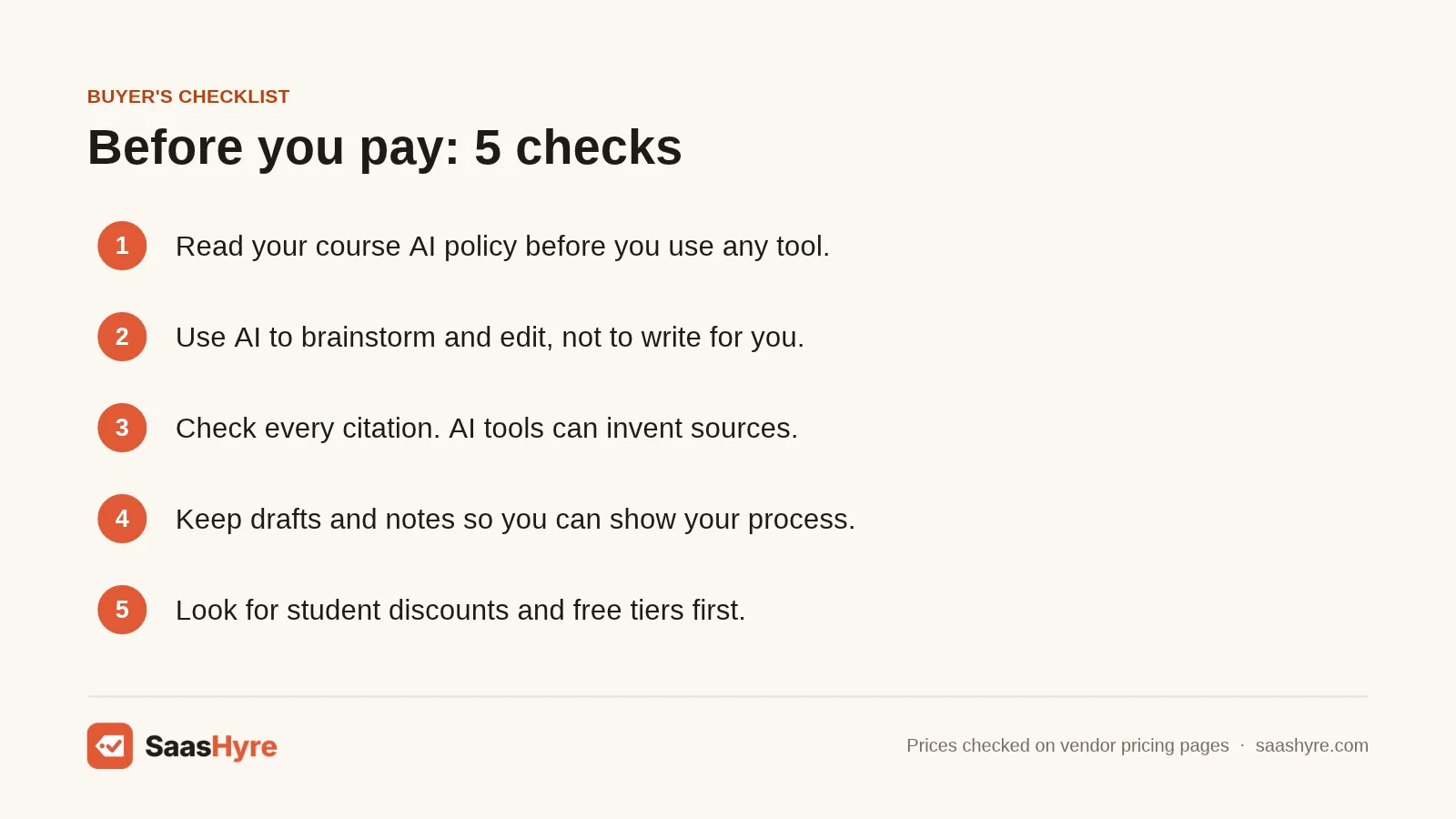
Choose an AI writing tool for school by checking your course policy first, then matching the tool to the task. Prefer tools that coach rather than write, that cite real sources, and that keep a record of your process. Use free tiers and school licenses before paying for anything.
- Start with your course AI policy. Read the syllabus before you sign up. For example, if your instructor allows AI for brainstorming but not drafting, Claude’s Learning style fits and Jenni’s autocomplete does not.
- Prefer coaching over ghostwriting. Pick tools that explain changes. Grammarly explains its suggestions, and Draft Coach explains problems instead of fixing them. You learn more and stay inside the rules.
- Check where citations come from. A citation should point to a source you can open. Zotero saves real sources. Chatbots can invent them, so treat any chatbot reference as a lead to verify, not a fact.
- Keep proof of your process. Write in Google Docs or Word with version history on. Turn on Grammarly Authorship if you use Grammarly. If a detector flags you, a timeline of drafts is your best defense.
- Use what your school already pays for. Ask your library about Grammarly for Education, Turnitin Draft Coach, ChatGPT Edu or Claude for Education. One email could save you $100 or more a year.
- Read the billing period. Paperpal’s $12 is $144 a year up front. Gemini’s free year renews at $19.99 a month. Write down the renewal date the day you sign up.
If your classes involve recorded lectures, pair your writing setup with one of the best AI transcription tools for lecture notes.
How We Researched This Guide
On November 1, 2026, I visited each vendor’s own pricing or product page to record plan names, prices, billing periods and limits. Where a pricing page loaded prices with scripts, I re-checked it with a page renderer. I reviewed five top-ranking competitor guides for this topic to see which tools they covered and what they left out. Most skipped prices, citation accuracy and detection risk.
I also read independent sources: Pew Research Center, a Stanford detector study, a peer-reviewed citation study, a university AI policy, and news reports on student features.
Some details could not be confirmed. Grammarly’s plans page does not state whether its $12 Pro price is monthly or annual billing. QuillBot showed two Premium figures and no monthly rate. Jenni AI did not show annual prices. Institutional prices for Grammarly for Education, Claude for Education, ChatGPT Edu and Turnitin are not published.
We did not test these tools ourselves. Read our editorial policy to learn how we pick and review tools.
Prices last checked: November 1, 2026.
The Bottom Line
The best AI writing tools for students help you think and edit, not write the paper for you. Grammarly is my top pick for most students, thanks to clean editing and free Authorship tracking. US college students should claim the free Google AI Pro year before December 31, 2026. Claude and ChatGPT are great tutors when you use their learning and study modes. Paperpal fits research-heavy work, QuillBot fits tight budgets, and Zotero should be on every student’s laptop. Your next step is simple. Read your syllabus AI policy, ask your school which tools it already licenses, then start with the free tiers. For more picks across every use case, browse our guide to the best AI writing tools.
Frequently Asked Questions
Is it cheating to use AI writing tools for school?
It depends on your course policy. Many instructors allow AI for brainstorming, outlining or grammar checks but ban AI-written text. At schools like the University of Minnesota, each instructor decides, and students should disclose and cite any AI use. When unsure, ask your instructor before you start. Submitting AI-written work as your own is treated as dishonesty almost everywhere.
Can teachers tell if you used ChatGPT?
Sometimes, but not reliably. Tools like Turnitin estimate how much text looks AI-generated, and Turnitin reports a sentence-level false positive rate of about 4%. Detectors can also wrongly flag human writing, especially by non-native English writers. Teachers often notice changes in voice or fake citations. Keeping your drafts and version history protects you if you are wrongly flagged.
Is Grammarly considered AI?
Yes, Grammarly uses AI, but most of it is editing, not writing. Its grammar and clarity suggestions work on text you wrote. Its generative AI prompts can write new text, and some courses restrict that. Its free Authorship feature labels which parts were human-created, AI-generated or AI-edited. That lets you show your instructor exactly what you did.
What is the best free AI writing tool for students?
Grammarly Free is the best free tool for most students, with editing help and 100 AI prompts a month. If you are an eligible US college student, the free year of Google AI Pro is the most valuable free offer. Add Zotero for free citations. ChatGPT and Claude also have free plans with usage limits.
Can AI tools make up citations?
Yes. Chatbots can produce citations that look real but do not exist. A 2023 study in Scientific Reports found 55% of GPT-3.5 citations and 18% of GPT-4 citations were fabricated. Always open every source before citing it. A reference manager like Zotero builds citations only from sources you actually saved, which avoids the problem.