
TL;DR: The best Dropbox alternatives in 2026 are Google Drive, Microsoft OneDrive, iCloud+, Box, pCloud, Sync.com, Proton Drive, Tresorit and MEGA. OneDrive gives you 1 TB plus Office apps for $99.99 a year. iCloud+ and Dropbox Plus both land near $120 a year for 2 TB. pCloud lets you pay once instead of every year. Sync.com, Proton and Tresorit add end-to-end encryption.
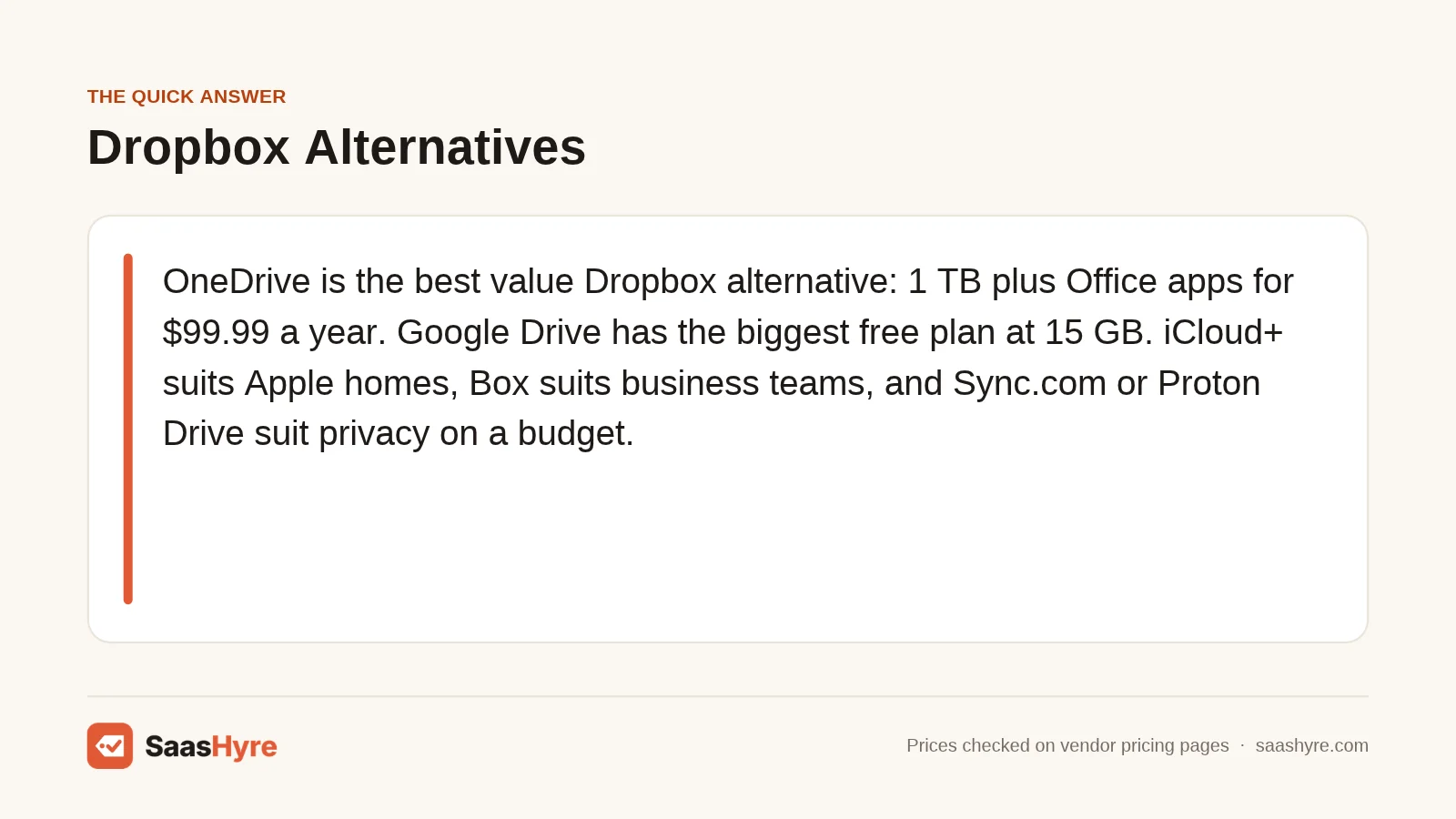
Our top pick: Microsoft OneDrive (through Microsoft 365 Personal) is the best value Dropbox alternative for most people. You get 1 TB of storage plus Word, Excel and Outlook for $99.99 a year. That is about $20 less than Dropbox Plus at its listed monthly rate, and you get a full office suite on top.
Dropbox still works well. But its free plan gives you only 2 GB, and the cheapest paid plan, Plus, is listed at $9.99 a month on the Dropbox plans page. That adds up to about $120 a year for one person. If you only need a few hundred gigabytes, you may be paying for space you never use.
The good news is that you have plenty of choices. Some rivals give you more free space. Some bundle storage with apps you already pay for. Others lock your files with encryption that even the provider cannot read.
This guide is built around price. For each tool, you will see what it costs per year, whether there is a free plan or trial, and how refunds work when the vendor says. I read each vendor’s own pricing page in November 2026. Where a page did not show a clear number, I tell you to check the current price.
If you are also tightening up how your team stores logins, our guide to the best password managers pairs well with this one. Secure storage and secure passwords go hand in hand.
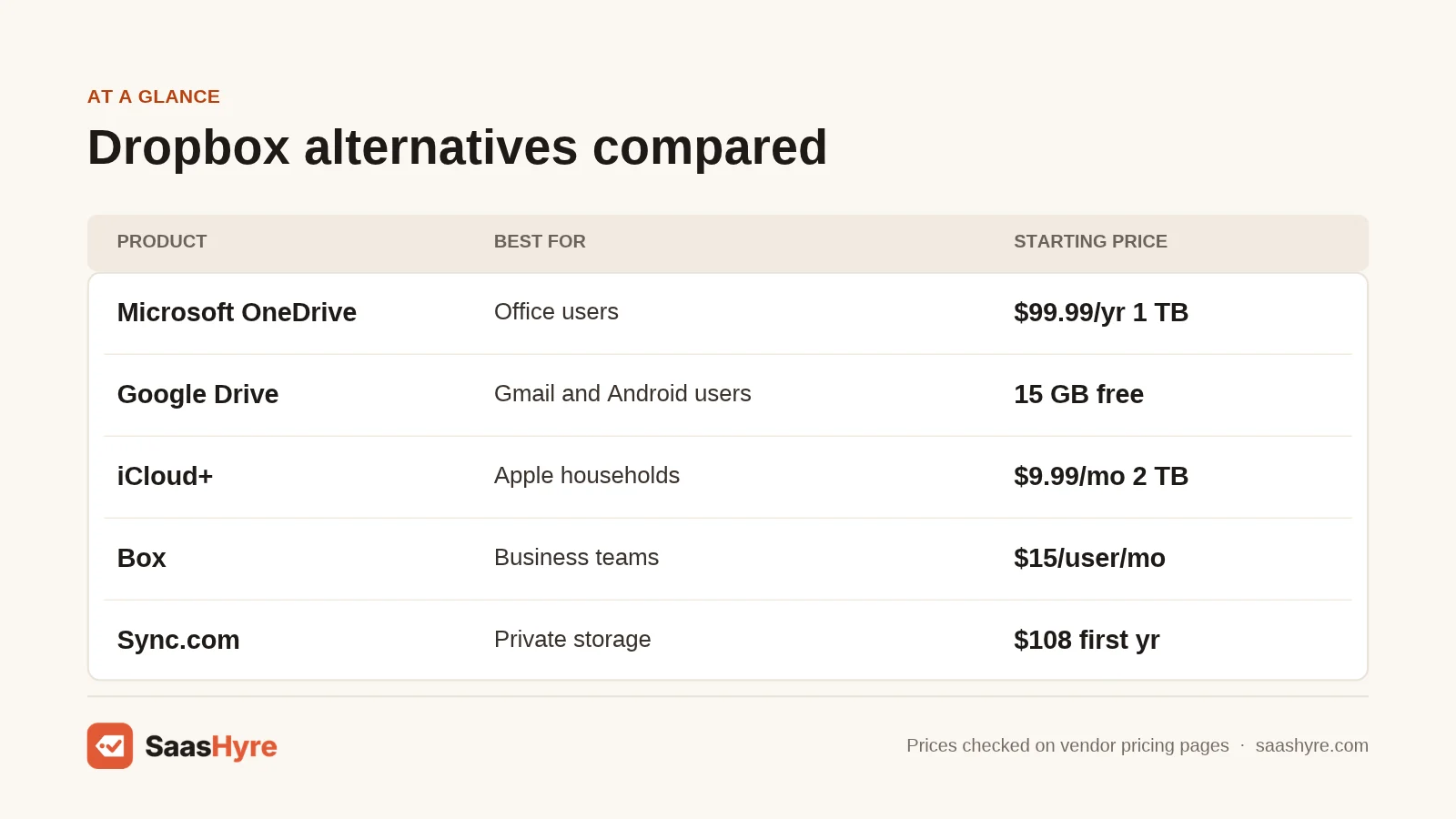
Quick Comparison: Dropbox Alternatives at a Glance
| Tool | Best for | Starting price | Billing | Free plan or trial |
|---|---|---|---|---|
| Microsoft OneDrive | Office users | $19.99/year (100 GB) | Monthly or yearly | 5 GB free |
| Google Drive | Gmail and Android users | $7/user/month (Workspace) | Monthly or yearly | 15 GB free |
| iCloud+ | Apple users | $0.99/month (50 GB) | Monthly | 5 GB free |
| Box | Business teams | $10/month (100 GB) | Monthly or yearly | 10 GB free |
| pCloud | Paying once | $219 one time (500 GB) | Yearly or lifetime | Check site |
| Sync.com | Private storage on a budget | $108 first year (1 TB) | Monthly or yearly | 30-day trial |
| Proton Drive | Privacy bundle | $4.99/month (200 GB) | Monthly or yearly | 5 GB free |
| Tresorit | Regulated work | Check current price | Monthly or yearly | 14-day trial |
| MEGA | Large free tier | Check current price | Monthly or yearly | Free plan |
What Is the Best Dropbox Alternative for Everyday Use?
For most people, the best Dropbox alternative is the storage that comes with tools you already use. OneDrive suits Windows and Office users. Google Drive suits Gmail and Android users. iCloud+ suits iPhone and Mac owners. Each starts with free space and costs less than Dropbox Plus for similar storage.
1 Microsoft OneDrive: Best for Microsoft Office users
OneDrive is Microsoft’s cloud storage, built into Windows and every Microsoft 365 plan.
What it does well. OneDrive is the strongest value pick on this list. The Personal plan bundles 1 TB of storage with the desktop Office apps. If you already pay for Microsoft 365, you may already have OneDrive and not need Dropbox at all.
Key features:
- Built into Windows File Explorer
- Live co-editing in Word, Excel and PowerPoint
- Personal Vault for sensitive files
- Family plan shares storage with up to 6 people
Pricing. The free tier gives you 5 GB. Microsoft 365 Basic costs $19.99 a year or $1.99 a month for 100 GB. Personal costs $99.99 a year or $9.99 a month for 1 TB. Family costs $129.99 a year for up to 6 people. Paying yearly saves you about two months. See OneDrive pricing.
Best for: Windows users and anyone who already works in Word and Excel.
Limitations. The Mac and Linux experience is weaker than on Windows. There is no native Linux app.
2 Google Drive: Best for Gmail and Android users
Google Drive is Google’s file storage, shared with Gmail and Google Photos.
What it does well. You get 15 GB free, which is more than seven times what Dropbox Basic offers. Docs, Sheets and Slides run in the browser, so your team can edit files together without extra software.
Key features:
- 15 GB free on every Google account
- Real-time editing in Docs, Sheets and Slides
- Strong search across files
- Shared drives for teams on Workspace
Pricing. Google One confirms 15 GB free on every account. Zapier reports 100 GB for $1.99 a month billed yearly, but check the current price on Google One. For business, Google Workspace Starter is $7 per user a month with 30 GB pooled storage. Standard is $14 per user a month with 2 TB. Every Workspace plan has a 14-day trial. See Google Workspace pricing.
Best for: Gmail users, Android owners and small teams that live in Google Docs.
Limitations. Your free 15 GB is shared with Gmail and Photos, so it fills faster than you expect.
3 iCloud+: Best for Apple users
iCloud+ is Apple’s storage plan for iPhone, iPad and Mac.
What it does well. It just works on Apple devices. Photos, backups and the Files app sync with no setup. Plans can be shared with your Family Sharing group at no extra cost.
Key features:
- Automatic iPhone and iPad backups
- Desktop and Documents folder sync on Mac
- Family Sharing on all paid plans
- Private Relay and Hide My Email included
Pricing. You get 5 GB free. In the US, iCloud+ costs $0.99 a month for 50 GB, $2.99 for 200 GB, $9.99 for 2 TB, $29.99 for 6 TB and $59.99 for 12 TB. Billing is monthly. See iCloud+ pricing.
Best for: Households that use only Apple devices.
Limitations. Windows support is basic and there is no Android app. Sharing with non-Apple users is clunky.
Which Dropbox Alternative Is Best for Business Teams?
Box is the best Dropbox alternative for business teams that need admin controls, security and app integrations. Google Workspace and Microsoft 365 are cheaper if your team already uses their apps. For files that must stay private from the provider, look at Tresorit or Sync.com instead.
4 Box: Best for business teams
Box is a content cloud built for companies, with strong admin and compliance tools.
What it does well. Box gives you 10 GB free and unlimited storage on most business plans. Admins get detailed permissions, and the platform connects with a long list of business apps.
Key features:
- Unlimited storage from the Business plan up
- Granular sharing and admin controls
- Box Sign for e-signatures
- Free Developer plan with 10K API calls a month
Pricing. Individual is free with 10 GB. Personal Pro is listed at $10 a month for 100 GB. Business Starter is $5 per user a month, Business is $15 and Business Plus is $25, each with a 3-user minimum. The page shows these as discounted figures next to higher list prices, so check the billing term before you buy. Business plans include a free trial. See Box pricing.
Best for: Companies that need control over who sees what.
Limitations. The 3-user minimum makes it costly for solo workers. Capterra notes the free plan caps uploads at 250 MB per file.
5 Tresorit: Best for regulated and sensitive work
Tresorit is an end-to-end encrypted storage service based in Switzerland.
What it does well. Your files are encrypted before they leave your device. That makes Tresorit a fit for lawyers, doctors and finance teams who handle client data.
Key features:
- End-to-end encryption by default
- Detailed access logs on Personal Pro
- File requests for collecting client documents
- Version history up to 25 versions
Pricing. Personal plans are Lite (50 GB), Essential (1 TB) and Pro (4 TB). The pricing page did not show dollar amounts when I checked, so check the current price. TechRadar lists premium plans from $18 a month. You can try any plan free for 14 days, but you must enter payment details first. See Tresorit pricing.
Best for: Professionals with strict privacy rules.
Limitations. It costs more than most rivals, and there is no free personal plan.
What Are the Cheapest Dropbox Alternatives for Private Storage?
The cheapest private options are Proton Drive at $4.99 a month for 200 GB and Sync.com at $108 for the first year of 1 TB. pCloud is cheapest over many years, since you can pay once. MEGA gives the largest free plan. All four offer some form of client-side encryption.
6 pCloud: Best for paying once instead of every year
pCloud is a Swiss storage service known for its lifetime plans.
What it does well. You can pay one time and keep your storage for life. If you plan to use cloud storage for years, that can cost far less than a yearly plan.
Key features:
- Lifetime plans with no renewal fee
- Virtual drive that saves local disk space
- Built-in media player for video and audio
- Optional pCloud Encryption add-on
Pricing. Lifetime plans cost $219 for 500 GB, $499 for 2 TB and $1,499 for 10 TB, shown next to higher list prices. The page also has a yearly option, but it did not show those amounts when I checked, so check the current price. See pCloud pricing.
Best for: Long-term personal storage and media libraries.
Limitations. End-to-end encryption costs extra. A lifetime plan is a bet that the company stays around.
7 Sync.com: Best for private storage on a budget
Sync.com is a Canadian storage service with end-to-end encryption on every plan.
What it does well. Sync works much like Dropbox but keeps your files private. It is one of the few rivals that clearly states a money-back guarantee.
Key features:
- End-to-end encryption by default
- Password-protected and expiring share links
- Unlimited plan for heavy users
- 30-day money-back guarantee
Pricing. Personal 1 TB costs $108 for the first year on annual billing, then renews at $12 a month billed yearly ($144). Solo 5 TB costs $252 for the first year. Monthly billing costs more. You get a 30-day free trial and a 30-day money-back guarantee. See Sync.com pricing.
Best for: Freelancers and small offices that want privacy without high cost.
Limitations. First-year prices are promotional. Budget for the higher renewal rate.
8 Proton Drive: Best for a full privacy bundle
Proton Drive is encrypted storage from the team behind Proton Mail.
What it does well. Higher plans bundle Drive with Proton Mail, VPN and Pass. If you want to leave Google entirely, one Proton plan can replace several tools.
Key features:
- End-to-end encryption on all files
- 10-year version recovery on Drive Plus
- Bundles with Mail, VPN, Calendar and Pass
- Team plan at 1 TB per user
Pricing. Free gives you 5 GB with no card needed. Drive Plus is $4.99 a month for 200 GB. Proton Unlimited is $12.99 a month for 500 GB plus the full suite. Yearly prices are lower, so check the current price on the yearly toggle. Proton offers a 30-day money-back guarantee with a prorated refund. See Proton Drive pricing.
Best for: People who want private email and storage under one bill.
Limitations. Sync speed and third-party app support trail Dropbox.
9 MEGA: Best for a large free tier
MEGA is a New Zealand storage service with encryption and a generous free plan.
What it does well. MEGA is popular with people who want lots of free space and encrypted sharing. TechRadar lists 20 GB free and paid plans from $5.08 a month.
Key features:
- Client-side encryption
- Encrypted chat and meetings
- Desktop sync and backup
- Apps for every major platform
Pricing. The MEGA pricing page would not load when I checked, so check the current price. The figures above come from TechRadar. See MEGA pricing.
Best for: Personal users who want free encrypted space.
Limitations. Business features are thin compared to Box or Google Workspace.
How Much Do Dropbox Alternatives Cost per Year?
For about 1 to 2 TB of personal storage, expect to pay $100 to $145 a year. OneDrive Personal is $99.99 for 1 TB. iCloud+ is $119.88 for 2 TB. Dropbox Plus works out to about $120 at its listed rate. pCloud’s lifetime plan pays for itself after a few years.
| Tool | Plan | Storage | Yearly cost |
|---|---|---|---|
| Dropbox | Plus | 2 TB | About $119.88 ($9.99 x 12) |
| OneDrive | Microsoft 365 Personal | 1 TB | $99.99 |
| OneDrive | Microsoft 365 Basic | 100 GB | $19.99 |
| iCloud+ | 2 TB | 2 TB | $119.88 ($9.99 x 12) |
| Google Workspace | Standard | 2 TB per user | $168 per user ($14 x 12) |
| Box | Personal Pro | 100 GB | About $120 ($10 x 12) |
| Sync.com | Personal | 1 TB | $108 first year, $144 after |
| Proton Drive | Drive Plus | 200 GB | $59.88 at monthly rate |
| pCloud | Premium Plus lifetime | 2 TB | $499 once |
Yearly costs built from monthly prices are estimates. Annual billing is often cheaper, so confirm on each vendor’s page.
Which Dropbox Alternative Should You Pick?
Pick based on the devices and apps you already use. Then decide whether privacy or price matters more. The picks below cover the most common cases.
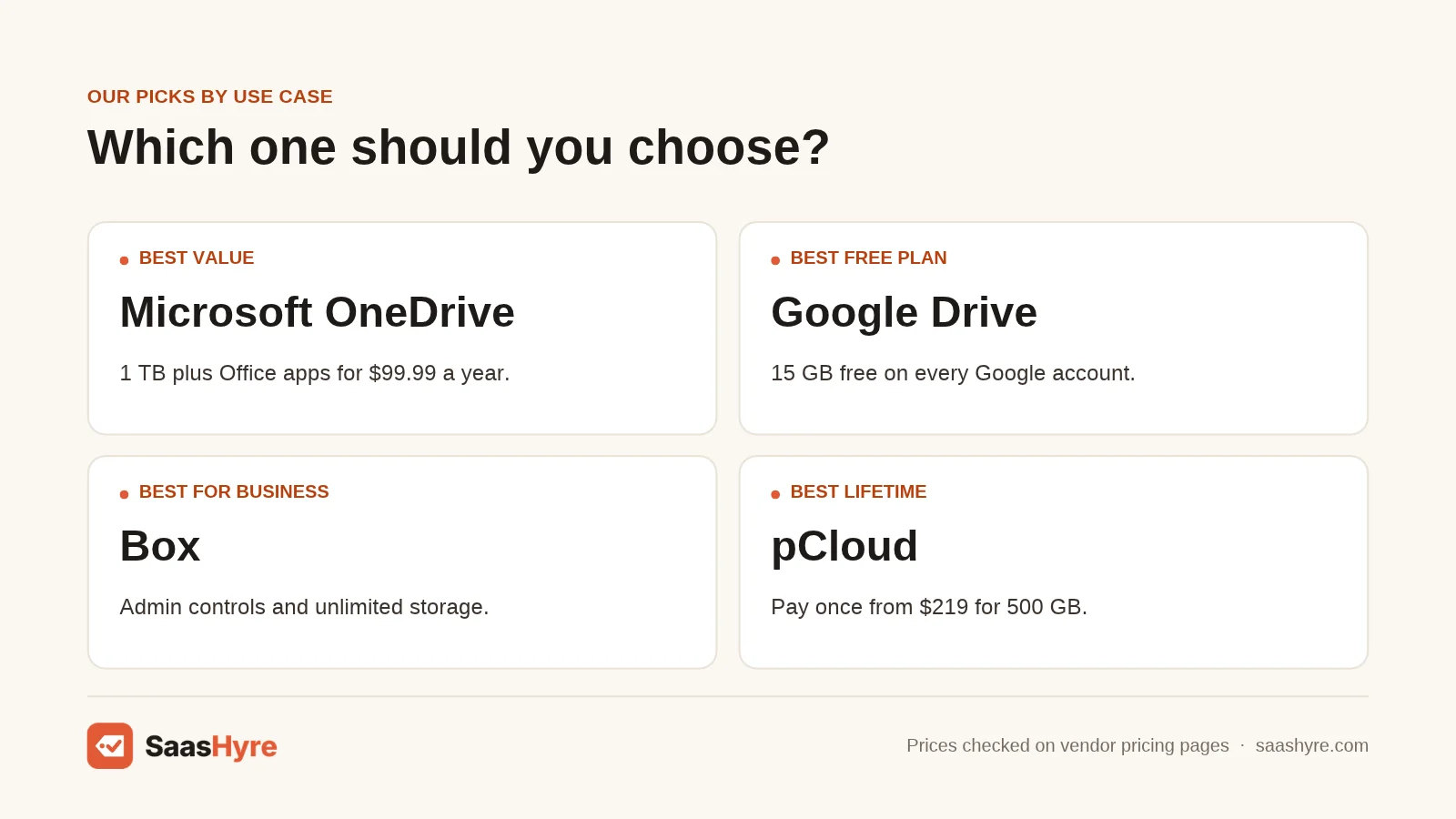
- Best value overall: Microsoft OneDrive, because 1 TB plus Office for $99.99 a year is hard to beat.
- Best free plan: Google Drive, with 15 GB on every account.
- Best for Apple households: iCloud+, with Family Sharing on every paid tier.
- Best for business: Box, for admin control and unlimited storage.
- Best for privacy on a budget: Sync.com or Proton Drive.
- Best for long-term savings: pCloud lifetime.
- Best for regulated work: Tresorit.
If you are choosing tools for a growing company, our list of the best business software can help you plan the rest of your stack.
How to Choose a Dropbox Alternative
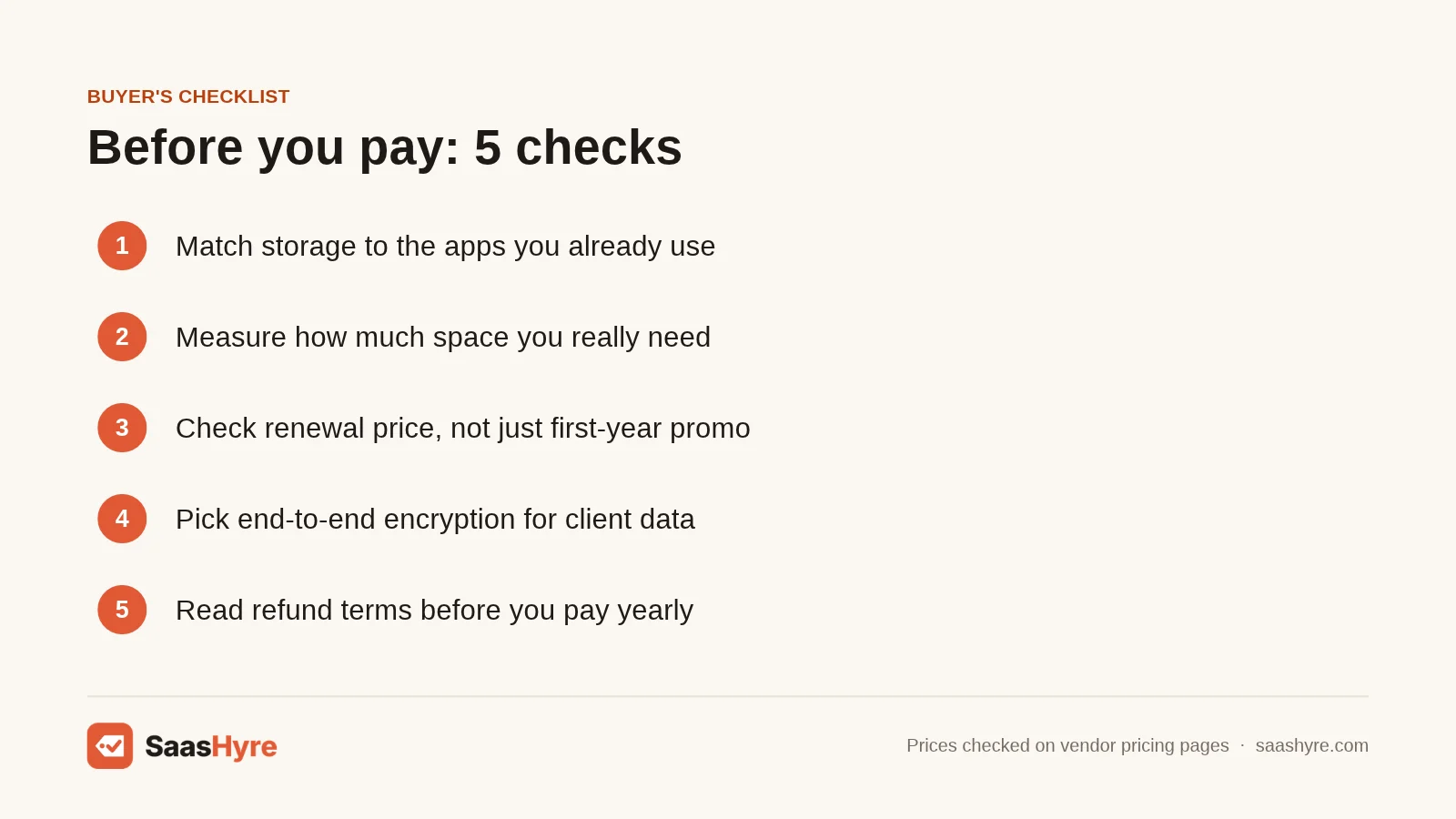
Start with these five checks before you move your files.
- Match your ecosystem. Storage that ships with your phone or office suite saves money and setup time.
- Count real storage needs. Check how much space you use today. Many people pay for 2 TB and use 200 GB.
- Look at renewal prices. Promo rates, like Sync.com’s first year, often rise at renewal.
- Decide on encryption. If your files hold client or health data, choose end-to-end encryption.
- Read the refund rules. Sync.com and Proton state 30-day money-back terms. Others do not say on their pricing pages.
Security of your files also depends on the rest of your setup. See our roundup of AI cybersecurity tools for business-level protection. If your team stores signed contracts in the cloud, our DocuSign alternatives guide covers the signing side.
How We Chose These Dropbox Alternatives
I did not run hands-on tests for this guide. Here is exactly what I checked.
- I searched “dropbox alternatives” and read the top ranking guides, including those from Zapier, TechRadar, Nira and The Digital Project Manager. I included tools that showed up on several of them.
- I read each vendor’s own pricing page in November 2026 for every price in this article. When a page did not show a number, I named the third-party source or said to check the current price.
- I checked free storage, trial length, billing options and refund terms where vendors listed them.
- I used Capterra’s free Dropbox alternatives guide as an independent check on free plan limits.
Conclusion
You do not have to keep paying for Dropbox if it no longer fits. For most people, OneDrive is the best value, with 1 TB and Office apps for $99.99 a year. Google Drive gives you the most free space. iCloud+ is the easy pick for Apple homes. Box is the business choice.
If privacy comes first, Sync.com and Proton Drive keep your files encrypted at a fair price. If you want to stop paying every year, pCloud’s lifetime plan is worth a look.
Check how much storage you really use, then compare yearly costs in the table above. Start with a free plan or trial before you move everything. When you are ready, use the links above to see each tool’s current pricing.
Frequently Asked Questions
What is the best free Dropbox alternative?
Google Drive is the best free Dropbox alternative for most people. It gives you 15 GB on every Google account, compared with 2 GB on Dropbox Basic. Box gives 10 GB free, and Proton Drive gives 5 GB of encrypted storage.
Is there a cheaper alternative to Dropbox Plus?
Yes. Microsoft 365 Personal costs $99.99 a year for 1 TB plus Office apps. Sync.com Personal costs $108 for the first year of 1 TB. Dropbox Plus is listed at $9.99 a month, or about $120 a year.
Which Dropbox alternative has the best privacy?
Tresorit, Sync.com and Proton Drive all use end-to-end encryption by default. That means the provider cannot read your files. Tresorit targets regulated businesses, while Sync.com and Proton are cheaper for personal use.
Can I pay once for cloud storage instead of every year?
Yes. pCloud sells lifetime plans, such as $219 for 500 GB or $499 for 2 TB, as listed on its pricing page. You pay once and keep the storage with no renewal fee.
Do Dropbox alternatives offer refunds?
Some do. Sync.com states a 30-day money-back guarantee. Proton offers a prorated refund if you cancel within 30 days. Many other vendors do not list refund terms on their pricing pages, so check their terms before you buy.