

TL;DR: The best Asana alternatives in 2026 are ClickUp, monday.com, Trello, Notion, Wrike, Smartsheet, Basecamp, Airtable, Zoho Projects and Jira. Asana Starter costs $10.99 per user a month on yearly billing. ClickUp Core costs $9 and Trello Standard costs $5. Basecamp charges a flat fee with no per-user cost. monday.com is the best visual pick, and Smartsheet suits spreadsheet fans.
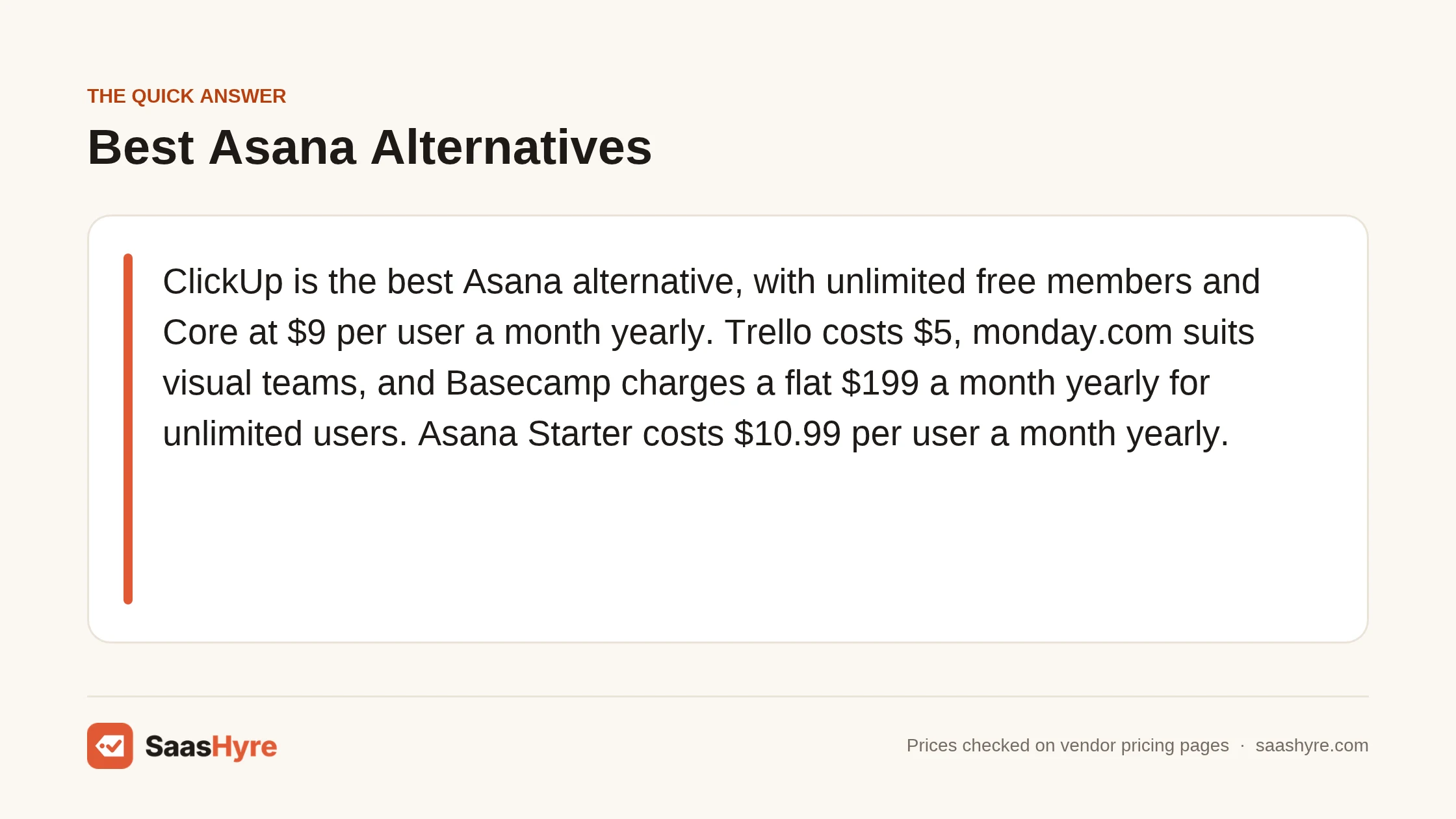
Our top pick: ClickUp is the best Asana alternative for most teams. Its Free Forever plan has unlimited members and unlimited tasks. Core costs $9 per user a month on yearly billing, less than Asana Starter at $10.99. You also get docs, whiteboards and chat in one app.
Asana is one of the most popular work management tools. It holds a 4.5 out of 5 rating from more than 13,000 reviews on Capterra’s Asana profile. Still, many teams outgrow it or find it costly.
The Asana pricing page lists Starter at $13.49 per user a month, or $10.99 on yearly billing. Advanced costs $30.49, or $24.99 yearly. Key features like goals and portfolios sit on the higher plan.
For a team of ten, Starter alone costs about $1,319 a year. That is why price is the top reason teams compare options.
This guide compares ten Asana alternatives on price. You will see what each costs per year, what the free plan includes, and whether there is a trial. I read each vendor’s own pricing page in November 2026. Where a page did not show a clear number, I tell you to check the current price.
Project tools are one part of your stack. For the rest, see our guide to the best business software.
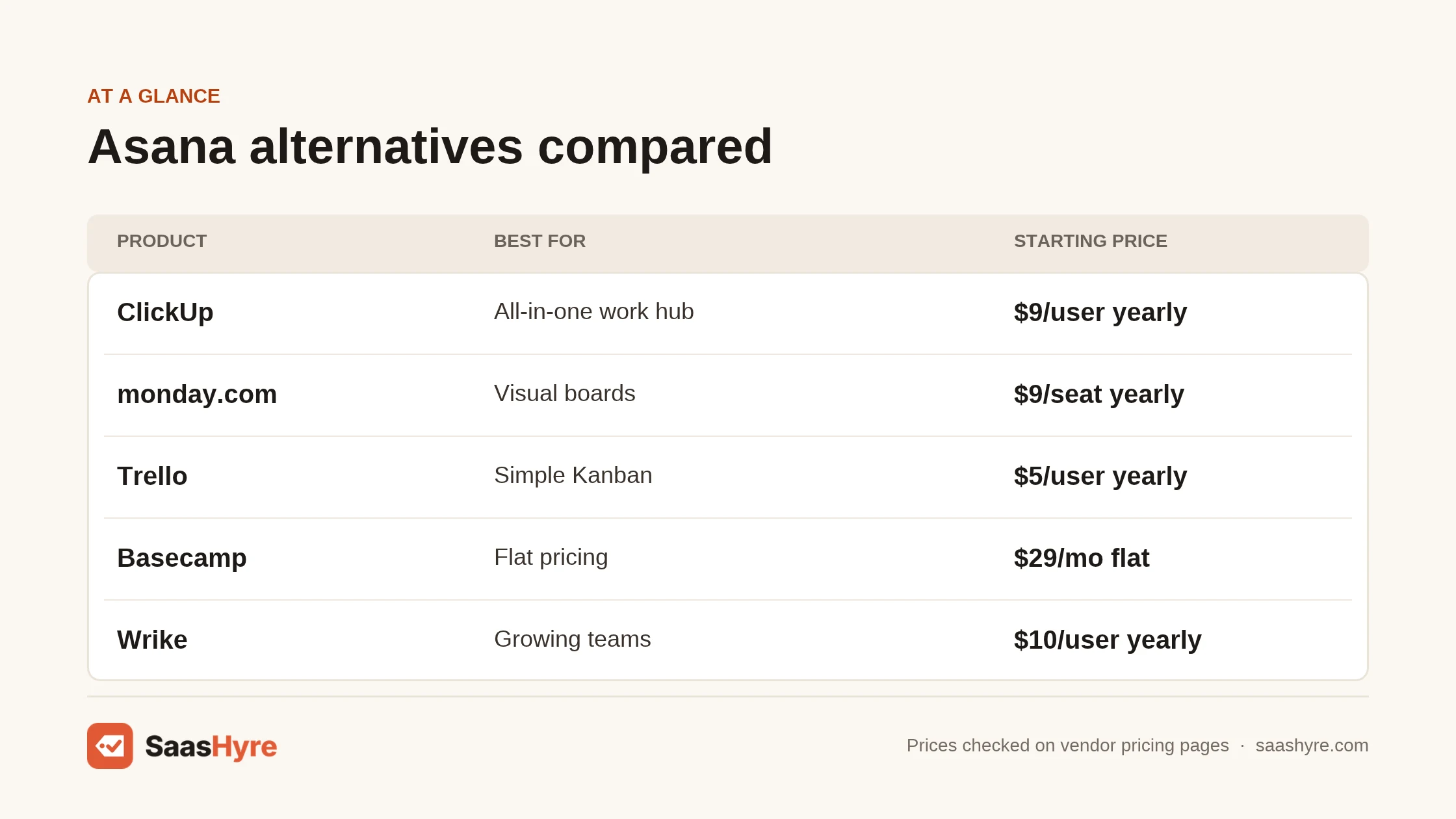
Quick Comparison: Asana Alternatives at a Glance
| Tool | Best for | Starting price | Billing | Free plan or trial |
|---|---|---|---|---|
| ClickUp | All-in-one work hub | $9/user/month yearly | Monthly or yearly | Free plan |
| monday.com | Visual boards | $9/seat/month yearly | Monthly or yearly | Free plan, 14-day trial |
| Trello | Simple Kanban | $5/user/month yearly | Monthly or yearly | Free plan |
| Notion | Docs plus tasks | $10/member/month | Monthly or yearly | Free plan |
| Wrike | Growing teams | $10/user/month yearly | Yearly | Free plan, 14-day trial |
| Smartsheet | Spreadsheet-style projects | $9/member/month yearly | Monthly or yearly | 30-day trial |
| Basecamp | Flat pricing | $29/month flat | Monthly or yearly | Free plan, 30-day trial |
| Airtable | Data-heavy work | $20/user/month yearly | Yearly | Free plan |
| Zoho Projects | Budget teams | Check current price | Monthly or yearly | Free plan, 15-day trial |
| Jira | Software teams | Check current price | Monthly or yearly | Free plan |
Why Do Teams Look for an Asana Alternative?
Teams leave Asana mainly over per-user cost and plan gating. Starter costs $10.99 per user a month on yearly billing, and portfolios and goals need Advanced at $24.99. Some teams want built-in docs, flat pricing, or a tool made for software sprints instead.
Top ranking guides show the same pattern. Zapier’s Asana alternatives guide splits picks by job, from simple tasks to DevOps. TechRadar’s roundup adds Microsoft Planner and Zoho Projects for budget teams.
Best All-in-One Asana Alternatives
1 ClickUp: Best all-in-one work hub
ClickUp combines tasks, docs, whiteboards, chat and goals in one app.
What it does well. It replaces several tools at once. The free plan is one of the most generous in this category.
Key features:
- List, board, Gantt, calendar and timeline views
- Docs, whiteboards and team chat
- Automations and AI credits
- Unlimited free members and tasks
Pricing. Free Forever costs $0 with 60MB of storage and 100 automation actions a month. Core costs $9 per user a month and Business costs $17, both on yearly billing. See ClickUp pricing.
Best for: Teams that want one tool for tasks and docs.
Limitations. The many features can feel heavy at first. Free storage is only 60MB.
2 monday.com: Best for visual boards
monday.com is a colorful work management tool built around custom boards.
What it does well. It is easy for non-technical teams to set up. Dashboards give managers a quick view of status.
Key features:
- Custom boards with many column types
- Dashboards and workload views
- Automations and integrations
- 200+ templates
Pricing. Free covers up to 2 seats and 3 boards. Basic costs $9, Standard $12 and Pro $19 per seat a month, on yearly billing. Paid plans start at 3 seats. Pro has a 14-day free trial. See monday.com pricing.
Best for: Marketing, ops and client teams who like visual tracking.
Limitations. The 3-seat minimum raises the cost for tiny teams. Monthly billing is not discounted.
3 Notion: Best for docs plus tasks
Notion is a connected workspace for docs, wikis and task databases.
What it does well. It keeps plans, notes and tasks in the same place. Teams that write a lot often prefer it to Asana.
Key features:
- Databases with board, timeline and calendar views
- Docs and team wikis
- Notion AI for writing and search
- Forms and charts
Pricing. Free costs $0. Plus costs $10 per member a month and Business costs $20, on monthly billing. Yearly billing saves up to 20%. See Notion pricing.
Best for: Startups and content teams that want docs and tasks together.
Limitations. It lacks deep workload and resource tools. The free plan limits file uploads to 5MB.
Need just a team wiki? Our guide to the best AI knowledge base software covers more focused options.
4 Airtable: Best for data-heavy work
Airtable is a database tool that looks like a spreadsheet but works like an app builder.
What it does well. It handles large sets of linked records well. Content calendars and product roadmaps are common uses.
Key features:
- Linked records and field types
- Grid, Kanban, calendar and Gantt views
- Interface designer for simple apps
- Automations and AI fields
Pricing. A free plan is available. Team costs $20 per user a month and Business costs $45, both on yearly billing. See Airtable pricing.
Best for: Teams whose projects run on lots of structured data.
Limitations. It costs more per user than most picks here. The page does not state free plan record limits.
Best Simple and Flat-Price Asana Alternatives
5 Trello: Best for simple Kanban boards
Trello is a card and board tool from Atlassian.
What it does well. It is the easiest tool here to learn. Most people can use it in minutes.
Key features:
- Kanban boards, lists and cards
- Butler automation
- Power-Ups for integrations
- Timeline, table and calendar views on Premium
Pricing. Free allows up to 10 collaborators and 10 boards per Workspace. Standard costs $5 per user a month yearly, or $6 monthly. Premium costs $10 yearly, or $12.50 monthly. See Trello pricing.
Best for: Small teams and simple workflows.
Limitations. Complex projects with many dependencies outgrow it. Extra views need Premium.
6 Basecamp: Best for flat pricing
Basecamp is a project and team chat tool with no per-user fees.
What it does well. Its flat price makes costs easy to predict. Clients can join projects without extra seats.
Key features:
- To-dos, message boards and schedules
- Campfire chat and file storage
- Client access to projects
- Hill charts for progress
Pricing. Free covers 1 project, 1GB and 3 users. Freelancer costs $29 a month for up to 5 users. Pro costs $79 a month for 10 users. Pro Unlimited costs $329 a month, or $199 a month on yearly billing, for unlimited users. Paid plans have a 30-day free trial. See Basecamp pricing.
Best for: Agencies and larger teams tired of per-seat bills.
Limitations. It has no Gantt charts or deep reporting. Small teams may pay more than per-user tools.
7 Zoho Projects: Best for budget teams
Zoho Projects is a full project tool inside the wider Zoho suite.
What it does well. It covers Gantt charts, time tracking and issue tracking at a low cost. Capterra lists it as a top budget option.
Key features:
- Gantt charts and dependencies
- Timesheets and issue tracking
- Workflow automation
- Google and Office 365 integrations
Pricing. Free covers up to 5 users, 3 projects and 5GB. Paid plans save over 15% on yearly billing and have a 15-day trial. The page did not show USD amounts, so check the current price. See Zoho Projects pricing.
Best for: Small firms that want classic project tools for less.
Limitations. The interface feels dated next to Asana. Confirm the price at checkout.
Best Asana Alternatives for Larger and Technical Teams
8 Wrike: Best for growing teams
Wrike is a work management platform with strong structure for complex projects.
What it does well. It handles cross-team requests, approvals and resource planning. Zapier names it the best pick for growing teams that need more structure.
Key features:
- Request forms and approvals
- Gantt charts and workload views
- Custom item types and blueprints
- Reports and dashboards
Pricing. Free costs $0. Team costs $10 per user a month for 2 to 15 users. Business costs $25 per user a month for 5 to 200 users. Prices are billed yearly, and there is a 14-day free trial. See Wrike pricing.
Best for: Mid-size teams with many projects and stakeholders.
Limitations. It takes time to set up well. Business and higher plans are yearly only.
9 Smartsheet: Best for spreadsheet-style projects
Smartsheet brings project tools to a grid that feels like Excel.
What it does well. Teams who think in rows and columns pick it up fast. It also scales to large enterprise programs.
Key features:
- Grid, Gantt, card and calendar views
- Forms, reports and dashboards
- Automated workflows
- Resource management add-ons
Pricing. Pro costs $12 per member a month, or $9 on yearly billing, for 1 to 10 members. Business costs $24, or $19 yearly, for 3 or more members. There is a 30-day free trial with no card. See Smartsheet pricing.
Best for: Ops and PMO teams that love spreadsheets.
Limitations. There is no free plan. The grid can feel rigid for creative teams.
10 Jira: Best for software teams
Jira is Atlassian’s tool for agile software teams.
What it does well. It handles sprints, backlogs and bug tracking better than Asana. Every paid plan now includes AI agents.
Key features:
- Scrum and Kanban boards
- Backlogs, sprints and releases
- Bug and issue tracking
- Deep links to code tools
Pricing. Jira has Free, Standard, Premium and Enterprise plans. The pricing page did not show dollar amounts when I checked, so check the current price. See Jira pricing.
Best for: Developer and product teams.
Limitations. It is overkill for marketing or ops work. Non-technical users often find it hard.
How Much Do Asana Alternatives Cost per Year?
Asana alternatives cost from $0 to about $540 per user a year. Trello Standard costs $60 per user a year, ClickUp Core $108 and Asana Starter $131.88. Basecamp Pro Unlimited costs $2,388 a year flat for any team size. Prices below use yearly billing from each vendor’s page in November 2026.
| Tool and plan | Yearly cost per user | Notes |
|---|---|---|
| Asana Starter | $131.88 | $10.99/user/month yearly |
| ClickUp Core | $108 | $9/user/month yearly |
| monday.com Standard | $144 | 3-seat minimum |
| Trello Standard | $60 | $5/user/month yearly |
| Notion Plus | Up to $120 | $10/month; yearly saves up to 20% |
| Wrike Team | $120 | 2 to 15 users |
| Smartsheet Pro | $108 | $9/member/month yearly |
| Airtable Team | $240 | $20/user/month yearly |
| Basecamp Pro Unlimited | $2,388 flat | Unlimited users |
| Zoho Projects | Check current price | Free for 5 users |
| Jira | Check current price | Free plan available |
For a team of 25, Asana Starter costs about $3,297 a year. Basecamp Pro Unlimited costs $2,388 for the same team. The flat fee wins once you pass about 18 users.
Which Asana Alternative Should You Pick?
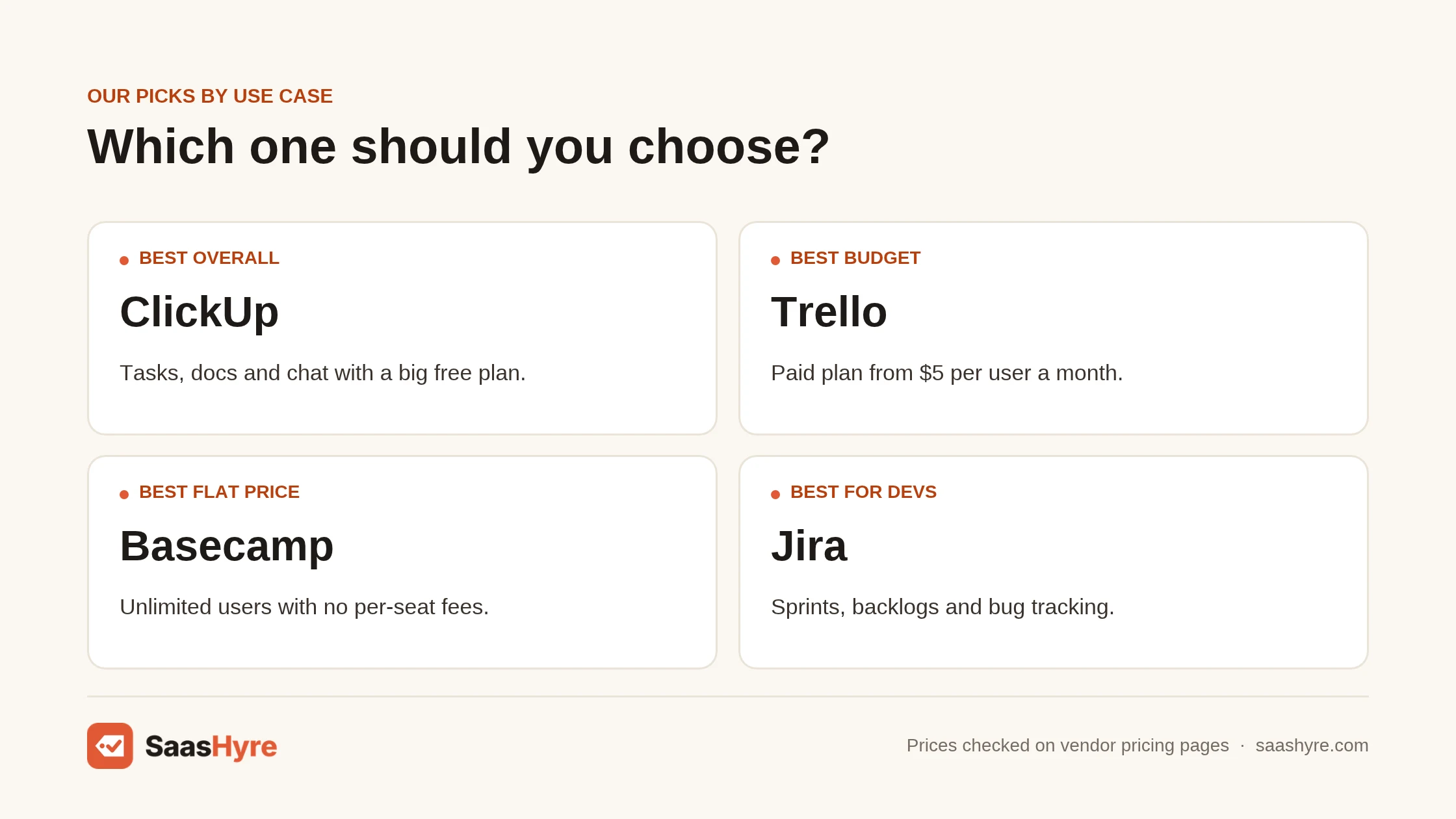
Pick ClickUp for the most features per dollar and monday.com for visual boards. Pick Trello for simple tasks, Notion for docs plus tasks, and Basecamp for flat pricing. Pick Wrike or Smartsheet for complex projects, and Jira for software teams.
- Most features for the price: ClickUp
- Visual, easy boards: monday.com
- Cheapest paid plan: Trello
- Docs and wikis with tasks: Notion
- Flat team pricing: Basecamp
- Structured growing teams: Wrike
- Spreadsheet lovers: Smartsheet
- Data-heavy projects: Airtable
- Budget classic PM: Zoho Projects
- Software sprints: Jira
How to Choose an Asana Alternative
Start with team size and the kind of work you track.
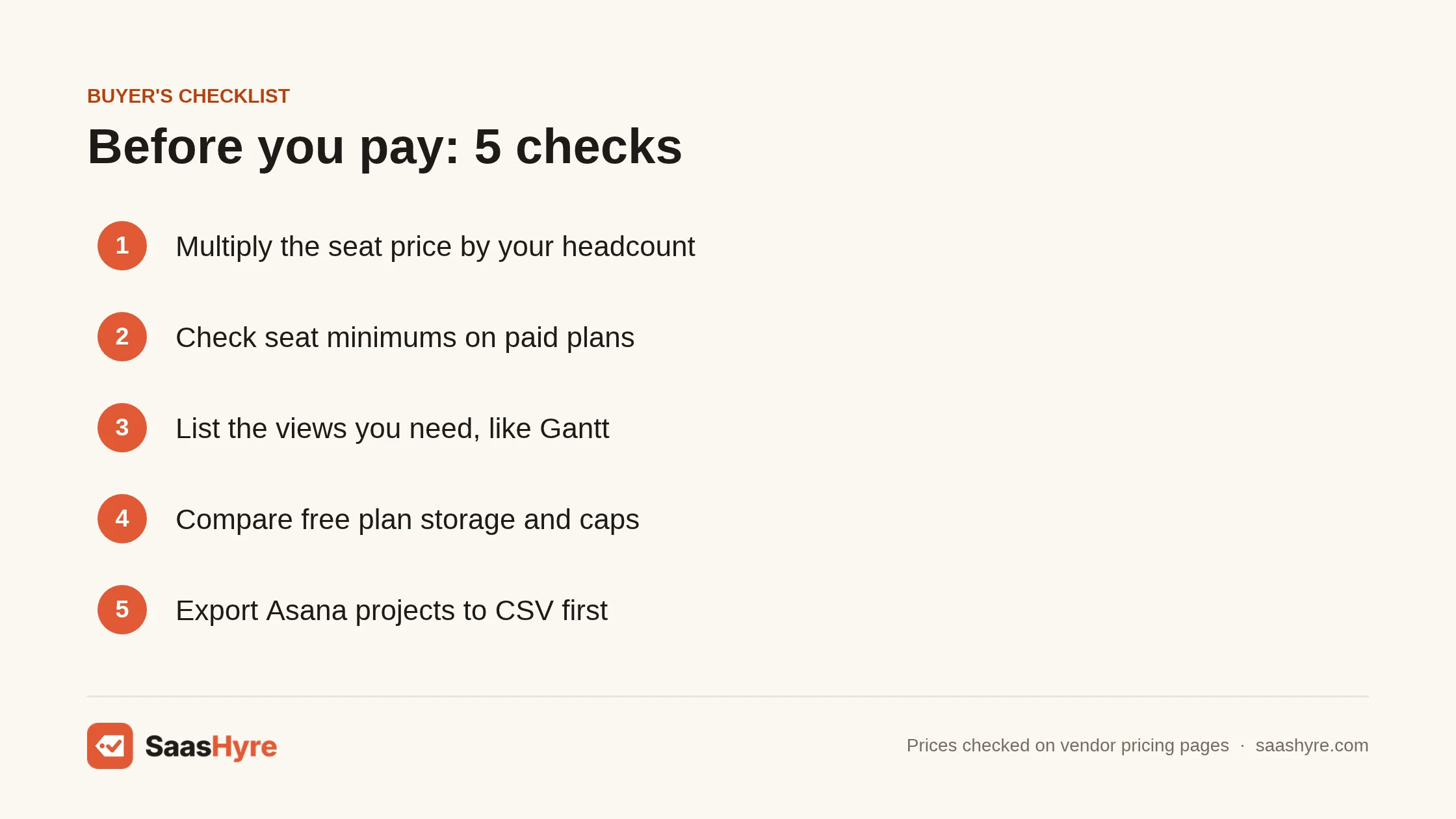
- Do the seat math. Multiply the per-user price by your headcount. Compare it with a flat fee like Basecamp.
- Check seat minimums. monday.com paid plans start at 3 seats. Smartsheet Business needs 3 members.
- List must-have views. Gantt, workload and timeline views often sit on higher plans.
- Look at free plan caps. Storage, boards and automation limits vary a lot.
- Plan your import. Export your Asana projects to CSV before you cancel.
- Run a pilot. Move one live project for two weeks before switching the whole team.
Many teams pair a project tool with time tracking. See our picks for the best AI time tracking software. To cut status meetings, an AI meeting assistant can turn calls into tasks.
How We Picked These Asana Alternatives
I did not run hands-on tests for this guide. Here is exactly what I checked.
- Top ranking guides. I read the leading Asana alternatives articles, including those from Zapier, Jotform, Toggl and TechRadar. Tools named on three or more lists made the shortlist.
- Vendor pricing pages. I read each tool’s own pricing page in November 2026. Where a page hid prices, I say so.
- User reviews. I checked Asana’s rating and Capterra’s suggested alternatives on Capterra.
- Use case fit. I grouped tools by team type and work style, not by one overall score.
Prices change often. Always confirm the final price at checkout.
Conclusion
Asana is a solid tool, but per-user costs and plan gating push many teams to look around. ClickUp is the best Asana alternative for most teams. Its free plan has unlimited members, and Core costs $9 per user a month yearly. Trello is the cheapest simple option at $5. Basecamp’s flat price wins for big teams. Wrike and Smartsheet suit complex work, and Jira fits developers.
Pick two tools from this list. Run one real project in each for two weeks. Then compare the yearly cost for your full team before you commit. For more tools that can speed up your team’s work, browse our guide to the best AI tools.
Frequently Asked Questions
What is the best free Asana alternative?
ClickUp is the best free Asana alternative. Its Free Forever plan allows unlimited members and unlimited tasks, with 60MB of storage. Trello’s free plan is simpler and allows up to 10 collaborators per Workspace.
How much does Asana cost per year?
Asana Starter costs $131.88 per user a year on yearly billing, or $13.49 a month on monthly billing. Advanced costs $299.88 per user a year. Enterprise pricing is custom, according to Asana’s pricing page.
What is the cheapest Asana alternative?
Trello Standard is the cheapest paid option at $5 per user a month yearly, or $60 a year. ClickUp Core and Smartsheet Pro each cost $9 per user a month yearly.
Is there a Microsoft alternative to Asana?
Yes. Microsoft Planner is Microsoft’s task tool, and TechRadar lists it among the top Asana alternatives. It works best for teams already on Microsoft 365. Check Microsoft’s site for current plan prices.
Which Asana alternative has flat pricing?
Basecamp has flat pricing with no per-user fees. Pro Unlimited costs $199 a month on yearly billing for unlimited users. Smaller plans start at $29 a month for up to 5 users.