
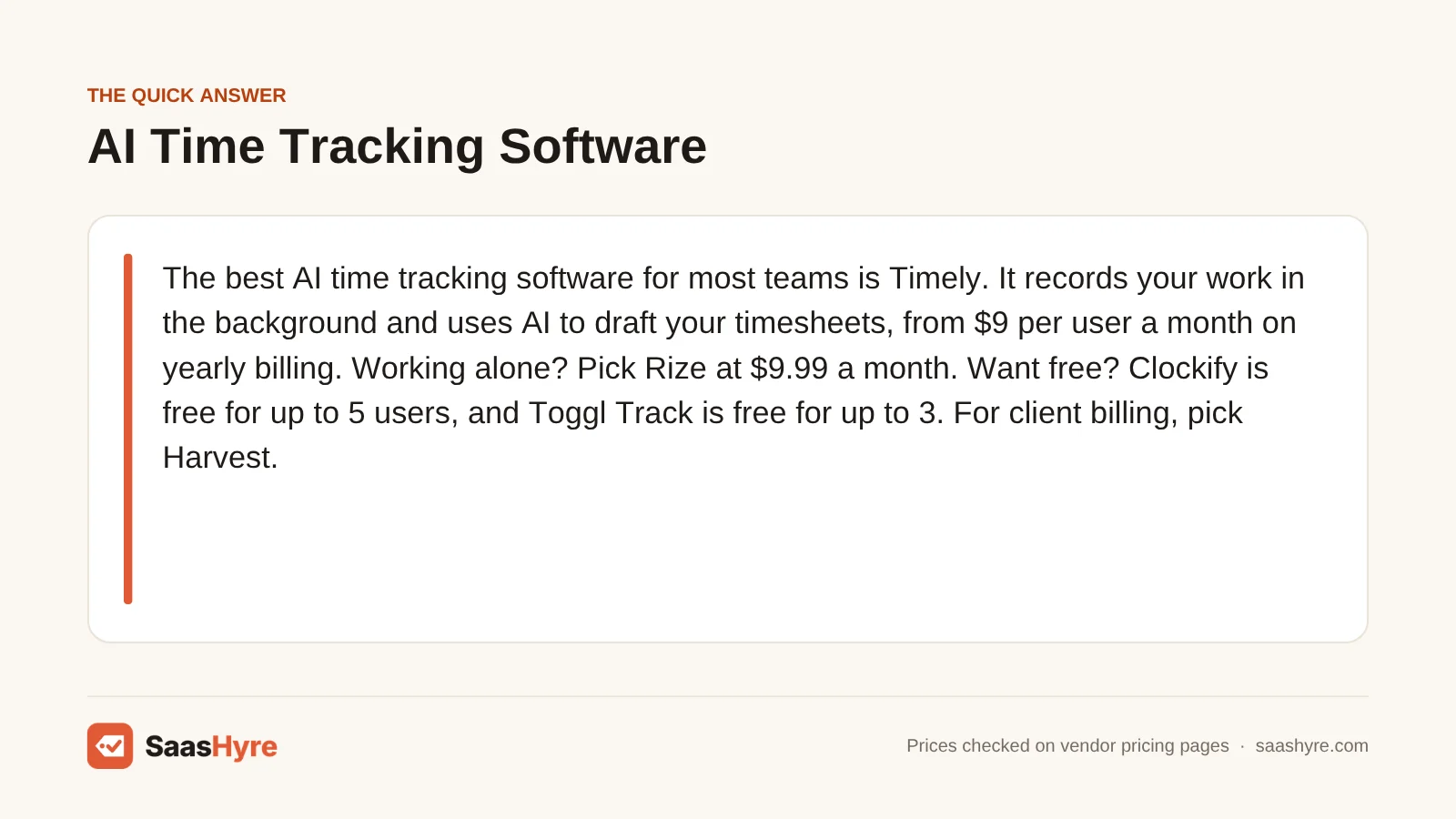
The best AI time tracking software for most teams is Timely. It records your work in the background and uses AI to draft your timesheets, from $9 per user a month on yearly billing. Working alone? Pick Rize at $9.99 a month. Want free? Clockify is free for up to 5 users, and Toggl Track is free for up to 3. For client billing, pick Harvest.
Here is what matters before you buy. Every tool below counts hours. The real gaps are in how the hours get recorded, who can see them, and how you are billed. Some tools have seat minimums. And a few “AI” tools list no AI at all on their pricing pages.
I pulled every price from each vendor’s own pricing page in October 2026. Where a price did not load for me, I say so. Prices change, so check the final number before you pay.
This guide is part of our best business software series, which maps the whole small business stack.
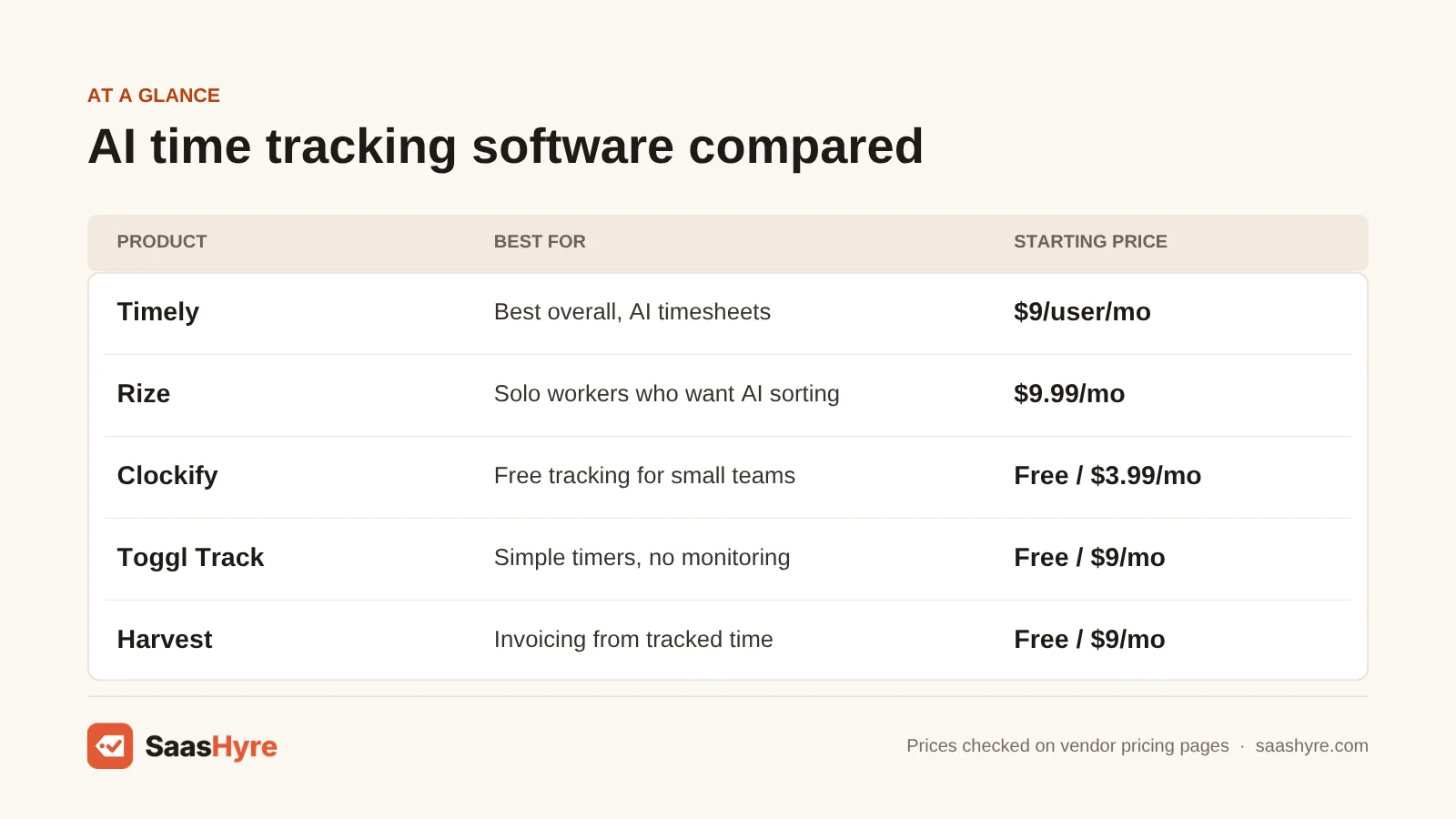
Quick Comparison: 9 Time Tracking Tools at a Glance
| Tool | Best for | Starting price | Billing model | Free plan or trial |
|---|---|---|---|---|
| Timely | Best overall, AI timesheets | $9/user/mo yearly | Per user | 14-day trial, no free plan |
| Rize | Solo workers who want AI sorting | $9.99/mo yearly | Flat solo, per seat for teams | 7-day trial, no free plan |
| RescueTime | Focus and cutting distractions | $7/mo yearly | Flat solo, per user for teams | 14-day trial |
| Clockify | Free tracking for small teams | Free, then $3.99/seat/mo yearly | Per seat | Free for up to 5 users |
| Toggl Track | Simple timers, no monitoring | Free, then $9/user/mo yearly | Per user | Free for up to 3 users, 30-day trial |
| Harvest | Invoicing clients from tracked time | Free, then $9/seat/mo yearly | Per seat | Free for 1 seat, 30-day trial |
| Everhour | Tracking inside Asana, Jira or ClickUp | $8.50/seat/mo yearly | Per seat, 5-seat minimum | Free for up to 5 seats, 14-day trial |
| Hubstaff | Remote and field teams | $4.99/seat/mo yearly | Per seat, 2-seat minimum | 14-day trial, no free plan found |
| Time Doctor | Detailed activity reports | $6.67/user/mo yearly | Per user | 14-day trial, no free plan |
What Is AI Time Tracking Software?
AI time tracking software records the apps, websites and files you work in, then uses AI to turn that record into time entries. You don’t start or stop a timer. The tool guesses which project or client each block of work belongs to and drafts your timesheet. You check it, fix what is wrong and approve it.
A classic timer app is different. You press start, pick a project and press stop. It works, but people forget, and hours go missing.
The word “AI” gets used loosely here. I found three kinds of tools. Timely and Rize build the whole product around automatic tracking and AI sorting. Hubstaff and Time Doctor use AI to flag odd activity for managers. Clockify and Harvest list no AI features on their pricing pages, but they are still strong trackers.
What Makes the Best AI Time Tracking Software?
The best AI time tracking software records your work without timers, sorts it into the right projects, and keeps the raw record private until you approve it. It should also cost what the pricing page says. Check the price on monthly and yearly billing, any seat minimum, the free plan’s user limit and whether it takes screenshots.
We compared each tool on those points using vendor pages. We also checked the top-ranking roundups against those pages, and some facts are out of date. Several roundups still say Toggl Track is free for up to 5 users, but Toggl’s own FAQ says 3.
Best Overall AI Time Tracking Software
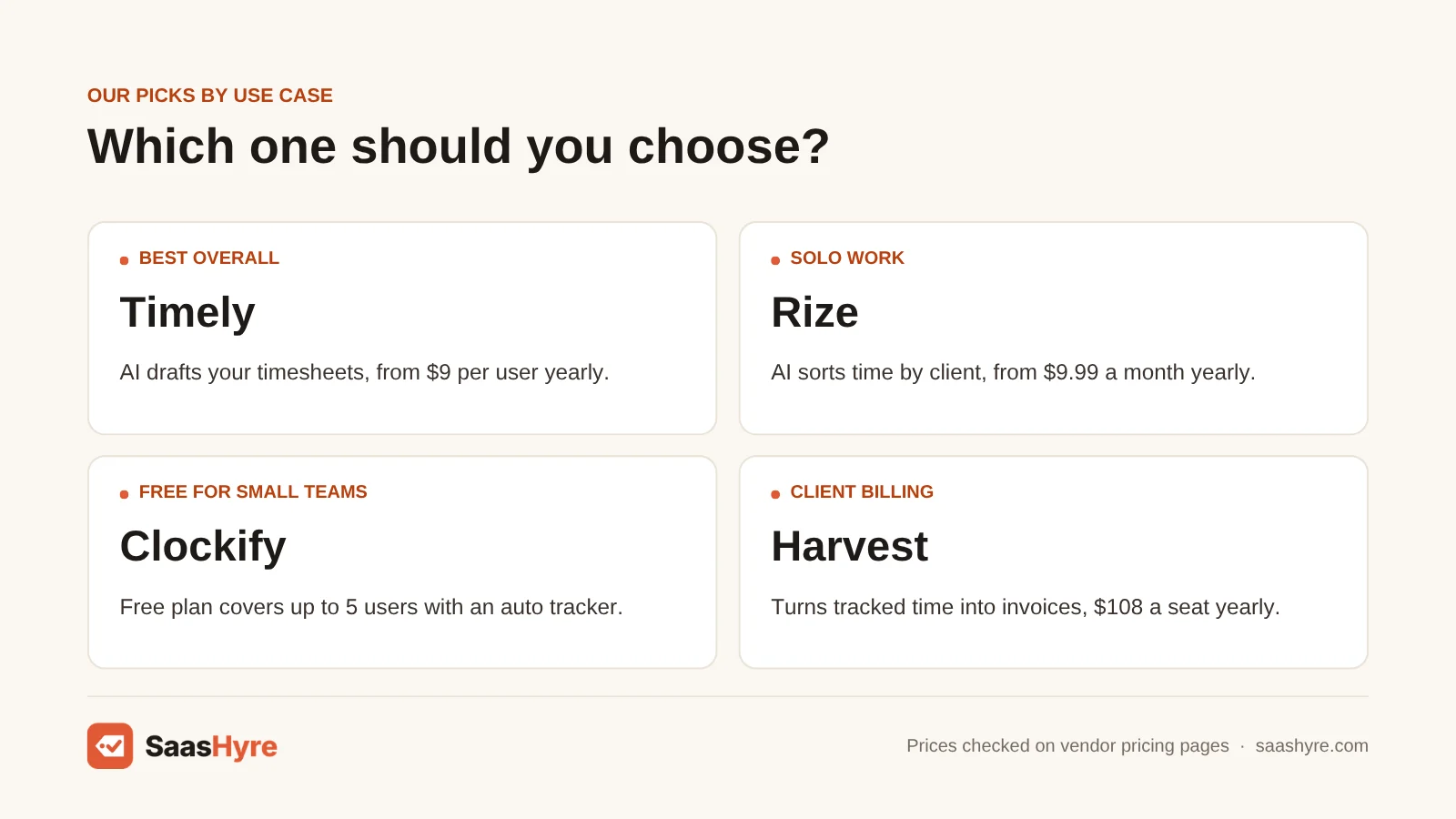
Timely is the best overall AI time tracking software. Its Memory tracker records your work across apps in the background, and AI drafts your timesheet for you to approve. Plans start at $9 per user a month on yearly billing, or $11 monthly. It takes no screenshots and logs no keystrokes.
1 Timely: Best for AI-drafted timesheets
If you bill by the hour and hate timesheets, start here.
What it does well. Timely’s Memory app records what you work on in the background. AI then drafts your timesheet from that record. Your team only sees the entries you approve. Timely says it does no keystroke logging and takes no screenshots.
Key features:
- Automatic tracking with the Memory app
- AI-drafted timesheets
- Private timelines, shared only after you approve
- 15+ integrations, including Jira, Asana and QuickBooks
Pricing. There is no free plan. Starter is $11 per user a month, or $9 on yearly billing, and it stops at 5 users and 20 projects. Premium is $20 monthly or $16 yearly, for up to 50 users with unlimited projects. Unlimited is $28 monthly or $22 yearly. Enterprise is priced by quote. A Tasks add-on starts at $5 per person. You get a 14-day free trial. I did not find a refund policy on the pricing page. See Timely pricing.
Best for: You, if you run a small agency or consulting team and lose billable hours to forgotten timers.
Limitations. Starter caps you at 5 users and 20 projects, so a growing team moves to Premium fast. That jump is from $9 to $16 per user on yearly billing.
Best AI Time Tracking Software for Solo Work
Rize is the best AI time tracker if you work alone. It tracks your apps and websites on its own and uses AI to sort time by client, project and task. Basic costs $9.99 a month on yearly billing. If you mostly want to fight distractions, RescueTime Solo Focus is cheaper at $7 a month on yearly billing.
2 Rize: Best for solo workers who want AI sorting
If you freelance and want your day sorted by client, Rize fits.
What it does well. Rize runs in the background. It reads the app name, window title and URL to work out what you are doing. AI then sorts that time by client, project and task. It can also block distractions. Rize says it never records keystrokes and never stores screenshot images.
Key features:
- Automatic app and website tracking
- AI sorting by client, project and task
- Focus detection and distraction blocking
- Apps for Mac and Windows
Pricing. There is no free plan. Basic is $12.99 a month, or $9.99 on yearly billing, with 500 AI credits a month. Pro is $29.99 monthly or $23.99 yearly, with 1,000 credits, client reports and API access. Max is $49.99 monthly or $39.99 yearly, with 3,000 credits. Team plans are $39.99 per seat a month, or $29.99 on yearly billing. Enterprise is priced by quote. You get a 7-day free trial with no card needed. See Rize pricing.
Best for: You, if you work alone on a Mac or Windows computer and bill more than one client.
Limitations. The pricing page does not explain what an AI credit buys, so ask before you pick a plan. Team seats cost far more than any other tool here.
3 RescueTime: Best for focus and fewer distractions
If your problem is wasted time, not unbilled time, pick RescueTime.
What it does well. RescueTime tracks the apps and websites you use without any timers. Focus Sessions block distracting sites while you work. The plus plans add timesheets that track projects for you.
Key features:
- Automatic app and website tracking
- Focus Sessions with distraction blocking
- Timesheets and billing rates on plus plans
- Apps for Windows, Mac, iPhone and Android
Pricing. Solo Focus is $9 a month, or $84 a year ($7 a month). Solo+ adds timesheets for $15 a month, or $144 a year. Team Focus is $12 per user a month, or $120 a year. Team+ is $18 per user a month, or $192 a year. Every paid plan has a 14-day free trial. RescueTime says it doesn’t usually give prorated refunds. The page mentions a free Lite plan you drop to if you cancel, but it does not list what Lite includes. See RescueTime pricing.
Best for: You, if you want to see where your hours go and block the sites that eat them.
Limitations. RescueTime is a focus tool first. Timesheets cost extra on the plus plans. I did not find AI sorting like Timely’s or Rize’s described on its pricing page.
Best Free Time Tracking Software
Clockify is the best free time tracking software for small teams. Its free plan covers up to 5 users with unlimited tracking, timesheets and an auto tracker. Toggl Track is the best free pick if you want a simple timer with no monitoring. Its free plan covers up to 3 users, and paid plans start at $9 per user a month on yearly billing.
4 Clockify: Best for free tracking on a small team
If you have 5 people or fewer and no budget, Clockify gives you the most for $0.
What it does well. The free plan has a timer, timesheets, a calendar view and mobile and desktop apps. It also lists an auto tracker.
Key features:
- Free plan for up to 5 users
- Timer, timesheet and auto tracker on Free
- Invoicing, time off and approvals on Standard
- Scheduling, expenses and GPS on Pro
Pricing. Free covers up to 5 users. Basic is $4.99 per seat a month, or $3.99 on yearly billing. Standard is $6.99 monthly or $5.49 yearly. Pro is $9.99 monthly or $7.99 yearly. Enterprise is $14.99 monthly or $11.99 yearly. The CAKE.com Bundle adds Pumble chat and Plaky project tools for $15.99 monthly or $12.99 yearly. I did not find trial or refund terms on the pricing page. See Clockify pricing.
Best for: You, if you want free or very cheap time tracking for a small team and don’t need AI.
Limitations. Clockify’s pricing page lists no AI features. Scheduling only comes on Pro. If shift planning is your main need, see the best employee scheduling software.
5 Toggl Track: Best for simple timers with no monitoring
If you want a timer your team will not hate, Toggl Track is the friendly choice.
What it does well. Toggl gives you one-click timers, a focus mode and calendar integrations on the free plan. Toggl says it does not monitor employees, take screenshots or record keystrokes. Its one listed AI feature is an AI Task Creator that turns notes or briefs into tasks.
Key features:
- One-click and manual timers
- Billable rates and team reports on Starter
- Profit reports and timesheet approvals on Premium
- AI Task Creator
Pricing. The free plan works for solo users and for teams of up to 3. Starter is $9 per user a month on yearly billing, and Premium is $16. Monthly billing costs more. We saw $12 and $24 when we checked, but the page did not always show them, so confirm the monthly price at checkout. Enterprise is priced by quote. Paid plans have a 30-day free trial. I did not find a refund policy on the pricing page. See Toggl pricing.
Best for: You, if you want an easy timer and you don’t want to watch your team’s screens.
Limitations. You still start most timers yourself. The free team limit is 3 users. Jira and Asana integrations are listed on Premium, which costs $16 per user on yearly billing.
Best Time Tracking Software for Client Billing
Harvest is the best time tracking software for client billing. It turns tracked time and expenses into invoices, and your clients can pay right from the invoice. Teams costs $11 per seat a month, or $108 a year. If your team works in Asana, Jira or ClickUp, Everhour tracks time inside those tools for $8.50 per seat on yearly billing.
6 Harvest: Best for invoicing from tracked time
If getting paid is the reason you track time, Harvest connects the two.
What it does well. You track time with one-click timers or weekly timesheets. Harvest then builds invoices from your tracked time and expenses. Clients can pay from the invoice, and Harvest can chase late payments for you.
Key features:
- Timers and weekly timesheets
- Invoices built from time and expenses
- Online payments and late-payment reminders
- 40+ integrations
Pricing. The free plan is free forever, but it covers 1 seat and 2 projects. Teams is $11 per seat a month, or $108 per seat a year, which works out to $9 a month. Enterprise is $17.50 per seat a month, or $168 a year. Enterprise Plus is priced by quote. You get a 30-day free trial with no card needed. I did not find a refund policy on the pricing page. See Harvest pricing.
Best for: You, if you are a freelancer or agency that bills clients by the hour and wants invoices in the same tool.
Limitations. Harvest’s pricing page mentions no AI. The free plan’s 2-project cap is tight for anyone with more than two clients. Timesheet approvals and profit reports are on Enterprise.
7 Everhour: Best for tracking inside your project tool
If your team already works in Asana, Jira or ClickUp, Everhour adds a timer right there.
What it does well. Everhour puts time tracking inside the project tools you already use. It lists more than 40 integrations. The paid plan has every feature, and Everhour says there are no upsells or hidden limits.
Key features:
- Timers inside Asana, Jira, ClickUp, Trello and more
- Billing, budgets and invoicing
- Reports and data export
- SSO and advanced permissions
Pricing. The free plan covers up to 5 seats with limited features. Team is $8.50 per seat a month, billed yearly, with a 5-seat minimum. So the lowest paid bill is $42.50 a month, or $510 a year. The page says yearly billing saves 15%, but I could not confirm the exact monthly price. Custom plans start at 50 seats. You get a 14-day free trial with no card needed. Everhour says it does not refund unused time. See Everhour pricing.
Best for: You, if you have 5 or more people who already work in a project tool every day.
Limitations. The 5-seat minimum makes it a poor deal for 1 to 4 people. Everhour says an AI feature that detects your work without a timer is still being built.
Best Time Tracking Software for Remote Team Monitoring
Hubstaff is the best time tracking software for remote and field teams. It adds GPS tracking, optional screenshots, payroll and AI that flags unusual activity, from $4.99 per seat a month on yearly billing. Time Doctor goes deeper on activity reports, from $6.67 per user a month on yearly billing.
8 Hubstaff: Best for remote and field teams
If you pay people by tracked hours and need proof of work, Hubstaff covers it.
What it does well. Hubstaff tracks time on desktop, web and mobile. It adds activity rates, optional screenshots and GPS tracking for field teams. Its AI flags unusual activity in tracked time. It can also pay your team through Payoneer, Wise, PayPal and Deel.
Key features:
- Timers on desktop, web and mobile
- Optional screenshots and activity rates
- GPS tracking for field teams
- AI-powered unusual activity detection
- 35+ integrations
Pricing. The price table on Hubstaff’s pricing page did not load for me. These numbers come from Hubstaff’s own pricing guide. Starter is $7 per seat a month, or $4.99 on yearly billing. Grow is $9 monthly or $7.50 yearly. Team is $12 monthly or $10 yearly. Enterprise is listed at $25 per seat a month. There is a 2-seat minimum. The Insights add-on is $2.50 per user a month. Team and Enterprise include it. You get a 14-day free trial with no card and a 30-day money-back guarantee. See Hubstaff pricing.
Best for: You, if you manage remote workers, contractors or field crews and pay them from tracked hours.
Limitations. Hubstaff’s AI explains patterns for managers. It does not fill in timesheets for you. And the Insights analytics cost extra below the Team plan.
9 Time Doctor: Best for detailed activity reports
If you run a large remote team and want detailed records, look at Time Doctor.
What it does well. Time Doctor shows time, tasks and tools for each person and project. Its AI lets you ask questions about your data in plain language. You can also blur screenshots and switch tracking features on or off by role.
Key features:
- Time, task and app tracking
- Screenshots with a blur option
- Plain-language AI answers about your data
- 60+ integrations
Pricing. The prices on Time Doctor’s pricing page did not load for me. These numbers come from its support site, updated in August 2026. Basic is $8 per user a month, or $6.67 on yearly billing. Standard is $14 monthly or $11.67 yearly. Premium is $20 monthly or $16.70 yearly. Enterprise is priced by quote. Yearly billing gives you two months free. Add-ons like Benchmarks AI and SSO cost $2 to $1,500 a month on Basic and Standard. The 14-day trial needs no card. Time Doctor does not give refunds after the trial, except for outages. See Time Doctor pricing.
Best for: You, if you manage a big remote team and need detailed records for payroll or clients.
Limitations. Basic only keeps 3 months of history, and Standard keeps 6. If you remove a user, you still pay for them until the billing cycle ends.
Tools We Left Out, and Why
You will see these on other lists. Here is why they are not in our top 9.
- Memtime. Its pricing page shows price ranges that change with the billing term. I could not pin down one exact price.
- Reclaim.ai. It is a calendar scheduler. It does not record what you worked on.
What 5 Users Pay in a Year
For 5 users on yearly billing, Clockify costs $0 on Free or $239.40 on Basic. Hubstaff Starter costs $299.40 and Time Doctor Basic costs about $400. Everhour costs $510. Toggl Track Starter, Harvest Teams and Timely Starter each cost $540. RescueTime Team Focus costs $600, and Rize team seats cost $1,799.40.
This math is each tool’s yearly-billing price times 5 users for 12 months. It leaves out taxes and add-ons.
| Tool and plan | Price per user on yearly billing | 5 users for a year |
|---|---|---|
| Clockify Free | $0 | $0 |
| Clockify Basic | $3.99/mo | $239.40 |
| Hubstaff Starter | $4.99/mo | $299.40 |
| Time Doctor Basic | $6.67/mo | About $400 |
| Everhour Team | $8.50/mo | $510 |
| Toggl Track Starter | $9/mo | $540 |
| Harvest Teams | $108/yr | $540 |
| Timely Starter | $9/mo | $540 |
| RescueTime Team Focus | $120/yr | $600 |
| Rize Team | $29.99/mo | $1,799.40 |
Monthly billing costs more. Five users on Timely Starter at $11 a month pay $660 a year. Toggl Track Starter at about $12 a month comes to about $720. Also, 5 users is the most Timely Starter allows.
How to Choose Time Tracking Software Without Overpaying
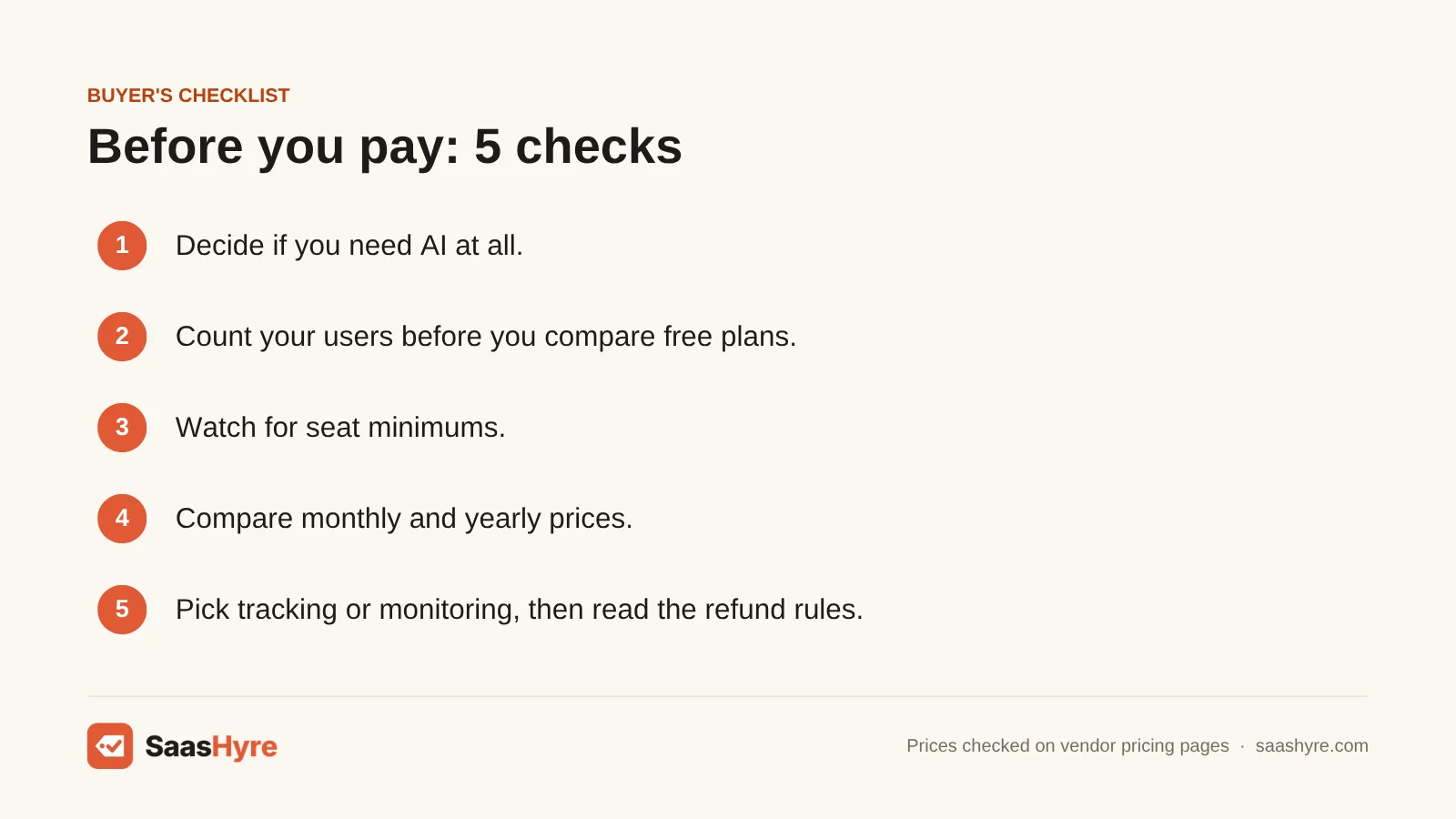
- Decide if you need AI at all. If your team forgets timers, pay for automatic tracking like Timely or Rize. If timers work fine, a free plan may be enough.
- Count your users before you compare. Free limits are small. Toggl Track stops at 3 users, Clockify and Everhour at 5, and Harvest at 1 seat.
- Watch for seat minimums. Everhour bills at least 5 seats and Hubstaff at least 2.
- Compare monthly and yearly prices. Toggl Track Starter is about $12 monthly and $9 yearly. Only pay for a year once the trial proves your team will use it.
- Pick tracking or monitoring. Timely, Rize and Toggl Track say they take no screenshots. Hubstaff and Time Doctor offer them.
- Read the refund rules. Hubstaff has a 30-day money-back guarantee. Time Doctor gives no refunds after the trial. Everhour does not refund unused time.
How We Evaluated These Tools
We compared each tool using its own pricing page, feature pages and help docs, checked in October 2026. We also read the top-ranking roundups of AI time tracking software to see what they got wrong or left out. We looked at price on monthly and yearly billing, free plan limits, seat minimums, trials, refunds and which AI features each vendor lists. We did not run our own tracking accuracy tests, and feature claims come from the vendors. No vendor pays to be listed. Read our editorial policy to learn more.
Keep comparing: SaaS guides · AI Invoicing Software · Gusto Alternatives
The Bottom Line
If you want AI to do your timesheets, get Timely. It starts at $9 per user a month on yearly billing. If you work alone, pick Rize for AI sorting or RescueTime for focus. If you want free, use Clockify for up to 5 users or Toggl Track for up to 3. Pick Harvest if you invoice clients, and Everhour if your team works in Asana or Jira. For remote teams, go with Hubstaff, or Time Doctor if you need deeper records.
Want a second opinion? Our best PEO services guide takes a different angle, and our best AI HR chatbots and best AI performance management software guides cover what is left.
Frequently Asked Questions
What is the best AI time tracking software?
Timely is the best AI time tracking software for most teams. It records your work in the background and uses AI to draft timesheets you approve. Plans start at $9 per user a month on yearly billing. If you work alone, Rize starts at $9.99 a month.
Is there free time tracking software?
Yes. Clockify is free for up to 5 users. Toggl Track is free for teams of up to 3 users. Everhour is free for up to 5 seats with limited features. Harvest is free for 1 seat and 2 projects. None of these free plans include AI timesheets.
How does AI time tracking work?
An app on your computer records which apps, websites and files you use, and for how long. AI then matches each block of time to a project or client and drafts your timesheet. You review the draft and approve it. Timely and Rize work this way.
Is Toggl Track still free?
Yes. Toggl’s own FAQ says it is free for teams of up to 3 users. Many older reviews say 5 users. Paid plans start at $9 per user a month on yearly billing, or about $12 monthly. Paid plans have a 30-day trial.
Is Clockify really free?
Yes, for small teams. Clockify’s pricing page lists the free plan as “For up to 5 users.” It includes unlimited tracking, a timer, timesheets and an auto tracker. Bigger teams need a paid plan. Basic costs $3.99 per seat a month on yearly billing, or $4.99 on monthly billing.
Does AI time tracking software take screenshots?
It depends on the tool. Timely says it takes no screenshots and logs no keystrokes. Rize says it never stores screenshot images. Toggl Track says it does not monitor employees. Hubstaff and Time Doctor do offer screenshots as an option.
How much does time tracking software cost per user?
On yearly billing, paid plans here start between $3.99 and $9.99 per user a month. Clockify Basic is $3.99, Hubstaff Starter is $4.99, Time Doctor Basic is $6.67, and Timely, Toggl Track and Harvest are $9. Monthly billing costs more.