

TL;DR: The best cloud storage for business in 2026 comes down to the apps your team already uses. Microsoft 365 Business Basic gives each user 1 TB for $7 a month on a yearly plan. Google Workspace starts at $7 per user. Dropbox, Box and Egnyte suit file-heavy teams. Tresorit, Proton Drive and Sync.com add end-to-end encryption. Backblaze covers backup for $99 a year per computer.
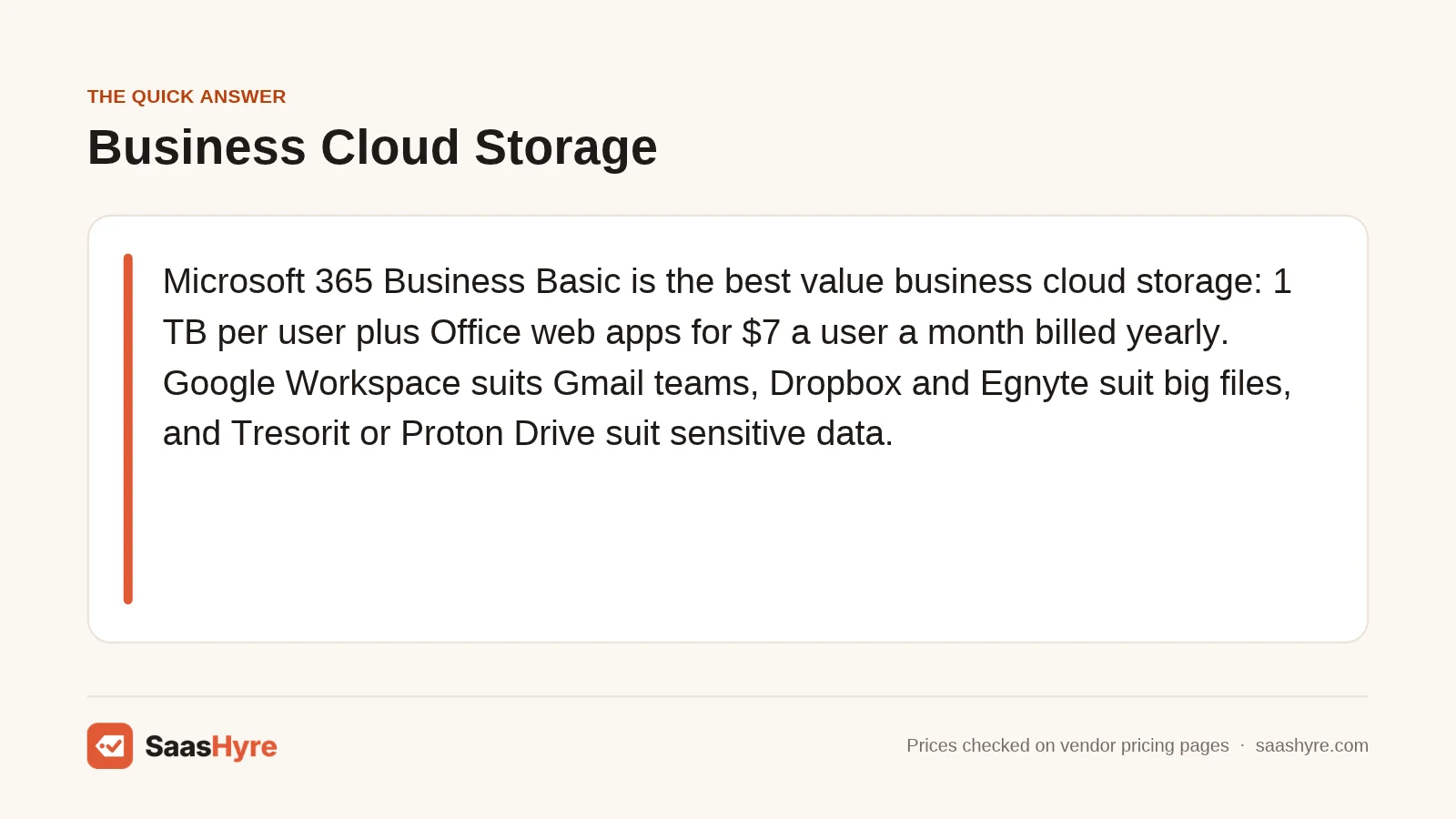
Our top pick: Microsoft 365 Business Basic is the best value cloud storage for most small businesses. You get 1 TB of OneDrive storage per user, plus Teams, Outlook and web Office apps, for $7 per user a month on an annual plan. That is about $84 per user a year, and most teams already know the apps.
Your files are the memory of your business. Contracts, invoices, designs and client notes all live somewhere. If that somewhere is a single laptop or a shared drive in the office, one stolen bag or failed disk can cost you weeks.
Business cloud storage fixes that. It keeps files in sync across devices, lets you share them with set permissions, and gives admins control over who sees what. The hard part is the price. Plans are sold per user, some need a minimum of three seats, and the monthly rate is often higher than the yearly one.
This guide compares nine business storage services on what they cost per user per year. I read each vendor’s own pricing page in November 2026. Where a page did not show a clear number, I say so and link you to it. If you only want to leave Dropbox, our guide to Dropbox alternatives and their yearly prices goes deeper on that switch. And because storage is only as safe as your logins, pair this with our list of the best password managers.
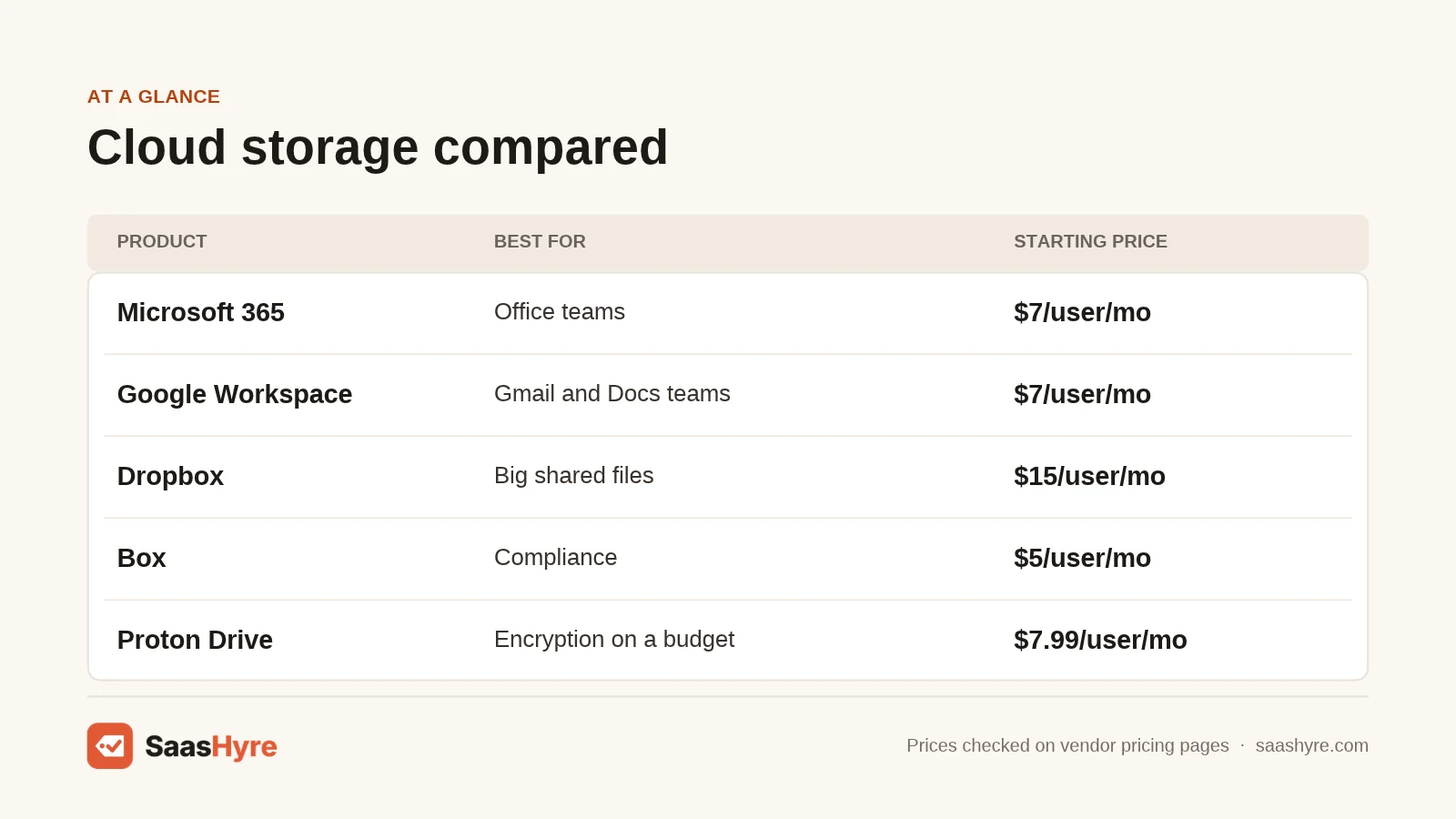
Quick Comparison: Best Cloud Storage for Business at a Glance
| Tool | Best for | Starting price | Billing | Free plan or trial |
|---|---|---|---|---|
| Microsoft 365 (OneDrive) | Microsoft Office teams | $7/user/month (1 TB each) | Yearly or monthly | 1-month trial |
| Google Workspace | Gmail and Docs teams | $7/user/month | Yearly or monthly | 14-day trial |
| Dropbox | Large shared team space | $15/user/month (3 TB team) | Yearly or monthly | Free trial |
| Box | Workflows and compliance | $5/user/month (3 users min) | Yearly or monthly | Free trial |
| Egnyte | Hybrid and on-site files | $22/user/month | Yearly | Free trial |
| Tresorit | Regulated, sensitive work | Check current price | Yearly or monthly | 14-day trial |
| Proton Drive | Encrypted storage on a budget | $7.99/user/month (1 TB) | Yearly or monthly | 14-day trial |
| Sync.com | Simple private team storage | Check current price | Yearly or monthly | Check site |
| Backblaze | Computer backup | $99/year | Monthly, yearly or 2-year | Free trial |
What Makes Great Cloud Storage for Business?
Great business cloud storage keeps every file in sync, lets you share with set permissions, and gives an admin control over users and devices. It should also offer version history, recovery from ransomware, and clear per-user pricing. Encryption, audit logs and compliance support matter more as your team and data grow.
Personal plans and business plans look alike, but they are not the same. A business plan adds an admin console. That lets you add and remove users, recover a file when someone leaves, and wipe a lost phone. TechRadar makes the same point in its guide to business cloud storage, where it separates business tools from personal ones.
Watch for three things on every pricing page:
- Seat minimums. Box, Dropbox Advanced and Tresorit Business all need three or more users.
- Pooled or per-user storage. Dropbox pools storage for the team. Microsoft gives each user their own 1 TB.
- Yearly versus monthly. Most headline prices assume a yearly plan. Paying month to month often costs more.
Who Needs Business Cloud Storage?
Any business with two or more people sharing files needs business cloud storage. It matters most for remote teams, firms that handle client data, and anyone who has lost work to a broken laptop. A sole trader can start on a personal plan, but should switch once a second person needs access.
Agencies and designers need large file support and fast sharing links. Law, health and finance firms need encryption and audit trails. Field teams need good phone apps. Your needs decide your pick more than any ranking does.
Best Cloud Storage for Teams on Office Suites
1 Microsoft 365 (OneDrive for Business): Best for Microsoft Office teams
OneDrive comes with every Microsoft 365 business plan, so most teams get storage and Office in one bill.
What it does well.
- Each user gets their own 1 TB, which is generous at this price.
- Files open straight into Word, Excel and PowerPoint, with live co-editing.
- SharePoint and Teams use the same storage, so shared folders feel natural.
Key features:
- Files On-Demand, so you see every file without filling your disk
- Version history and file restore
- Admin controls for sharing, devices and retention
- Teams chat and meetings in the same plan
Pricing. Microsoft lists Business Basic at $7.00 per user a month paid yearly, with 1 TB of OneDrive per user. Business Standard with Copilot is $23.50, and Business Premium with Copilot is $32.00. The page mentions monthly commitment options but does not show those prices. A one-month free trial needs a card and converts to paid unless you cancel. See Microsoft 365 business pricing.
Best for: Teams that live in Outlook, Word and Excel and want storage bundled in.
Limitations. The admin center has many settings, so setup takes time. Business Basic only gives you the web and mobile Office apps, not the desktop ones.
2 Google Workspace: Best for Gmail and Google Docs teams
Google Drive is the storage layer of Google Workspace, built for teams that write and edit in the browser.
What it does well.
- Real-time co-editing in Docs, Sheets and Slides is still the smoothest around.
- Shared drives keep files owned by the company, not by one person.
- Search across Drive and Gmail is fast and accurate.
Key features:
- Shared drives with member roles
- Business email on your domain
- Google Meet video calls
- Admin console with device management
Pricing. Business Starter is $7 per user a month with 30 GB of pooled storage per user. Business Standard is $14 per user a month with 2 TB per user pooled. Every plan comes with a 14-day trial. See Google Workspace pricing.
Best for: Small teams that already use Gmail and want the easiest shared editing.
Limitations. Starter storage is tight if you keep big media files. Desktop Office files work, but they feel best when you convert them to Google formats.
Best Cloud Storage for File-Heavy and Growing Teams
3 Dropbox: Best for a large shared team space
Dropbox was the first big name in file sync and is still TechRadar’s overall pick for business storage.
What it does well.
- Sync is fast and rarely gets stuck, even with large folders.
- Storage is pooled, so a 3 TB team space covers light and heavy users together.
- It works with almost every app, from Slack to Zoom.
Key features:
- Shared team folders and admin console
- File recovery and version history
- Dropbox Transfer for large deliveries
- Remote wipe for lost devices
Pricing. The Dropbox plans page lists Standard at $15 per user a month with 3 TB for the team, for one person or more. Advanced is $24 per user a month with 15 TB for the team and a 3-user minimum. Enterprise needs a sales call. The page has a monthly and yearly toggle, so check which term the price you see applies to. A free trial is offered. See Dropbox business pricing.
Best for: Creative teams and agencies that move lots of large files.
Limitations. It costs more per user than Microsoft or Google, and you do not get an office suite. If price is your main reason to look around, read our Dropbox alternatives guide.
4 Box: Best for workflows and compliance
Box focuses on secure content for companies, with strong controls and a long list of integrations.
What it does well.
- Detailed permissions let you share one folder without exposing the rest.
- It connects with more than a thousand business apps.
- Cloudwards calls it a fit for large, regulated firms because of its compliance support and admin controls.
Key features:
- Workflow automation on higher plans
- Box Sign for e-signatures
- Version history and retention rules
- Admin reports and access logs
Pricing. Business Starter is listed at $5 per user a month, Business at $15 and Business Plus at $25, each with a 3-user minimum. The page shows these next to higher list prices, so check the billing term before you buy. Business plans include a free trial. See Box pricing.
Best for: Firms that need tight sharing rules and audit trails.
Limitations. The cheapest plan has low storage and a small file size cap. The best features sit on the higher tiers.
5 Egnyte: Best for hybrid and on-site files
Egnyte mixes cloud storage with local file servers, which suits firms that still keep big files on site.
What it does well.
- Hybrid sync keeps large project files fast in the office.
- Strong governance tools flag sensitive data.
- Custom branding for client portals.
Key features:
- Hybrid cloud and on-site sync
- Detailed folder permissions
- Ransomware detection on higher plans
- Client file sharing with branding
Pricing. Egnyte lists Business at $22 per user a month paid yearly, with 100 GB per user and up to 100 users. Enterprise Lite is $39 and Elite is $48, each with 150 GB per user. Ultimate needs a quote. The page shows only annual pricing and mentions a multi-year discount. Free trials are offered. See Egnyte pricing.
Best for: Architecture, engineering and construction firms with large local files.
Limitations. It is one of the priciest options here. Cloudwards also names cost as its main drawback.
Best Encrypted and Backup Storage for Business
6 Tresorit: Best for regulated and sensitive work
Tresorit uses end-to-end encryption, so even Tresorit cannot read your files.
What it does well.
- Zero-knowledge encryption by default on every plan.
- Admin policies for devices, IP ranges and sharing.
- Data stays in the region you choose.
Key features:
- Encrypted file links with expiry and passwords
- Email encryption add-on
- Remote wipe and access logs
- Admin console for policies
Pricing. Plans are Professional (1 user, 4 TB), Business (3 users minimum, 2 TB per user) and Business Pro (5 users minimum, from 15 TB). The pricing page did not show dollar amounts when I checked, so check the current price. Every plan has a 14-day free trial. See Tresorit pricing.
Best for: Law, health and finance teams with strict privacy rules.
Limitations. Encryption means no in-browser preview for some file types. It costs more than mainstream tools.
7 Proton Drive: Best for encrypted storage on a budget
Proton Drive brings end-to-end encryption to small teams at a price close to the mainstream suites.
What it does well.
- Encryption for files, folder names and links.
- Higher plans bundle encrypted email, calendar and VPN.
- Clear yearly prices on the pricing page.
Key features:
- Encrypted sharing links
- Document editing inside Drive
- Admin panel for users
- Apps for desktop and phone
Pricing. Drive Professional is $7.99 per user a month billed yearly ($95.88 a year), with 1 TB per user. Workspace Standard is $12.99 ($155.88 a year). Workspace Premium is $19.99 ($239.88 a year) with 3 TB per user. All plans have a 14-day trial and a 30-day money-back guarantee. See Proton Drive business pricing.
Best for: Small teams that want privacy without enterprise prices.
Limitations. Fewer third-party integrations than Microsoft, Google or Dropbox.
8 Sync.com: Best for simple private team storage
Sync.com is a Canadian service with end-to-end encryption and a plain, easy interface.
What it does well.
- Encryption on by default, with no setup needed.
- Simple admin tools for small teams.
- Good value on its personal plans, which suggests fair team pricing.
Key features:
- Password-protected and expiring links
- File version history
- Admin account management
- Desktop and phone apps
Pricing. The Sync.com teams pricing page would not load when I checked, so check the current price. Its individual pricing page states a 30-day money-back guarantee. See Sync.com teams pricing.
Best for: Small offices that want encryption with little setup.
Limitations. No office suite and few integrations. Sync speed can trail the big names.
9 Backblaze: Best for computer backup
Backblaze is a backup service, not a sharing tool. It copies each computer to the cloud in the background.
What it does well.
- Set it once and it backs up everything without picking folders.
- TechRadar names it the best unlimited business storage option.
- Restores by download or a shipped drive.
Key features:
- Continuous backup of each computer
- Central admin for many machines
- Version history
- B2 Cloud Storage for servers and apps
Pricing. Business backup is listed at $99 a year, with monthly, yearly and two-year billing. The two-year plan is marked as an 8% saving. The page did not say whether the price is per computer, so confirm before you buy. A free start is offered. See Backblaze pricing.
Best for: Any business that wants a safety net under its main storage tool.
Limitations. It does not replace shared folders or co-editing. Use it next to one of the tools above.
How Much Does Business Cloud Storage Cost per Year?
For a 5-person team, business cloud storage costs about $420 to $1,440 a year on mainstream plans. Microsoft 365 Business Basic and Google Workspace Starter are the cheapest at $7 per user a month. Egnyte and Dropbox Advanced cost the most. Prices below use yearly billing where the vendor shows it.
| Tool and plan | Per user per year | 5 users per year | Storage |
|---|---|---|---|
| Microsoft 365 Business Basic | $84 | $420 | 1 TB per user |
| Google Workspace Business Starter | $84 | $420 | 30 GB per user, pooled |
| Google Workspace Business Standard | $168 | $840 | 2 TB per user, pooled |
| Proton Drive Professional | $95.88 | $479.40 | 1 TB per user |
| Dropbox Standard | $180 | $900 | 3 TB for the team |
| Box Business | $180 | $900 | Check plan |
| Egnyte Business | $264 | $1,320 | 100 GB per user |
| Dropbox Advanced | $288 | $1,440 | 15 TB for the team |
| Backblaze Business backup | $99 | Confirm per computer | Backup only |
Multiplying a monthly rate by 12 gives you a rough yearly figure. It is not a quote. Taxes, add-ons and term changes can shift the real bill.
Which Cloud Storage for Business Should You Pick?
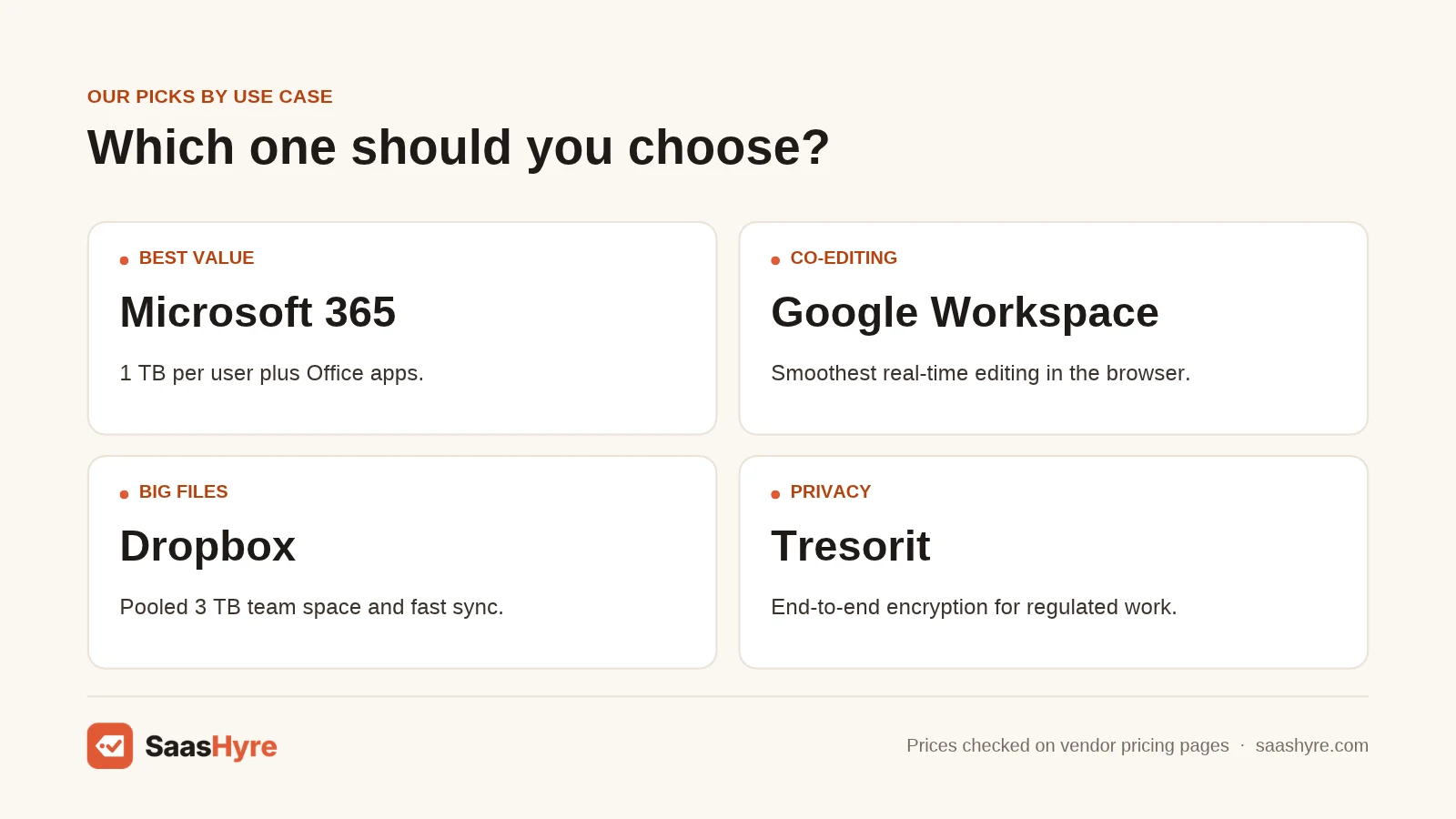
Pick Microsoft 365 if your team uses Office, and Google Workspace if it uses Gmail. Choose Dropbox for large shared files, Box for compliance, and Egnyte for hybrid setups. Choose Tresorit or Proton Drive for encryption. Add Backblaze as a backup layer under any of them.
- Best value: Microsoft 365 Business Basic, at $84 per user a year for 1 TB each.
- Easiest shared editing: Google Workspace.
- Big creative files: Dropbox.
- Compliance and permissions: Box.
- Sensitive client data: Tresorit, or Proton Drive on a smaller budget.
- Backup safety net: Backblaze.
If you are building a full stack for a new company, our roundup of the best business software shows where storage fits with the rest.
How to Choose Cloud Storage for Your Business
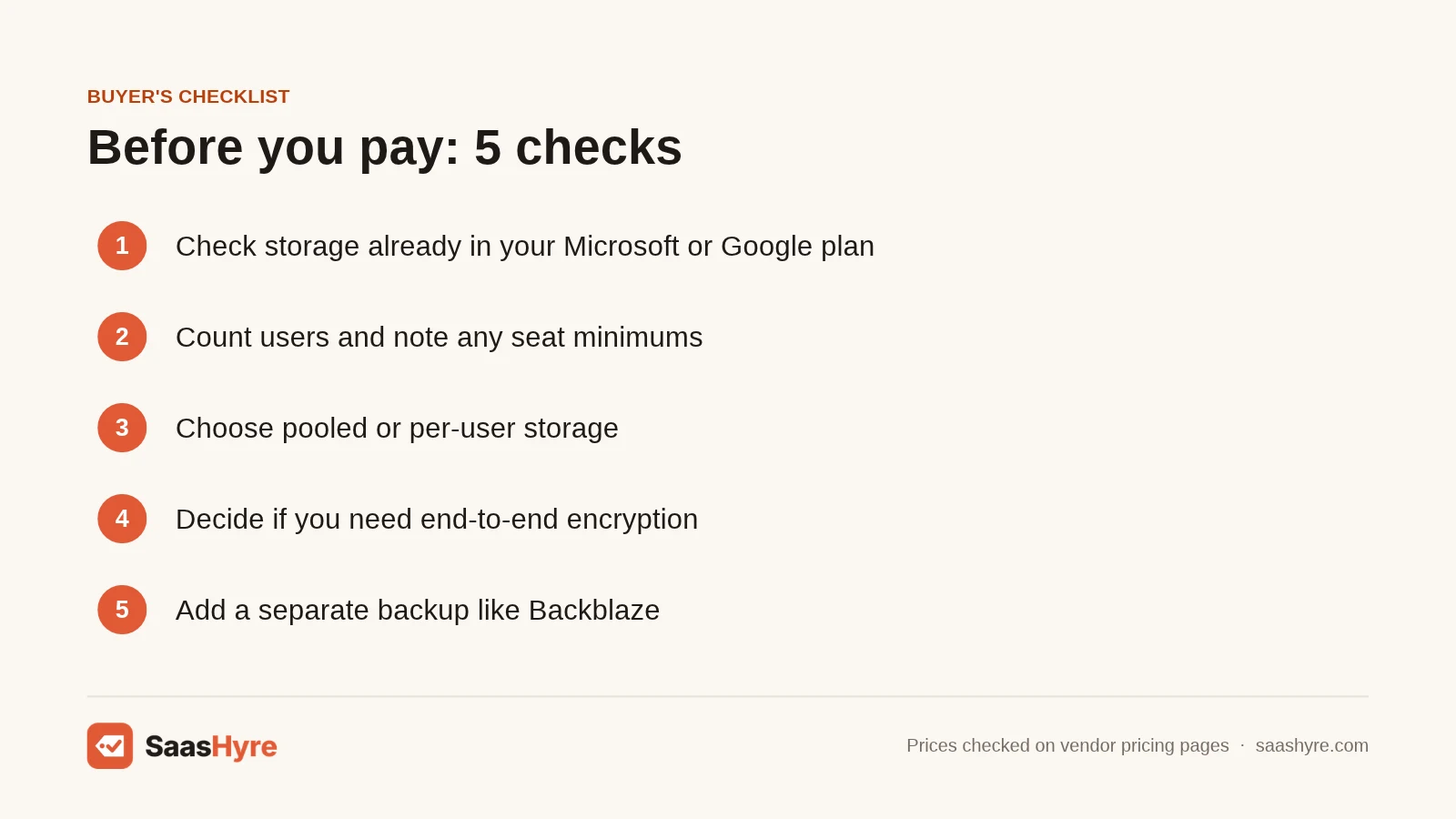
Start with the apps you already pay for. If you have Microsoft 365 or Google Workspace, you may already own enough storage. Check that first before you buy another tool.
Next, count your users and your data. Pooled storage suits teams where a few people hold most files. Per-user storage suits teams where everyone saves a similar amount. Ask each vendor about seat minimums too.
Then think about risk. eSecurity Planet lists security, compliance, reliability and ease of use as its main tests. If you hold health, legal or financial records, end-to-end encryption and audit logs move to the top of your list. Our guide to the best AI cybersecurity tools covers the wider protection side.
Finally, remember that sync is not backup. If someone deletes a folder, sync deletes it everywhere. Version history helps, but a separate backup like Backblaze gives you a second copy.
How We Chose These Tools
I did not run hands-on speed tests. Here is exactly what I checked. First, I read the top ranking guides for this keyword, including TechRadar, eSecurity Planet and Cloudwards, and noted which providers they share. Second, I opened each vendor’s own pricing page in November 2026 and recorded per-user prices, storage, seat minimums, billing terms, trials and refund rules. Where a page did not show a price or would not load, I say so. Third, I compared admin controls, encryption and integrations from the vendors’ own feature lists and those independent reviews. I left out raw object storage like AWS S3 because it needs IT staff to set up.
Conclusion
The best cloud storage for business is the one that fits the tools your team already opens every day. For most small businesses, that is Microsoft 365 Business Basic. It gives each person 1 TB plus Office apps for $7 a month on a yearly plan. Google Workspace is the match for Gmail teams at the same starting price.
If you move big files, Dropbox and Egnyte are worth the higher price. If you hold sensitive data, Tresorit and Proton Drive keep it encrypted. Whatever you pick, add a backup layer.
Start a free trial with your top two choices this week. Move one real project into each, and keep the one your team does not complain about.
Frequently Asked Questions
What is the best cloud storage for a small business?
Microsoft 365 Business Basic is the best value for most small businesses. It costs $7 per user a month on a yearly plan and gives each user 1 TB of OneDrive storage plus web Office apps. Google Workspace is the best choice if your team already uses Gmail.
How much does business cloud storage cost?
Most business plans cost $7 to $25 per user a month. Microsoft 365 Business Basic and Google Workspace Starter start at $7. Dropbox Standard is listed at $15. Egnyte Business is $22 per user a month paid yearly.
Is Google Drive or OneDrive better for business?
Both start at $7 per user a month. OneDrive gives more storage, with 1 TB per user on Business Basic. Google Drive gives better real-time co-editing in the browser. Pick the one that matches the email and office apps your team uses.
What is the most secure cloud storage for business?
Tresorit, Proton Drive and Sync.com use end-to-end encryption by default, so the provider cannot read your files. Tresorit adds strong admin policies for regulated work. Proton Drive is cheaper, at $7.99 per user a month billed yearly.
Is cloud storage the same as cloud backup?
No. Cloud storage syncs and shares files, so a deleted file can vanish everywhere. Cloud backup, like Backblaze, keeps a separate copy of each computer. Many businesses use both: one tool for sharing and one as a safety net.