

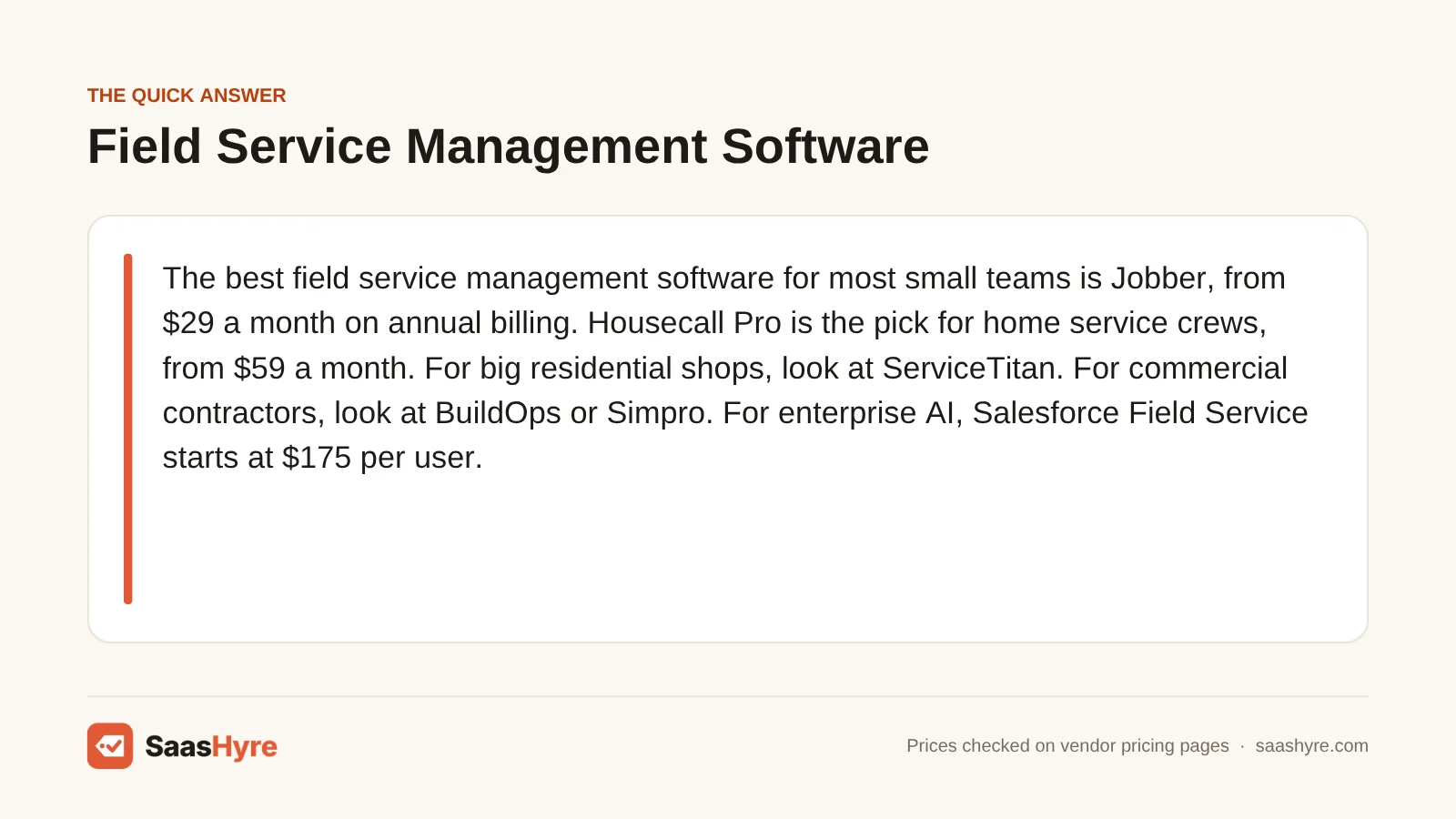
The best field service management software for most small teams is Jobber, from $29 a month on annual billing. Housecall Pro is the pick for home service crews, from $59 a month. For big residential shops, look at ServiceTitan. For commercial contractors, look at BuildOps or Simpro. For enterprise AI, Salesforce Field Service starts at $175 per user. Five of our nine picks only give prices by quote.
Here is what matters when you buy. Find out who charges per user, who charges per plan, and who makes you call sales. Then find out which AI features cost extra.
I pulled every price from each vendor’s own pricing page in October 2026. Where a vendor hides its price, I say so plainly. Prices can change, so check the final quote before you sign.
Building a full stack? Our small business software guide shows the best pick for every job and what it costs.
Quick Comparison: 9 Field Service Management Tools at a Glance
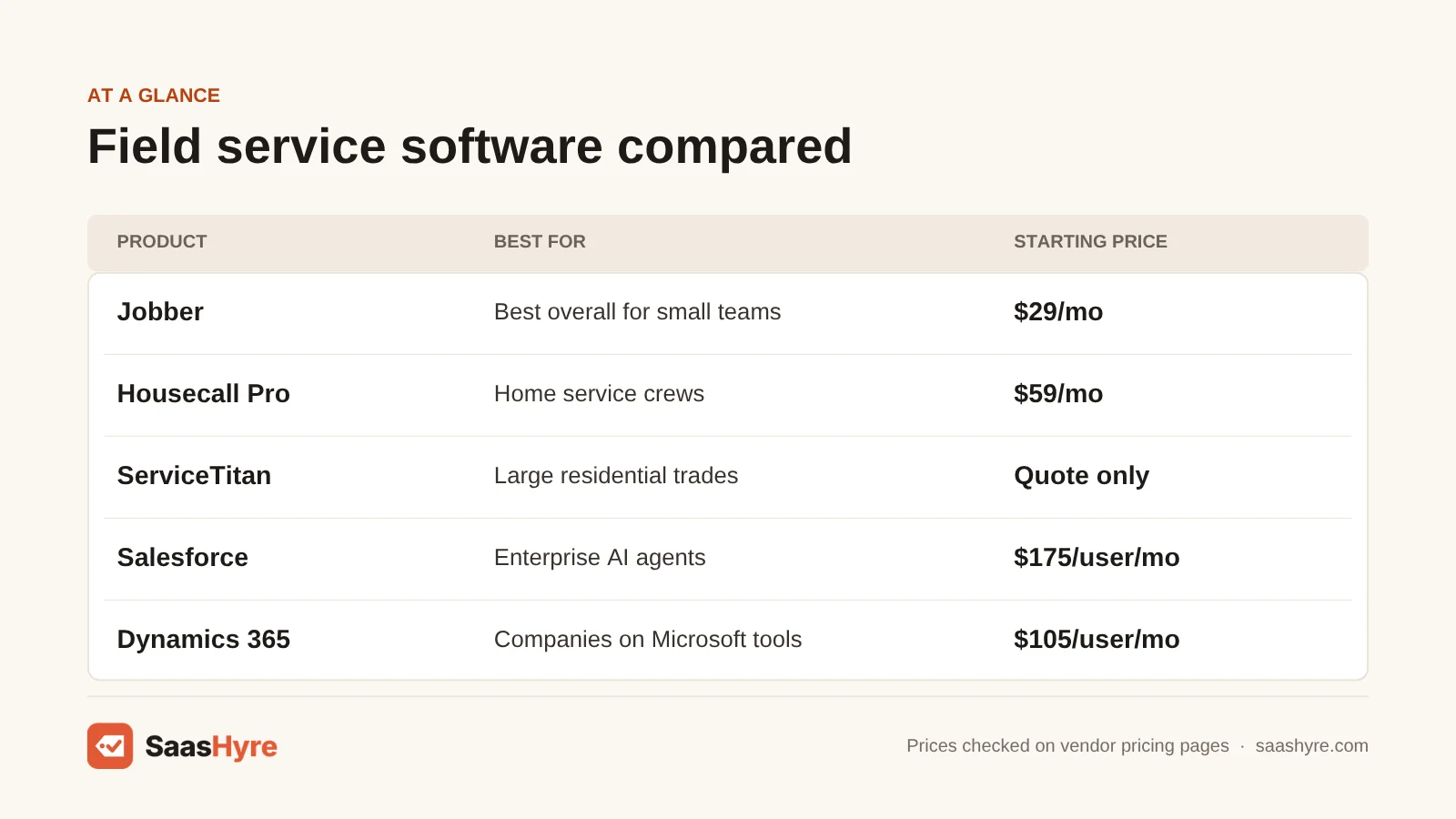
| Tool | Best for | Starting price | Billing model | Free plan or trial |
|---|---|---|---|---|
| Jobber | Best overall for small teams | $29/mo billed annually | Flat plan price by user tier | 14-day trial, no card |
| Housecall Pro | Home service crews | $59/mo billed annually | Flat plan price, users included | 14-day trial, no card |
| Workiz | Phone-heavy home service shops | Quote only | Price on request | 7-day trial, no card |
| ServiceTitan | Large residential trades | Quote only | Per technician | Demo only |
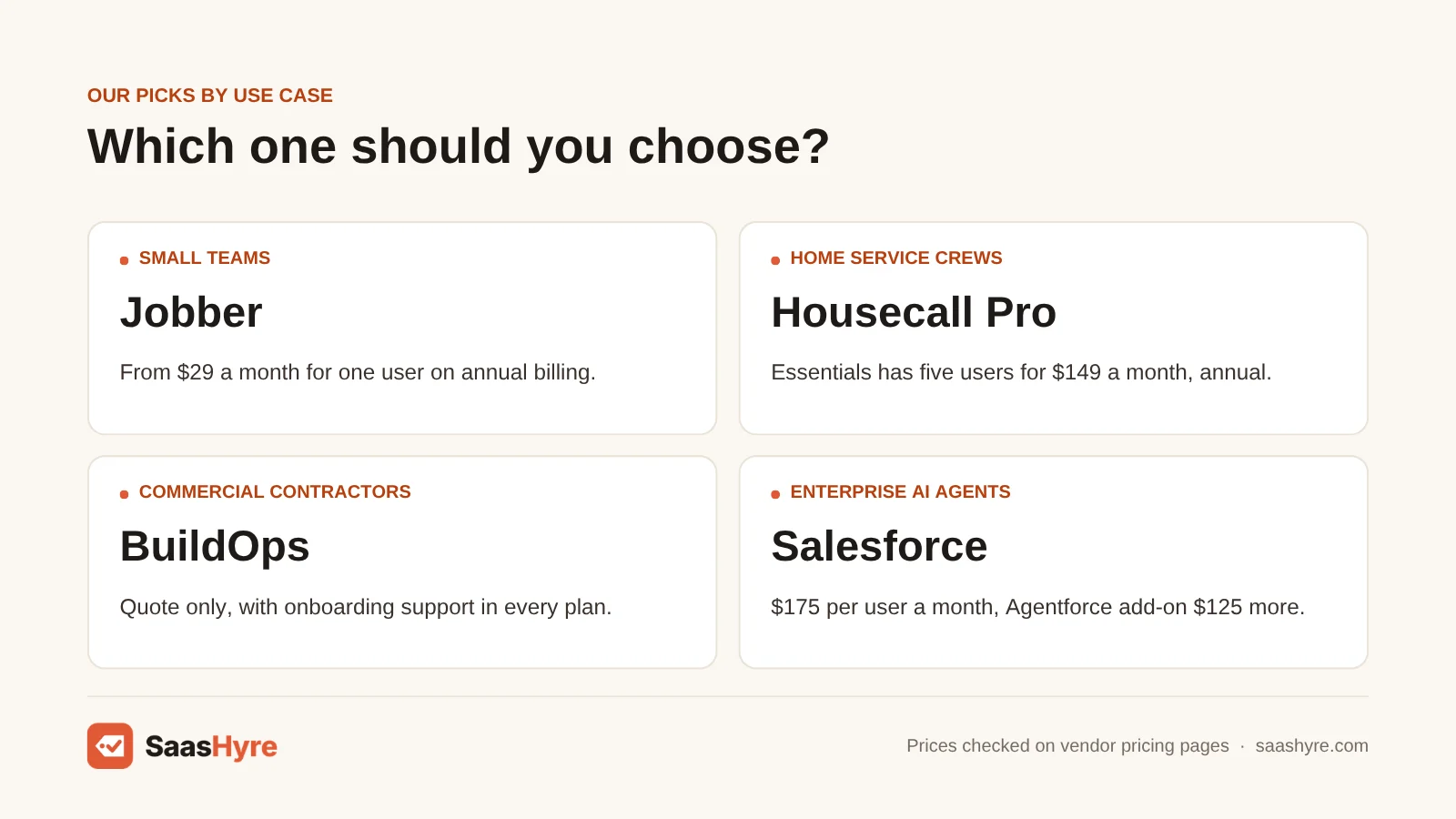
| BuildOps | Commercial contractors | Quote only | Custom, by users and features | Demo only |
| Simpro | Trade contractors with inventory | Quote only | Price on request | Demo only |
| Salesforce Field Service | Enterprise AI agents | $175/user/mo | Per user, billed annually | 30-day Service Cloud trial |
| Microsoft Dynamics 365 Field Service | Companies on Microsoft tools | $105/user/mo | Per user, paid yearly | Free trial, length not stated |
| Zuper | Mid-size teams that want AI agents | Quote only | Price on request | Demo only |
What Is AI Field Service Management Software?
Field service management software runs the work your team does at customer sites. It handles scheduling, dispatch, quotes, work orders, invoices and payments in one place. AI field service software adds helpers on top. These can answer calls, book jobs, plan routes, write job summaries and answer questions about your business in plain words.
The AI layer is the new part. Jobber and Housecall Pro now sell AI that picks up the phone. Salesforce sells Agentforce, which can book and move appointments by itself. Simpro and Zuper sell named AI agents for job prep and paperwork. Some of this comes with your plan, and some is an add-on with its own price.
What Makes the Best Field Service Management Software?
The best field service management software fits your trade and your team size, and it shows you the full cost up front. Check five things. How does it bill, per user, per technician or per plan? Which AI features cost extra? Is there a free trial? Does it sync with your accounting tool? And will your techs use the mobile app?
Many top-ranking reviews get the prices wrong. Several still list Salesforce Field Service at $50 or $150 per user. Salesforce’s page now shows $175 for Dispatcher and Technician seats. Some still show Jobber from $19 and Housecall Pro from $49. Neither price is on the vendor’s page.
Best Field Service Management Software for Small Teams
Jobber is the best field service management software for small teams. It publishes every price and starts at $29 a month on annual billing for one user. You can try the Grow plan free for 14 days with no card. A five-user team pays $149 a month on Connect with annual billing.
1 Jobber: Best for small service businesses
If you run a crew of 1 to 15 people, start here.
What it does well. Jobber covers the whole job, from quote to paid invoice. Customers can book online. Higher plans add automatic reminders, time tracking and job costing. Jobber also has AI voice and chat tools, plus an AI Receptionist that answers calls and texts.
Key features:
- Online booking and scheduling
- Quotes, invoices and online payments
- Automated reminders on Connect
- Job costing on Grow
- AI Receptionist add-on
Pricing. Jobber has three ways to pay. Core for one user is $49 a month with no commitment, $39 a month on a 1-year commitment, or $29 a month billed annually. Connect for one user is $139, $119 or $99. Connect for five users is $199, $169 or $149. Grow for five users is $299, $259 or $229. Plus for five users is $499, $439 or $399. Extra users cost $29 a month each. The AI Receptionist add-on is $29 a month. Marketing Suite is $99 a month and Pipeline is $49 a month. You get a 14-day free trial of the Grow plan with no card. Annual plans are not refundable. See Jobber pricing.
Best for: You, if you run a small home service or trade business and want clear prices with no sales call.
Limitations. The 1-year commitment plan locks you in for 12 months, even though you pay monthly. If you cancel early, Jobber keeps billing you until the term ends. Core only covers one user.
Best Field Service Software for Home Service Crews
Housecall Pro is the best pick for home service crews. Essentials includes five users for $149 a month on annual billing, or $189 monthly. It has AI that answers calls and books jobs day and night. Workiz is a strong second choice for phone-heavy shops, but it no longer shows prices on its site.
2 Housecall Pro: Best for home service crews
If you run a home service crew of five to eight people, look here first.
What it does well. Housecall Pro packs users into each plan, so you don’t count seats as you grow. Its CSR AI answers calls and books jobs around the clock. Housecall Pro says it serves more than 50 industries.
Key features:
- Scheduling and dispatching
- Invoicing and payments
- CSR AI for calls and booking
- Recurring service plans on Essentials
- Route optimization on Max
Pricing. Basic is $79 a month on monthly billing, or $59 a month billed annually, with one user. Essentials is $189 a month, or $149 billed annually, with five users. Max is $329 a month, or $299 billed annually, with eight users. Extra users on Max cost $35 a month each. You can try it free for 14 days with no card, and you can cancel anytime. See Housecall Pro pricing.
Best for: You, if you run a home service crew of up to eight people and want users bundled into one flat price.
Limitations. Basic only includes one user, so most crews need Essentials. Route optimization and the open API are only on Max. Payment processing fees come on top of your plan price.
3 Workiz: Best for phone-heavy home service shops
If most of your jobs start with a phone call, look at Workiz.
What it does well. Workiz ties your phone, your schedule and your payments together. Its Genius Answering AI picks up calls, emails and texts in English, Spanish and French. Genius Scheduling sends the right tech to each job. Workiz says it serves more than 50 home service industries.
Key features:
- Unlimited jobs, invoices and estimates
- Genius Scheduling on Pro
- 5, 10 or 30 automations by plan
- Inventory and service plans on Ultimate
- Open API on Ultimate
Pricing. Workiz does not publish prices. Its pricing page lists three plans, Standard, Pro and Ultimate, and each one says “Request pricing.” Genius Phone, Genius Answering and Genius Marketing are sold as separate add-ons. You do get a 7-day free trial with no card. Review sites still list old dollar prices for Workiz, but we could not confirm them. See Workiz pricing.
Best for: You, if you run a locksmith, garage door or appliance repair shop where missed calls mean missed money.
Limitations. The trial is only 7 days, half of what Jobber and Housecall Pro give you. And the AI answering tool is an add-on, so ask for its price in the same quote.
Best Field Service Software for Large Residential Trades
ServiceTitan is the best pick for large residential HVAC, plumbing and electrical shops. It has three plans called Starter, Essentials and The Works, and it charges per technician. ServiceTitan does not publish prices or offer a free trial on its pricing page, so you need a demo and a quote.
4 ServiceTitan: Best for large residential trade shops
If you run many trucks, ServiceTitan is the big name to price out.
What it does well. ServiceTitan goes deep on the office side of a trade business. Starter covers dispatching, scheduling, call booking and invoicing. Essentials adds mobile estimates and payroll. The Works adds commission tracking and custom memberships. Its AI is called Atlas, which ServiceTitan describes as AI for commercial and residential trades.
Key features:
- Dispatching, scheduling and call booking
- Pricebook and mobile estimates
- Payroll and commission tracking
- Custom membership plans
- Atlas AI
Pricing. ServiceTitan does not publish prices. Each plan on its pricing page has a “Request Pricing” button. The page says pricing is per technician. Add-ons called Pro Products, such as Marketing Pro and Contact Center Pro, are sold as upgrades. We found no free trial on the pricing page, only a demo. Per-tech price ranges on other sites are estimates, not ServiceTitan’s own numbers. See ServiceTitan pricing.
Best for: You, if you run a larger residential shop and need payroll, commissions and memberships built in.
Limitations. You can’t see a price or test the product before you talk to sales. It is far more than a crew of two or three needs. Ask about contract length and setup fees in writing.
Best Field Service Software for Commercial Contractors
BuildOps is the best pick for commercial contractors who run both service calls and projects. Simpro is the pick if you track a lot of stock and quote complex jobs. Both are quote-only. BuildOps says there is “no one-size-fits-all number,” and Simpro lists one Base Plan with a “Request Pricing” button.
5 BuildOps: Best for commercial service and projects
If you do commercial work, BuildOps was made for your kind of job.
What it does well. BuildOps links service work, project work and financials in one platform. It serves HVAC, electrical, plumbing, fire safety and refrigeration contractors. Its AI is called OpsAI. BuildOps says it recaps the day, calls out risks and gives every role a clear next step.
Key features:
- Service and project management together
- OpsAI for field, service, finance and sales
- Accounting system integrations
- Onboarding support with every plan
Pricing. BuildOps does not publish prices. Your quote depends on your field and office users, your features and your accounting integrations. Implementation and onboarding support come with every plan. We found no free trial, only a demo. See BuildOps pricing.
Best for: You, if you are a commercial contractor who runs service calls and longer projects under one roof.
Limitations. It is not built for residential home service work. Office users count toward your quote, so ask how many of each seat type you are paying for.
6 Simpro: Best for trade contractors with inventory
If your jobs need detailed quotes and you carry a lot of parts, Simpro handles both.
What it does well. Simpro’s Base Plan covers quoting, scheduling, real-time inventory, invoicing, payments and reporting. Simpro says it works for teams from five to 200 staff. Its AI layer, Simpro Lightning, has named agents. JustAsk answers business questions in plain words. JobReady writes pre-job briefs, and JobScribe captures site notes.
Key features:
- Quoting and estimating
- Real-time inventory management
- Field and contractor scheduling
- Multi-company support
- Simpro Lightning AI agents
Pricing. Simpro does not publish prices. Its pricing page shows one Base Plan and a “Request Pricing” button. The Base Plan includes 3 Data Feeds. The page lists no billing terms and no free trial. Simpro has regional sites for the United States, Australia, Canada, Ireland, New Zealand and the United Kingdom. See Simpro pricing.
Best for: You, if you run an electrical, fire, security or HVAC business with stock to track and complex quotes to build.
Limitations. The pricing page does not say whether the Lightning AI agents cost extra, so ask.
Best AI Field Service Software for Enterprise Teams
Salesforce Field Service is the best AI field service software for enterprise teams. Dispatcher and Technician seats cost $175 per user a month, billed annually, and the Agentforce add-on is $125 more. Microsoft Dynamics 365 Field Service costs less at $105 per user a month, paid yearly, and fits companies that already use Microsoft tools.
7 Salesforce Field Service: Best for enterprise AI agents
If you already run Salesforce, this is the deepest AI option here.
What it does well. Salesforce pairs field service with its Agentforce AI agents. Salesforce says Agentforce lets customers book, change or cancel appointments at any hour. Techs get a pre-work brief with customer and asset history. They can fill in forms by voice and get a post-work summary written for them.
Key features:
- Agentforce booking agents, 24/7
- Pre-work briefs and post-work summaries
- Voice-to-form data capture
- Enhanced Scheduling and Optimization
- Contractor portal and mobile app
Pricing. All prices are per user per month, billed annually. Dispatcher is $175. Technician is $175. Field Service Plus is $230. Agentforce 1 Field Service is $650 and includes unlimited Agentforce use for employees. Contractor Plus is $80 per user, or $32 per login. Add-ons cost extra. Agentforce for Field Service and Operations is $125 per user. You also need at least one Service Cloud user license. Salesforce offers a 30-day free trial of Service Cloud with no card. See Salesforce Field Service pricing.
Best for: You, if you are a large company on Salesforce that wants AI agents to book jobs and help techs.
Limitations. It is the most costly tool here with a public price. A Technician seat plus the Agentforce add-on is $300 per user a month. There is no monthly billing.
8 Microsoft Dynamics 365 Field Service: Best for companies on Microsoft tools
If your team works in Outlook and Teams, start here.
What it does well. Work orders show up inside Teams and Outlook, so office staff don’t switch apps. Copilot can search product manuals and answer questions about work orders in plain words. It can also draft a reply to a customer in Outlook. It shares finance and stock data with Dynamics 365 Business Central.
Key features:
- Copilot for manuals and work orders
- Work orders in Teams and Outlook
- Customer self-service portal
- Reminders by email and text
- Business Central finance link
Pricing. Dynamics 365 Field Service is $105 per user a month, paid yearly. The Field Service Contractor license, for outside techs, is $50 per user a month, paid yearly. Microsoft offers a free trial, but its page does not say how long it lasts. Both prices are on the product page. See Dynamics 365 Field Service pricing.
Best for: You, if you are a mid-size or large company that already uses Microsoft 365 or other Dynamics apps.
Limitations. Microsoft’s new Scheduling Operations Agent is marked “now in preview,” so don’t plan around it yet. The page does not spell out which Copilot features come with the base license. It is too heavy for a small trade shop.
Best AI Field Service Software for Mid-Size Teams
Zuper is the best pick for mid-size teams that want many AI agents without buying an enterprise suite. It has agents for field notes, call handling, sales coaching, reviews and weather. Zuper does not publish prices, and we found no pricing page on its site, so you will need a demo to get a quote.
9 Zuper: Best for mid-size teams that want AI agents
If you have outgrown a small-business app, book a Zuper demo.
What it does well. Zuper pitches itself as one platform that replaces six to eight separate tools. Zuper Sense is its AI command center. It also lists a Field Agent, CSR Agent, Sales Coach Agent, Reputation Agent, Weather Agent and AR Agent. The mobile app works offline.
Key features:
- Zuper Sense AI command center
- Six named AI agents plus Agent Studio
- Zuper Connect, Zuper Pay and Zuper Fleet
- Mobile app with offline access
Pricing. Zuper does not publish prices. We could not find a pricing page on its website in October 2026. The site sends you to “Schedule Demo” instead. We also found no free trial. Other sites list per-user prices, but we could not confirm them. Request Zuper pricing.
Best for: You, if you run a mid-size field team and want AI agents for calls, notes and reviews in one product.
Limitations. With no price and no trial, you can’t judge value until you see a demo. Ask which agents cost extra, and get the per-user price in writing.
Tools We Left Out, and Why
- FieldEdge. Its pricing page lists three plans, Select, Premier and Elite, with no prices. It also says FieldEdge does not offer a free trial. We found no AI features named on its site.
- Scheduling-only apps. If you only need shift schedules and a time clock, you don’t need work orders and dispatch. See our guide to the best employee scheduling software instead.
What a 5-Person Team Pays in a Year
A five-person team pays $1,788 a year on Jobber Connect or Housecall Pro Essentials with annual billing. The same team pays $6,300 on Dynamics 365 Field Service and $10,500 on Salesforce Technician seats. Add Agentforce to Salesforce and it is $18,000. ServiceTitan, BuildOps, Simpro, Zuper and Workiz are quote-only.
This math leaves out taxes, payment fees, setup costs and add-ons unless the row says so.
| Tool and plan | How it bills | 5 people for a year |
|---|---|---|
| Jobber Connect, 5 users, billed annually | $149/mo | $1,788 |
| Jobber Connect, 5 users, no commitment | $199/mo | $2,388 |
| Housecall Pro Essentials, billed annually | $149/mo | $1,788 |
| Housecall Pro Essentials, monthly | $189/mo | $2,268 |
| Dynamics 365 Field Service | $105/user/mo, paid yearly | $6,300 |
| Salesforce Technician | $175/user/mo, billed annually | $10,500 |
| Salesforce Technician plus Agentforce add-on | $300/user/mo, billed annually | $18,000 |
Paying Jobber month to month costs $600 more a year than annual billing on Connect. And the Salesforce rows don’t include the Service Cloud license you also need.
How to Choose Field Service Management Software Without Overpaying
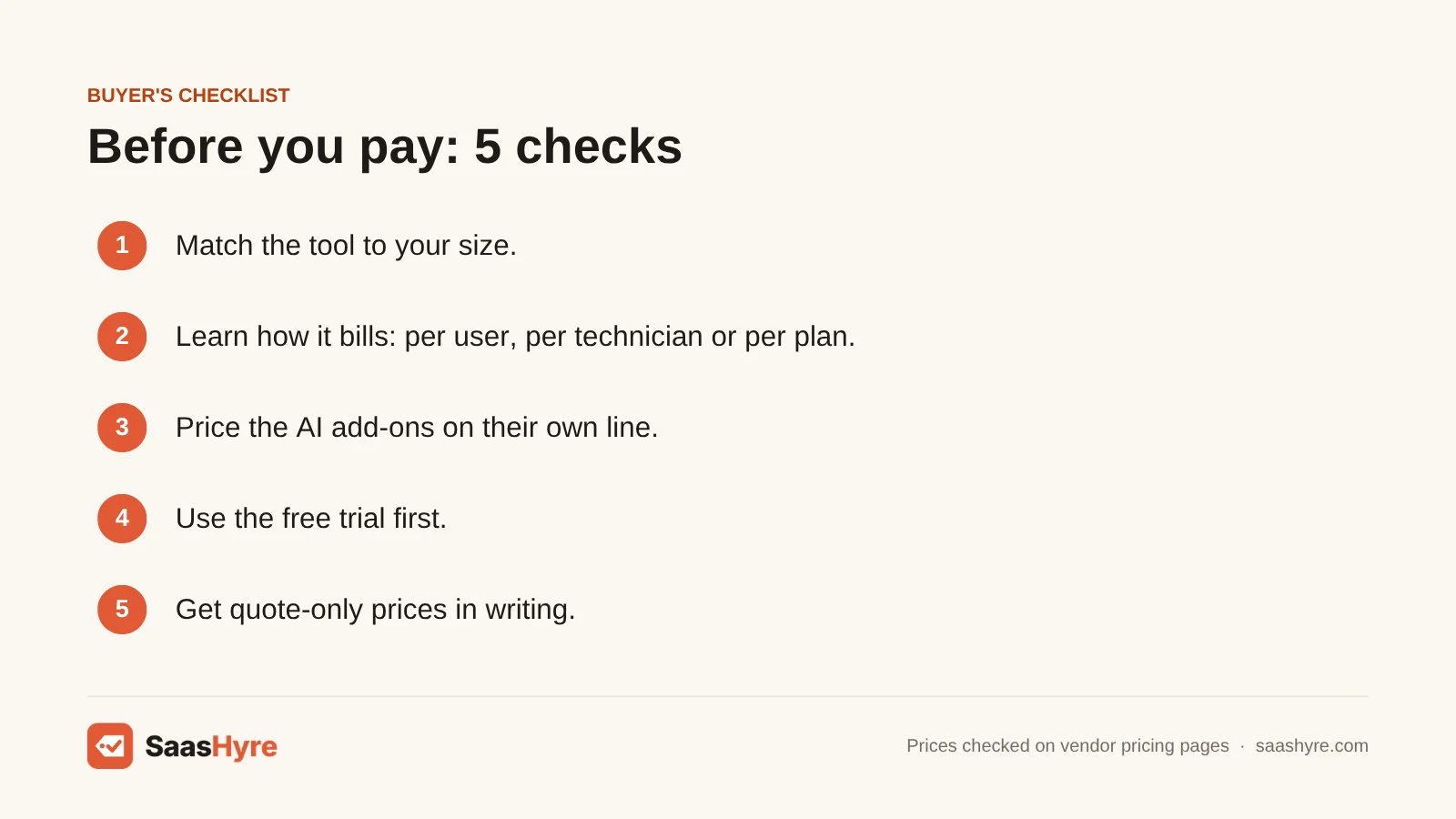
- Match the tool to your size. A crew of five does not need an enterprise suite. Jobber and Housecall Pro fit small teams.
- Learn how it bills. Jobber and Housecall Pro charge a flat plan price with users included. Salesforce and Microsoft charge per user. ServiceTitan charges per technician.
- Price the AI on its own line. Jobber’s AI Receptionist is $29 a month. Salesforce’s Agentforce add-on is $125 per user a month. Ask every vendor which AI tools are add-ons.
- Use the free trial first. Jobber and Housecall Pro give you 14 days with no card. Workiz gives you 7.
- Read the commitment terms. Jobber’s 1-year commitment bills monthly but runs for 12 months. Salesforce and Microsoft only bill by the year.
- Get quote-only prices in writing. Ask ServiceTitan, BuildOps, Simpro, Zuper and Workiz for the per-user price, setup fees and contract length on paper.
How We Evaluated These Tools
We compared each tool using its own pricing page and product pages, checked in October 2026. We also read top-ranking competitor reviews of field service management software to find stale prices. We did not run our own hands-on tests, and feature claims come from the vendors. Where a vendor does not publish a price, we say so and do not repeat numbers from other sites. No vendor pays to be listed. Read our editorial policy to learn more.
Keep comparing: SaaS guides · Best AI CRM Software · AI Invoicing Software
The Bottom Line
If you run a small service business, start with Jobber. If you run a home service crew of five to eight, pick Housecall Pro. If missed calls are your problem, ask Workiz for a quote. Bigger residential shops should price out ServiceTitan. Commercial contractors should get quotes from BuildOps and Simpro. If you are an enterprise, pick Salesforce Field Service, or Dynamics 365 Field Service if you work in Microsoft tools. If you are mid-size and want AI agents, book a Zuper demo.
Want a second opinion? Our best AI contract management software guide takes a different angle, and our best AI knowledge base software and best AI cybersecurity tools guides cover what is left.
Frequently Asked Questions
What is field service management software?
Field service management software helps you run jobs at customer sites. It covers scheduling, dispatch, quotes, work orders, invoices and payments. Techs use a mobile app in the field, and the office sees every job in one place. Newer tools add AI that answers calls.
How much does field service management software cost?
It depends on how the tool bills. Jobber starts at $29 a month for one user on annual billing. Housecall Pro starts at $59 a month. Dynamics 365 Field Service is $105 per user a month, and Salesforce Field Service is $175 per user. ServiceTitan, BuildOps, Simpro, Zuper and Workiz only give prices by quote.
What is the best field service management software for a small business?
Jobber is our top pick for small businesses. It publishes all its prices and has a 14-day free trial with no card. A five-user team pays $149 a month on the Connect plan with annual billing. Housecall Pro Essentials costs the same $149 for five users.
How is AI used in field service management?
AI does a few main jobs. It answers calls and books appointments, like Housecall Pro’s CSR AI and Jobber’s AI Receptionist. It plans schedules and routes. It writes pre-job briefs and post-job summaries for techs, as Salesforce Agentforce and Simpro Lightning do.
Is there free field service management software?
None of our nine picks has a free plan. Jobber and Housecall Pro give you 14 days free with no card. Workiz gives you 7 days. Salesforce offers a 30-day free trial of Service Cloud. Microsoft offers a trial too. The rest ask you to book a demo.
Is ServiceTitan better than Jobber?
It depends on your size. ServiceTitan is built for larger shops and adds payroll, commission tracking and memberships. But it charges per technician and does not publish prices. Jobber shows every price, starts at $29 a month and has plans for 1 to 15 users.
How much does Salesforce Field Service cost?
Dispatcher and Technician seats are $175 per user a month, billed annually. Field Service Plus is $230, and Agentforce 1 Field Service is $650. The Agentforce add-on is $125 per user a month. Contractor Plus is $80 per user or $32 per login. You also need at least one Service Cloud user license.