
TL;DR: The best Canva alternatives in 2026 are Adobe Express, Visme, Snappa, Pixlr, Kittl, Pixelied, Fotor and VistaCreate. Canva Pro costs $119.99 a year. Pixelied Pro costs $47 a year, and Pixlr Plus works out to about $24 a year on yearly billing. Adobe Express is the closest overall match. Visme is best for presentations and reports. Kittl is best for logos and print designs.
Our top pick: Adobe Express is the best Canva alternative for most people. It has a strong free plan with 5GB of storage. Premium costs $9.99 a month with a 30-day free trial. You also get Adobe Stock assets and fonts, which Canva users often miss when they leave.
Canva is the default design tool for millions of people. It has a 4.7 out of 5 rating from more than 13,000 reviews on Capterra’s Canva profile. So why look elsewhere?
Price is the big reason. The Canva Pro page lists $12.99 a month or $119.99 a year. Extra team members cost $60 a year each on yearly billing. That adds up fast for a small team.
Other people want a tool built for one job. Presentations, logos, photo edits and print work each have a better fit.
This guide compares eight Canva alternatives on price. You will see what each costs per year, what the free plan includes, and whether there is a trial. I read each vendor’s own pricing page in November 2026. Where a page did not show a clear number, I tell you to check the current price.
If you want AI to do more of the work, see our guide to the best AI design tools.
Quick Comparison: Canva Alternatives at a Glance
| Tool | Best for | Starting price | Billing | Free plan or trial |
|---|---|---|---|---|
| Adobe Express | All-round Canva swap | $9.99/month | Monthly | Free plan, 30-day trial |
| Visme | Presentations and reports | $147/year | Yearly | Free plan |
| Snappa | Fast social graphics | $10/month yearly | Monthly or yearly | Free plan |
| Pixlr | Cheap photo editing | $1.99/month yearly | Monthly or yearly | Free tools |
| Kittl | Logos and print | $12/month yearly | Yearly | Free plan |
| Pixelied | Lowest yearly cost | $47/year | Yearly | Free plan |
| Fotor | AI photo tools | Check current price | Monthly or yearly | Free plan |
| VistaCreate | Animated templates | Check current price | Monthly or yearly | Free plan |

Why Do People Switch From Canva?
Most people leave Canva over team pricing or a need for a more focused tool. Canva Pro costs $119.99 a year, and each extra member adds $60. Teams that make slides, logos or photo edits often find a cheaper or stronger tool for that one job.
Canva tries to do everything. That is its strength and its weakness. A sales team may want interactive charts. A brand designer may want better type tools. A blogger may only need a few social images a month.
Review sites point the same way. Zapier’s Canva alternatives roundup splits its picks by job: photos, print, small teams and video. That is a useful way to think about your switch.
Best Canva Alternatives for All-Round Design
1 Adobe Express: Best for an all-round Canva swap
Adobe Express is the closest match to Canva in look, feel and template range.
What it does well. It gives you a large template library, Adobe Stock photos and Adobe Fonts in one browser app. The free plan is generous for casual users.
Key features:
- 100,000+ static and video templates on the free plan
- Over 1 million Adobe Stock assets and 4,000+ fonts free
- Content scheduling for one account per social network
- Firefly AI tools for images and text effects
Pricing. Free costs $0 and includes 5GB of storage. Premium costs $9.99 a month with a 30-day free trial. Teams costs $4.99 per license a month for the first year, then $7.99, with a 2-seat minimum. See Adobe Express pricing.
Best for: Solo creators and small teams who want Canva-style design with Adobe assets.
Limitations. The free plan keeps version history for only 10 days. Teams pricing rises after the first year.
2 Snappa: Best for fast social graphics
Snappa is a simple editor made for quick blog and social images.
What it does well. It keeps the tool small and fast. You pick a preset size, drop in a photo and export in minutes.
Key features:
- 6,000+ templates and 5 million+ HD photos and graphics
- Preset sizes for every major social network
- One-click background remover on paid plans
- Team plan with shared workspace
Pricing. Free costs $0 but allows 3 downloads a month. Pro costs $15 a month, or $10 a month billed yearly. Team costs $30 a month, or $20 a month billed yearly. See Snappa pricing.
Best for: Bloggers and marketers who make many simple social images.
Limitations. The free plan caps you at 3 downloads a month. It has fewer video and print tools than Canva.
3 VistaCreate: Best for animated templates
VistaCreate, once called Crello, is a Canva-style editor with a strong set of animated designs.
What it does well. It offers ready-made animated posts and stories. That helps if your social feed needs motion without a video editor.
Key features:
- Large library of static and animated templates
- Brand kits for colors, logos and fonts
- Background remover and resize tools on paid plans
- Stock photos, videos and music
Pricing. VistaCreate has a free plan and a paid Pro plan. Its pricing page did not load when I checked, so check the current price. See VistaCreate pricing.
Best for: Social media managers who post animated content often.
Limitations. You need to confirm the price yourself before you pay. It has fewer print and document tools than Canva.
Best Canva Alternatives for Presentations and Brand Design
4 Visme: Best for presentations and reports
Visme is a design tool built around slides, infographics, charts and reports.
What it does well. It handles data well. You can build charts, maps and interactive slides that Canva does not match.
Key features:
- Interactive charts, graphs and data widgets
- Forms with 1,000 free responses a month
- Recording studio for narrated slides
- PowerPoint import
Pricing. Basic is free with 500MB of storage and 10 AI credits a month. Starter costs $147 a year, or $12.25 a month. Business costs $297 a year, or $24.75 a month. Prices are per person, billed yearly. See Visme pricing.
Best for: Sales, training and marketing teams who build decks and reports.
Limitations. The free plan limits each project to 50 slides and exports to JPG, PNG and PDF. The page lists no month-to-month option.
For more slide tools with AI features, read our list of the best AI presentation software.
5 Kittl: Best for logos and print designs
Kittl is a design tool aimed at logos, T-shirts, posters and other print work.
What it does well. Its text effects and vector tools go further than Canva. That makes it a favorite for merch sellers and brand designers.
Key features:
- Advanced text effects and type styles
- Vector editing and print-ready exports
- AI image tools with daily tokens on higher plans
- Templates for merch and packaging
Pricing. Free costs $0 for personal use. Pro costs $12 a month per editor, billed yearly. Expert costs $26 a month and Max costs $48 a month, both billed yearly. See Kittl pricing.
Best for: Print-on-demand sellers and anyone designing logos.
Limitations. The free plan does not allow commercial use. The page lists no monthly billing price.
Best Cheap Canva Alternatives for Photos
6 Pixelied: Best for the lowest yearly cost
Pixelied is a budget online editor for social graphics, mockups and simple photo edits.
What it does well. It costs far less than Canva Pro. You still get templates, stock images and basic editing tools.
Key features:
- 200+ free templates
- 2GB of cloud storage on the free plan
- Stock photos and graphics
- Mockup and image editing tools
Pricing. Free costs $0. Pro costs $47 a year and Pro+ costs $79 a year, both paid yearly. See Pixelied pricing.
Best for: Solo users who want paid features for less than $50 a year.
Limitations. The template library is much smaller than Canva’s. The page lists no monthly billing option.
7 Pixlr: Best for cheap photo editing
Pixlr is a browser photo editor with layers, filters and a simple design tool.
What it does well. It gives you near Photoshop-style edits in a browser. The entry plan costs less than a coffee a month.
Key features:
- Layer-based photo editor and quick editor
- Design templates for social posts
- AI background removal and image generation
- Batch editing on higher plans
Pricing. Plus costs $2.49 a month, or $1.99 a month billed yearly. Premium costs $9.99 a month, or $7.99 a month billed yearly. Ultra starts at $24.99 a month. See Pixlr pricing.
Best for: People who mostly edit photos and only sometimes make graphics.
Limitations. Its template range is narrower than Canva’s. The pricing page does not spell out free plan limits.
8 Fotor: Best for AI photo tools
Fotor is a photo editor and design tool with a growing set of AI features.
What it does well. It mixes one-click photo fixes with AI image generation and an AI agent for design tasks.
Key features:
- AI photo enhancer and background remover
- AI image generator using credits
- Collage maker and design templates
- 512MB of free cloud storage
Pricing. Fotor has a free Basic plan plus Pro, Pro+ and Max plans. Its pricing page did not show dollar amounts when I checked, so check the current price. See Fotor pricing.
Best for: Users who want quick AI photo fixes over layout work.
Limitations. Free credits are limited and not given as a number. You need to confirm the price at checkout.
How Much Do Canva Alternatives Cost per Year?
Canva alternatives cost from $0 to about $300 a year for one person. Pixelied Pro costs $47 a year and Pixlr Plus about $24. Canva Pro costs $119.99. Visme Business costs $297 a year. Prices below come from each vendor’s page in November 2026.
| Tool and plan | Yearly cost, 1 user | How it is billed |
|---|---|---|
| Canva Pro | $119.99 | Yearly ($12.99 monthly) |
| Adobe Express Premium | $119.88 (12 x $9.99) | Monthly |
| Visme Starter | $147 | Yearly |
| Snappa Pro | $120 | Yearly ($15 monthly) |
| Pixlr Plus | $23.88 | Yearly ($2.49 monthly) |
| Kittl Pro | $144 | Yearly |
| Pixelied Pro | $47 | Yearly |
| Fotor Pro | Check current price | Monthly or yearly |
| VistaCreate Pro | Check current price | Monthly or yearly |
For a team of five, the gap grows. Adobe Express Teams costs $4.99 per license a month in year one. That is about $299 for five people in the first year. Canva adds $60 a year for each extra member, so check how many seats your Canva quote includes.

Which Canva Alternative Should You Pick?
Pick Adobe Express if you want the closest Canva swap. Pick Visme for slides and reports, Kittl for logos and print, and Pixelied or Pixlr if price matters most. Pick Snappa for fast social images and VistaCreate for animated posts.
- Closest match to Canva: Adobe Express
- Presentations and data visuals: Visme
- Logos, merch and print: Kittl
- Lowest yearly cost: Pixelied
- Photo editing on a budget: Pixlr
- Quick social images: Snappa
- Animated social posts: VistaCreate
- AI photo fixes: Fotor
If you also need video, look at our guide to the best AI video editing software. Design tools only handle short clips well.
How to Choose the Right Canva Alternative
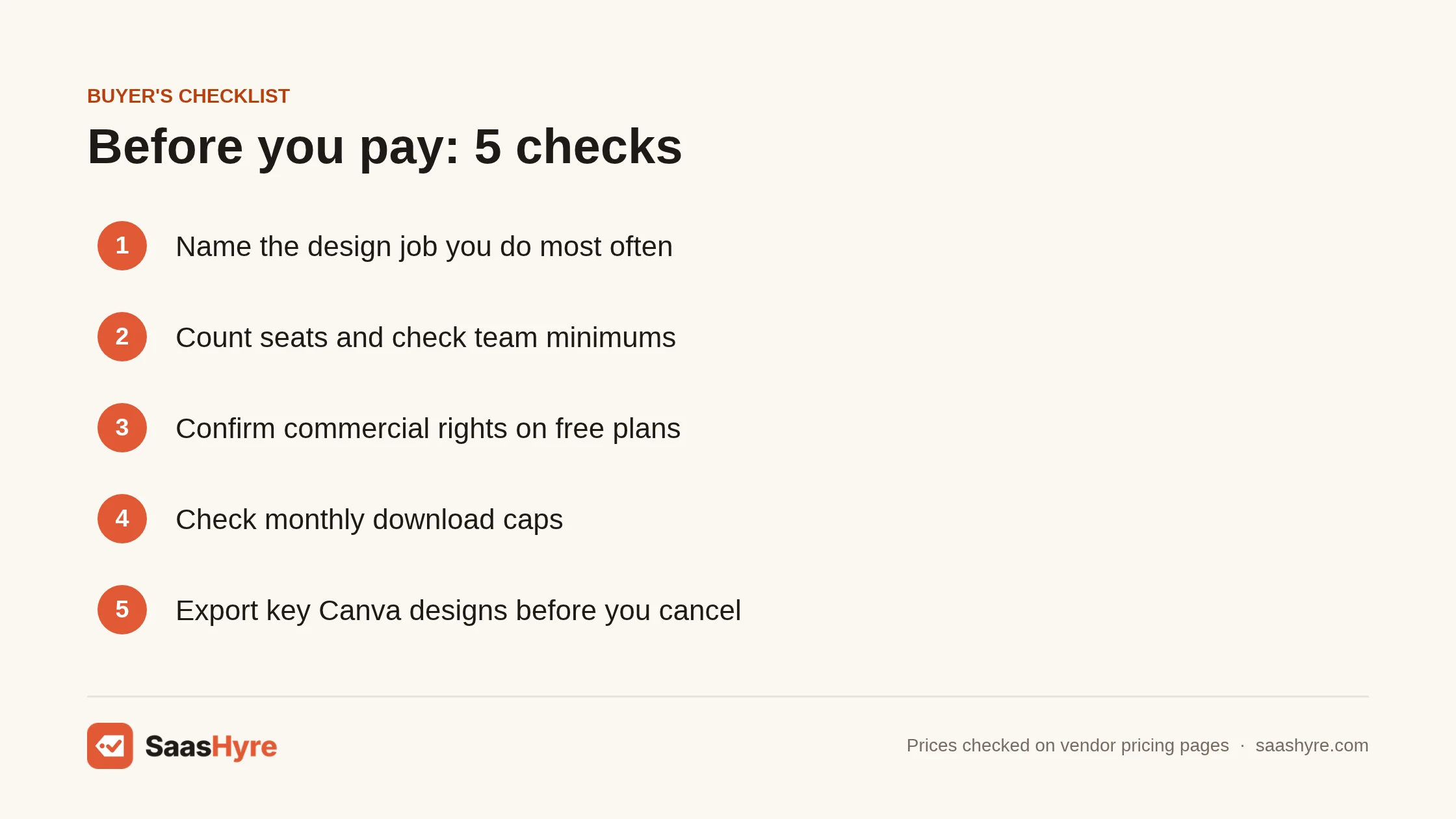
Start with the job you do most. Then check price, team seats and asset rights before you switch.
- Name your main use. Social posts, slides, logos and photo edits each have a best tool.
- Count your seats. Per-person pricing doubles fast. Check team minimums like Adobe’s 2-seat rule.
- Check commercial rights. Some free plans, like Kittl’s, are for personal use only.
- Look at download caps. Snappa’s free plan allows only 3 downloads a month.
- Compare yearly and monthly prices. Yearly billing often saves 20% or more.
- Export your Canva files first. Download your key designs as PDF or PNG before you cancel.
Design is one part of your marketing stack. To plan posts once your graphics are ready, see our picks for the best AI social media management tools.
How We Picked These Canva Alternatives
I did not run hands-on tests for this guide. Here is exactly what I checked.
- Top ranking guides. I read the leading Canva alternatives articles, including those from Zapier, Renderforest, Piktochart and VEED. Tools named on several lists made the shortlist.
- Vendor pricing pages. I read each tool’s own pricing page in November 2026. Where a page did not load or hid prices, I say so.
- User reviews. I checked ratings on Capterra to see how Canva compares with its rivals.
- Use case fit. I grouped tools by the job they do best, not by a single score.
Prices change often. Always confirm the final price on the vendor’s checkout page.
Conclusion
Canva is still a great tool. But you may pay for features you never use. Adobe Express is the best overall Canva alternative, with a strong free plan and a 30-day Premium trial. Visme is the pick for presentations and reports. Kittl wins for logos and print. On a tight budget? Pixelied costs $47 a year, and Pixlr Plus costs about $24.
Start with the free plan of the tool that matches your main job. Make three real designs before you pay. Then compare the yearly price for your team size. For more tools that speed up content work, browse our list of the best AI marketing tools.
Frequently Asked Questions
What is the best free Canva alternative?
Adobe Express is the best free Canva alternative. Its free plan includes 100,000+ templates, over 1 million Adobe Stock assets, 4,000+ fonts and 5GB of storage. Pixelied is a good second choice with 200+ free templates.
How much does Canva Pro cost per year?
Canva Pro costs $119.99 a year or $12.99 a month, according to the Canva Pro page. Extra team members cost $60 a year each on yearly billing, or $7 a month each on monthly billing.
What is the cheapest Canva alternative?
Pixlr Plus is the cheapest paid option at $1.99 a month on yearly billing, about $24 a year. Pixelied Pro costs $47 a year and includes templates and stock images.
Who is Canva’s biggest competitor?
Adobe Express is Canva’s biggest competitor. It offers a similar drag and drop editor, a large template library and Adobe Stock assets. Most top ranking guides list it first or second.
Is there a Canva alternative for presentations?
Yes. Visme is the best Canva alternative for presentations. It adds interactive charts, data widgets and a recording studio. Starter costs $147 a year per person, and there is a free Basic plan.